Error "strpos(): Passing null to parameter #1 ($haystack) of type string is deprecated"

Hello, I have this error with Wordpress in debug mode:
Deprecated: strpos(): Passing null to parameter #1 ($haystack) of type string is deprecated in /var/www/vhosts/soraliaviajes.es/httpdocs/wp-content/plugins/brizy/compatibilities/astra-addon.php on line 17
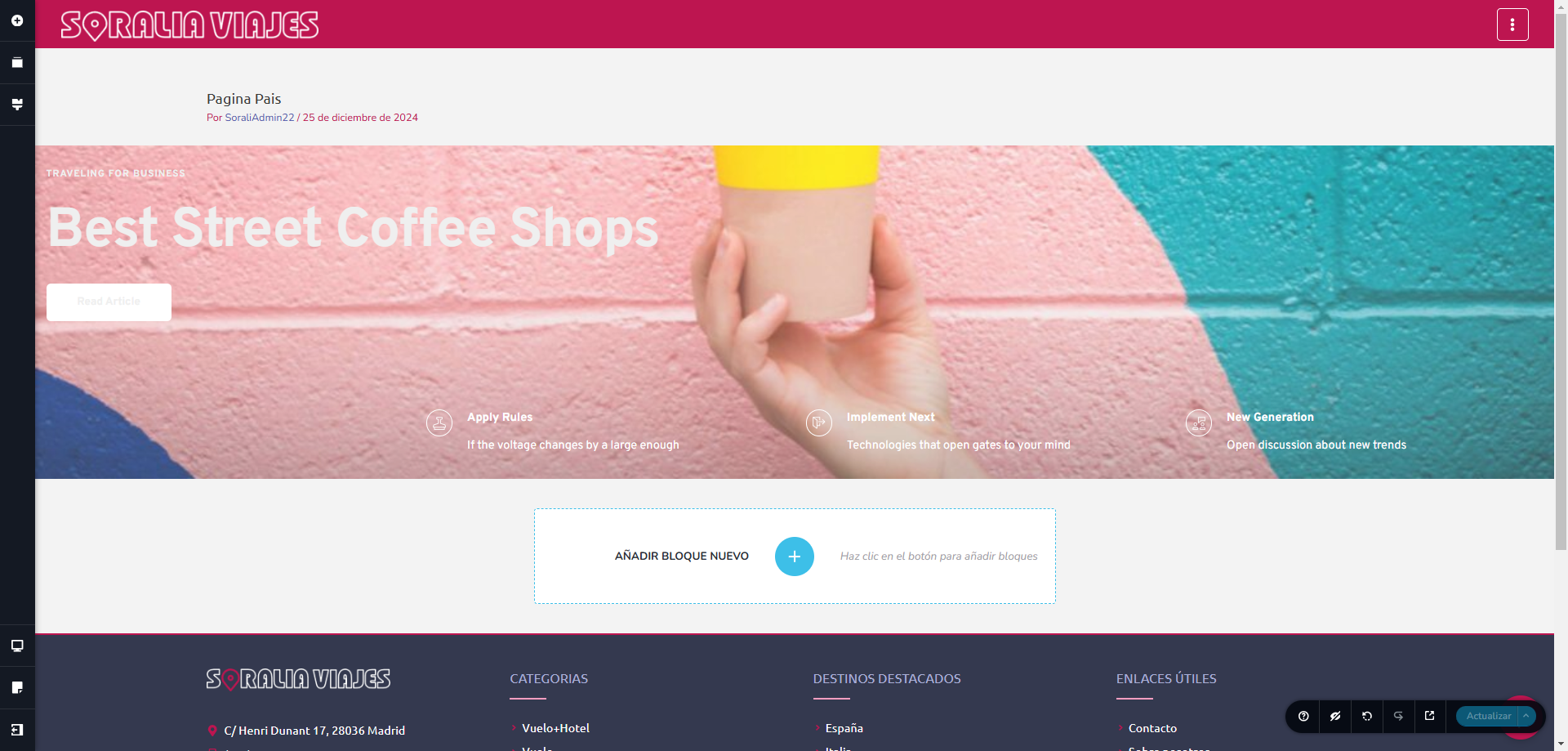
In the Brizy front editor the page is ok (attached print screens) but the page is displaying incompletely.
I attached the astra-addon.php code too.
Please help us.
Thank you,
Sorin

<?php
/*
* https://wpastra.com/changelog/astra-pro-addon/
* */
class Brizy_Compatibilities_AstraAddon
{
public function __construct()
{
add_filter('brizy_asset_enqueue_post', [$this, 'brizy_asset_enqueue_post']);
}
public function brizy_asset_enqueue_post(Brizy_Editor_Post $editorPost)
{
global $template;
if (is_singular('astra-advanced-hook') || !strpos($template, Brizy_Config::BRIZY_BLANK_TEMPLATE_FILE_NAME)) {
return $editorPost;
}
$postId = $editorPost->getWpPost()->ID;
if (!in_array(get_post_meta($postId, 'ast-advanced-hook-layout', true), ['header', 'footer'])) {
return $editorPost;
}
return false;
}
}
-

Hi Nicolae,
Please try inserting the following code snippet after the global $template line, before your if statement:
// Ensure $template is a string to prevent null issues
$template = is_string($template) ? $template : '';
This can ensure that $template is a string before being passed to strpos(), which can prevent the deprecation notice.
Best regards,
Ariel H.0 -
Hi, Ariel,
Not working, with the code inserted in wp-content/plugins/brizy/compatibilities/astra-addon.php. With debug activated, error disappears bu the page doesn't display correctly (printsreen below).
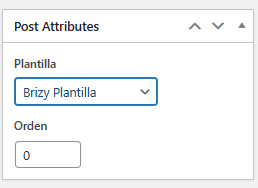
I am using a template created with Brizy. With the default Astra template activated, in Brizy Template / Post Atributes, the page showing incorrectly, with incomplete width. With de Brizy Template activated it displays correctly. Everything ok with another Brizy Template & Astra default header, I don't understand. Please help.
Thank you,

 0
0 -
The page tested is
0 -

Hello Nicolae,
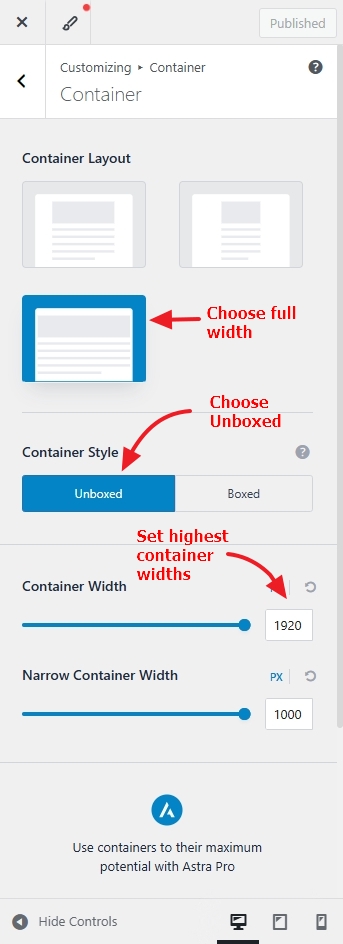
In your WordPress Dashboard under Appearance- Customize - Global - Container, try these settings
- Set the container layout to "Full Width"
- Set the Container Style to "Unboxed"
- Set the "Container width" and "Narrow Container Width" to highest possible values
 0
0
Please sign in to leave a comment.
Comments
4 comments