Cannot save elements in Brizy templates (for blog posts templates) and cannot upload any image - "failed to get attachment uid" error

Hello,
I have a big big issue for a project where I have upgraded the Brizy and BrizyPro plugin to the latest version available today...
Basically I cannot save the templates for blog posts, from Brizy templates, and also I cannot upload any image into the project, I get "failed to get attachment uid" error, no matter what image I try to attach...
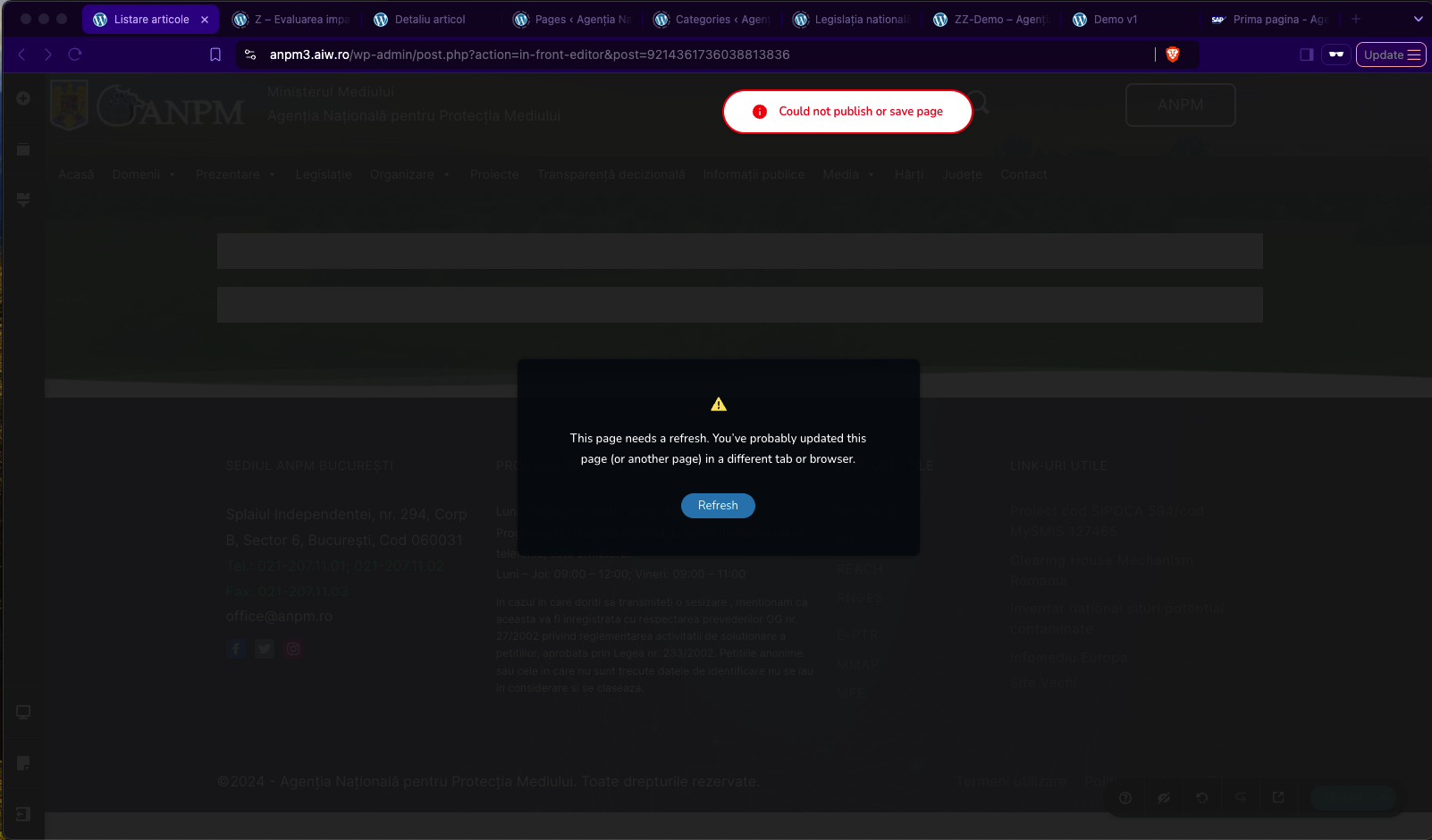
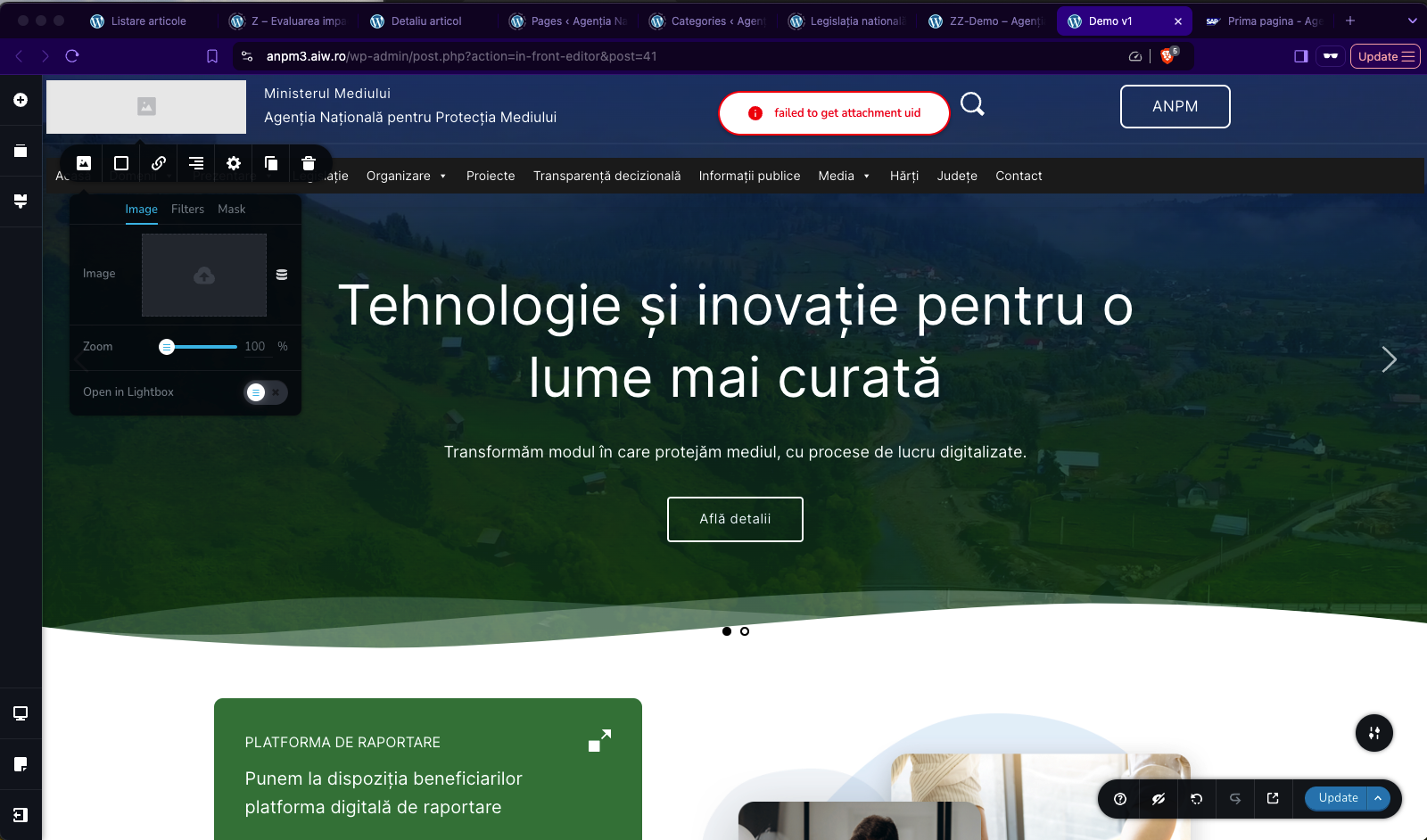
I had sent the issue also to my hosting provider, I use a dedicated server on Romarg infrastructure, but they suggest contacting you, because there is an issue with the Brizy plugin...
Please help, this is an extremely important project and basically I cannot work...
Thank you!
Catalin
PS: I have sent to the communitysupport@brizy.io: the link to this post, and admin credentials
-

Hi Catalin,
Thank you for reaching out to us.
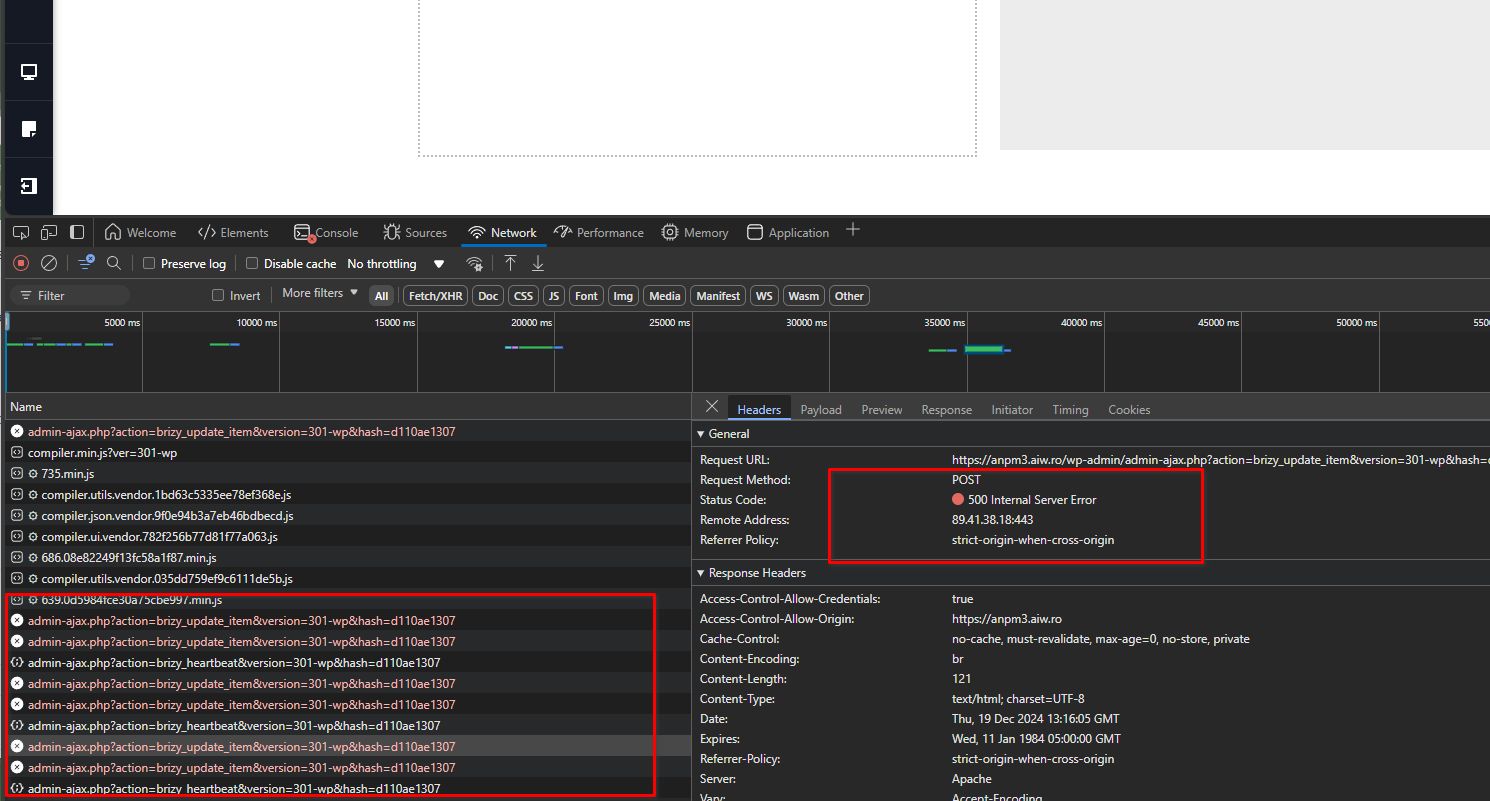
Upon checking, the console indicates a 500 Internal Server Error, which appears to be related to your server. To resolve this, please contact your hosting provider and request them to check the server error logs to pinpoint the cause of the problem.
Best regards,
Ariel H.0 -
Hello Ariel,
I have received feedback from the server support team and they said that the following errors are relatable to the issue. If the error was due to a server issue, nothing will work. The 500 error appears due to PHP code errors, not because of the server. Below are the details from the PHP log file:
[19-Dec-2024 13:17:26 UTC] PHP Fatal error: Uncaught Error: Call to a member function set_encoded_compiled_html() on null in /home/aiwro/anpm3.aiw.ro/wp-content/plugins/brizy/editor/ api.php:444 Stack trace:#0 /home/aiwro/anpm3.aiw.ro/wp-includes/class-wp-hook.php( : Brizy_Editor_API->update_item(324) '') #1 /home/aiwro/anpm3.aiw.ro/wp-includes/class-wp-hook.php( : WP_Hook->apply_filters('', Array)348) #2 /home/aiwro/anpm3.aiw.ro/wp-includes/plugin.php(517) : WP_Hook->do_action(Array)#3 /home/aiwro/anpm3.aiw.ro/wp-admin/admin-ajax.php(192) : do_action('wp_ajax_brizy_u...') 0 -
Hi Catalin,
Thank you for the update.
Could you also provide us temporary access to cPanel so we can investigate the issue further? Please send the credentials to communitysupport@gmail.com, ensuring you include the following reference number in the subject line: 23405857347986.
I look forward to your response.
Best regards,
Ariel H.0 -

Has this issue been solved as I have been having the same problems.
In addition, I haven't updated my Brizy plugin because the update caused my platform to not update.
0 -
Hi David,
Thank you for contacting us.
To ensure the update won’t affect your live site, we recommend creating a staging site and testing all updates there before applying them to your main site.
https://www.wpbeginner.com/wp-tutorials/how-to-create-staging-environment-for-a-wordpress-site/We’ve also released an update today that addresses previously reported issues, so it may help resolve the problems you’ve been experiencing.
If you have any further questions, please let us know.
Best regards,
Ariel H.0
Please sign in to leave a comment.
Comments
5 comments