Brizy Pro

Hello i got a strange error, when i work on an older version of brizy it works fine until i update brizy and pro.
after that i can edit the page and it looks right but when i preview it the pro-elements are not showing header / footer, i have been trying to get this to work for two days
but now i contacting you about this instead.
and its not and server error i have tried this on two webbhotells
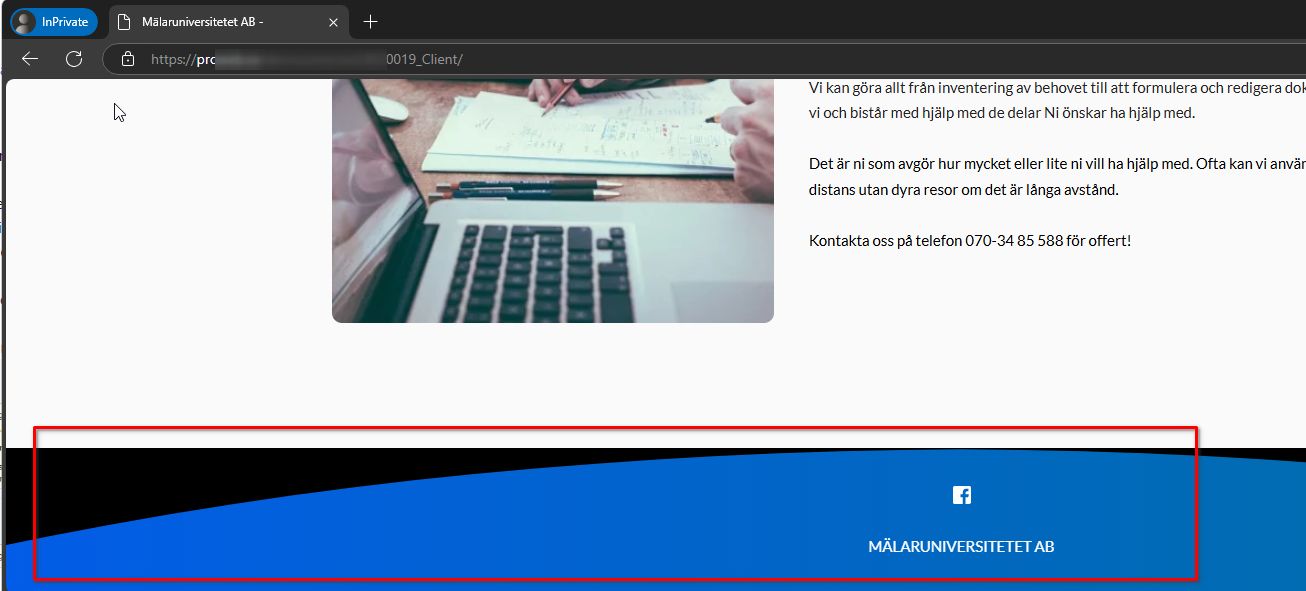
see pictures for more information; the first is the version that "works" the other two shows the error.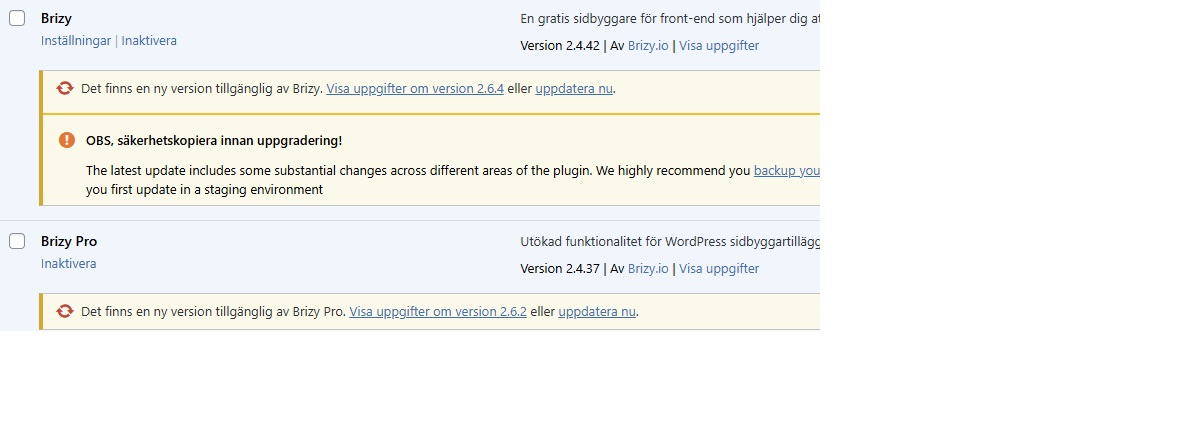

1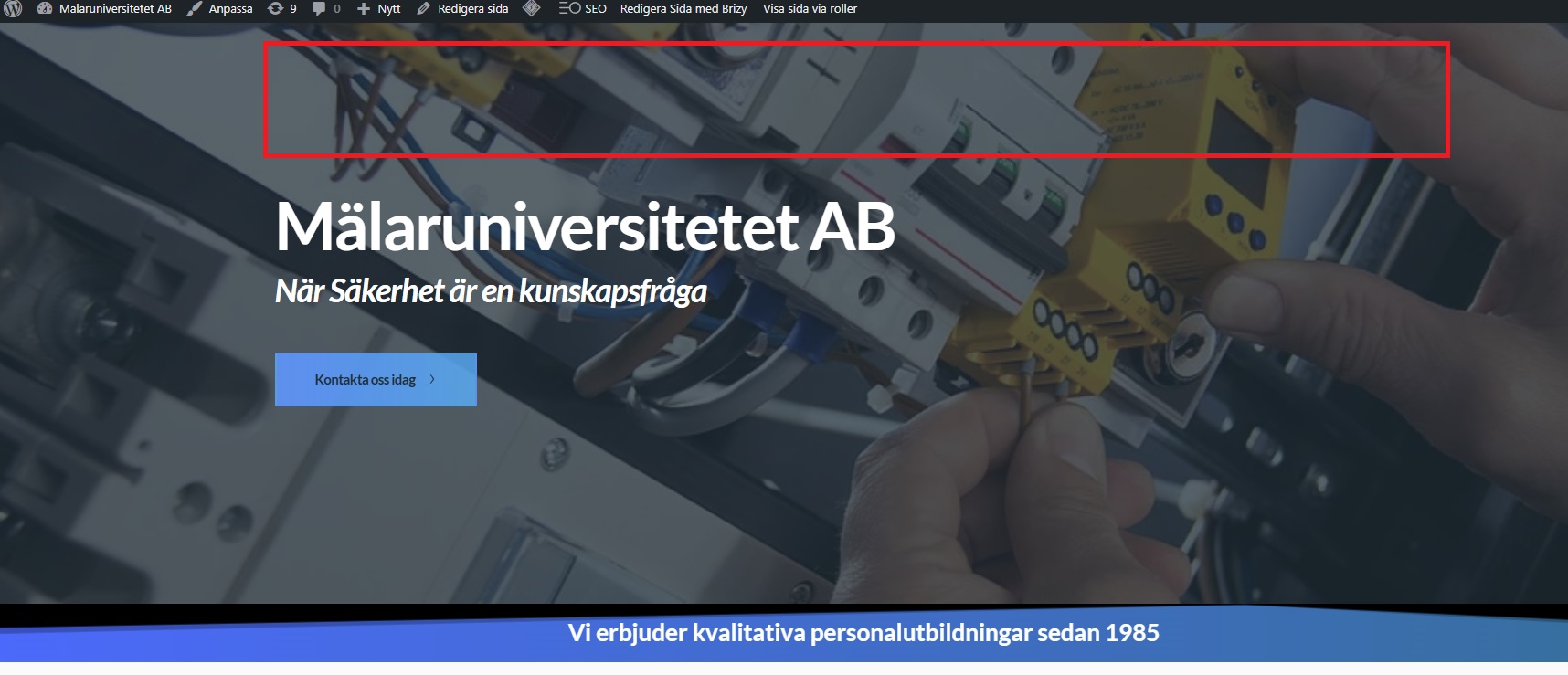
-

Hi,
Thank you for reaching out.
To resolve this issue, try adjusting the padding by 1px in the affected blocks, then click the Update button and preview your site to see if it resolves the menu issue. You can revert the padding if needed and save your changes again.
If the issue continues, could you kindly give us temporary access to your WP Admin? This will allow us to further investigate the issue. Please add us as an Admin user to your WordPress Dashboard and send the following details to communitysupport@brizy.io:
Community Post link: https://support.brizy.io/hc/en-us/community/posts/23405303080210
WordPress Admin URL:
Username:
Password:Please make a full backup of your site as a precaution.
Best regards,
Ariel H.0 -
Hi,
Thank you for your cooperation.
The header and footer seem to be working now after applying the suggested fix. I should also mention that clearing the LiteSpeed Cache is necessary to fully resolve the issue.

If you have any further questions, feel free to reach out.
Kind regards,
Ariel H.0 -
thx for the help
0
Please sign in to leave a comment.
Comments
3 comments