HTML Export with wrong URL in sitemap

Hello,
when I export my Website as HTML Project File, I always have wrong URL in the sitemap.
For example my website URL is www.websitetest.com, I have https://falcon51b50a..... in the sitemap.
Where can I set the correct root URL so I get it in the sitemap XML.
It seems Brizy exports the random created URL in the whole project file.
Thanks for any hint.
Cheers
Markus
-

Hello Markus,
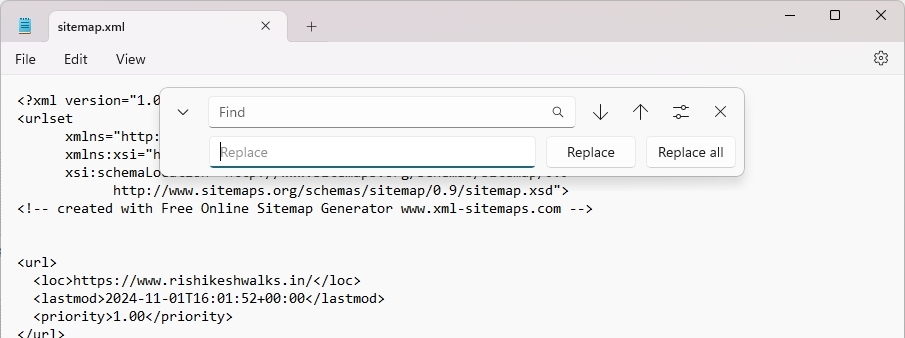
Unfortunately, the Export HTML feature does not have an option to recreate the sitemap with an alternate URL. After downloading and extracting the Export HTML ZIP file, kindly open the sitemap.xml file in a text editor like Notepad or TextEdit and use the "Replace" feature to replace your Brizy Cloud URL with the URL of your website.
 0
0
Please sign in to leave a comment.
Comments
1 comment