neither brizy nor brizy pro updates can be installed

unfortunately I couldn’t update my site because of some errors with wordpress and my provider for quite some time so taht I still have versions of brizy 2.5.8 and pro 2.5.4 on the site. I now have resolved the problems with the site and was able to update all my plugins except vor brizy and brizy pro. I tried through the wordpress update within the the plugin updater as well as by reinstalling both plugins (in the correct order) through reloading the plugins as zip-file. nothing worked! what to do?
0
-

Hello Tomas,
We recommend the following steps to fix this issue
- Deactivate and delete Brizy plugin.
- Reinstall it from the WordPress plugin repository

- Deactivate and delete Brizy Pro
- Sign in to your Brizy account at https://www.brizy.io/account/login and download Brizy Pro 2.6.1
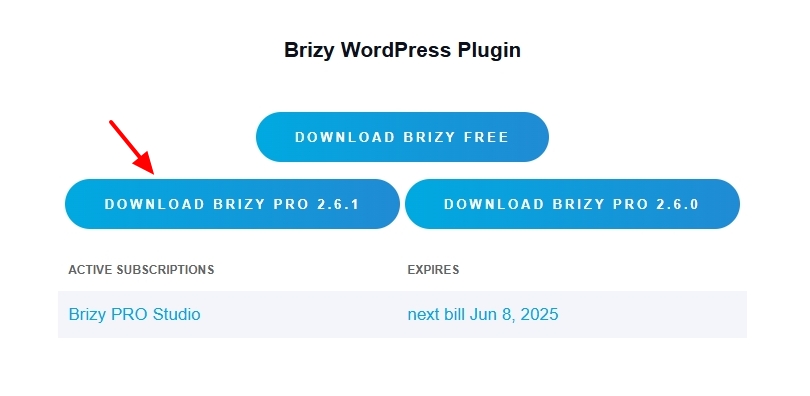
- In your WordPress Dashboard under Plugins - Add New Plugin - Upload Plugin, upload the ZIP file.
0
Please sign in to leave a comment.
Comments
1 comment