UPDATE => Contact form & Progress bar not working

Hi,
On this website:
https://k-laser.co.za/medical-lasers/lasers-for-chiropractic/
Would you have any idea why:
- The contact form stopped working (working when recaptch is deactivated - was working before update)
- The progress bars do not show any progress
I am waiting for your answer to update all our other websites.
Thanks
-

Hi Erol,
Thank you for contacting us.
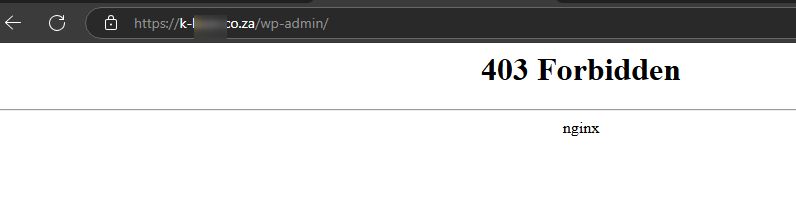
Unfortunately, we’re unable to access your WP Admin dashboard at the moment. You might need to temporarily disable your site’s firewall so we can login.
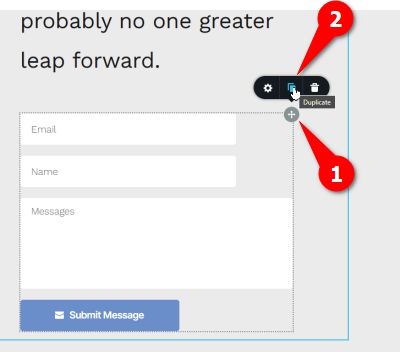
In the meantime, could you try duplicating the form and reconfiguring it to see if that helps?
Best regards,
Ariel H.0 -
You are located in Bulgaria, isn't it?
You should have access.Can you access the website at all?
Is it just the admin that is giving you 403 or th e whole site?0 -
Maybe give me your IP so I whitelist it?
0 -
Any news from you?
Alternatively you could use a VPN to connect to AU.
Thanks0 -
Hi Erol,
I apologize for the delay; we're less active on weekends. Unfortunately, I don't have access to a VPN. Could you please grant temporary access to this IP address: 136.158.11.187?
Best regards,
Ariel H.0 -
OK, I understand that you are located in PH.
You should now be able to connect.I tried with my VPN from PH and it works.
0 -
Hi Erol,
Thank you for your cooperation.
Rebuilding the form seems to have resolved the issue. You can find the form on a page titled "form test".
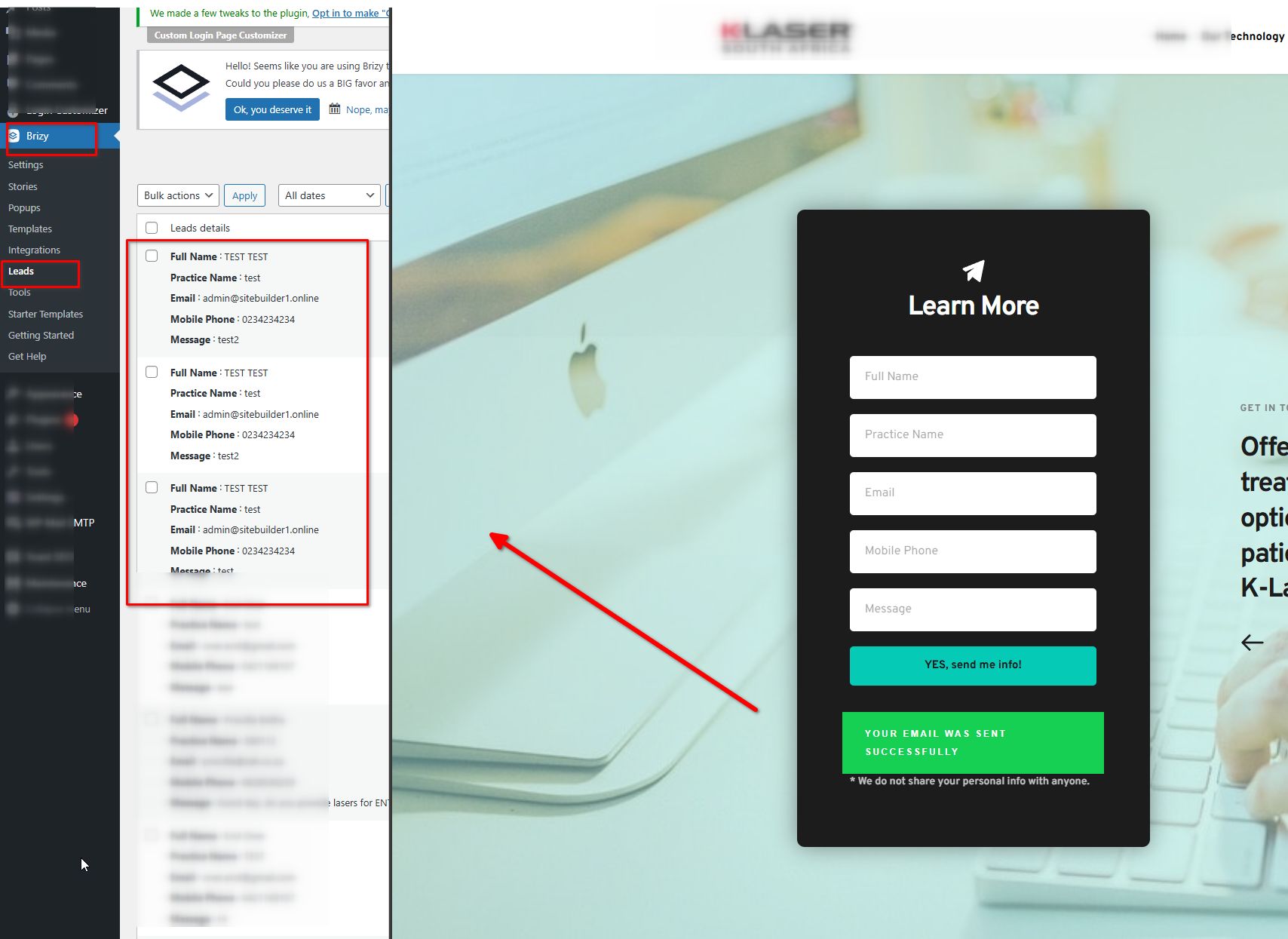
I attempted to replace the existing form with this one, but it didn’t work. You may need to delete the current global block and replace it with the form from the "form test" page.
I’ve also saved it in the Saved Layouts tab so you can use it to replace your existing contact forms.
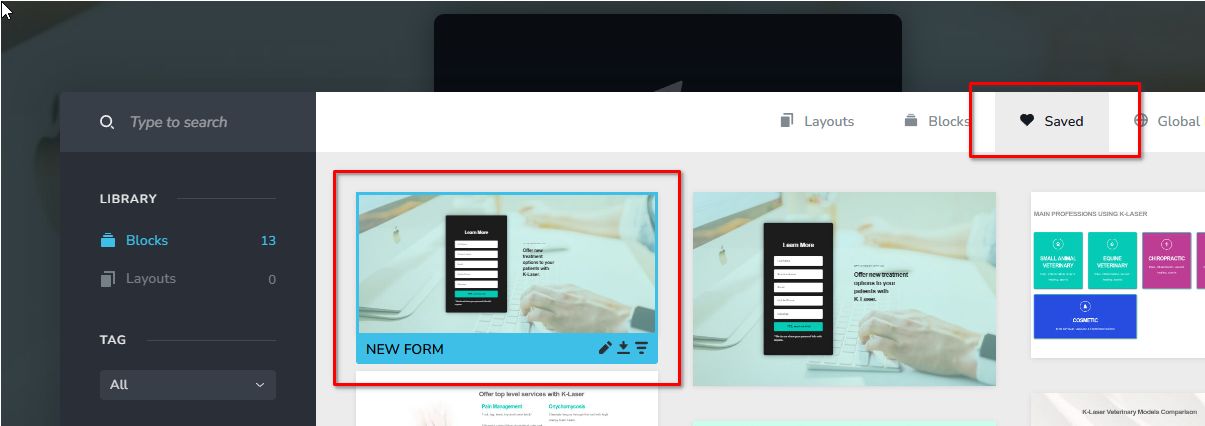
To apply it, you can import the layout and replace the current global block containing the form. Please note, you may need to reconfigure it for it to work properly.
Please try this and let me know if you have any further questions.Best regards,
Ariel H.0 -
Hi Ariel,
I just spent 3 hours trying to figure out why this is not working.
I think there is a BUG in Brizy plugin.
if I create the form and make it Global, the form will loose its configuration (emails address, titles...).
So if I use this Global form somewhere else, it will not work.If I configure again the form once it has been saved as Global, only then it will retain the configuration.
In other words making it global clears the original configuration which is annoying!
I ALSO NOTICED ANOTHER BUG WITH THE PROGRESS BAR:
If you remove the % the progress bar will not indicate anything
You have to use the reduced bar for it to work at all.
EXAMPLE:
https://k-laser.co.za/form-test/0 -
Hi Erol,
Thank you for your feedback.
When saving a form as a global element, only the layout is preserved, not the configuration. This behavior aligns with the form element's original design. However, we can submit it as a potential feature improvement.
Regarding the progress bar issue, I was able to replicate it in my test environment as well. I've already informed our senior support team, and so it can be addressed in one of the upcoming updates.
We apologize for any inconvenience this may have caused.
Best regards,
Ariel H.0 -
Thanks a lot
I think a lot of people would be happy if the "globalisation" of a form would not reset the form!
What would be the point in resetting the form that you created as you want to globalise it?It wasted a lot of my time to figure this out and I can imagine that it is wasting a lot of people's time too, which defeats the purpose of using a tool like Brizy, isn't it?
0
Please sign in to leave a comment.
Comments
10 comments