Member login page

I'm building a membership site... it's already hooked up to WooCommerce so when someone buys the membership product they become a "customer" and they're auto logged in... just like Demi's tutorial... I only want customers to be able to comment and I want everyone to be able to view the comments... the issue I have is where the comments say "log in to Reply"... when those links are clicked, it brings them to the WP Login page instead of a custom page I have created... is there a way to change the URL on the "log in to Reply" links on the comments?
"log in to Reply" links: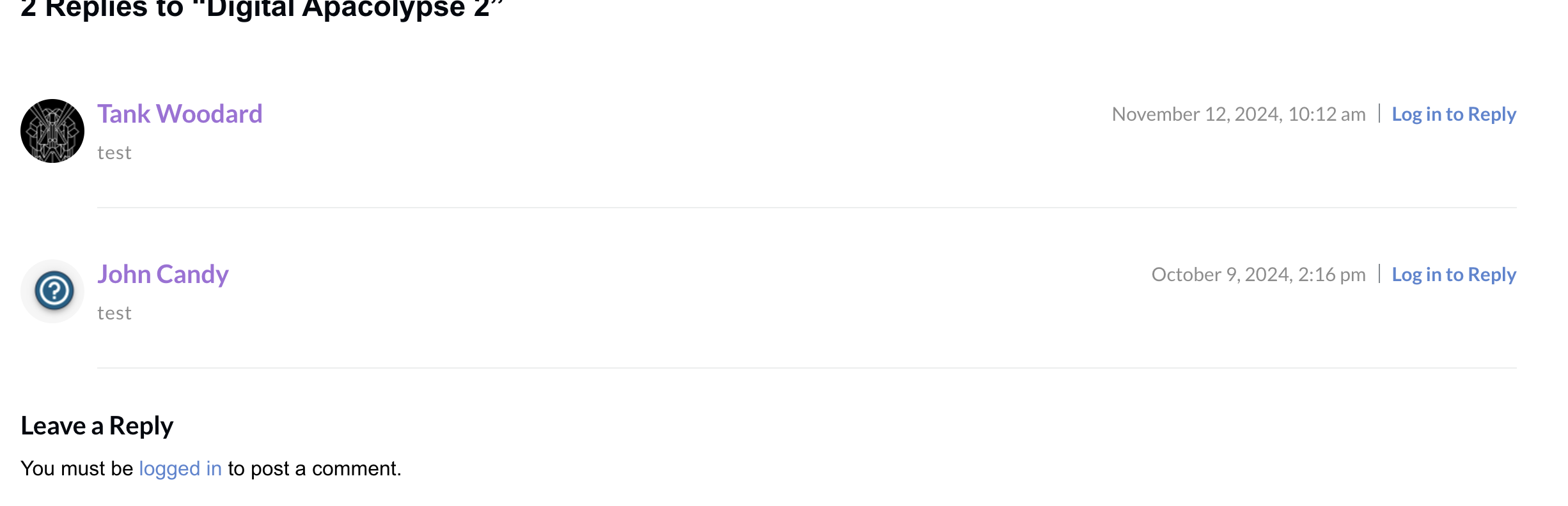
The page these links go to: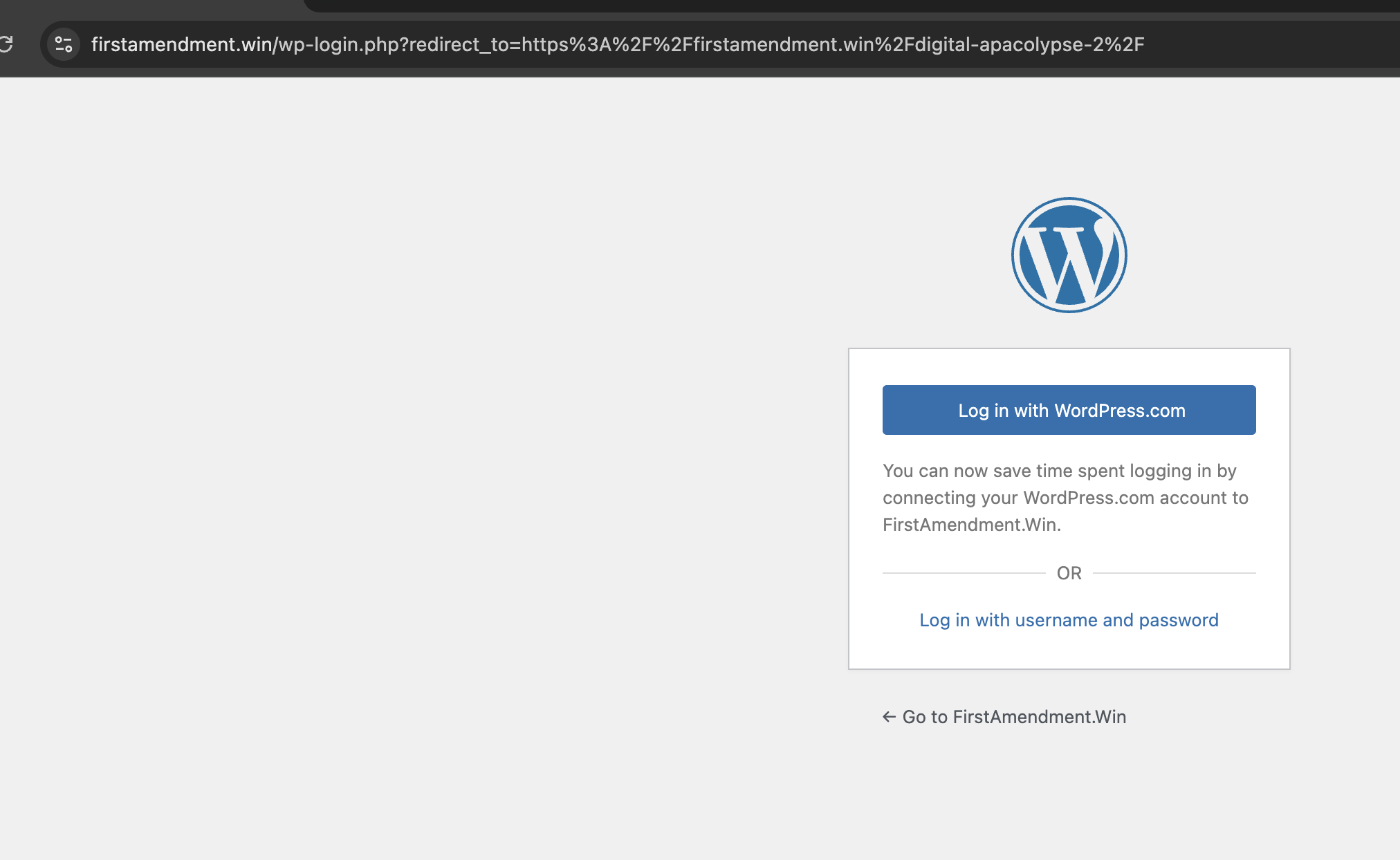
The page I want the links to go to: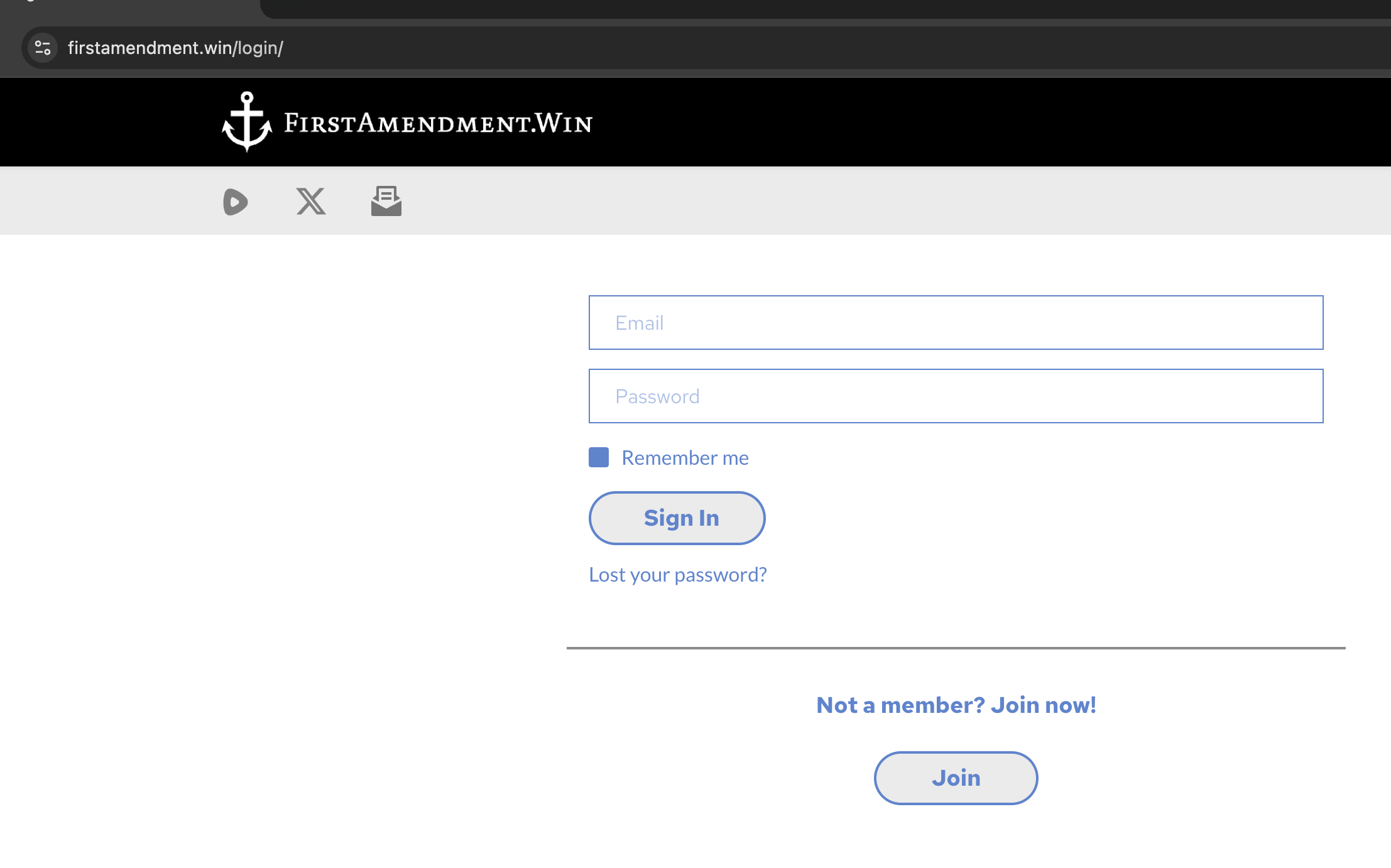
-

Hello Daniel,
Kindly consider the solution provided at https://generatepress.com/forums/topic/how-to-change-the-login-link-in-the-comments/ to redirect the login URL for the comments section.
Alternatively you can use the Facebook option in the Brizy Comments element. This will allow all users who have a Facebook account to comment.
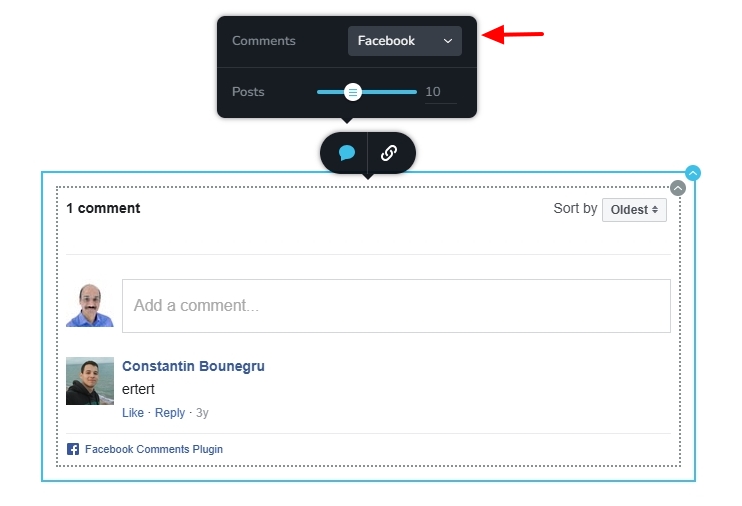 0
0 -
I'll check it out... I don't want Facebook... (I only want those who are members of the site to be able to comment and if they're not logged in (a member) then the comments link directs them to a custom login page that also has a "join" link... the link you sent may work or else I'll just make the comments only visible to members...
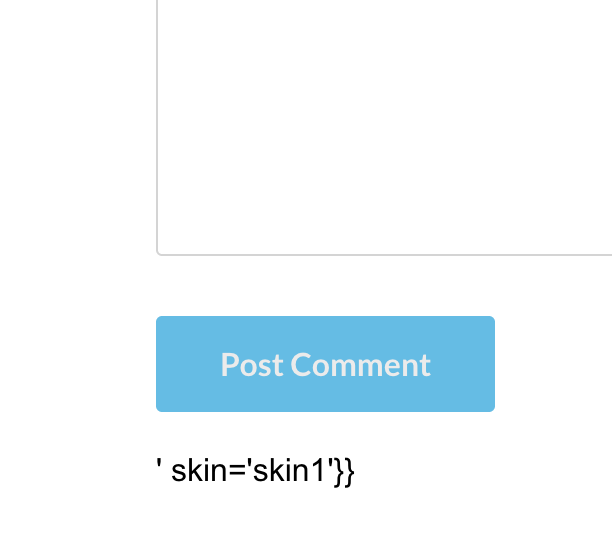
Second question, why is this "skin code" showing under the submit button?
 0
0 -
Hello Daniel,
I guess one needs to be signed into your website as a member to see the above code. Can you send a test username and password to communitysupport@brizy.io so that we can check this out?
0 -
K C,
I just sent it... thank you.
0 -
Hello Daniel,
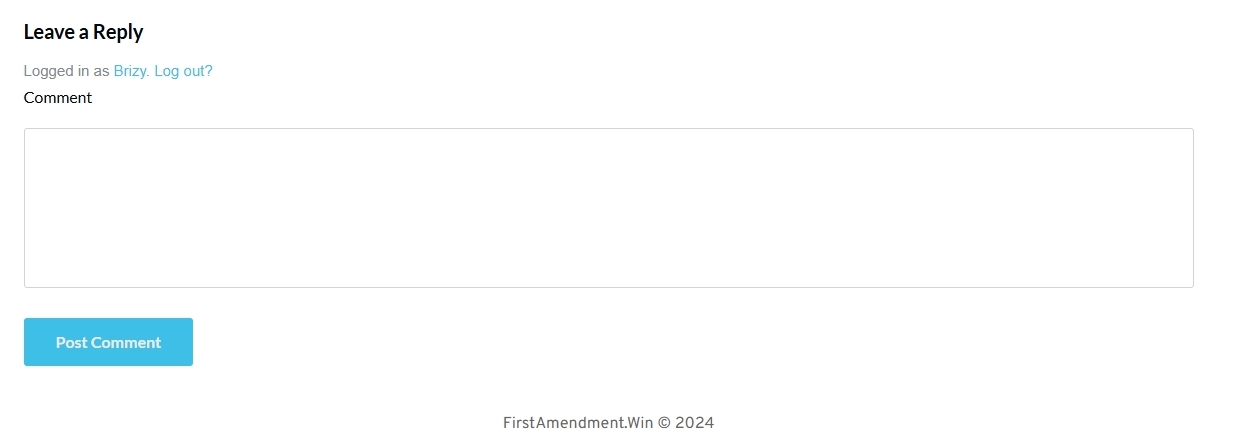
The comment section of your blog posts looks like this at my end. I do not see the code skin='skin1'. How do I see it?
 0
0 -
Yes, it looks like that until after you post a comment... after you post a comment, you'll see the "skin code"
0 -
Hello Daniel,
This looks like a bug with the Brizy Comments element. I will report this and we will work on fixing it.
0
Please sign in to leave a comment.
Comments
7 comments