Hide video module

Hi, I use a video module on a WP Brizy template that retrieves a dynamic video URL from a custom post field.
This works perfectly, but if a post does not have a video URL value, the module is still displayed but empty. This does not happen, for example, with a Text Module or a Post Content Module, where the field does not take up space if the dynamic field does not contain a value.
Is there a solution?
Thanks. Best
-

Hi,
Thank you for contacting us.
To achieve this functionality, you’ll need to add some custom code to your site. You can place the following snippet in your functions.php file or use a plugin like WPCode to add it safely:
 add_action('wp_head', function () {
    if (is_singular('tours') && function_exists('get_field')) {
        // Retrieve the 'videolink' field value
        $videolink = get_field('video_link');

        if (empty($videolink)) {
            // Inject CSS to hide the video content if the field is empty
            echo '<style>
                .brz .brz-video .brz-video-content {
                    display: none;
                }
            </style>';
        }
    }
});
In this example, 'tours' is the slug for the custom post type created using CPT UI, and video_link is the custom field added via ACF. The code checks whether the video_link field is empty and, if so, hides the .brz-video-content element by applying display: none;.
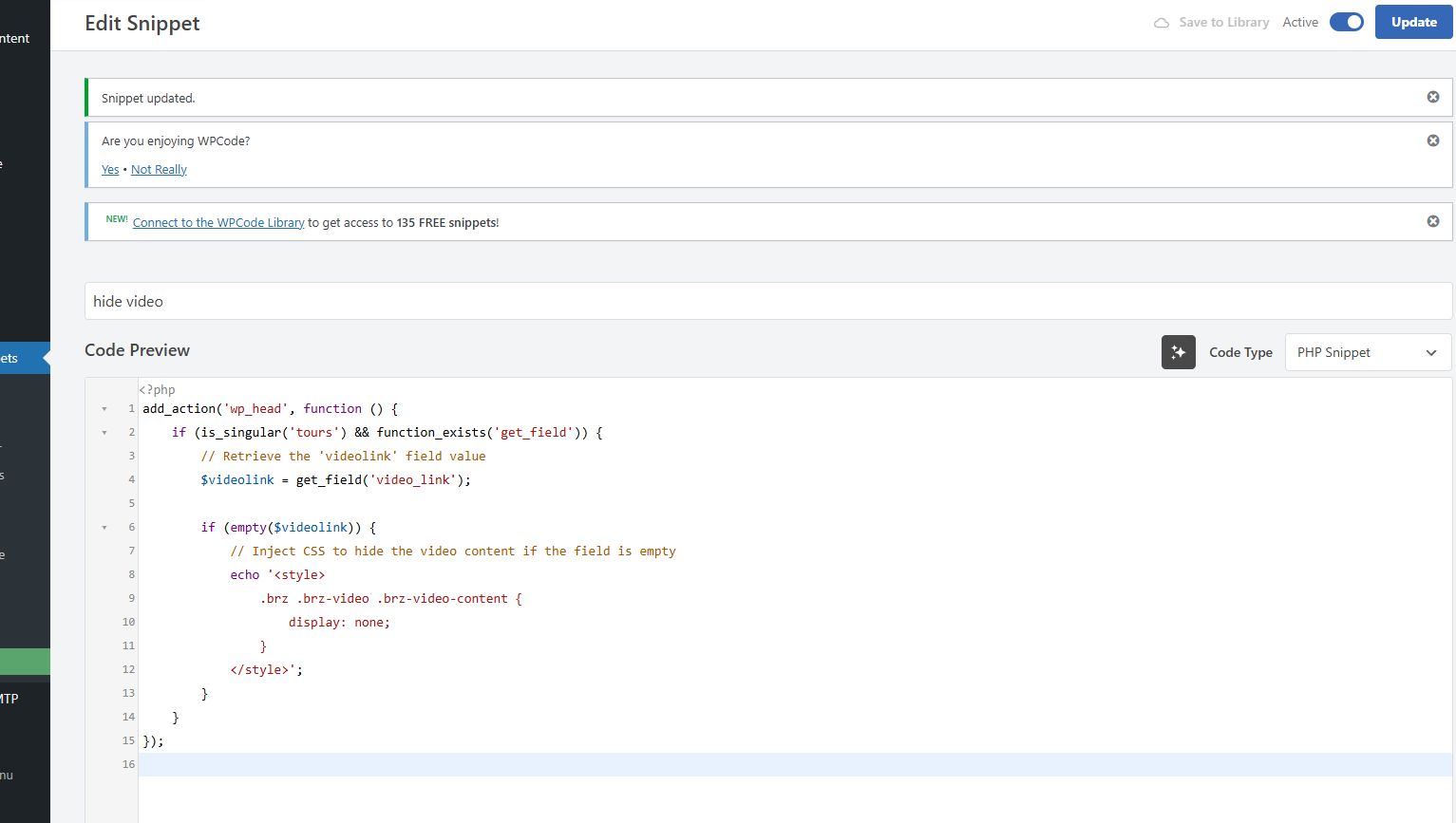
You may adjust the code further if you want to validate whether the value entered in the video_link field is a valid YouTube video URL.
I’ve tested this on the following URL: https://demo.pro-site.cloud/demo01/tours/. Look for the title labeled "(with video)"—the rest do not have videos.
I hope this helps.
Best regards,
Ariel H.0
Please sign in to leave a comment.
Comments
1 comment