Just installed Brizy and images are broken when in the page builder

So, I just installed Brizy free version before installing my paid version and wanted to do a quick test creating a single page. When I add a new block the default images that are usually there all appear broken.
You can see here:
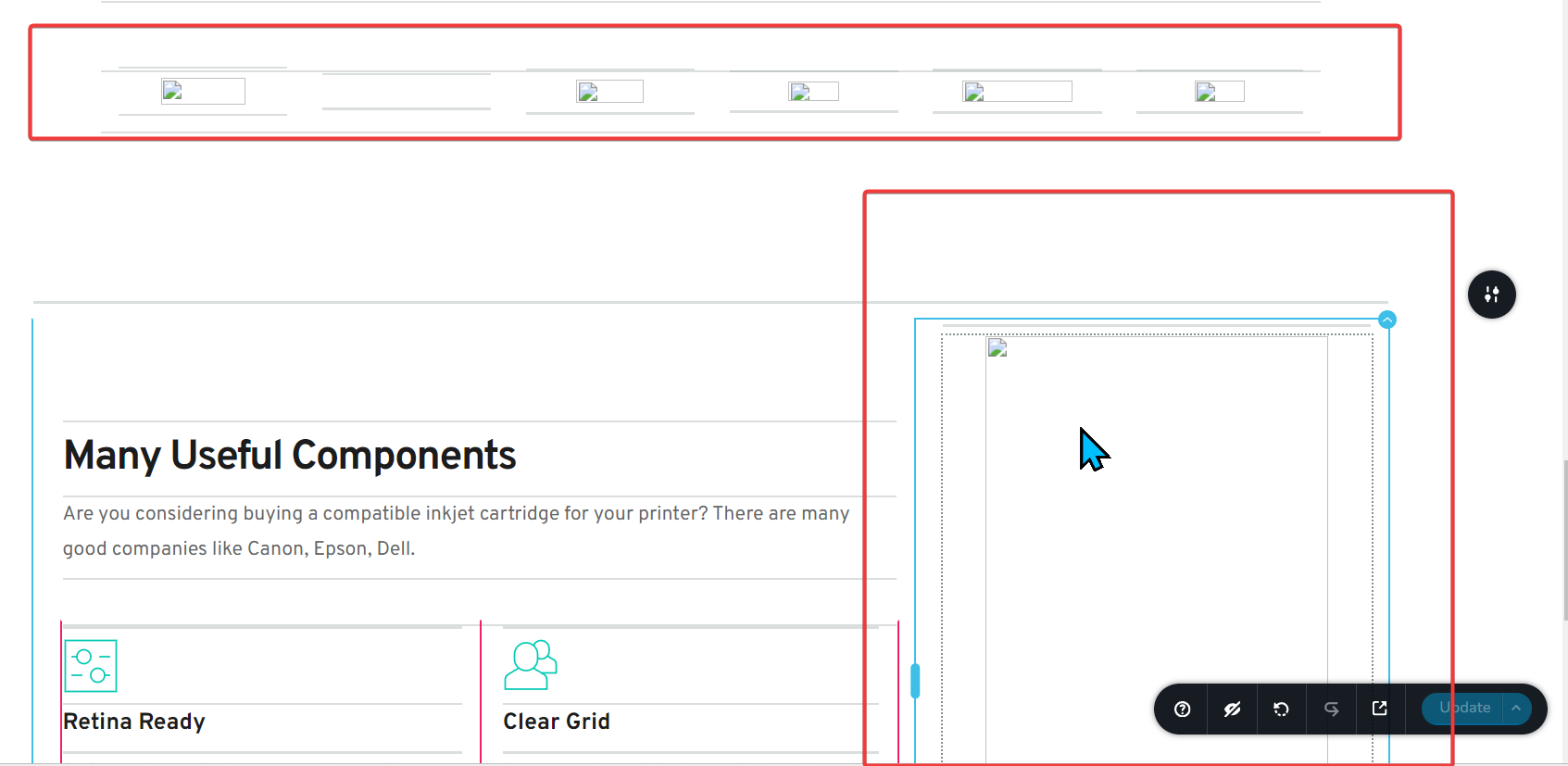
This is a fresh install so I can uninstall and re-install if needed but I wanted to get some guidance first.
The page I'm working on is: https://norzer.net/demos/jason/mizak-pacetti-law-firm-parma-oh/
Version 2.6.3
Thanks
-

Hi Ryan,
Could you please provide us with temporary access to your WP Admin page so we can inspect your site? Kindly add us as an Admin user to your WordPress Dashboard and send the following details to communitysupport@brizy.io:
Community Post link: https://support.brizy.io/hc/en-us/community/posts/22864940372498
WordPress Admin URL:
Username:
Password:Please make a full backup of your site as a precaution.
Best regards,
Ariel H.0 -
Hi Ryan,
Thank you for your cooperation.
It seems the issue is related to the CDN enabled on your site. Please contact your hosting provider to either disable it or ask them where in your hosting panel you can temporarily turn it off, allowing you to work on your site without conflicts. You can enable it again once you've finished editing your pages.
Please give this a try and let me know how it goes.
Best regards,
Ariel H.0 -
Ok, so I spoke with my hosting provider and turned off all optimizations. The problem still persists. I can give you login to everything to check for yourself including login to my hosting provider.
I did some more testing and opened Chrome Inspect console and saw this when a block with images is added in Brizy:
Mixed Content: The page at '<URL>' was loaded over HTTPS, but requested an insecure resource '<URL>'. This request has been blocked; the content must be served over HTTPS.Understand this errorAI
9Mixed Content: The page at '<URL>' was loaded over HTTPS, but requested an insecure resource '<URL>'. This request has been blocked; the content must be served over HTTPS.Understand this errorAI
screenshots.worker.min.js?ver=300-wp:1 worker fetch: TypeError: Failed to fetch
at i (screenshots.worker.min.js?ver=300-wp:1:72893)
at screenshots.worker.min.js?ver=300-wp:1:75347
at Array.forEach (<anonymous>)
at screenshots.worker.min.js?ver=300-wp:1:75281
at onmessage (screenshots.worker.min.js?ver=300-wp:1:75693)
(anonymous) @ screenshots.worker.min.js?ver=300-wp:1
Promise.catch
i @ screenshots.worker.min.js?ver=300-wp:1
(anonymous) @ screenshots.worker.min.js?ver=300-wp:1
(anonymous) @ screenshots.worker.min.js?ver=300-wp:1
onmessage @ screenshots.worker.min.js?ver=300-wp:1Understand this errorAI
mizak-pacetti-law-firm-parma-oh/:1 Mixed Content: The page at 'https://norzer.net/sites/mizakandpacetti/wp-admin/post.php?action=in-front-editor&post=11' was loaded over HTTPS, but requested an insecure image 'http://norzer.net/sites/mizakandpacetti/?brizy_media=d03-BG.jpg&brizy_crop=iW%3D676%26iH%3Dany'. This request has been blocked; the content must be served over HTTPS.Understand this errorAI
mizak-pacetti-law-firm-parma-oh/:1 Mixed Content: The page at 'https://norzer.net/sites/mizakandpacetti/wp-admin/post.php?action=in-front-editor&post=11' was loaded over HTTPS, but requested an insecure image 'http://norzer.net/sites/mizakandpacetti/?brizy_media=d03-Img-Bottle.jpg&brizy_crop=iW%3D590%26iH%3Dany'. This request has been blocked; the content must be served over HTTPS.Understand this errorAI
mizak-pacetti-law-firm-parma-oh/:1 Mixed Content: The page at 'https://norzer.net/sites/mizakandpacetti/wp-admin/post.php?action=in-front-editor&post=11' was loaded over HTTPS, but requested an insecure image 'http://norzer.net/sites/mizakandpacetti/?brizy_media=d03-Im................ etc etc etc... AFAIK, everything is HTTPS. I also have norzer.me on this same hosting provider and don't have an issue with Brizy. I also don't see these messages in the console when adding blocks on the norzer.me homepage.
I have sent login info to you guys via email so you should be able to login and look around. I can also give you access to my hosting provider if needed. Thanks
0 -
BTW, this is a WordPress install in a subdirectory. I installed another WP install in another subdirectory and the issue persists. When I install WordPress in the root and create a page from norzer.net (not norzer.net/sites/xxxx), it works.
0 -
Hi Ryan,
Thank you for the update. I’ve gone through all the possible troubleshooting steps, and I found that reverting to an older version resolves the issue. I also asked a colleague to review it further. I’ll keep you updated as soon as I have more information.
Best regards,
Ariel H.0 -
Hi Ryan,
Thank you for your patience. My colleague has confirmed that this is a glitch, and we’ve already escalated the issue to our Development team. I’ll keep you updated as soon as I have more information.
In the meantime, if you need to work on this website, please download and install these versions until a fix is available.
I apologize for the inconvenience caused.
Best regards,
Ariel H.0 -
@Ariel,
Thanks for taking the time to really dig into this. I can use the old version for now. What is a general ETA for something like this? Is it normally days, weeks, or months and will you let me know when it's fixed or should I follow-up and ask you here? Thanks
0 -
Hi Ryan,
Thank you for the update. While I’m unable to provide an ETA at the moment, please rest assured that this issue has been marked as a priority. I’ll keep you informed of any updates.
Best regards,
Ariel H.0 -
ok thanks
0 -
Hi Ryan,
I apologize for the delay in addressing this issue.
To help us investigate further, could you kindly provide temporary access to your Hosting console / cPanel credentials? This will enable us to take a closer look and assist you more effectively.
Best regards,
Ariel H.0 -
Email you this info now. thanks
0 -
Hi Ryan,
Thank you for your time and cooperation. I've already shared the details with our developers and will update you as soon as I hear back.
Kind regards,
Ariel H.0 -
thanks
0 -

Hello any update here?
0 -
Hi Ryan,
Thank you for following up. I sincerely apologize for the delays and any inconvenience this may have caused. Unfortunately, we haven’t received any updates yet, as the issue is still ongoing. Please know that I’m closely monitoring the situation and will keep you informed as soon as there is any progress.
Thank you for your understanding.
Best regards,
Ariel H.0 -
Hello. Was this resolved? Thx
0 -
Hi Ryan,
Apologies for the delayed follow-up on the issue you reported 5 months ago. This has been addressed in Brizy version 2.6.10 and later.
Could you let us know if you're still experiencing the same problem?
Best regards,
Ariel H.0


Please sign in to leave a comment.
Comments
17 comments