ı have error when updating BRİZY PLUGİN

ı am getting error when updating brizy plugin and ı cant using my brizy pro plugin because of this.
Brizy PRO requires Brizy Free 2.6.0 or newer. BRIZY PRO IS NOT RUNNING.
Update failed: Could not copy file. brizy/public/editor-build/prod/editor/icons/fa/hand-middle-finger.svg
A free drag & drop front-end page builder to help you create WordPress pages lightning fast. It's easy with Brizy.
Version 2.5.3 | By Brizy.io
to
2.6.3
0
-

Hello Ahmet,
Kindly follow these steps to fix this issue
- Deactivate and delete both Brizy and Brizy Pro plugins
- Install Brizy from the WordPress plugin repository
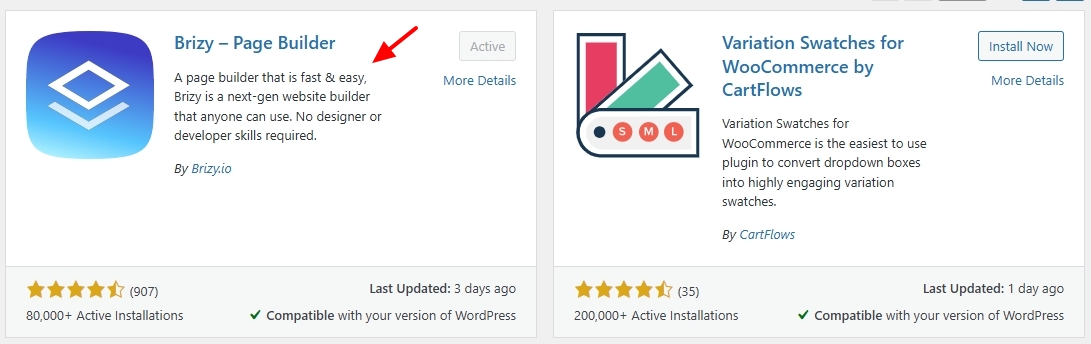
- Sign in to your Brizy account at https://www.brizy.io/account/login and download Brizy Pro 2.6.0

- In your WordPress Dashboard under Plugins - Add New, kindly upload the Brizy Pro plugin.
- If you see an update notification for Brizy Pro, kindly update.
0
Please sign in to leave a comment.
Comments
1 comment