Posts get corrupted and don't show header or template

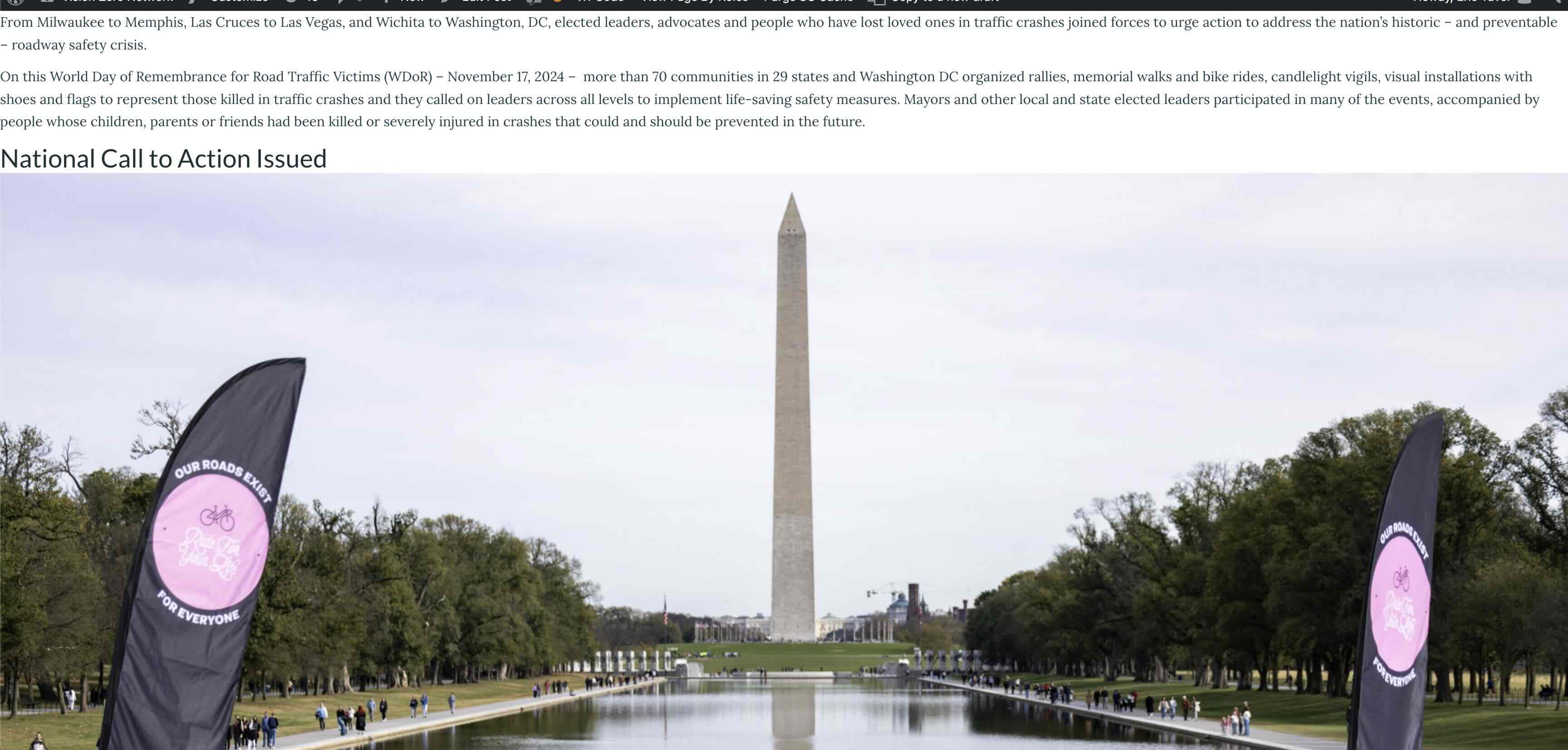
For some reason, there are times when we are editing Posts on our website, and the Post is somehow corrupted or something causes it to not display within the Brizy Template. We have to then rebuild the Post to fix the issue. I looked at the HTML text editor view, and I cannot see any issues there, and I don't know why this is happening. See a screenshot below of how the Preview of the Post looks. This current one is Draft now, because we don't want it to display on our website. We can provide credentials for you to login to the site to view the Draft Post and help us diagnose the issue.
Here is a link to a sample Post on our website, so you can see how the Post Content SHOULD be displayed. Below is a screenshot of how these corrupted Posts are displaying in Preview mode.
https://visionzeronetwork.org/world-day-of-remembrance-2024/
-

Hi Eric,
Thank you for reaching out.
This issue is often related to caching. If it happens again, you can try adding random parameters to the URL, such as https://visionzeronetwork.org/world-day-of-remembrance-2024/?12345=12345. In this case, the caching plugin won’t recognize the modified URL and will load the most recent updates to the post.
If this resolves the layout issue, I recommend clearing or purging the cache through your caching plugin to ensure the updated content displays correctly moving forward.
Best regards,
Ariel H.0 -
I have tried everything to figure out this issue and it's still not resolving. I typically have to create a New Post and copy the content in and re-publish, and delete the "corrupted" Post. I even tried using the default 2022 WP theme and that did not work. Any other suggestions to figure this out?
I can provide login credentials to our Staging copy of the site for you to investigate further.
0 -
Hi Eric,
Thank you for the update.
Could you please try accessing your site using the proxy site below, take a screenshot, and share it with us?
https://www.croxyproxy.com/Looking forward to your response.
Best regards,
Ariel H.0 -
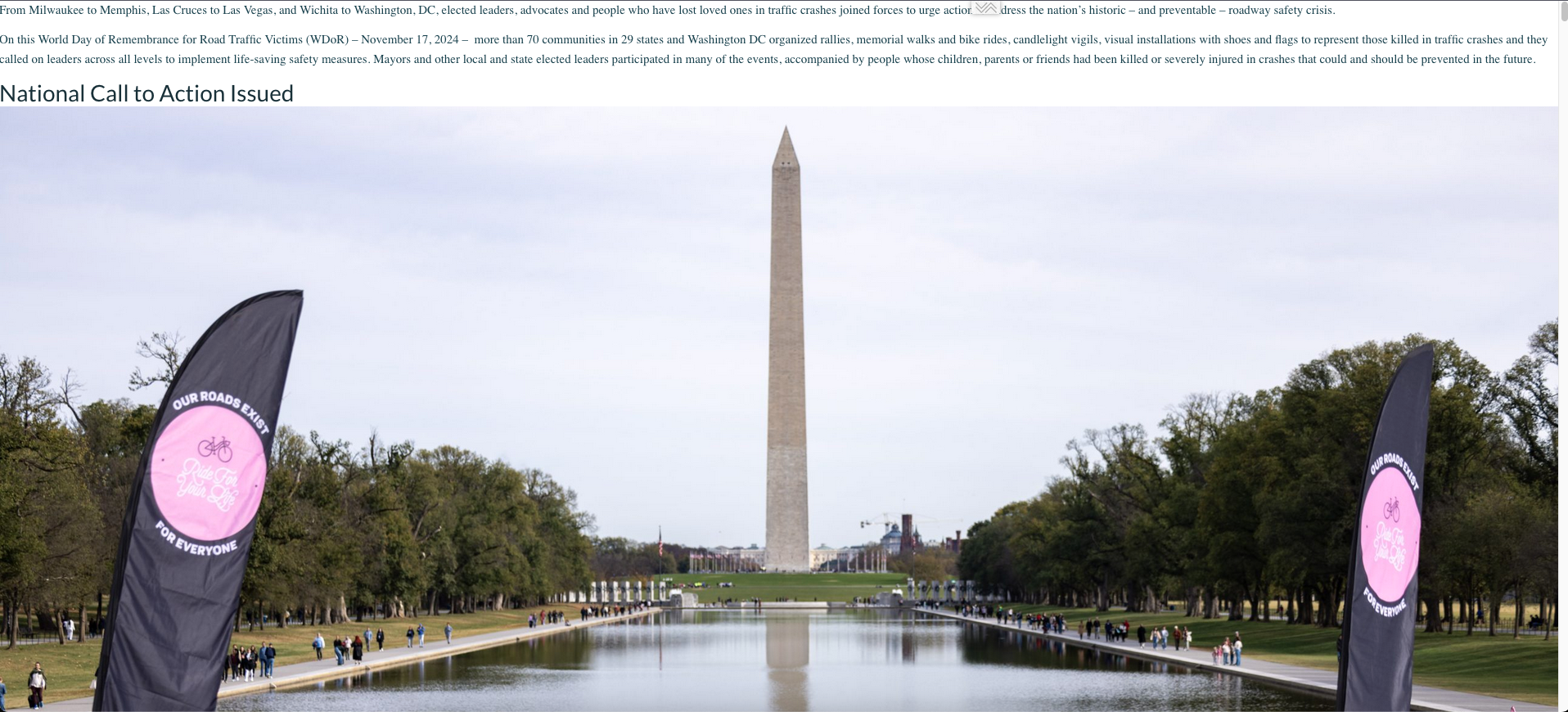
Screenshot included below and here is the URL in case you want to load it on the staging site to review.
https://staging3.visionzeronetwork.org/world-day-of-remembrance-2024-corrupt/
 0
0 -
Hi Eric,
Could you please provide temporary access to the staging site so we can review this page? The previous credentials appear to no longer be valid. I also attempted a password reset but did not receive the reset link.
Best regards,
Ariel H.0 -
How do I send the temporary access securely? I don't want to post it here which is a public post.
0 -
I have sent a onetime secret link to this email address:
0 -
Hi Eric,
Thank you for your cooperation.
Removing the <!-- wp:paragraph --> tag in text mode within the Classic Editor has resolved the issue, as shown in this screencast: https://youtu.be/8kFBjU6Mx5U.
It’s likely that this page was previously edited using the Block Editor, which added the tag.
Kind regards,
Ariel H.0 -
Thank you, that worked!
0
Please sign in to leave a comment.
Comments
9 comments