Won't open after using default template

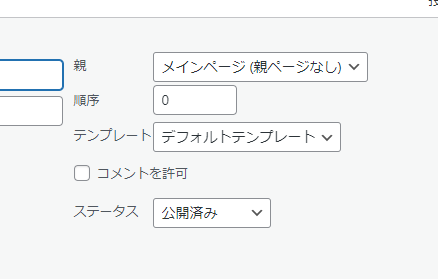
テーマのheaderとfooterを使用したいので、テンプレートを「デフォルト」に設定したところローディング画面から一向に動かなくなり編集ができません。
【現在の状態】
自作テーマを使用しています。
【試したこと】
プラグインのアップデート(brizy:バージョン 2.6.3 ,brizy pto:バージョン 2.6.0 )
他にどのような対応を行えばよいですか?
ご教示いただければ幸いです。
よろしくお願いいたします。

-

Hi Shogo,
Could you please confirm if it works using another theme?
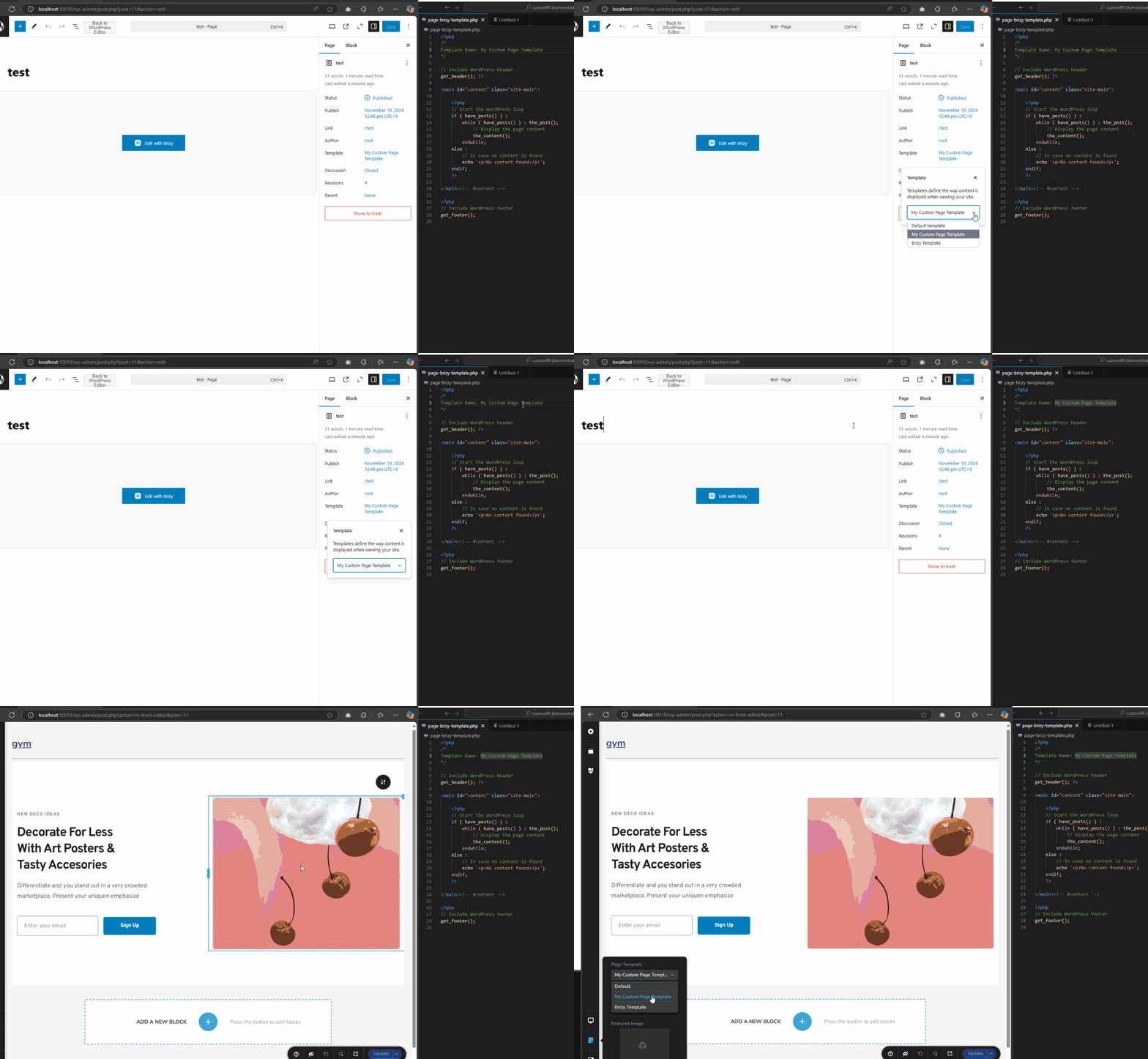
If it does, to make Brizy Page Builder work in your custom WordPress theme, you need to add the the_content() function to the appropriate template file.
If you have any further questions, please let us know.Best regards,
Ariel H.0 -
アリエル様
返信いただきありがとうございます!
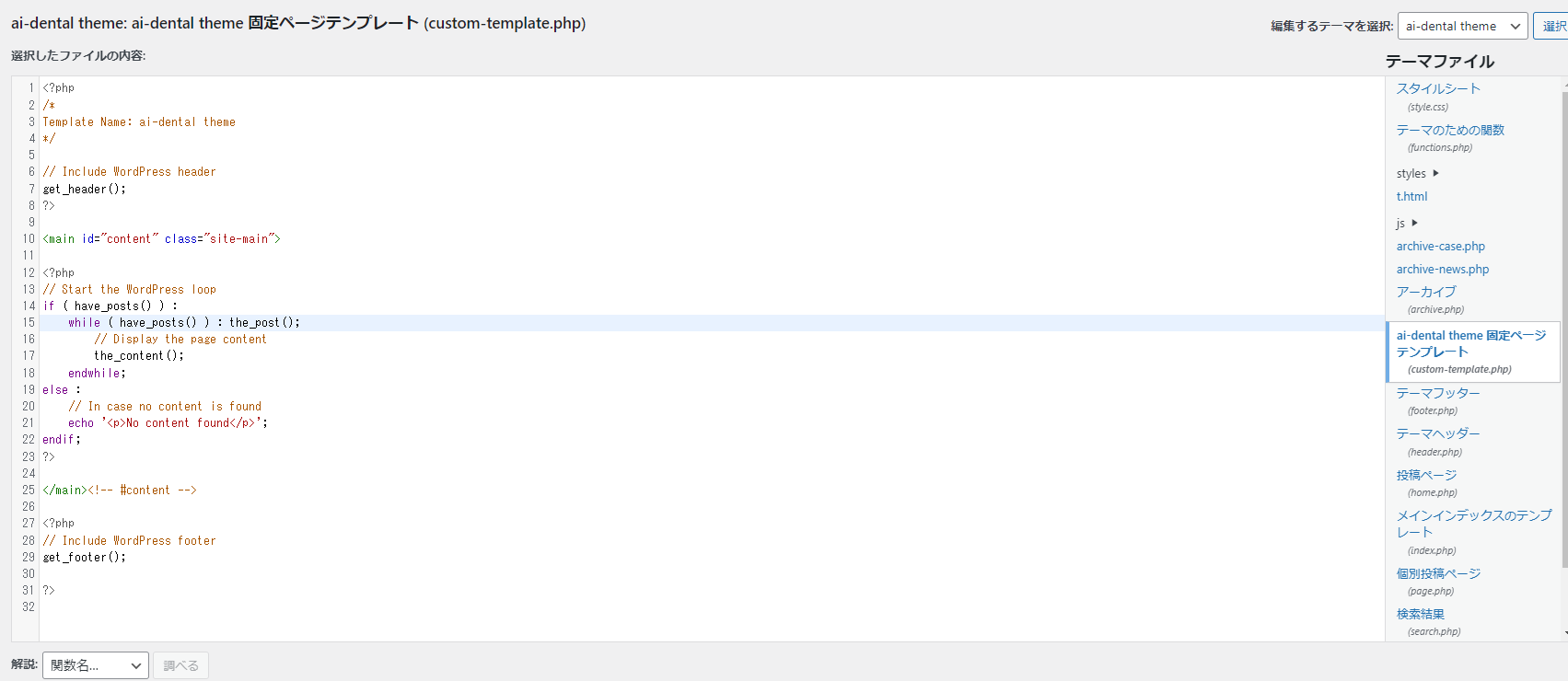
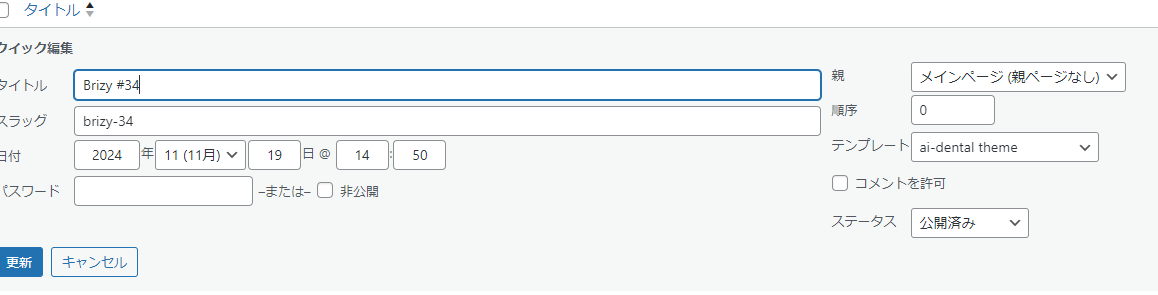
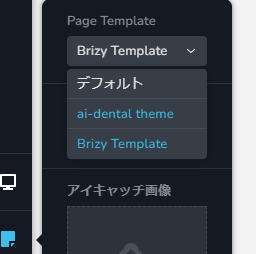
custom.phpを作成してみました。
テンプレートのプルダウンに表示されるようになりましたが、ローディング画面から編集画面へと切り替わりません。永遠に読み込み画面のままです。
他に修正することはありますか?
 0
0 -
Hi Shogo,
Thank you for the update. It’s possible that something else is causing the issue.
Please provide us with temporary access to your WP Admin page so we can take a look. Please add us as an Admin user to your WordPress Dashboard and send the following details to communitysupport@brizy.io.
Community Post link: https://support.brizy.io/hc/en-us/community/posts/22722662555666
WordPress Admin URL:
Username:
Password:As a precaution, we recommend creating a full backup of your site.
Best regards,
Ariel H.0 -
返信ありがとうございます。
先ほどメールをお送りいたしました。ご確認のほどよろしくお願いいたします。
0 -
Hi Shogo,
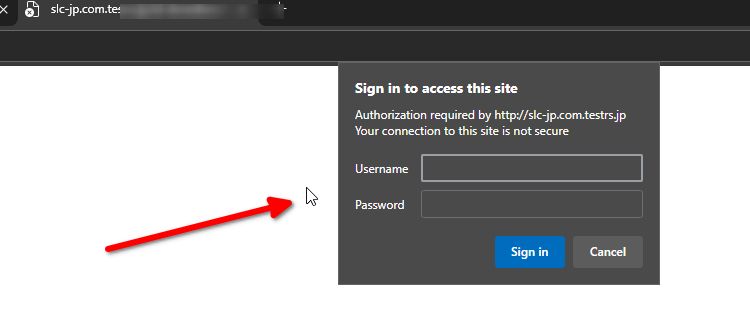
Please also send the username and password for your admin page.
Best regards,
Ariel H.0 -
大変失礼いたしました!!
改めてログイン情報をメールにてお送りいたしましたので、ご確認お願いいたします!
0 -
Hi Shogo,
Thank you for your cooperation.
Upon checking, it appears there is an issue with your custom theme. For example, when the same template code I provided is used with a theme like Astra, it works as expected. You may need to update your custom theme’s code to align with WordPress coding standards.
While we'd like to assist further, providing support for custom code is beyond our scope. I apologize for the inconvenience.
Best regards,
Ariel H.0
Please sign in to leave a comment.
Comments
7 comments