Online Form - Button / Email Settings is Unresponsive

Hi, I've just launched a site (www.niloncarpentry.com.au) and had the contact form set to my own email for testing purposes. I need to urgently now swap this over to the client's email address so they can receive enquiries directly from their site visitors.
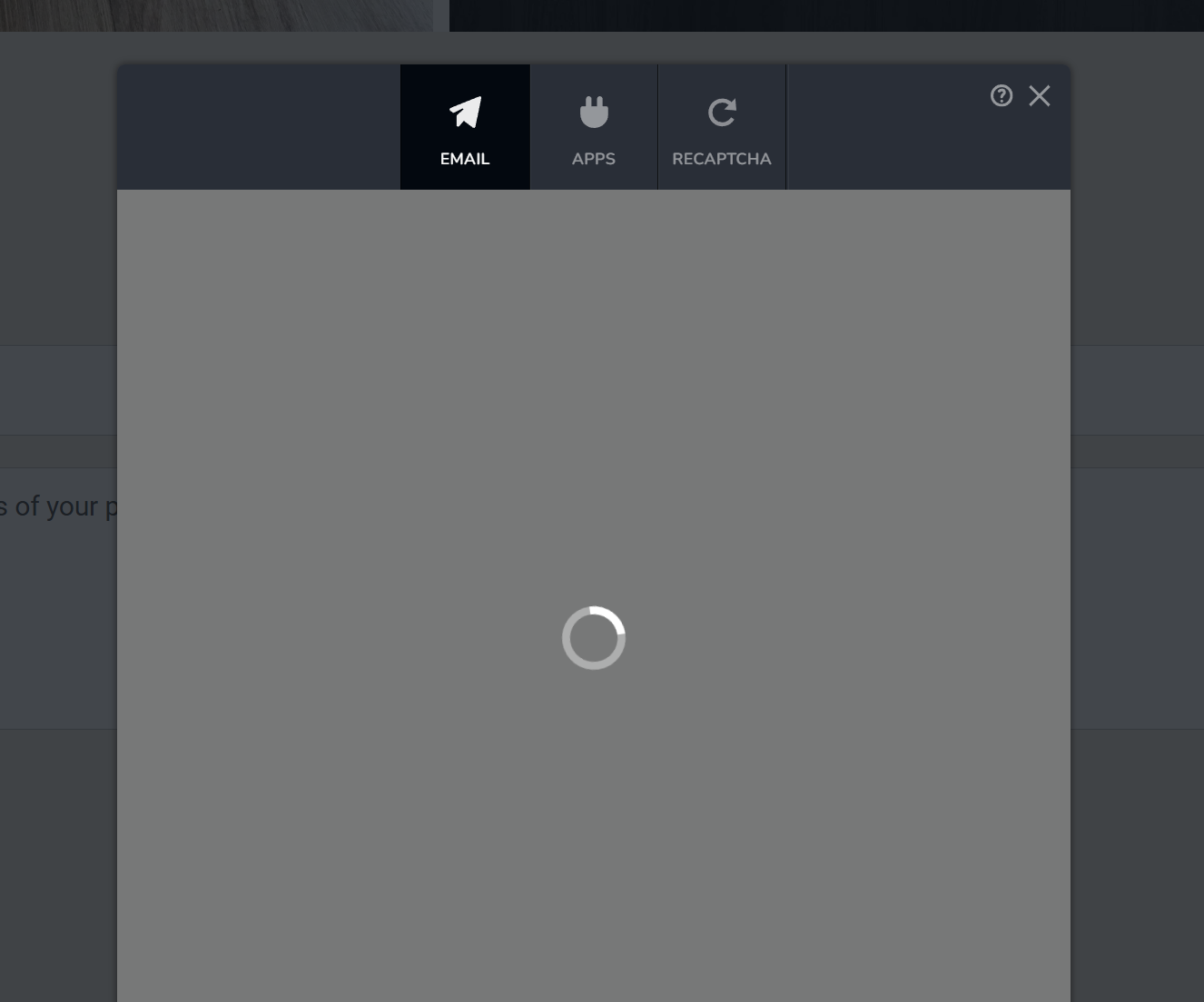
Problem is that I cannot access the form button in the form element. The loading gif just turns and turns. I've tried waiting, logging out, refreshing the browser, restarting my computer and the problem persists - I can't get in.
It was working yesterday when I first set up the form. Hoping there is something I can do rather urgently. Thanks.
-

Hello Eva,
We have fixed this issue in your project. Kindly try again.
0 -
Thank you, all good now.
Could you please explain how the "From" field works? I have put the {{Email}} field in "From Name" area but when I test the form it doesn't show the customer's email address as the 'from' email, it shows as notifications@brizy.cloud:
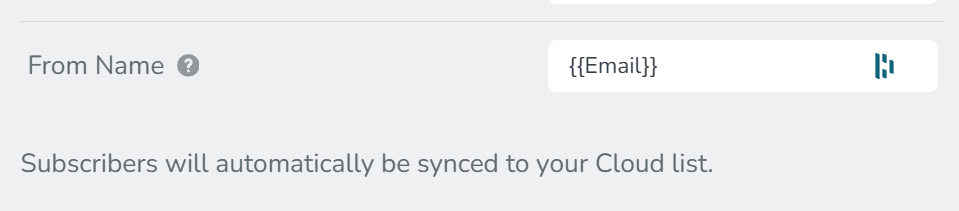
This is how it shows on the actual inbox when it comes in:

Is there a way I can get this to display the customer's email instead?
Thanks again.
0 -
Hello Eva,
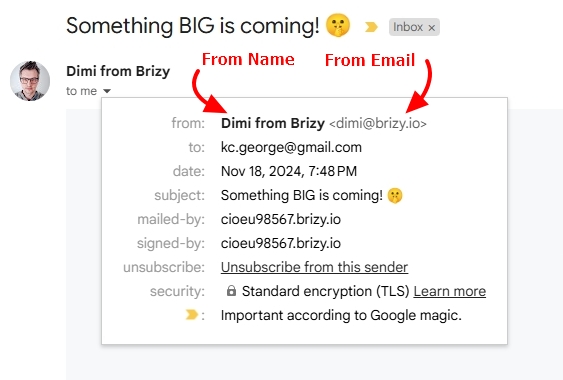
Unfortunately the "From Email" address cannot be customized in Brizy Cloud. It will always be notifications@brizy.cloud. You can add a "From Name" In the example below, "Dimi from Brizy" is the From Name. Consider using Customer Name as your "From Name".
 0
0 -
Thank you, I'll definitely do that.
Regards
Eva0
Please sign in to leave a comment.
Comments
4 comments