Events Manager Plugin Display 2 Columns in Brizy

Hi Brizy Team,
I am trying to display my events on my events page and would like to be able to display these with 2 events per row.
I did had a similar issue previously with my Woocommerce page only displaying 1 item at a time and resolved it with the following code:
@media only screen and (max-width: 767px) {
.brz-posts__item {
    width: 50% !important;
    padding: 10px !important;
}
}
I found this answer from this question: https://support.brizy.io/hc/en-us/community/posts/17063187775250-How-do-i-get-2-column-on-mobile-woo-commerce-shop
Could you please help me to resolve this issue? The url for the page I'm trying to fix is http://sccwa.org/serbian-events-perth/
-

Hi James,
Thank you for reaching out. We’ve reviewed the page you provided, and it currently appears as follows.
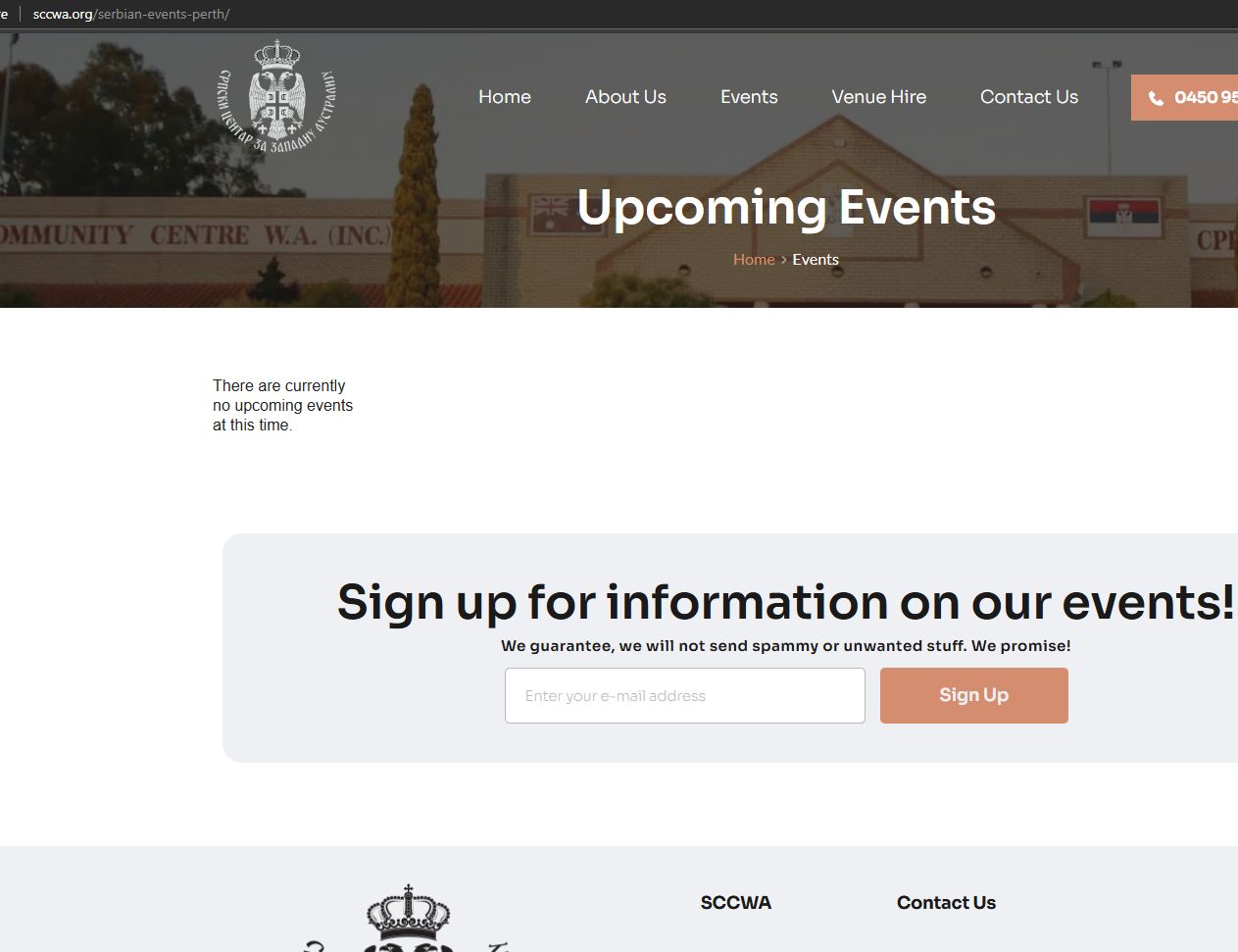
It’s possible that the link you shared is incorrect. Please send us the correct link so we can take another look and offer a possible solution.
Best regards,
Ariel H.0 -
Hi Ariel,
Sorry but there were no events uploaded to the site. They are live now. I believe I would just need to add specific CSS that would change the output on mobile devices.
The following html is what changes the amount of columns. Is there a way we can add specific CSS to change the 250px to 150x when on mobile devices (when i change the 250px to 150px on chrome developer tools to preview, it puts the items into 2 columns)?<div class="em em-view-container" id="em-view-903937268" data-view="grid" style="--view-grid-width : 250px">0 -
Hi James,
Thank you for the update.
Here’s some CSS you can try—let me know if it works for you.
@media (max-width: 768px) {
  .em-view-container {
    --view-grid-width: 150px;
  }
}
Best regards,
Ariel H.0 -
Thanks again for your help Ariel!!
That didn't end up working but i realised the layout changed when i changed the CSS to make changes to .em instead of .em-view-container with the following:
@media (max-width: 768px) {
  .em {
    --view-grid-width: 150px;
  }
}
Thanks again
0 -
Hi James,
Thank you for the update. I'm glad you were able to update the CSS and fix the issue.
Cheers!
0
Please sign in to leave a comment.
Comments
5 comments