Unable to upload images to media gallery

Hello
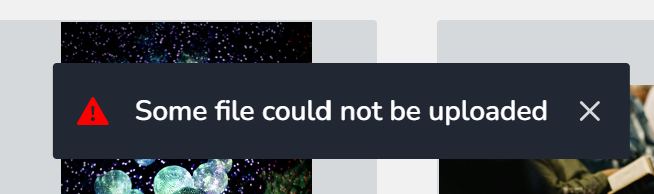
I am trying to upload a number of images to the image gallery, some are fine but a number of images are not uploading. I get a Unable to Upload message. The file sizes are less than 1mb and I have tried changing the name of the file but nothing is working.
Is there a limit on the number of images we can upload?
Attached is a screenshot of the error message.
-

Hello Saghir,
The majority of images upload to Brizy Cloud without any problems. I noticed that you have over forty-five images in your Media Library. If an image does not adhere to the file format exactly or is corrupted, you can encounter the above error message. Please use a service such as https://tinypng.com/ to optimize your image, then upload it to Brizy Cloud to overcome this issue
0 -
Hi
Thanks for the feedback.
I have just tried Tinypng website to convert the files but I am still getting the following message 'Unable to upload file'.
I do not think there is any problems with the image format or file size. The files are all jpegs and around 250KB max (less than 1MB) each. I have used these images on our Squarespace website without any problems, but struggling to upload these on Brizy.
Is there anything else I can try?
 0
0 -

Hi Sagir,
Thank you for the update. Have you also tried editing and uploading your images in incognito mode or a different browser to see if that makes a difference?
Best regards,
Ariel H.0
Please sign in to leave a comment.
Comments
3 comments