Images stretched in home page

Hi Support Team,
I'm having a few issues with my current site, which is using Blocksy as the theme.
1. When I create a new page and want to edit with Brizy, I received the error message below:
Warning: Attempt to read property "post_type" on null in /home3/ybqabfmy/public_html/wp-content/plugins/brizy/admin/blocks/main.php on line 207
Warning: Attempt to read property "ID" on null in /home3/ybqabfmy/public_html/wp-content/plugins/brizy/admin/blocks/main.php on line 208
Warning: Cannot modify header information - headers already sent by (output started at /home3/ybqabfmy/public_html/wp-content/plugins/brizy/admin/blocks/main.php:207) in /home3/ybqabfmy/public_html/wp-includes/pluggable.php on line 1435
Warning: Cannot modify header information - headers already sent by (output started at /home3/ybqabfmy/public_html/wp-content/plugins/brizy/admin/blocks/main.php:207) in /home3/ybqabfmy/public_html/wp-includes/pluggable.php on line 1438
2. The home page logo and images being stretched. I have recreated the page once in an effort to eliminate any corrupted page.
3. The home page seems to have a gap above the header, but only the home page.
4. When I use the Brizy editor, I receive the error of being unable to save a block, yet it actually will save it.
Thanks for your help!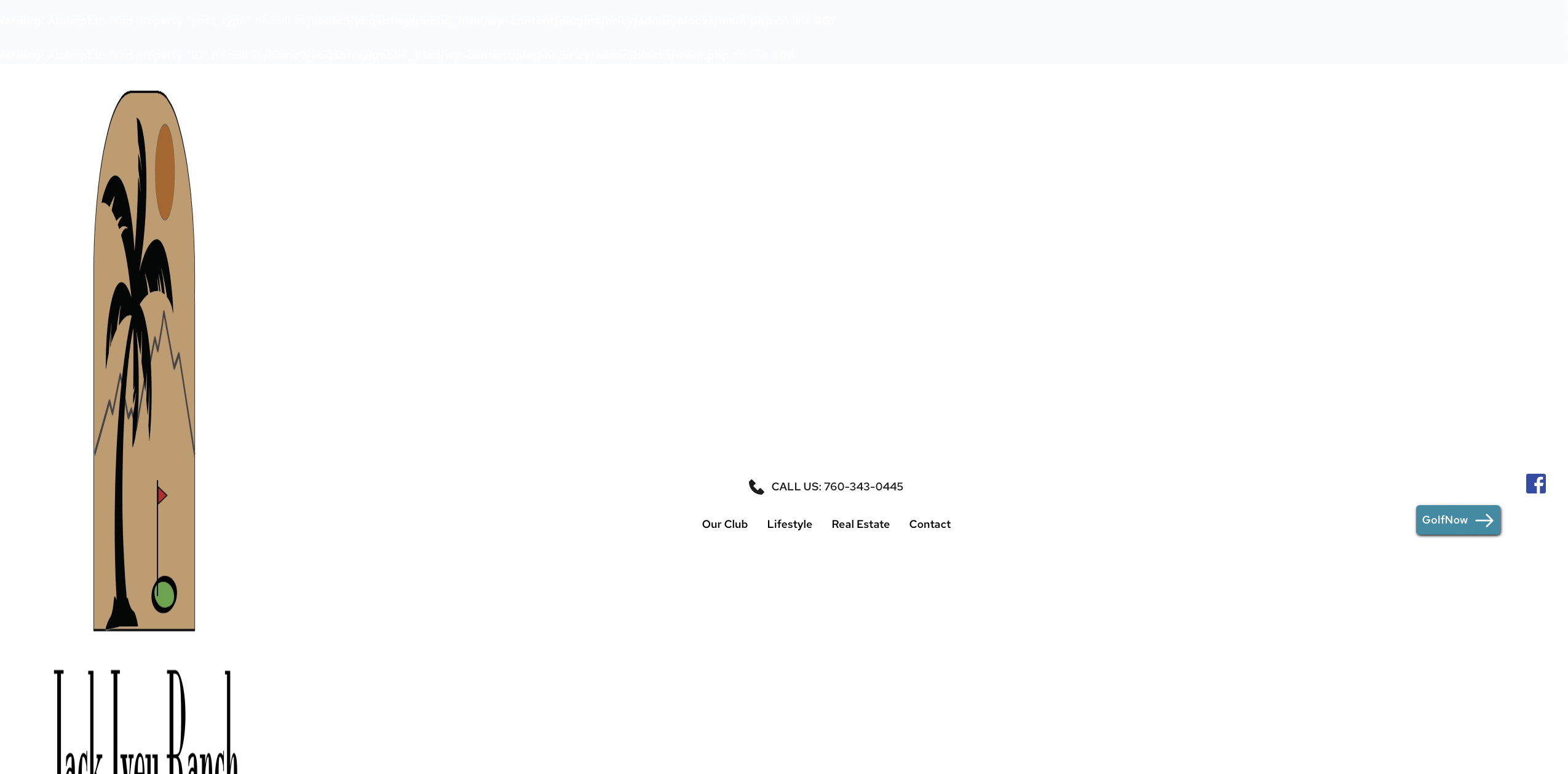
-

Hello Sarah,
- Please follow the instructions at https://startertemplates.com/docs/disable-debug-mode/ to disable DEBUG mode in your WordPress project. Then, see if the above error goes away when you add a new page and whether the space above the header on the homepage disappears.
- The homepage logo displays well. Is this issue resolved?

- Once you disable WP DEBUG mode, please check if this issue persists.
- Kindly share with us a screenshot of the error message, we will take a look
0 -
Thank you for your help! I disabled WP debug and everything cleared. Much appreciated!
Sarah
0
Please sign in to leave a comment.
Comments
2 comments