Some sites are not saving changes when created.

Hi Brizy Team! I'am Fernando Coutinho
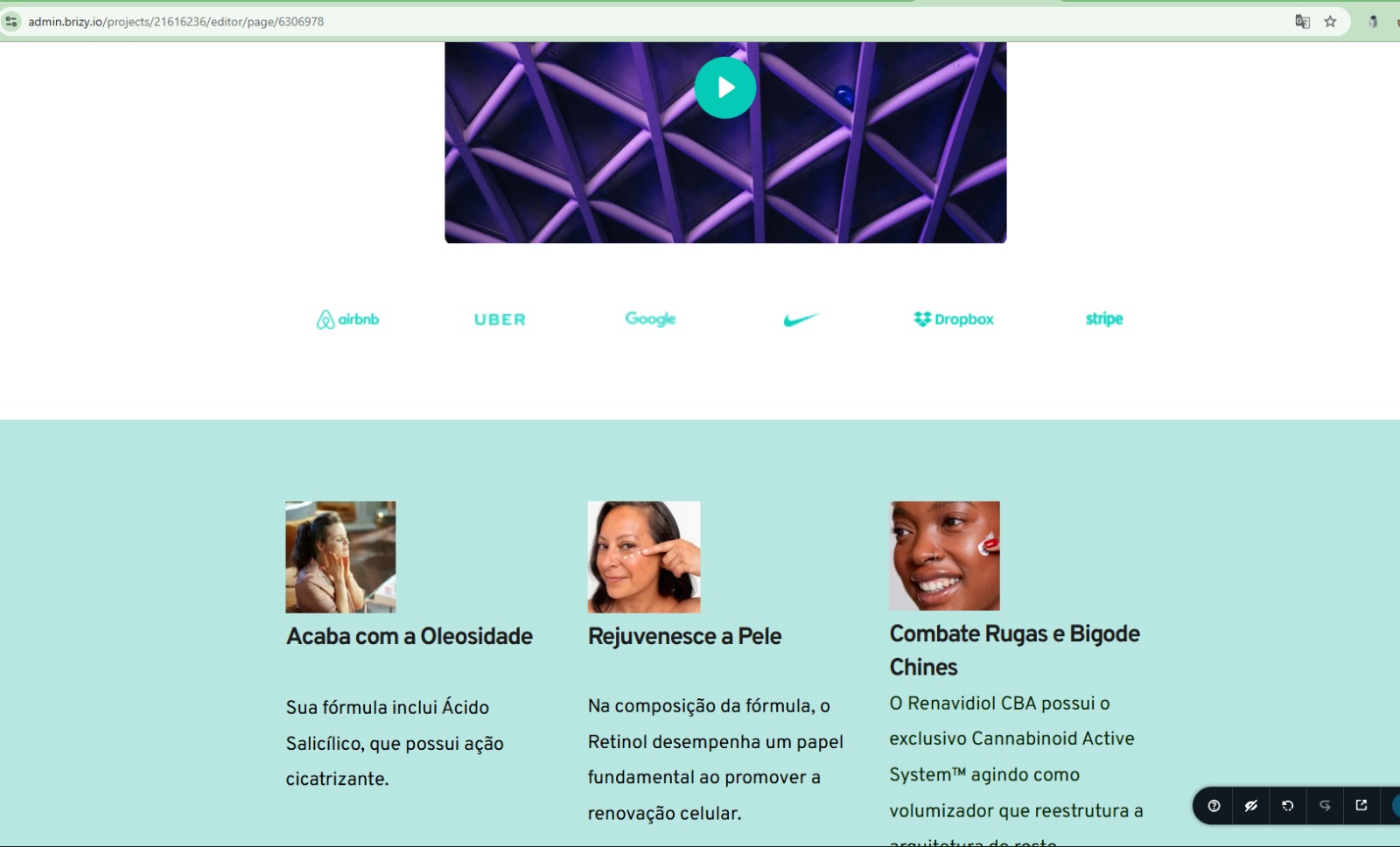
I have a Tier 1 AppSumo plan and am aware of the limitations after the sixth site created. However, when working with free templates and adding text and images, after saving and sharing for viewing, many links, texts, and photos aren’t saved, remaining only in the original template. Could you check this?
The link at the website created:
https://calca-jeans-sao-paulo-online.brizy.site/
Check the screenshot of the saved image and the published image:
Some of the texts and images created and saved for publication.
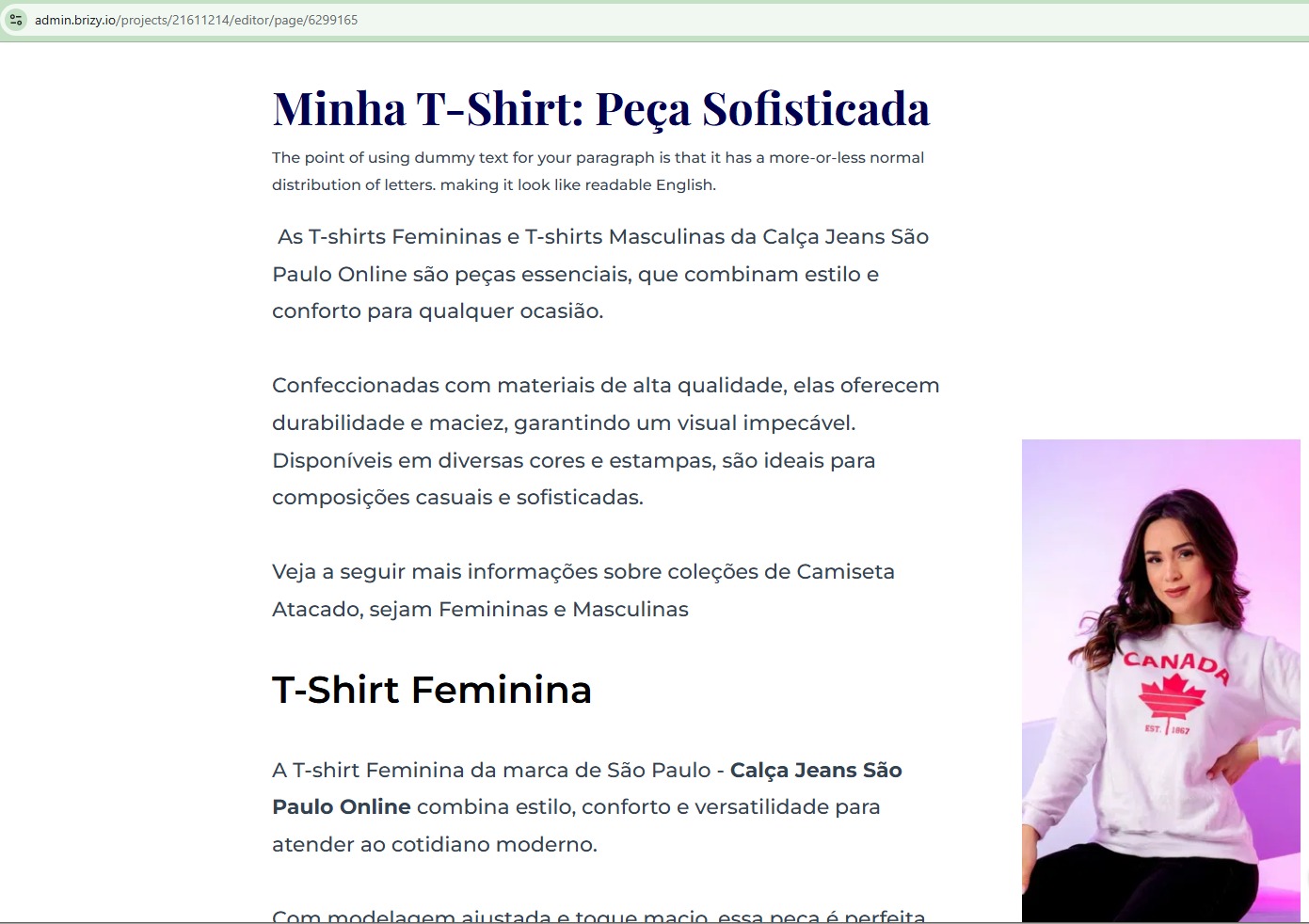
After publishing and viewing the published page.
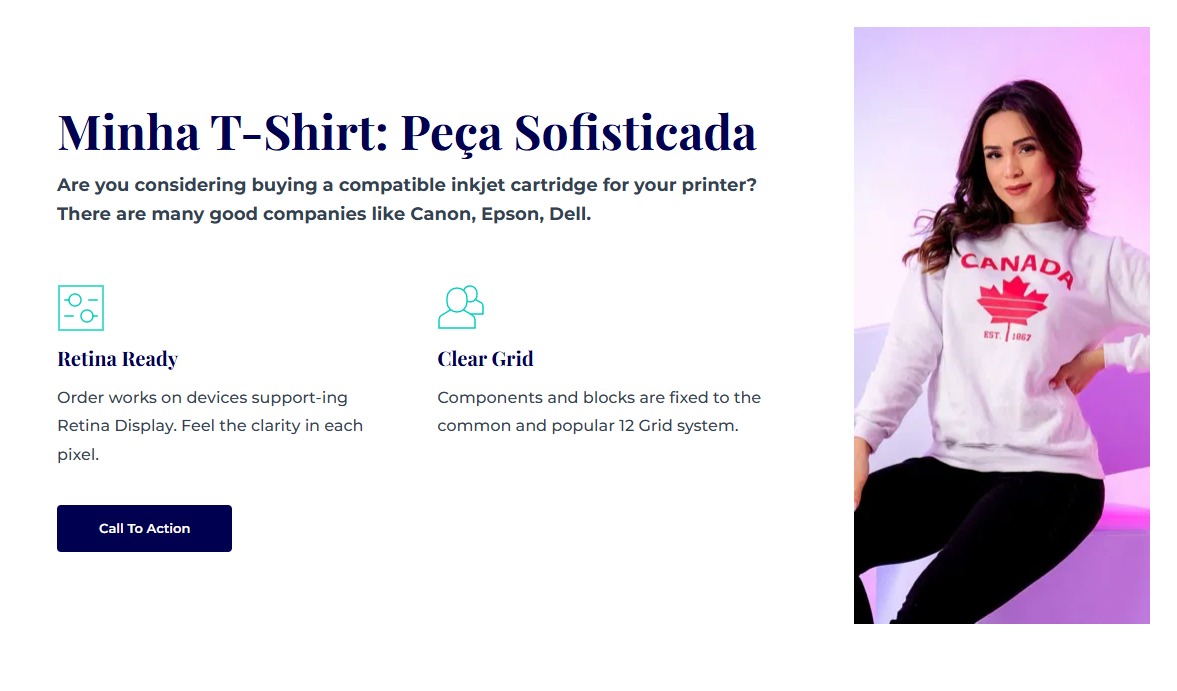
It keeps the template’s default layout, only with the photo changed. A free template was used.
Check the template on the right!
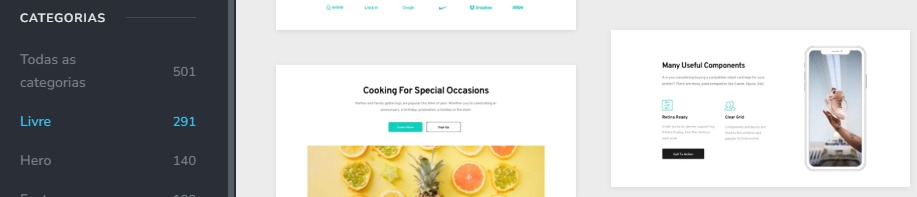
Other issues identified:
When creating text, saving, and then trying to edit, it doesn’t save the new version at all. I even deleted all the text, saved, exited the builder and the site, returned after a few minutes, but without success.
Check the prints:
Original Text:
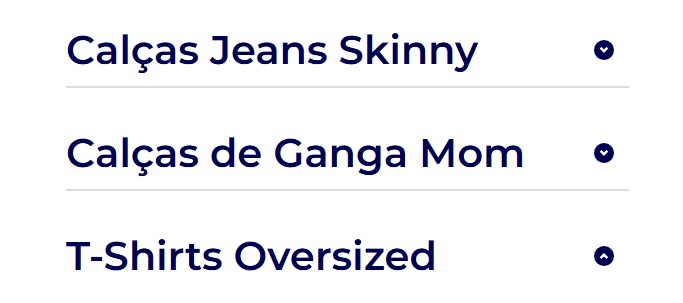
After corrected and saved:
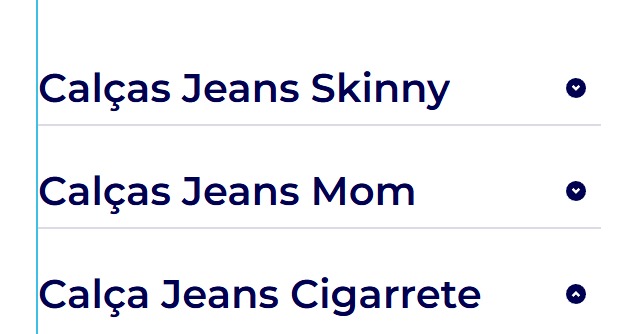
After the site is published
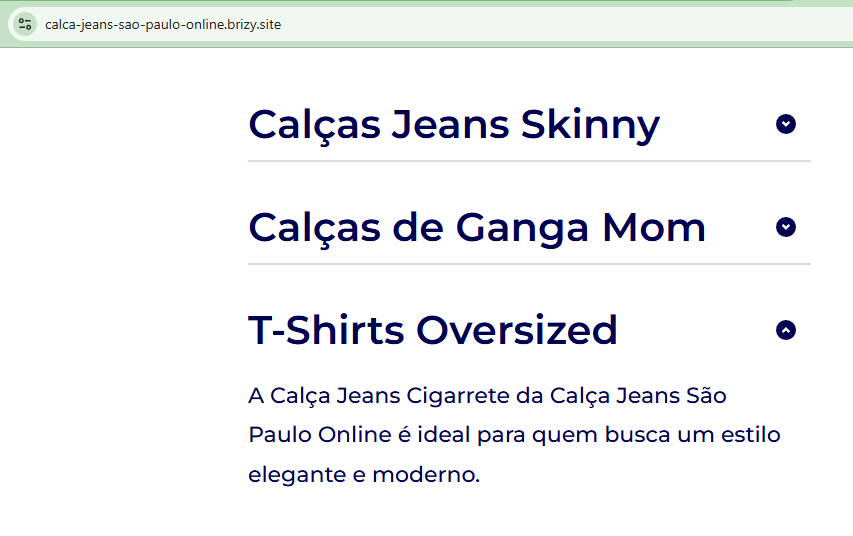
In other words, it doesn't save the correct version.
Other issues identified:
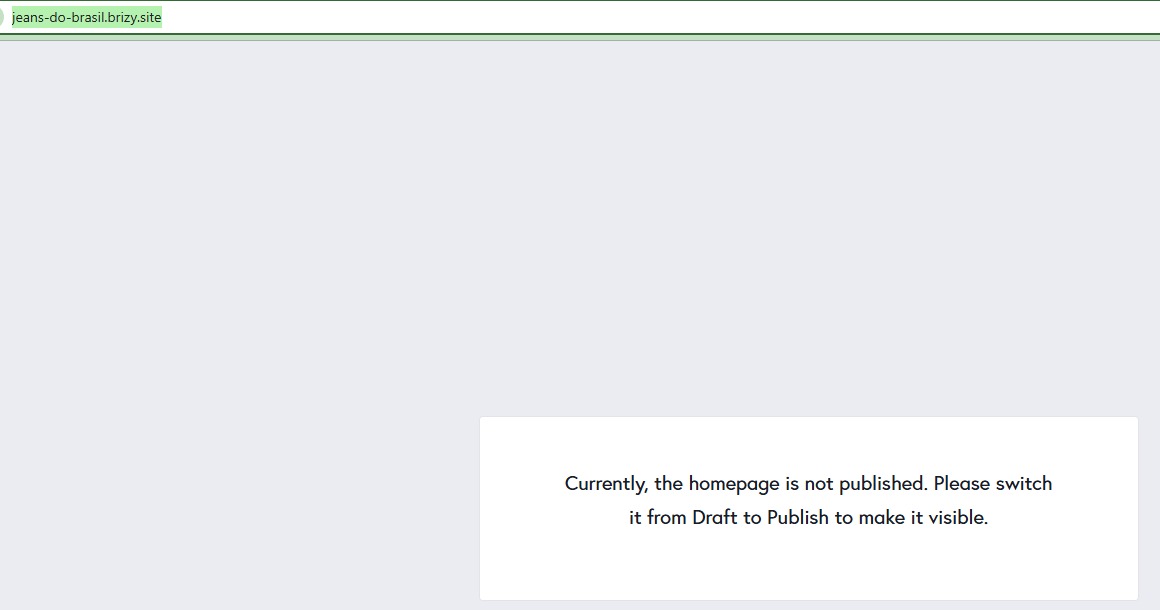
I created a site and named it, published it to generate the subdomain URL, but it simply does not save in any way.
But it appears as blocked for viewing. Here is the link to the created site.
I checked and confirmed that the image is open for indexing. Can you verify?
https://jeans-do-brasil.brizy.site/
-

Hello Fernando,
The editor content and the front end of your website appear identical in the project mentioned above. Could you fix the problems with saving your changes? Now that it has been published, https://jeans-do-brasil.brizy.site/ shows your content on the front end as well.
Make a minor modification (such as adding a space at the end of a paragraph) and click "Update" to save all your changes if this occurs again.
0 -
Hello KC Jorge,
Thank you for the quick response.
I tried but without success.
Yesterday, I even attempted to start a new unique project, always using free templates—starting a project from scratch!
However, it only saved the first two blocks, and after that, nothing else updates.
I believe it must be a general issue with my profile.
Could you please review this new project?
Please see this video in my youtube Channel!
Here’s the link and screenshots!
Print Project published
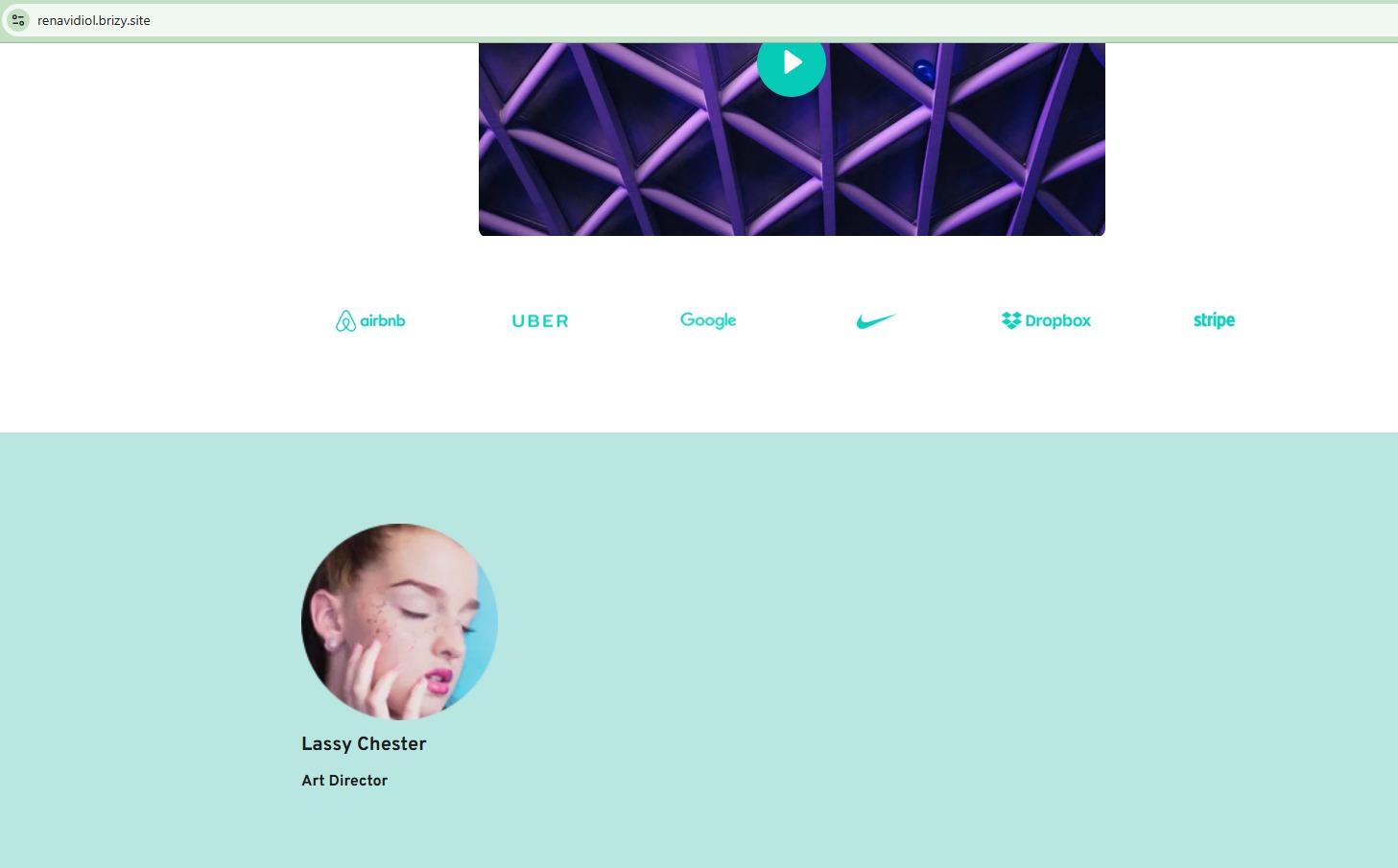
Print Project published
Thank you!
0 -
Hello Fernando,
Check out my test at https://jmp.sh/5TQGzpFX. My test shows that any changes I make in the editor instantly appear on the front end of the website.
Accumulated browser cache may be the cause of this not occurring on your end. To see the most recent changes on your website, please clear the cached files and images in your browser. Kindly also check if the issue persists if you use a different browser to edit your pages and check the preview.
0 -
Hi K C George.
Thanks for all.
Now I managed to save it.
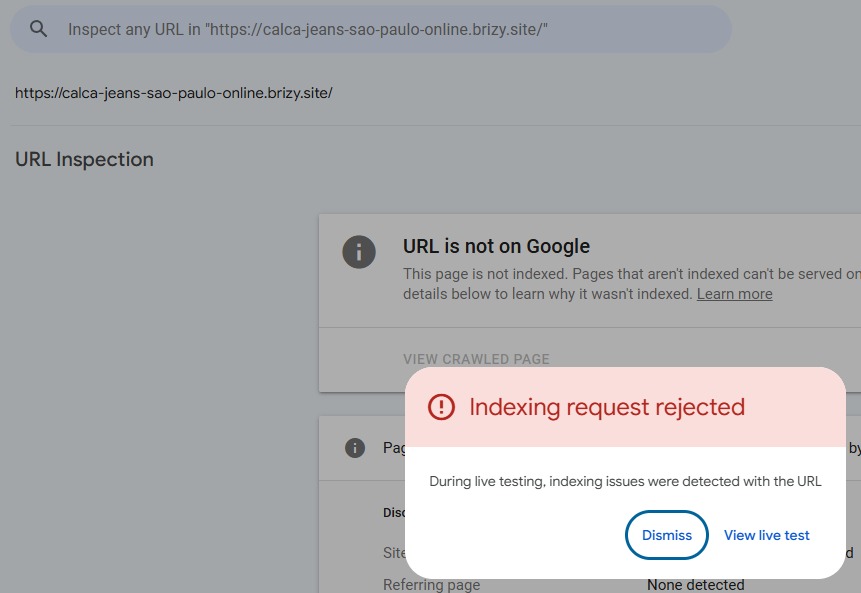
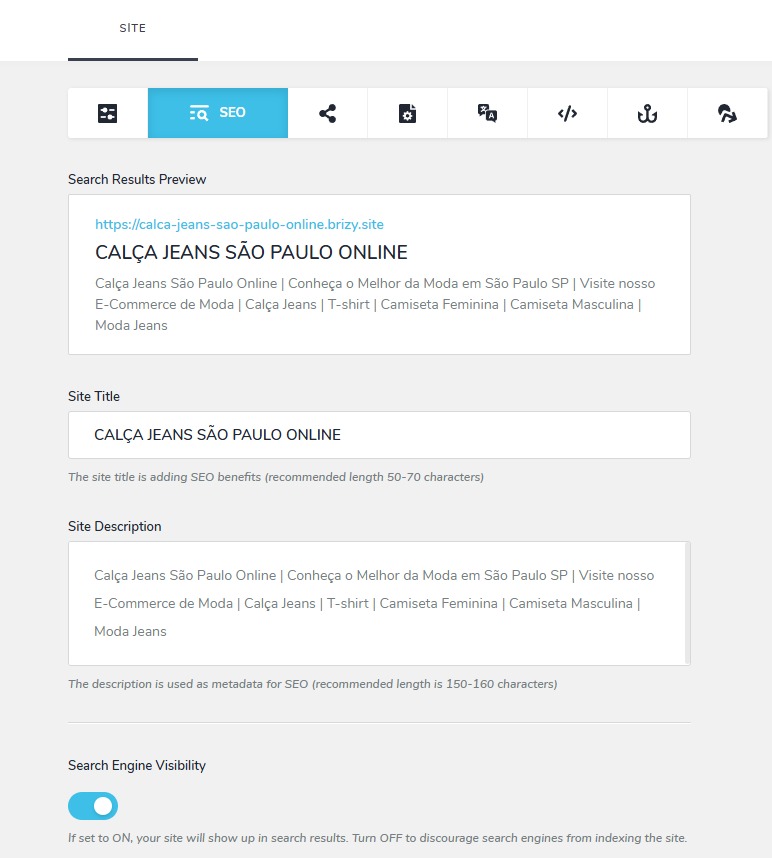
I noticed that this same article is being blocked by robots TXT, and I’ve already set everything free for indexing.
Could you check what's going on? There are two others with the same issue.
Here are the created sites – the URL and the screenshots.
https://calca-jeans-sao-paulo-online.brizy.site/
https://clinica-de-recuperacao-em-campinas.brizy.site/
https://clinica-de-reabilitacao-em-campinas-sp.brizy.site/
Thank you
 0
0 -
Hello Fernando,
Even though the "Search Engine Visibility" was enabled site wide, it was disabled for the homepage of https://calca-jeans-sao-paulo-online.brizy.site/ The Page level settings override the Project Level settings.
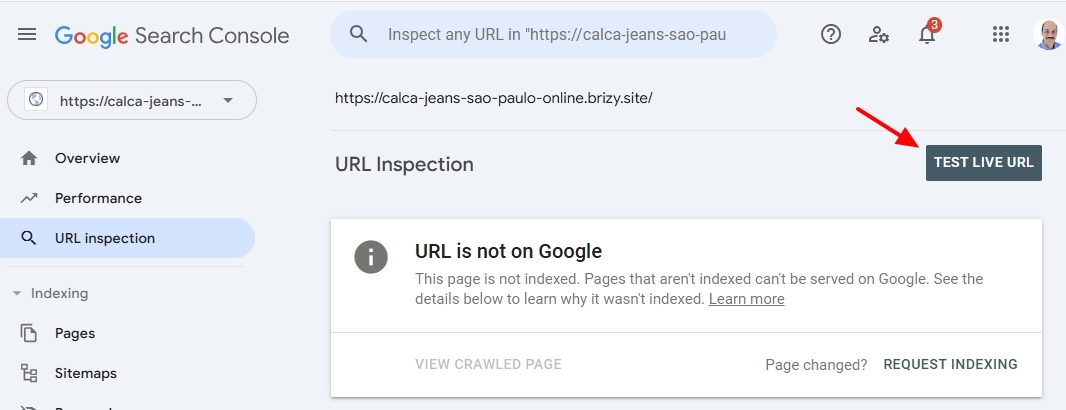
I have now enabled the "Search Engine Visibility" for your homepage. You should be able to test the live URL by clicking on the "Test Live URL" button. Once you see the "Test Live URL" results, select the "Request Indexing" option to request indexing of your page.
For the other two websites, please check the "Search Engine Visibility" option at the page level too (under the SEO tab). Then repeat the above process for the two websites as well.
0
Please sign in to leave a comment.
Comments
5 comments