Unable to Edit or Add Elements in Mobile Drafts

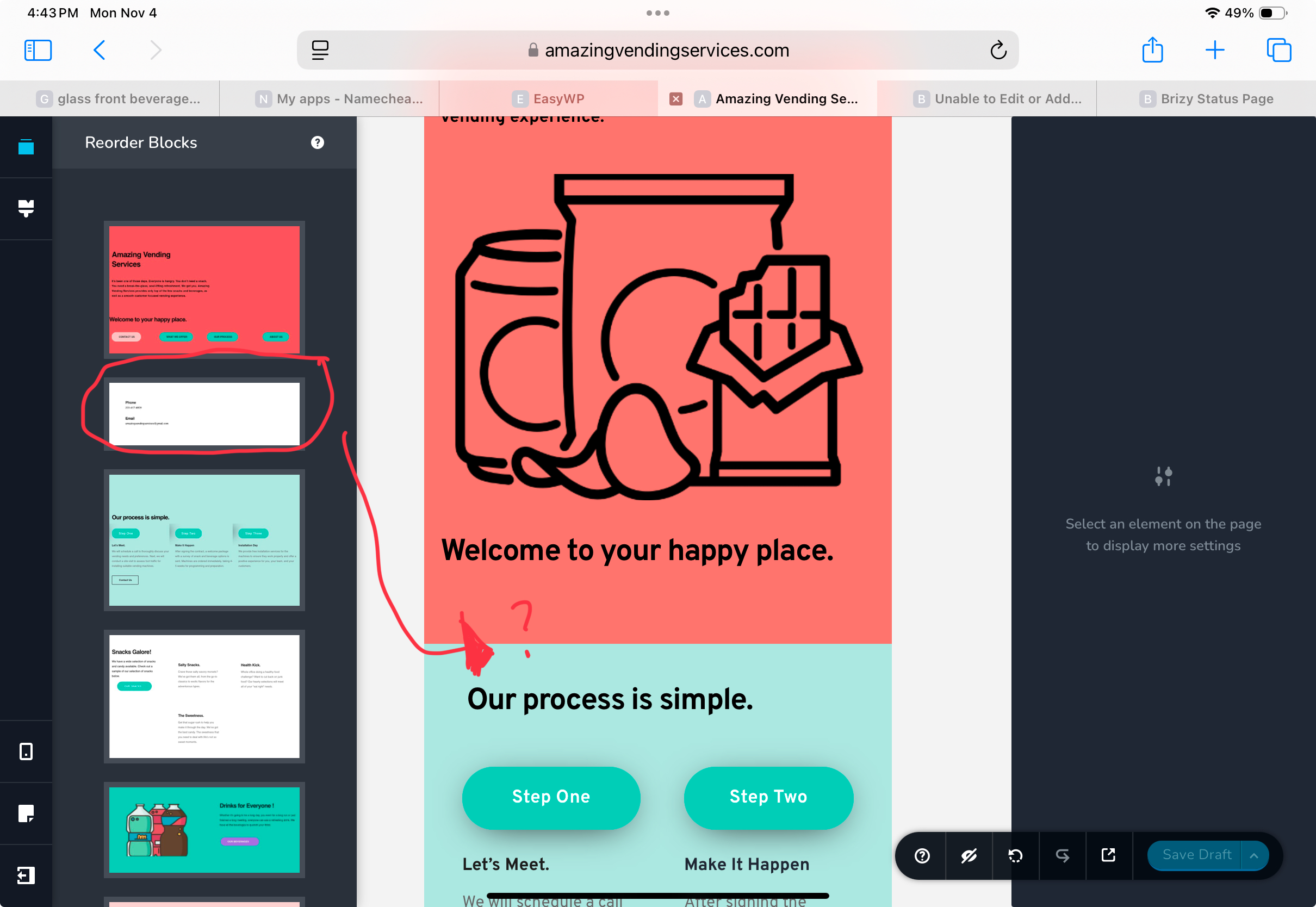 I am unable to edit or add elements in the Mobile draft. I have updated the Brizy Pro (Version 2.5.5) and Brizy (Version 2.5.9)plugins. Also, I deactivated the plugins and reactivated them to see if the Elements toolkit appears again. But it did not resolve the issue. Please advise the next steps. Thank you.
-
Also wanted to add that now there are blocks that are missing on my page as well. They show up in Desktop but disappear in Mobile. Please resolve this issue.
0 -

Hello Christine,
Brizy's design philosophy follows the Desktop-first approach where you design around the experience of a desktop user, then scale down the presentation for mobile users. The Brizy editor does not allow adding page elements in the Tablet and Mobile design views. New elements must be added to a page only in the Desktop design view.
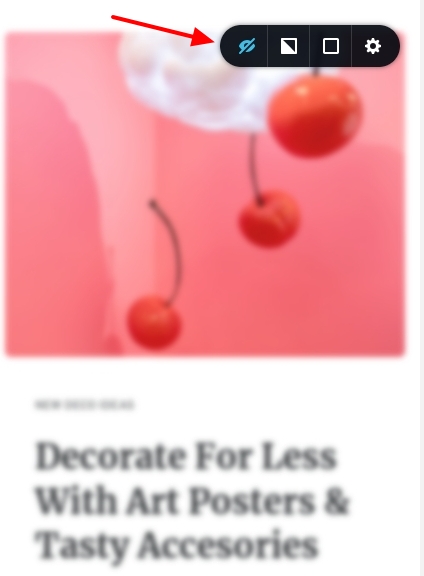
In order to add a new element for mobile devices, you must first add the element in desktop design view and then switch to mobile design view. Please select the "Show hidden elements" icon located at the bottom right corner if a particular block is missing from the Mobile design view. The missing block would become visible and would be blurry.

You can then make the hidden block visible by clicking on the 'eye' icon in the block settings.
 0
0 -
Thank you for your response. I was able to follow the steps and show the blocks and link the elements again.
0
Please sign in to leave a comment.
Comments
3 comments