Domain connection not working

Hello, it appears I connected the domain correctly, yet it is still not viewable.
What else is there for me to do?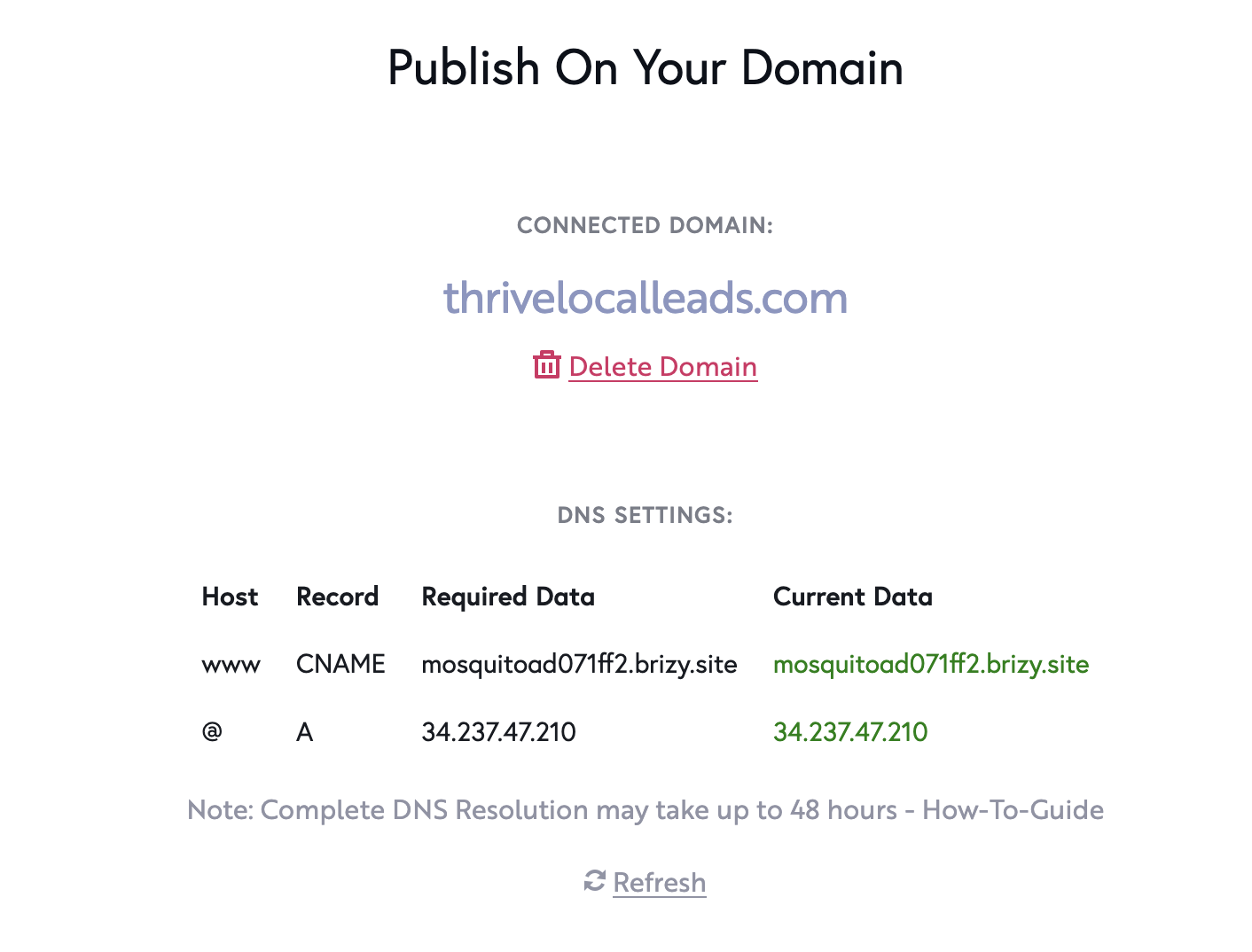
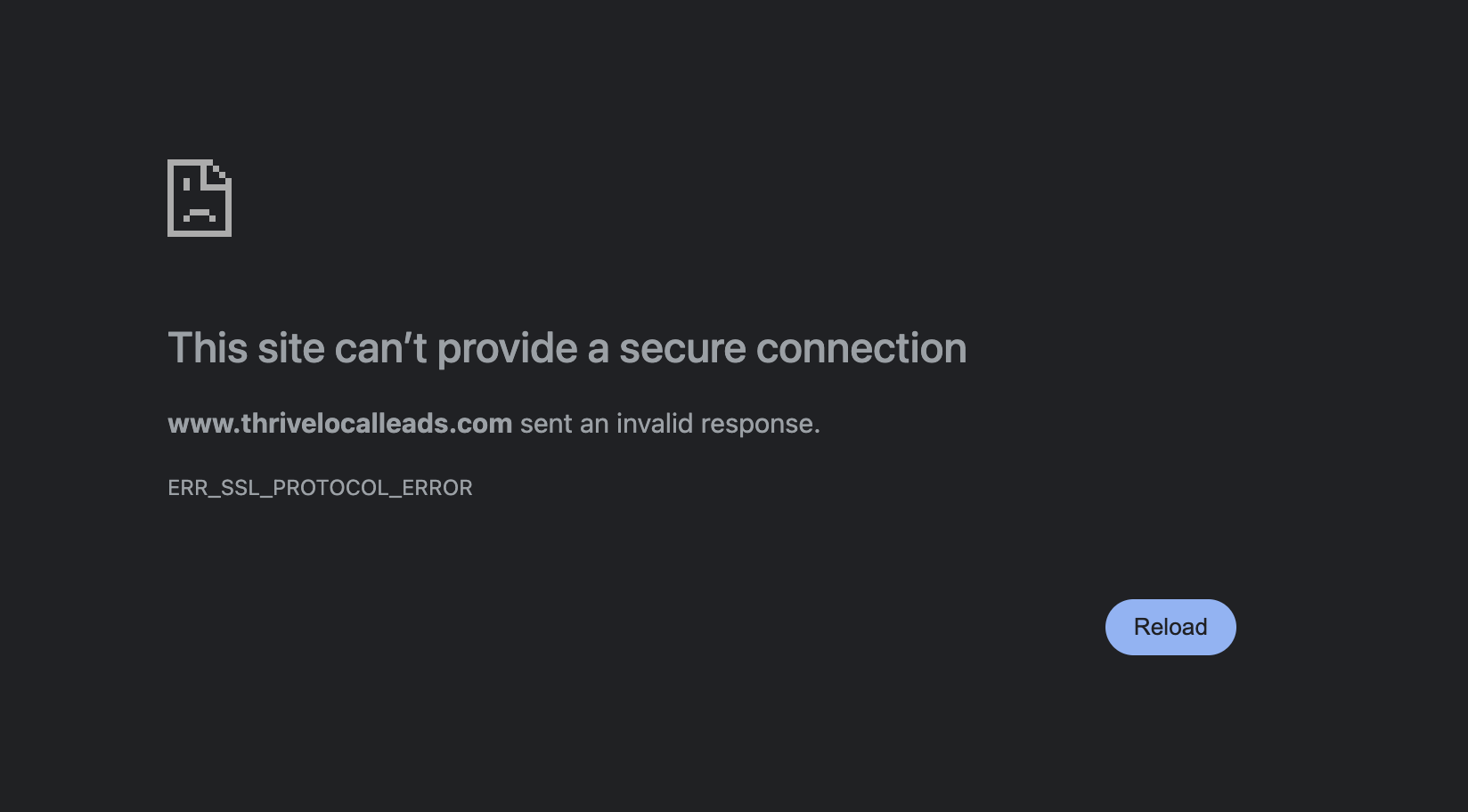
-

Hi Joe,
Thank you for reaching out.
Could you please remove the following DNS records in your domain manager?
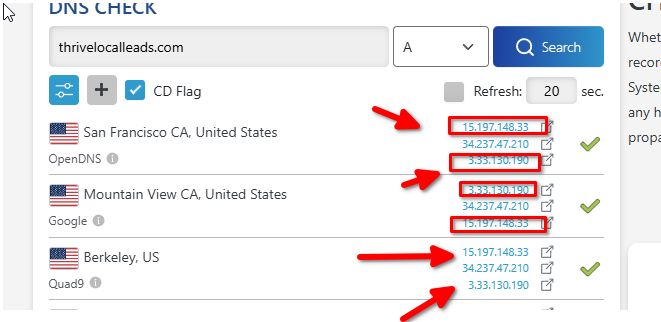
Let us know once this is done so we can check again.Best regards,
Ariel H.0 -
Hey Ariel,
Thanks for the help.
I went into the GoDaddy DNS and I don't see what you are showing. Can you please direct me.
Here's a screenshot of what I am seeing.
Thanks again for your help.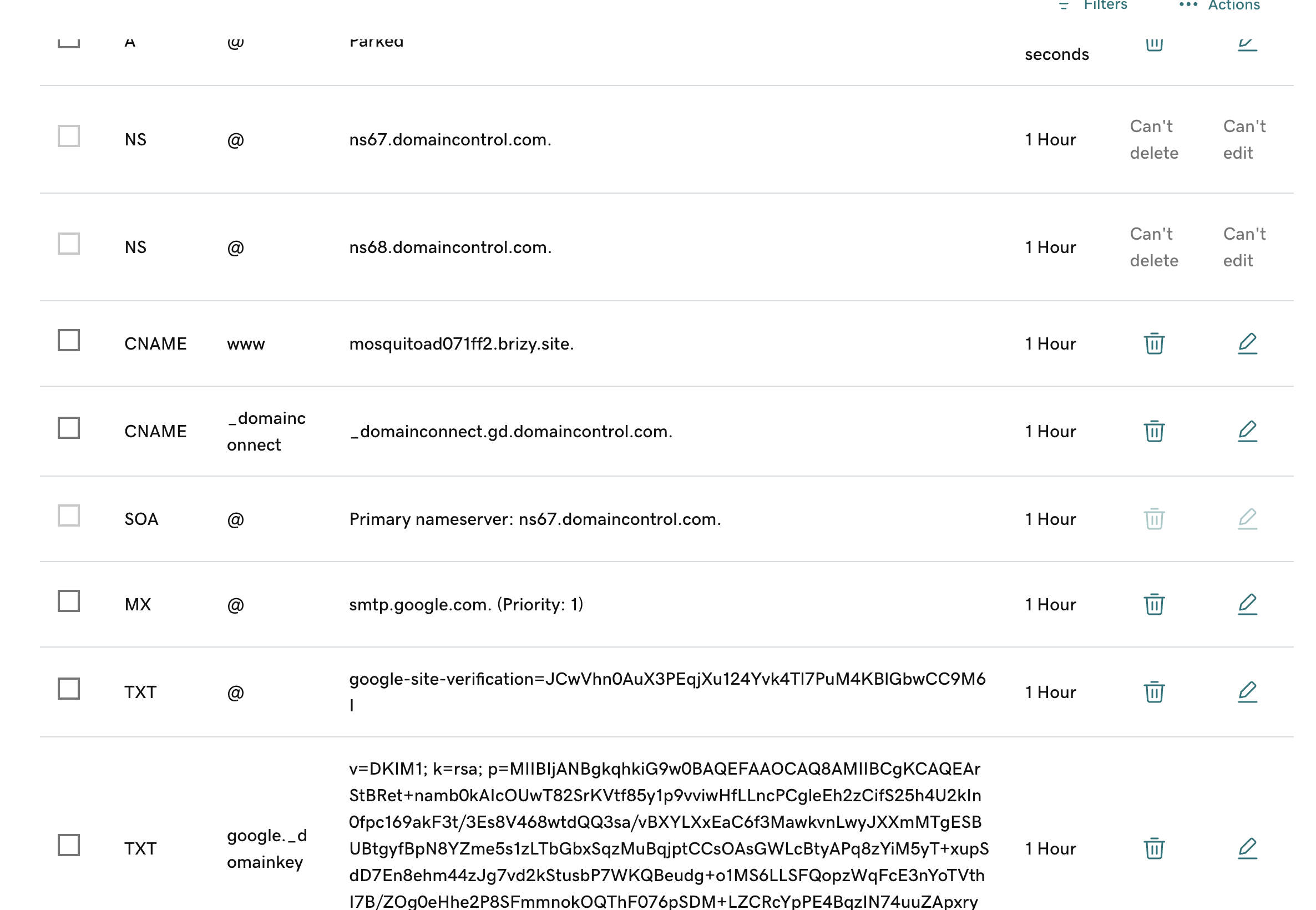 0
0 -
Hi Joe,
Thank you for the update.
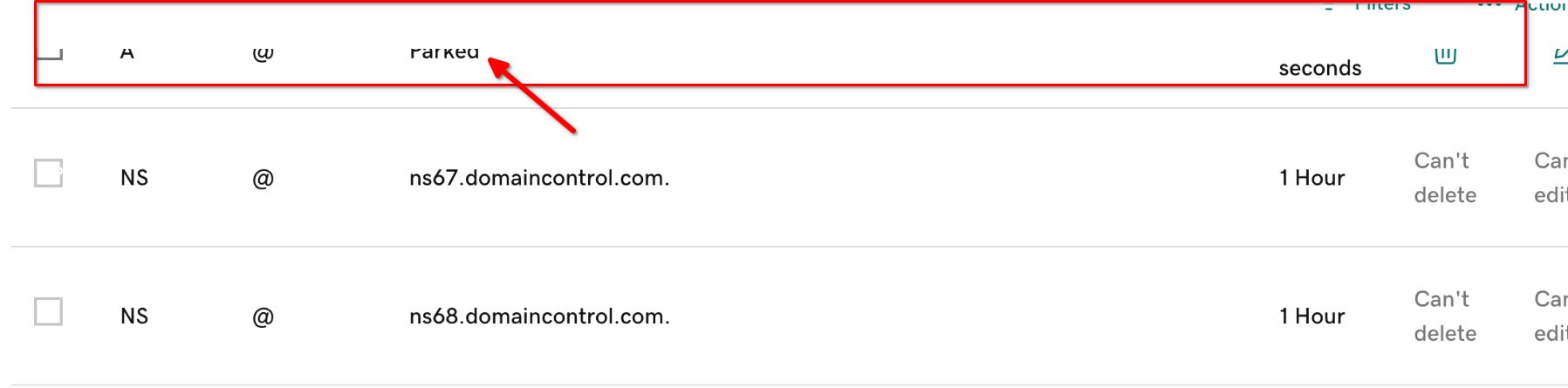
It looks like the screenshot doesn’t display all the DNS records. Could you please provide a full screenshot so we can review them in detail?
In the meantime, please go ahead and remove the 'Parked' DNS records.
Looking forward to your response.
Best regards,
Ariel H.0 -
Hey Ariel,
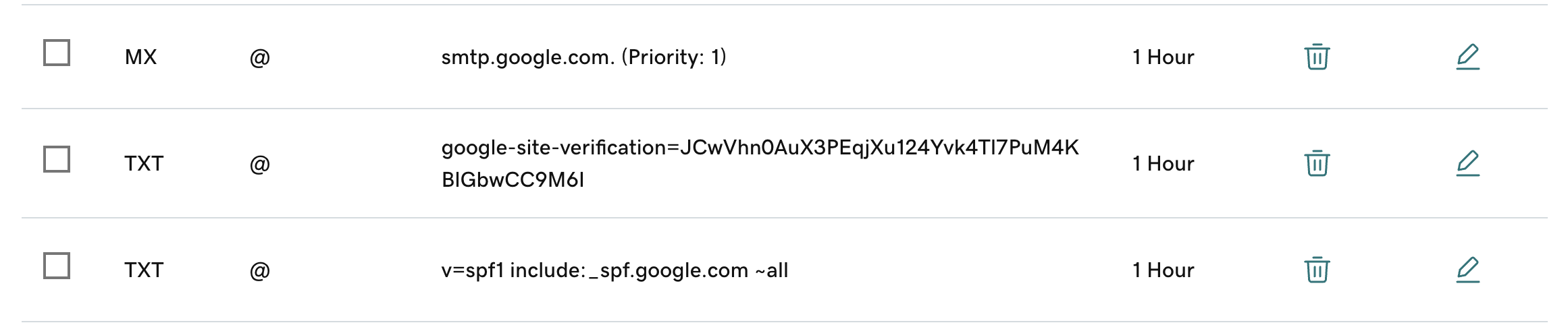
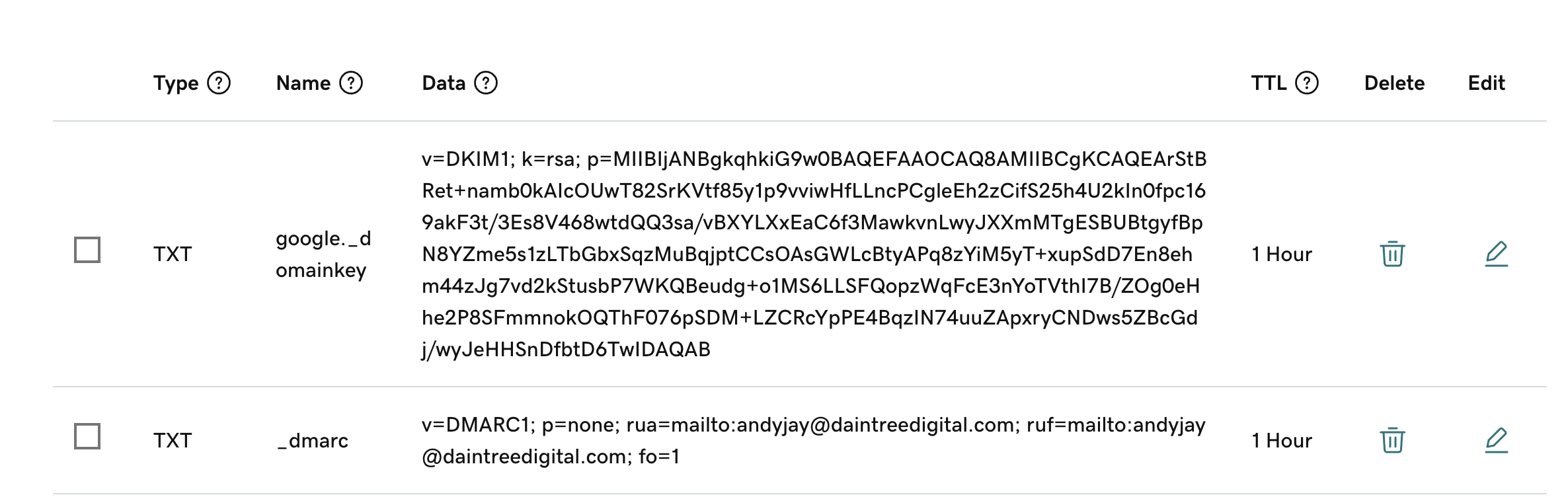
Ok, I will remove the Parked Domain. Attached is all the DNS records viewable on GoDaddy: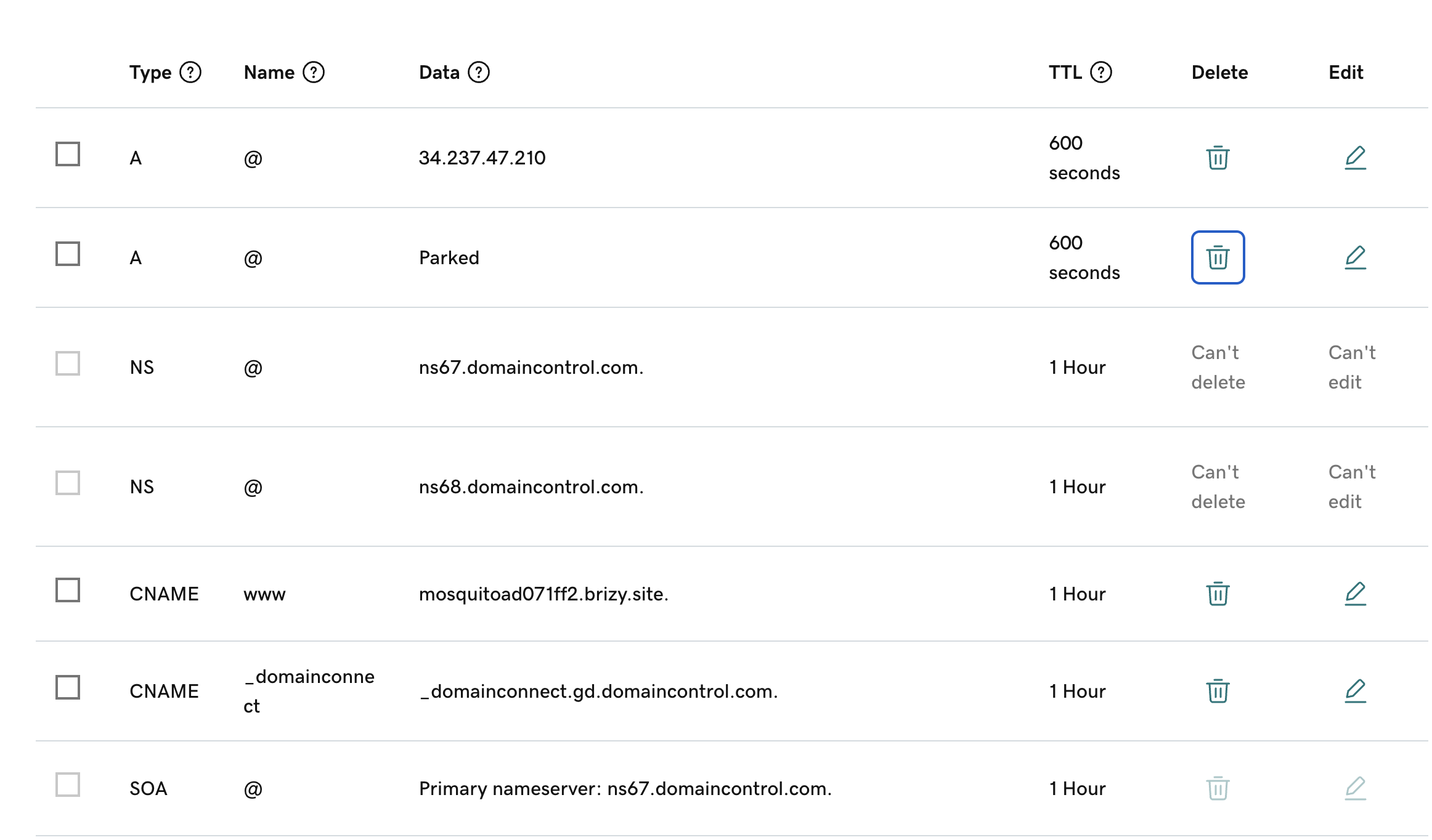
 0
0 -
Hi Joe,
Thank you for the update.
It seems that the parked DNS is generating the two extra IP addresses. Please let me know once it has been removed so we can check again.
Kind regards,
Ariel H.0 -
Hello Ariel,
I removed the parked domain, as instructed. The website is still not viewable from thrivelocalleads.com.
Is there someone I can jump on a call with so we can resolve this issue more quickly?
Thanks for your help.0 -

Hello Joe,
The website appears working well at my end. Please check again
 0
0
Please sign in to leave a comment.
Comments
7 comments