syncing a saved layout to someone else's account

I have a client who has his own Brizy Pro and Wordpress account. I want to do a mockup of a home page for him, using my Brizy Pro Cloud, save the layout and then sync it to his Brizy. Is this possible? Or is there a better way to do this? Thanks
0
-

Hello
I recommend these steps
- Save the client's current homepage as a design layout, download it from his "Saved Blocks and Layouts" library by clicking on the 'Download" arrow you see on hover
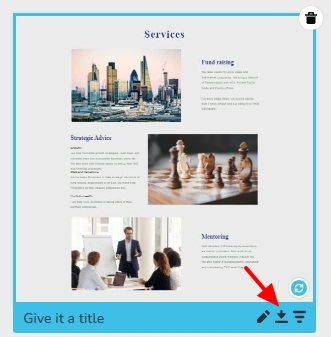
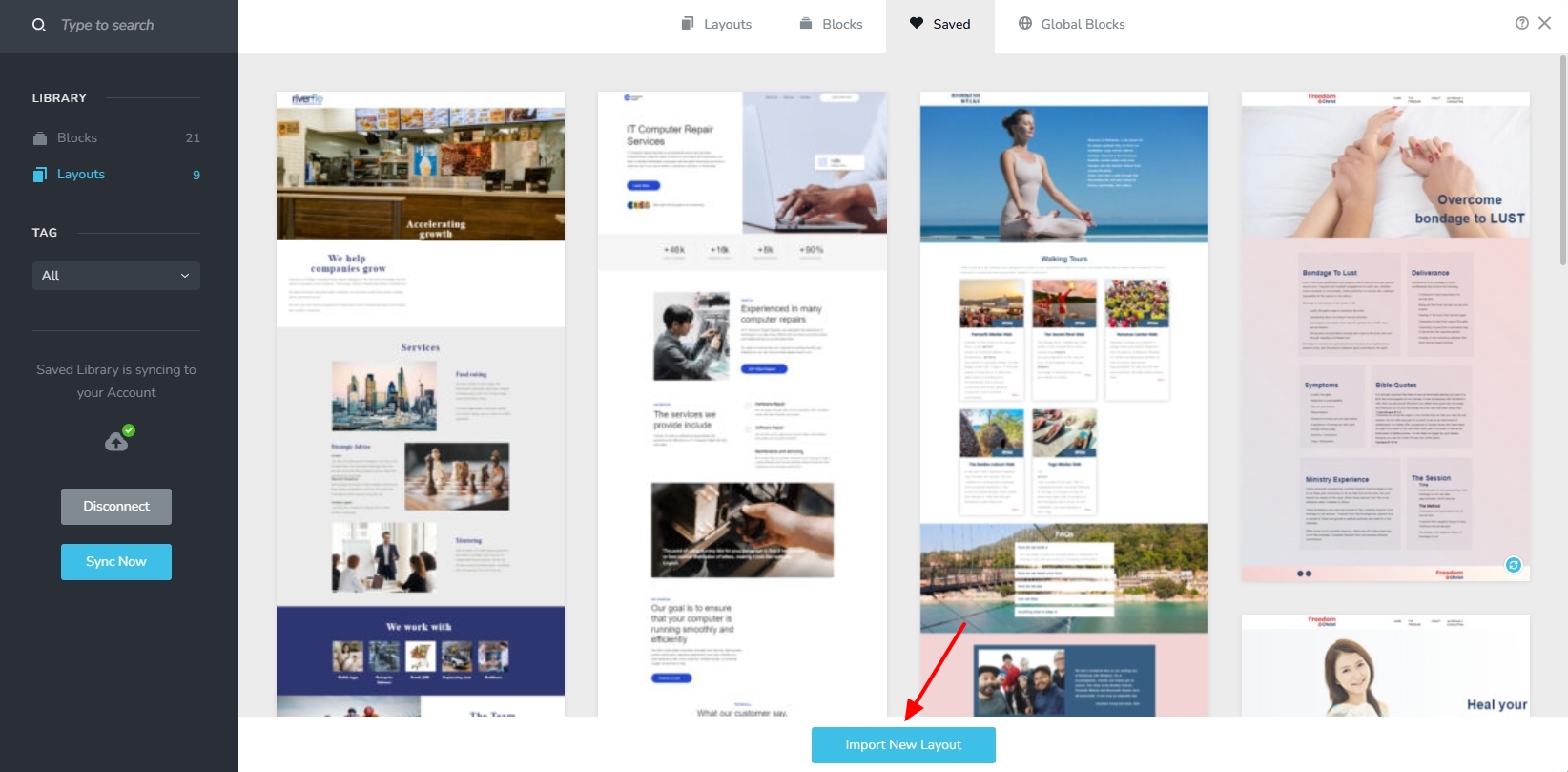
- Request the saved layout ZIP file from the client and import it into your Brizy Cloud Saved Layouts Library by clicking on the "Import New Layout" button.
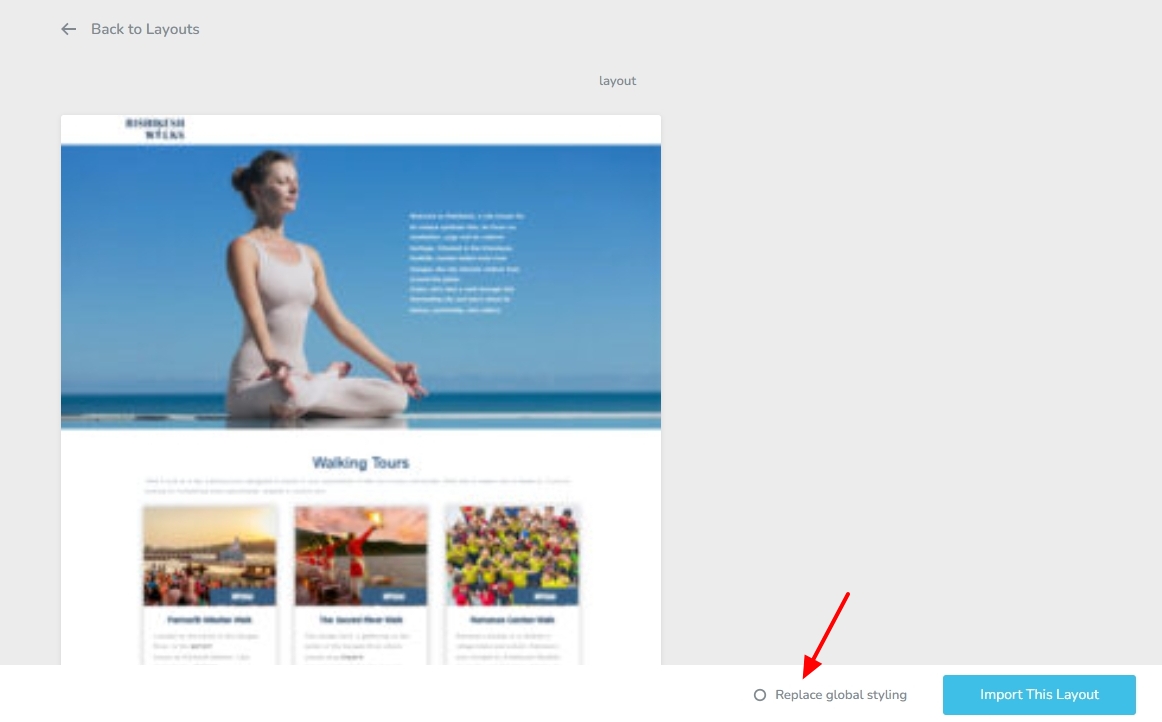
- Import the client homepage design from your Saved Layouts library to a new project with the "Replace Global Styling" option enabled.
- Clear the design and make a new homepage design using the client's global colors and global typography
This can help the client imports your design into his project later without changing his global colors and typography
0 - Save the client's current homepage as a design layout, download it from his "Saved Blocks and Layouts" library by clicking on the 'Download" arrow you see on hover
-
Hi,
Thanks for the reply. I don't have access to the client's site right now, so I'm really just looking for how to give him the design, global style doesn't really matter at this point. Thanks!
0
Please sign in to leave a comment.
Comments
2 comments