Speed

Hi Brizy
I've just made this site: https://pomegranate21534830.brizy.site/
When I test it on my own browsers and run a pagespeed test it appears rather slow.
Will this change whenever I'm ready for launch and upgrade it to my domain (blivjournalist.nu) in Brizy Cloud? Or is there things I should change in order to make it faster.
It's especially this page that is VERY slow: https://pomegranate21534830.brizy.site/blog-2
Best,
Andreas
-

Hi,
Thank you for reaching out.
From my end, your site speed looks good, as shown in this screencast: https://youtu.be/q52ztCYo_50. You’ll see the pages load within a few seconds.
Your website also performs well on GTMetrix.
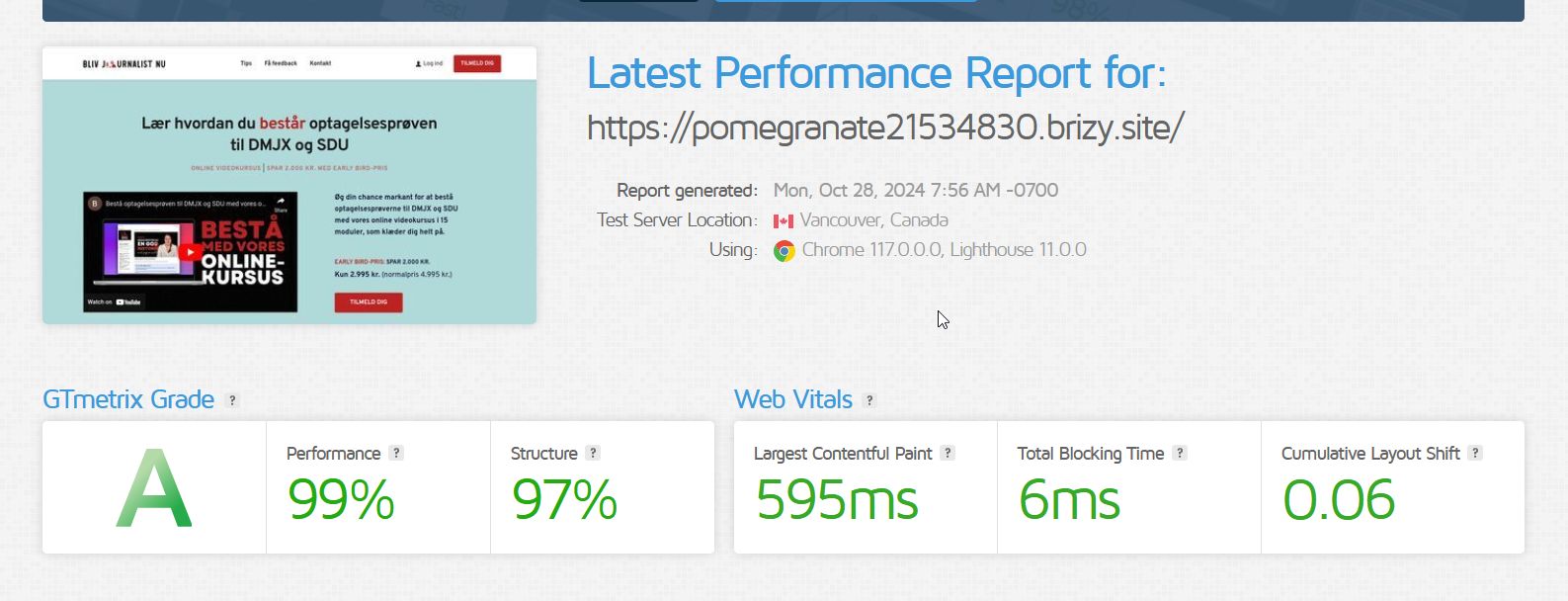
It’s normal for sites to run slower during the development phase, but once fully cached and distributed via CDN, you should see a noticeable speed boost.
If you have any further questions, feel free to let us know.
Best regards,
Ariel H.0 -
Hi Ariel
Thanks for the video and your answer. The page loads MUCH faster than in my chrome and safari browser - and I'm on a really fast network.
I have seen the great numbers from GTMetrix. But when Google decides what to rank highest they look at pagespeed - and here it only scores 59 in performance. That's not good. It should at least be around 70. On my former site it was around 90.
So my question is just if there is anything I can do to boost speed besides waiting and hoping that it will load faster for first time users in the future. I did switch to my own domain today to see if that will help. But what more can I do to improve this mediocre score?
Best,
Andreas
PS: Two things: I'd love a sticky header and it sort of is - but it still makes a weird scrolling effect when activated. Can't I just keep and make the same menu sticky or do I need to generate to set of menus in order to keep it sticky? Hope it makes sense :)
Secondly: I've tried to auto-translate the site (on this testsite: https://seahorse183dea93.brizy.site/da/) to English and Spanish. But nothing happens. Nothing is translated in the back or frontend. What am I doing wrong?0 -

Hello Andreas,
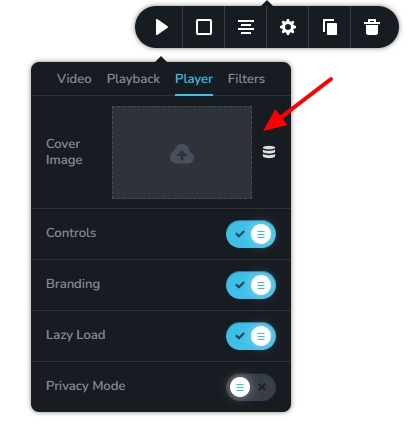
Adding a cover image for the video in the hero section of your homepage can help improve the page performance.
The page https://www.blivjournalist.nu/feedback does not have a video. Its performance is much better in Pagespeed Insights. https://pagespeed.web.dev/analysis/https-www-blivjournalist-nu-feedback/ikne3n0664?form_factor=mobile
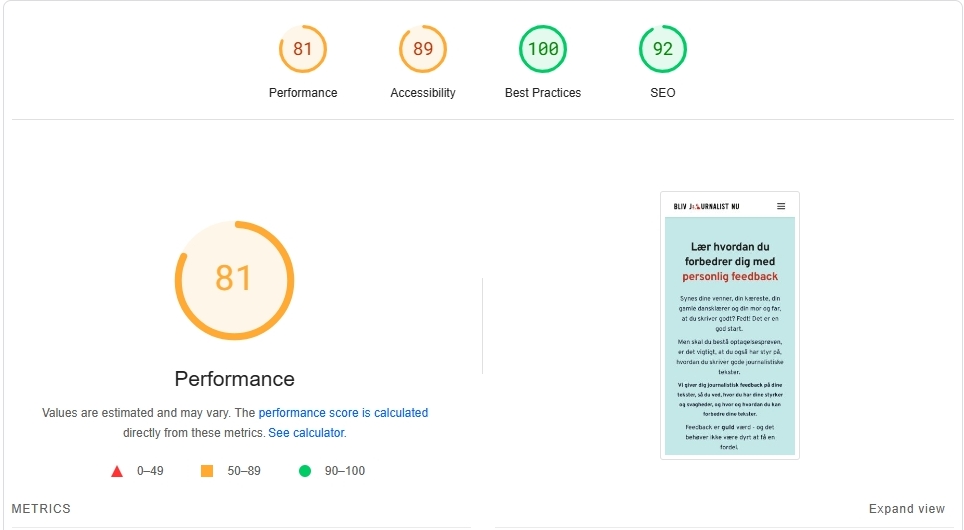
Kindly compare the PSI score of the above page with that of https://www.google.com/, a page with a single form field and some texts. Have a look at https://pagespeed.web.dev/analysis/https-google-com/cluttrqqvc?form_factor=mobile
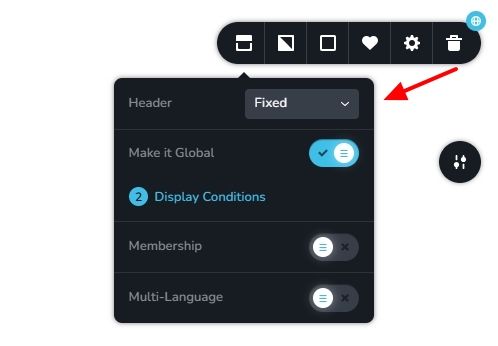
Please choose the "Fixed" option (instead of Sticky) in the header block for the original header to stay while scrolling down the page.
The Google Translate API has a free tier that allows users to translate up to 500,000 characters per month, which is about 100,000 words. We are currently working on upgrading the translation module so that our users can get more free translations. Until we have this solution in place, automatic translations will not work well for new Brizy Cloud projects.
While we take our time to revise the translation module, kindly add manual translation strings to your project using tools such as https://www.deepl.com/en/translator and https://translate.google.com/. We are sorry for the trouble, and we value your understanding and patience while we make this change.
0 -
Thanks for the tips.
Sorry to hear that you have disabled the automatic translations for now (or they just aren't working).
I managed to get the manual transcription to work on the front page. But for all other pages and blog posts there's no strings to translate.
I've tried to disable automatic translation - but that doesn't help. This field is empty on all other pages than "home":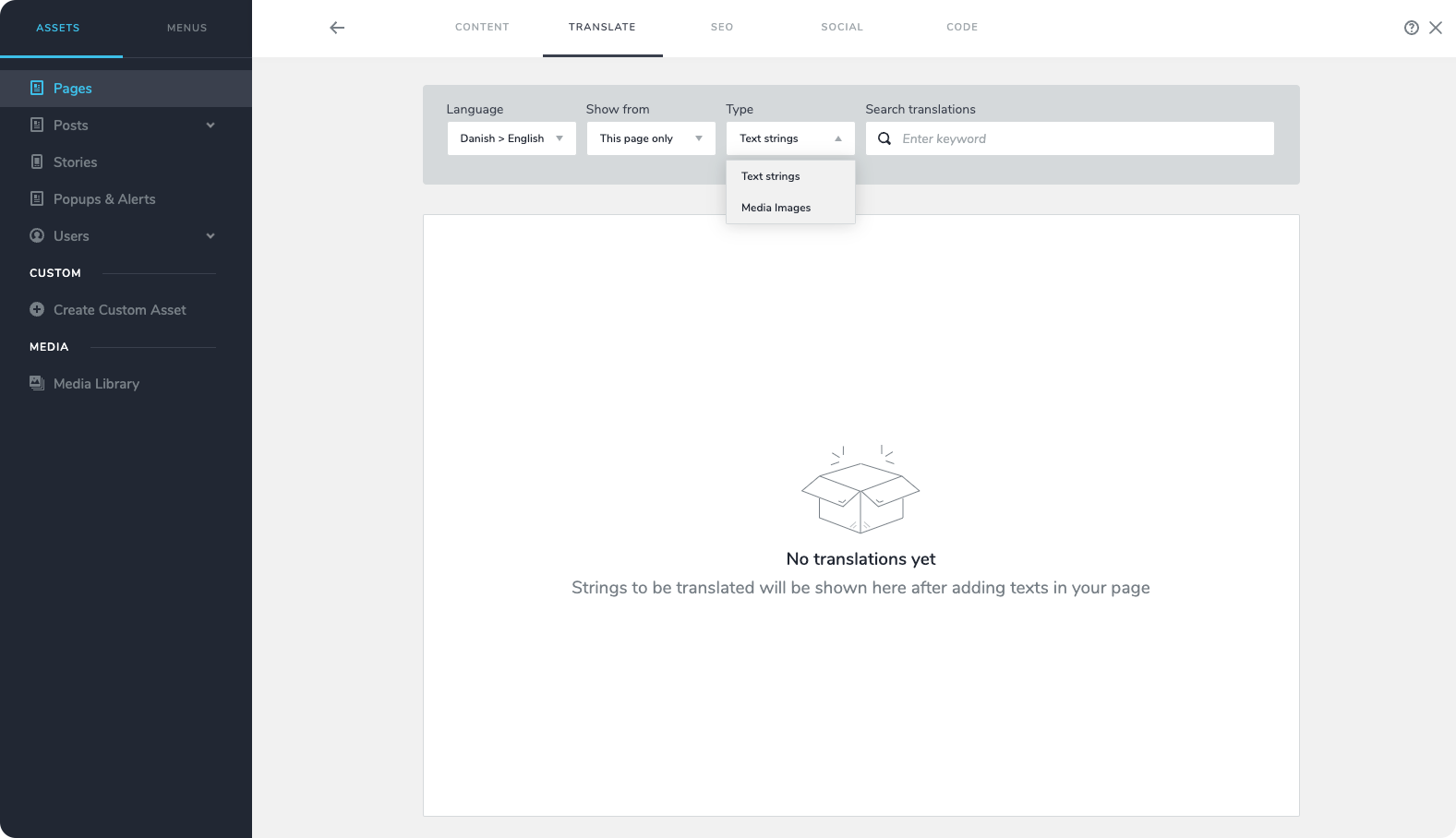 0
0 -
Hi Andreas,
We have fixed the above issue in your project. Please check if all pages have translation strings available now.
0 -
Thanks.
It seems to only have been fixes for pages - not blog posts.0 -
We have now fixed the issue for blog posts as well.
0 -
Thanks again!
It looks as if it splits the blog post text into a lot of more of less random strings which makes it hard and cumbersome to translate: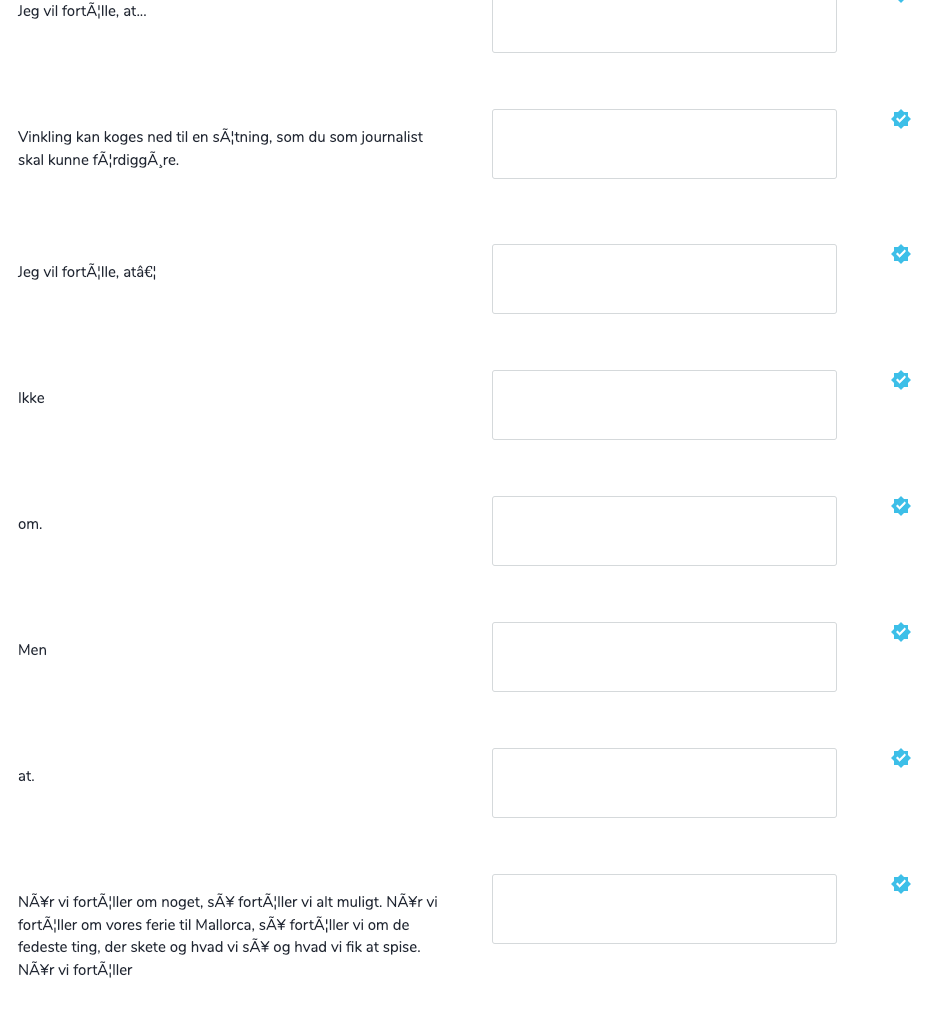 It looks like a general problem with the blog posts.
Is there anything we can do in the formating to clear this up so the strings aren't so difficult to translate (and impossible to translate correctly since it often doesn't make sense to translate word by word).
Best, Andreas0 -
Hello Andreas,
Does this happen on all blog posts? If not, kindly give us the URLs or Titles of the blog posts where this happens. We will take a look.
0
Please sign in to leave a comment.
Comments
9 comments