Can't enable 2FA for my account

Hi guys,
I can't enable 2FA. FYI, I have installed the Google Authenticator app on my phone and scanned the QR code to register Brizy in the Google Authenticator app i.e. I can see "Brizy: <My email>" with an OTP code displayed below it.
I have tried numerous times entering the OTP codes on the Brizy 2FA page to enable 2FA for my account. It always comes back with the response "Invalid Code". Kindly help to look into this issue. Thanks.
Cheers,
KC
-

Hello KC Wong,
Kindly use the "Login with Google" option at https://www.brizy.io/account/login and then you will be able to activate "2Factor Authentication"
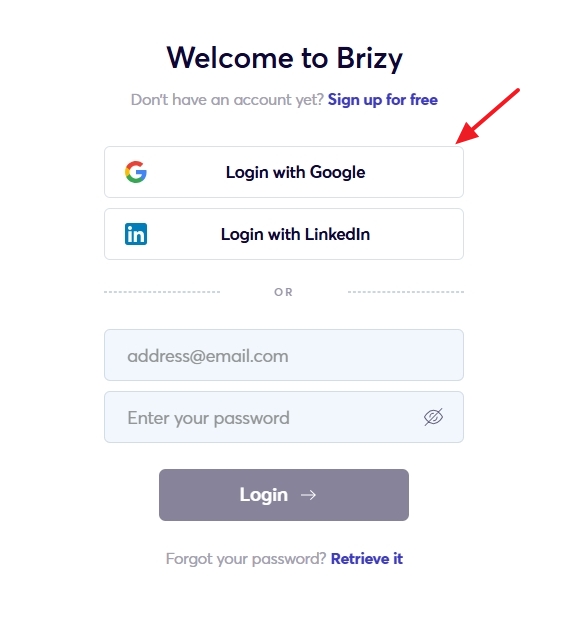 0
0 -

Hi Kc,
Thank you for reaching out to us.
I tried to replicate the issue on my test account, but it appears to be working.
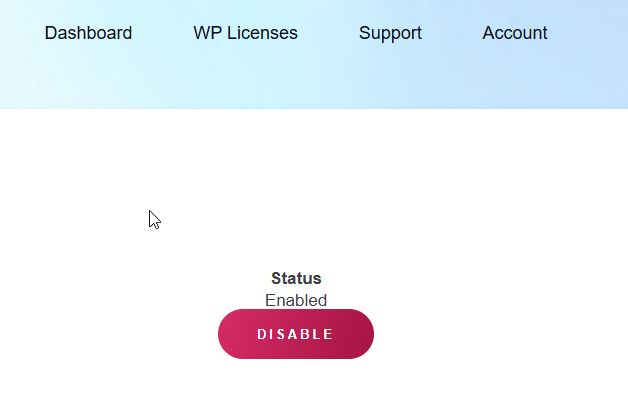
Please try logging in using incognito mode, or try using a different browser to enable 2FA. If the first code does not work, wait for Authenticator to generate a new code and try again.
Best regards,
Ariel H.0
Please sign in to leave a comment.
Comments
2 comments