Brizy Builder not working when Page Template is set to Default versus Brizy

I am using Blocksy for my Theme, along with Brizy to build my pages. I have setup my header and footer using Blocksy, which requires the Page Template to be set to default. However, when I try to edit a page with Brizy, it is all messed up unless I change the Page Template to Brizy, edit the page, then change back to Default. I have never had this issue before on other websites I designed using the same theme and plugins.
-

Hi Aaron,
Thank you for reaching out to us.
Unfortunately, this additional step is necessary for the latest versions of Brizy and Brizy Pro. It enables the new compiler feature to function properly. You can find more information in this blog post: https://www.brizy.io/new-compiler-200-loading-performance-boost.
Once you've completed this step and updated your page, the issue will no longer occur.
Best regards,
Ariel H.0 -
Hello, so there's no installing the compiler, it is part of Brizy / Brizy Pro for wordpress correct? I have been editing the pages and there is no change. I have to always switch the Page Template to Brizy to see how my edits actually look, then back to Default when done.
So I still have the issue. Can I provide login information so you can troubleshoot?
0 -
Hi Aaron,
Please also send us the credentials for this website to communitysupport@brizy.io. Please include this reference number in the subject line: 22193883770770
Best regards,
Ariel H.0 -
Hi Aaron,
It looks like the issue may be related to settings within the Blocksy theme. Since this is a cloned or staging site, try resetting the Blocksy settings to test if that resolves the issue. If it doesn’t, you can easily revert them back.
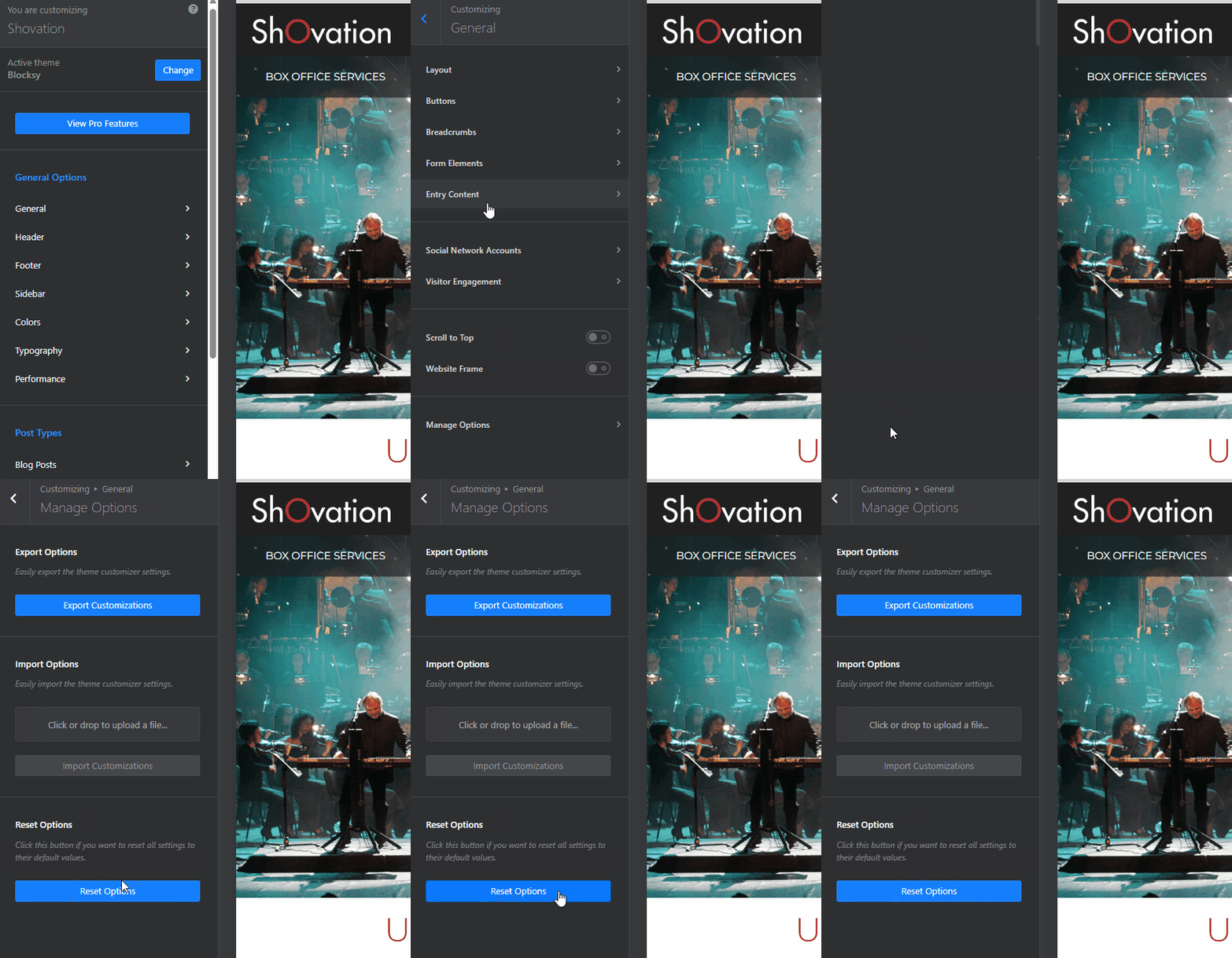
If resetting does fix the problem, you might want to consider rebuilding the Blocksy header.
Best regards,
Ariel H.0
Please sign in to leave a comment.
Comments
4 comments