formatting looks different on browser and mobile

Hi, pretty much all my pages look different from mobile.
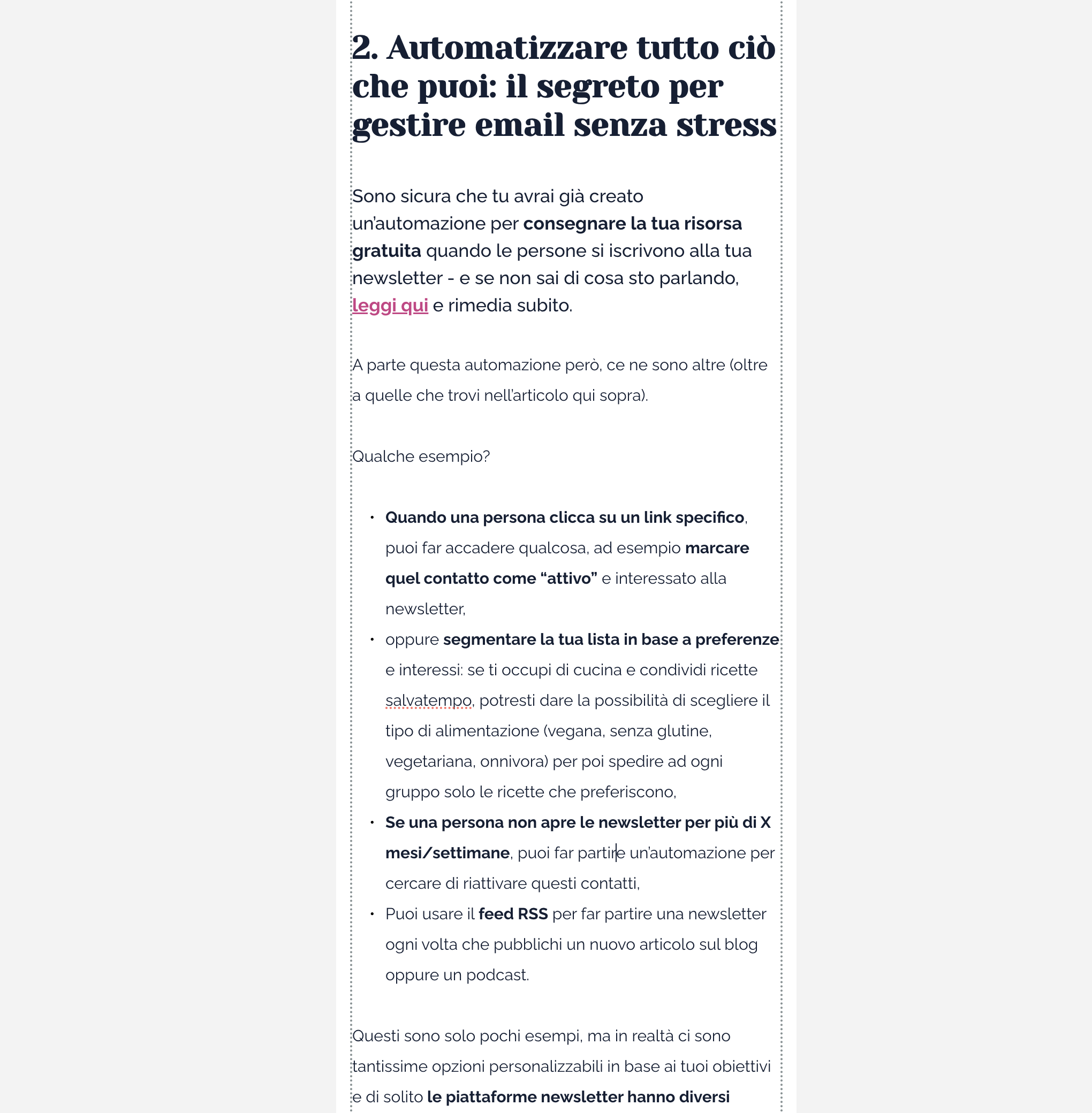
The text is set to "normal", while on browser I have a standard setting of "medium". Plus literally every time I copy a text from google docs, most of the text gets is copied over with the right setting (paragraph), however, when you go and see the mobile preview, you can see that some paragraph don't have the default settings but have a bigger font size and thickness, although from browser everything looks normal.
So here i have to manually change the formatting of the text, having to do the work twice.
-

Hi Alessia,
Thank you for reaching out to us.
It’s possible that when the text was pasted into Brizy, unwanted formatting was carried over.
To avoid this, please try the following steps for copying text from Google Docs into Brizy Builder without bringing over the formatting:1. Instead of pasting directly into Brizy, use the following shortcuts to paste text without formatting:
- Windows: Press Ctrl + Shift + V
- Mac: Press Cmd + Shift + V
This will strip away any formatting from the original document.2. Alternatively, you can paste the text into a plain text editor like Notepad (Windows) or TextEdit (Mac) in plain text mode, then copy it again before pasting it into Brizy.
Once pasted, you can easily format the text within Brizy Builder to maintain a consistent style across your website.
Please give this a try and let me know how it goes.
Best regards,
Ariel H.0 -
Hi Ariel, I understand, but I do the formatting in Google Docs anyway, because it's faster and I want to keep a record off-website of my fully formatted articles. This means doing this work twice.
The problem isn't the formatting, but fact that some strip of text take the settings as "personalized", instead of paragraph, and it is absolutely random because the original formatting doesn't have anything weird other than some bold or underlined words..
0 -
Hi Alessia,
When text is copied directly from Google Docs, it often retains specific styles or formatting that WordPress may misinterpret, which can lead to inconsistencies such as treating text as "personalized" instead of standard paragraphs. This is why we recommend using a plain text editor, like Notepad, to strip away any unwanted formatting. By doing so, you can ensure that only the plain text is copied over, allowing you to reformat it in WordPress as needed.
This issue isn't specific to Brizy; it's a common challenge in WordPress when transferring text from different platforms. For more detailed guidance on importing Google Docs into WordPress, you can refer to this link: https://www.wpbeginner.com/wp-tutorials/how-to-easily-import-google-docs-to-wordpress/
Best regards,
Ariel H.0
Please sign in to leave a comment.
Comments
3 comments