A Global block is not showing on the published home page after recent Brizy update

Hi
One of my websites just been automatically updated to the latest Brizy (2.5.9) & Brizy Pro version (2.5.5) and one of the global blocks on the Home page is no longer showing. I can see it in the editor. I did some change and clicked on update and still the block doesn't show on the published page.
The URL is https://lovespirit-store.com/
Please see images below.
Thanks,
Ann
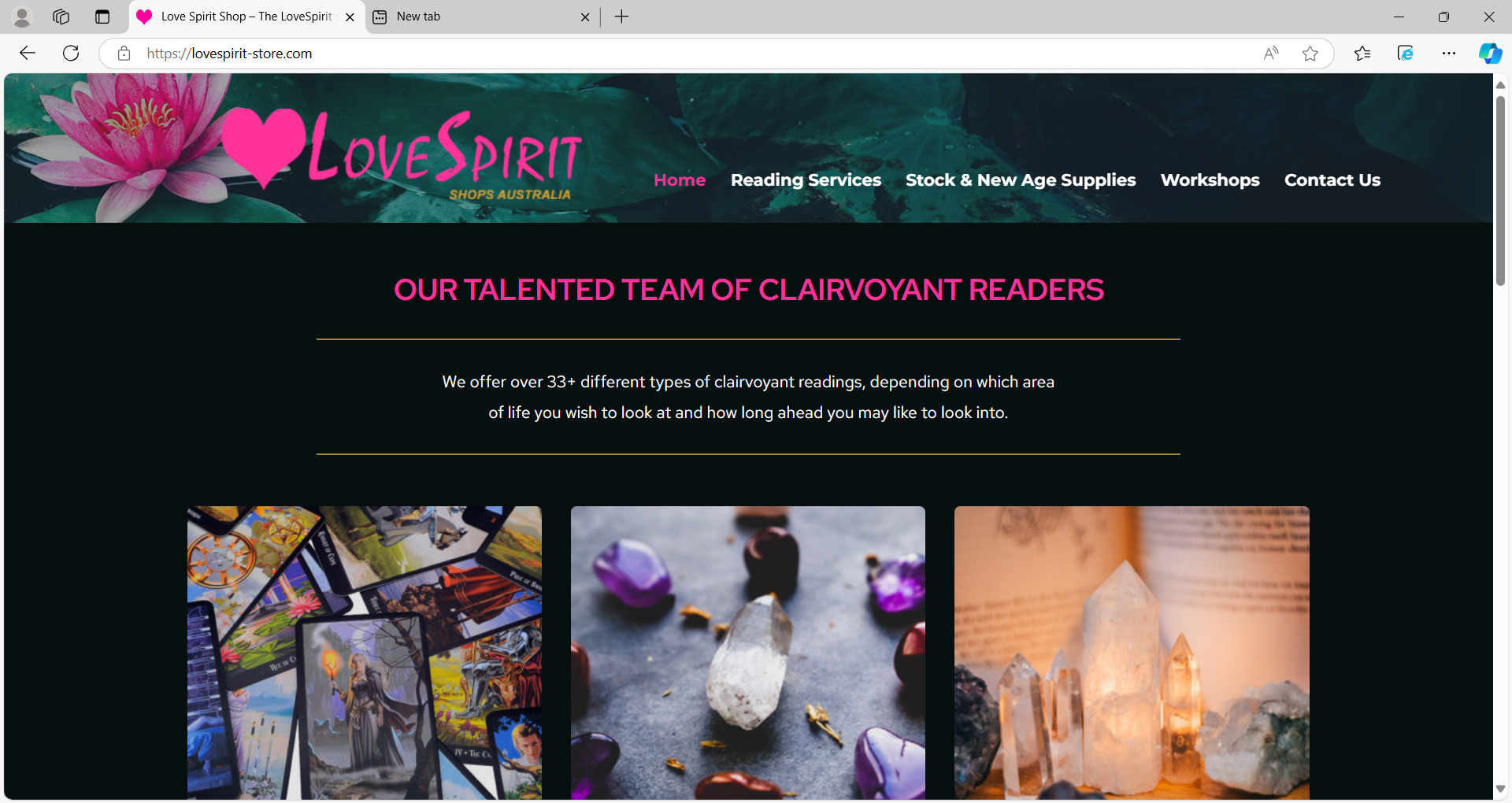
PUBLISHED VIEW:
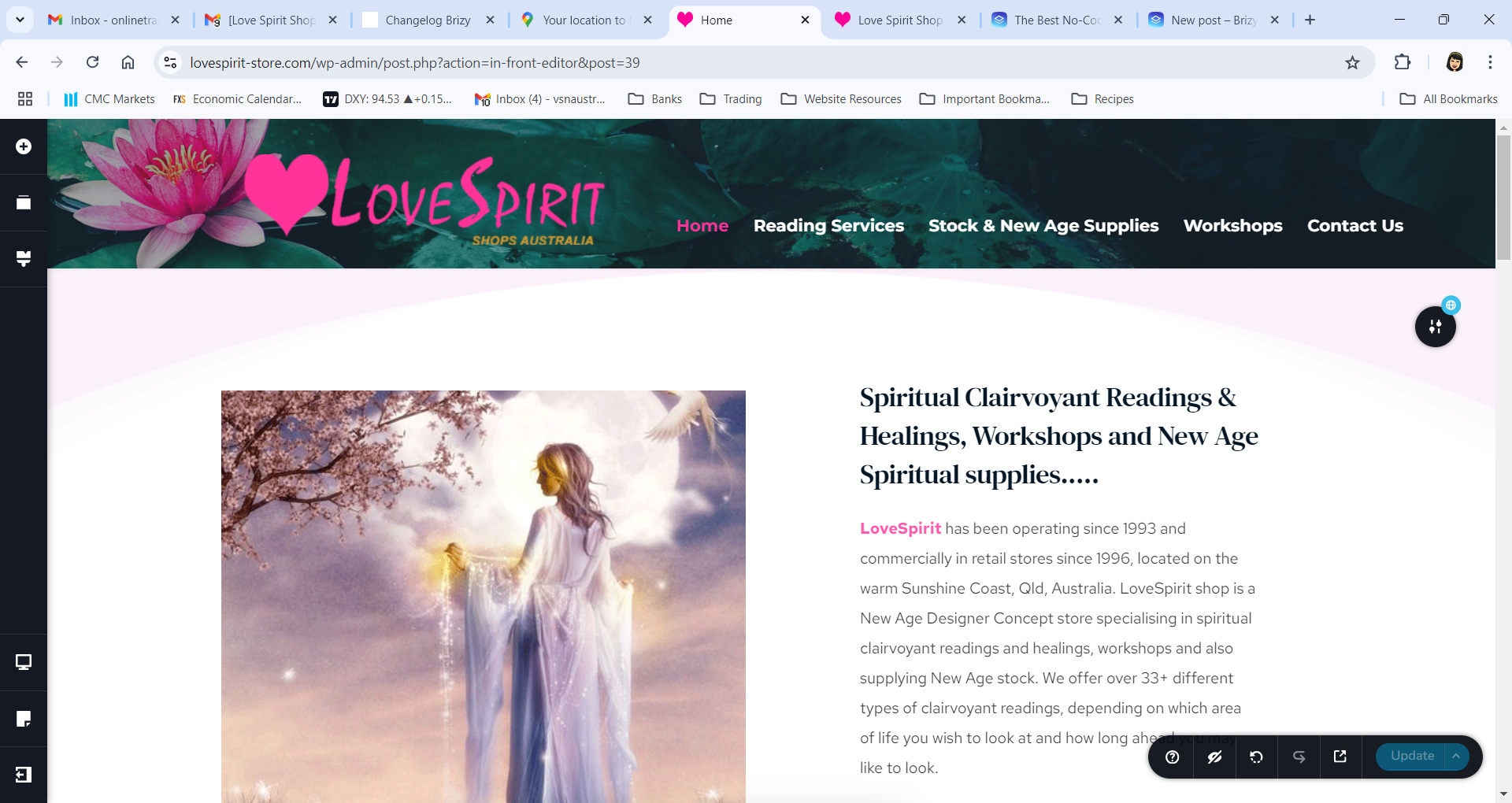
EDITOR VIEW:
-

Hello Ann,
Kindly make a small edit to the hero block (such as inserting a space at the end of a paragraph), click the "Update" button at the bottom right corner to save your work, and then see if the global block appears in the front end of the page.
If this does not help, we will take a look at your WordPress Dashboard.
0 -
Hi KC George,
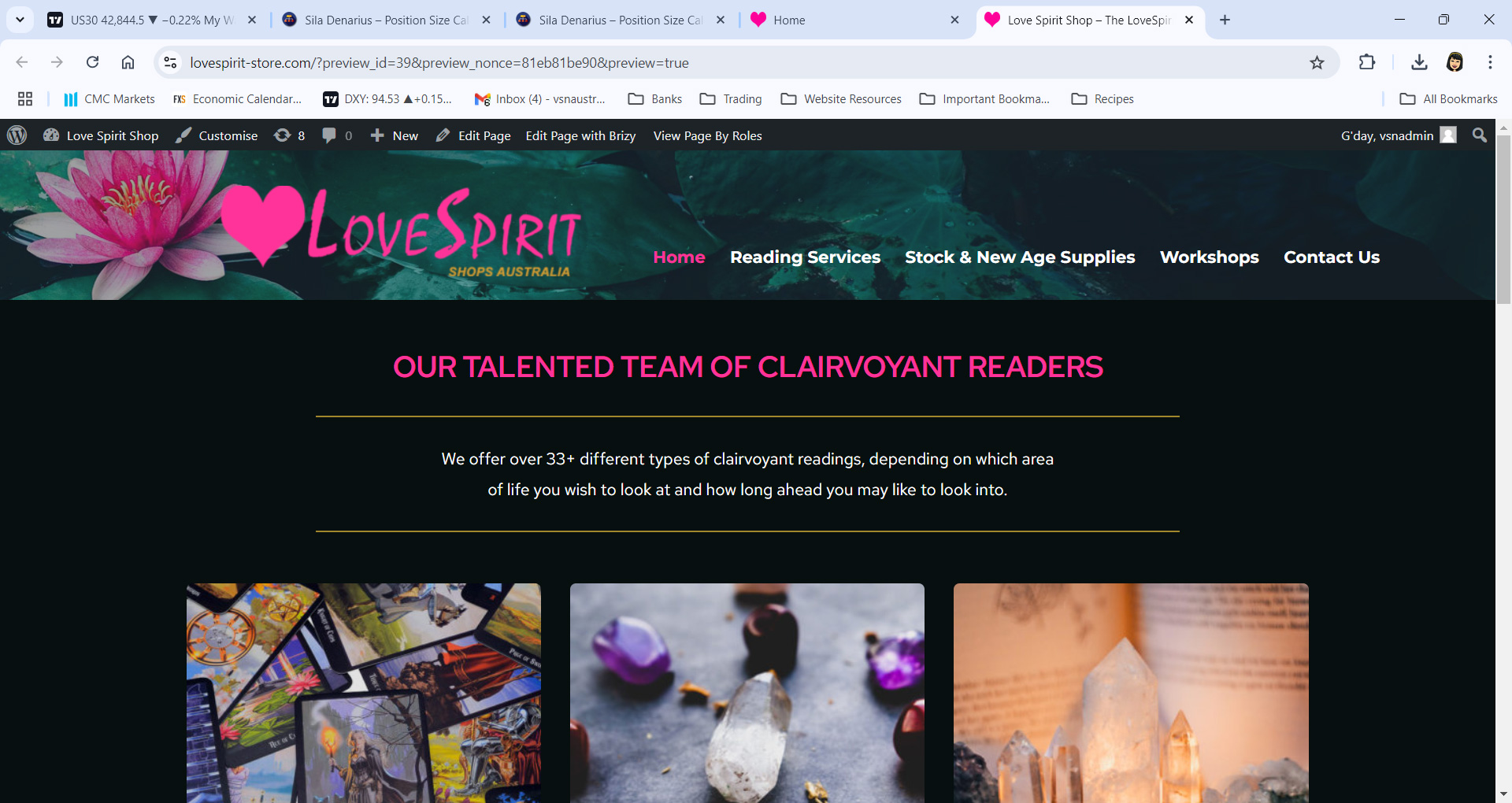
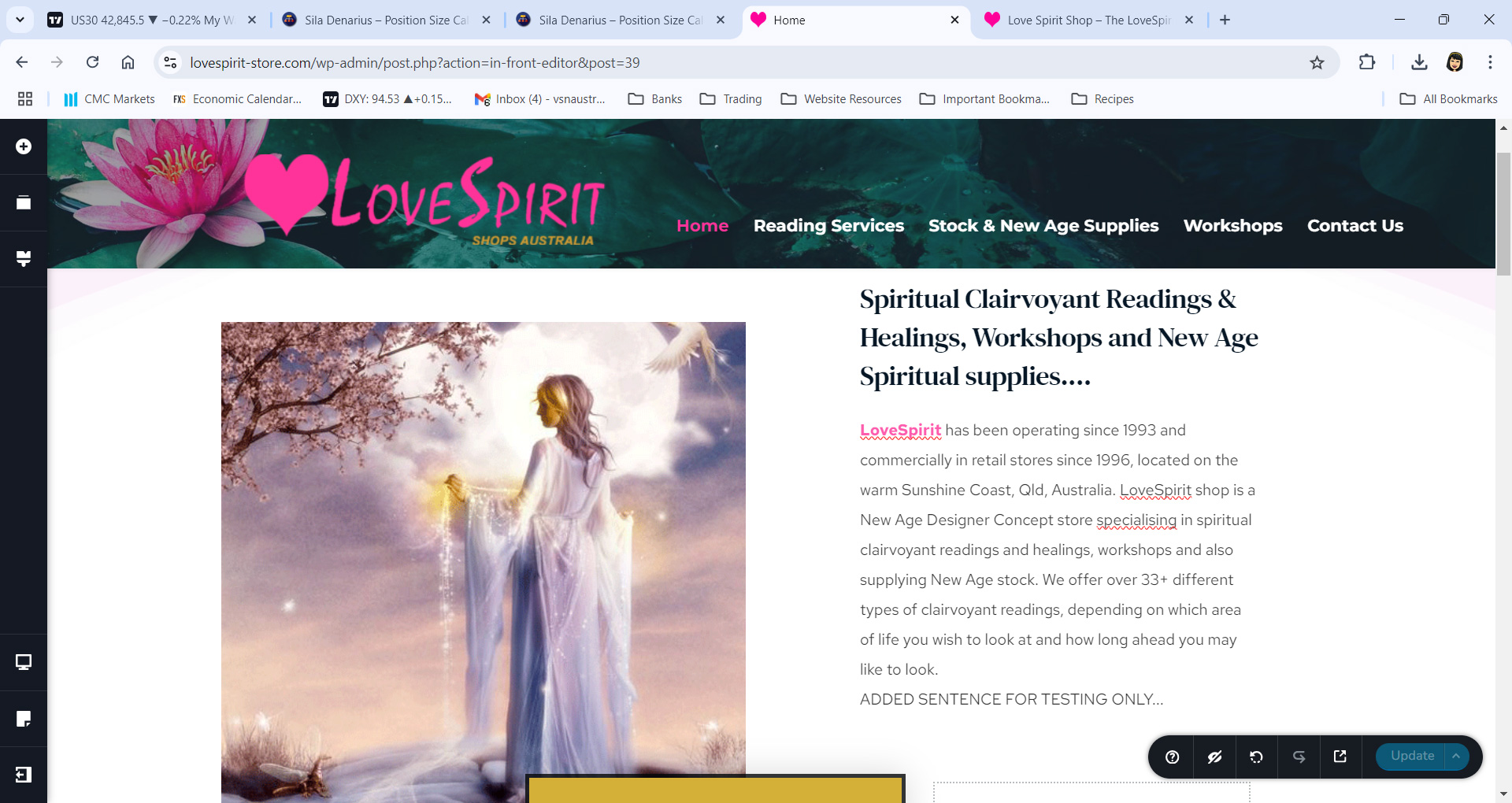
So, I updated the page as suggested by adding the words "ADDED SENTENCE FOR TESTING ONLY". Hit the "Update" button then previewed the page and the block is still NOT showing. See images below.
Here's the login credentials for the WordPress Dashboard:
Thanks for your assistance.
Ann
PUBLISHED VIEW
EDITOR VIEW
 0
0 -
Hi Ann,
After I implemented the recommended step, the hero blocks began to show up in the front end of the website. Please check.
0 -
Great work!
Thanks, KC George!
Site is good now :)
0 -
Hi again,
I just logged into the WordPress dashboard and went into the editor and I can see TWO duplicates of the hero block. The duplicate does NOT show on the published page.
Can you please check why this is happening?
Thanks,
Ann
0 -
Hello Ann,
The latest Brizy versions seem to be the cause of the problem. While we try to resolve this, I have temporarily set the block to regular (non global).
0 -
Thanks, KC. Please send me an update once a fix has been issued for the new update and I will check the dashboard again.
Regards,
Ann
0
Please sign in to leave a comment.
Comments
7 comments