Contact Form not working - ERROR: Your Email Was Not Sent - using SMPT setup

Hello - my form on measuredpr.com both at bottom of main page and up right corner "Let's Chat" Brizy pop-up get the same error: YOUR EMAIL WAS NOT SENT.
I've added WP Plug in: WP MAIL SMTP and tested that I could send email with test.
Confirmed with my host provider (NAMECHEAP) that email: admin@measuredpr.com is configured and setup correctly.
For the main page - top right Brizy pop-up "Let's Chat" the configuration is using SMTP. Also have integrated MailChimp and reCaptcha.
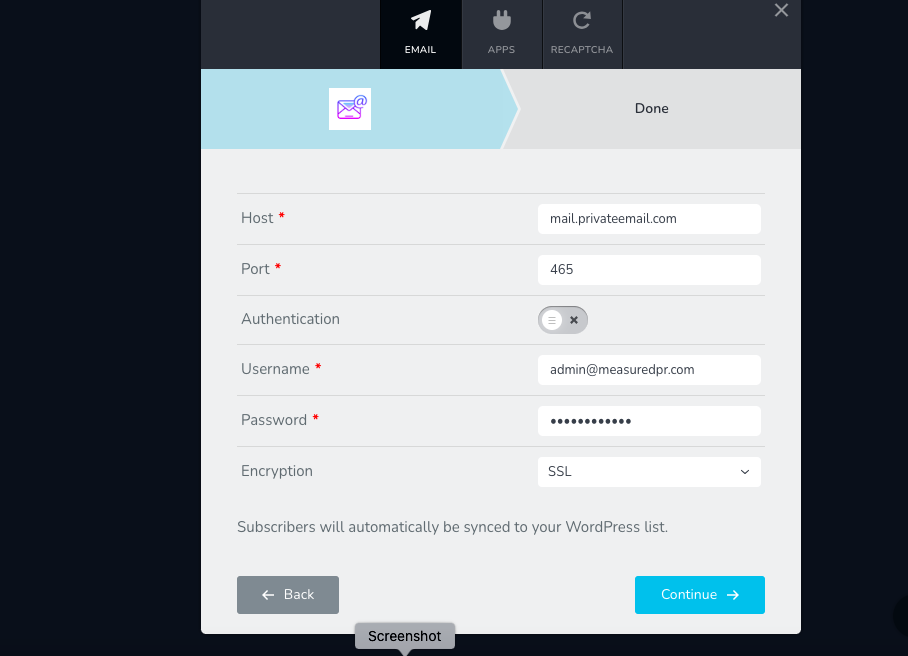
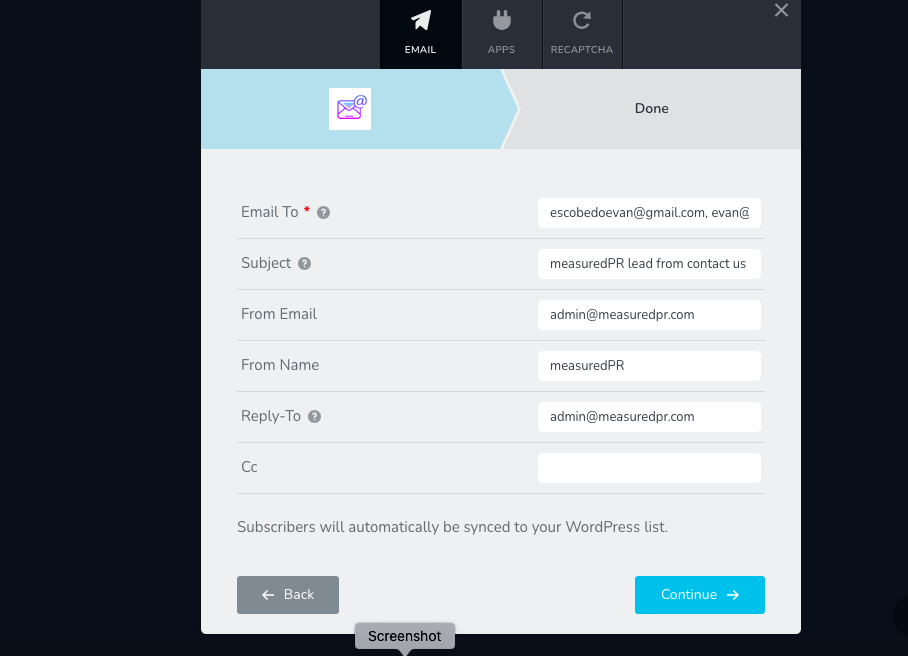
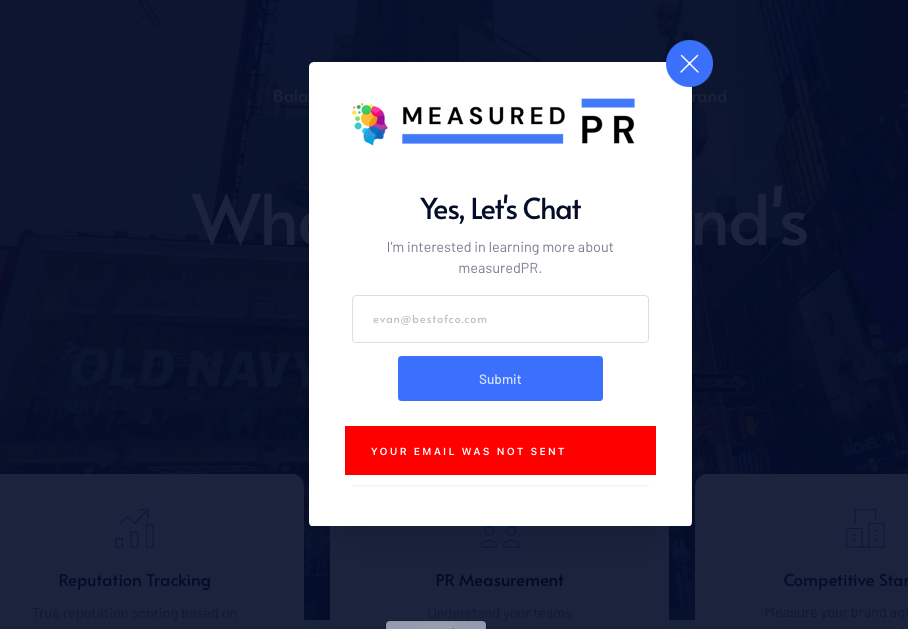
-

Hi Evan,
Thank you for reaching out to us.
Could you please provide us with temporary access to your WP Admin page so we can inspect your site? Kindly add us as an Admin user to your WordPress Dashboard and send the following details to communitysupport@brizy.io:
Community Post link: https://support.brizy.io/hc/en-us/community/posts/22098315358994
WordPress Admin URL:
Username:
Password:Please make a full backup of your site as a precaution.
Best regards,
Ariel H.0 -
Hi Evan,
Thank you for your cooperation.
If you are already using a third-party SMTP plugin, you don't need to configure SMTP in the form element; you just need to fill out the fields required for WordPress email fields. This is applicable for both the popup and the form at the bottom of the page.
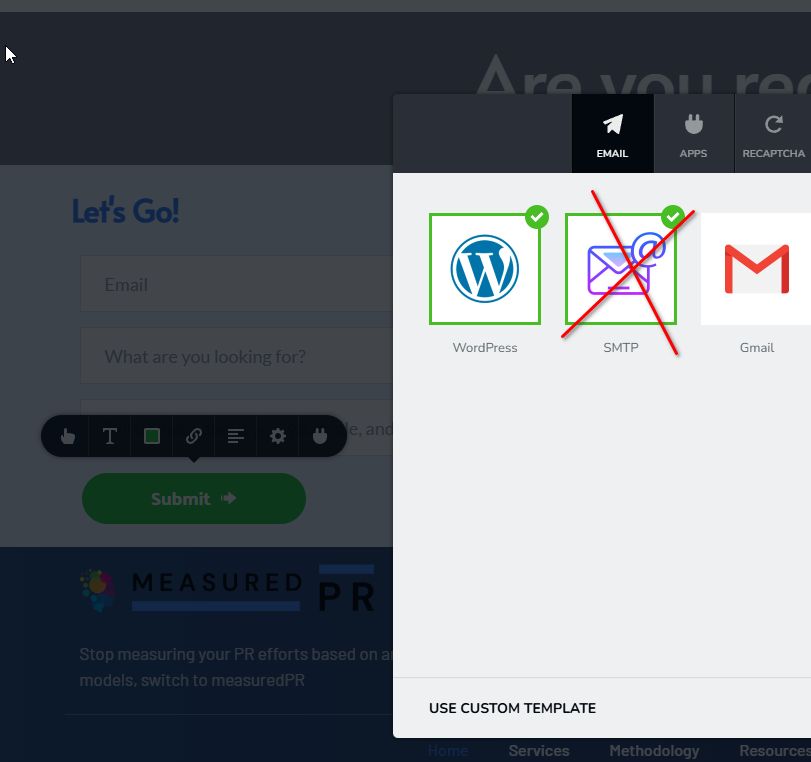
To confirm that this works, I have temporarily added my email address (brizyworkmail@gmail.com) as a CC, and the emails are being sent. This is demonstrated on this screencast: https://youtu.be/Wpsg11iJpAo
If you have any further questions, please let us know.
Best regards,
Ariel H.0 -
Thanks, I tried and it seemed to work... the first time. Then I retried and it didn't work, I recieved the Email Was Not Sent error. I also had another user test and the email came through from WP but she still received the Your Email Was Not Sent error.
Any ideas?0 -
Hi Evan,
Thank you for the update.
I tested the site again today, but I am unable to replicate the issue: https://youtu.be/cxrhois_x84
If the form works on your end, but not for your customer, please ask them to clear their browser cache or try using a different browser.
Best regards,
Ariel H.0
Please sign in to leave a comment.
Comments
4 comments