Login page user name display

I've got a custom "welcome" for logged in users... on the login page it also adds a default "user, logout" display... is there a way to turn off the default or customize it (so it says "welcome" like the custom one?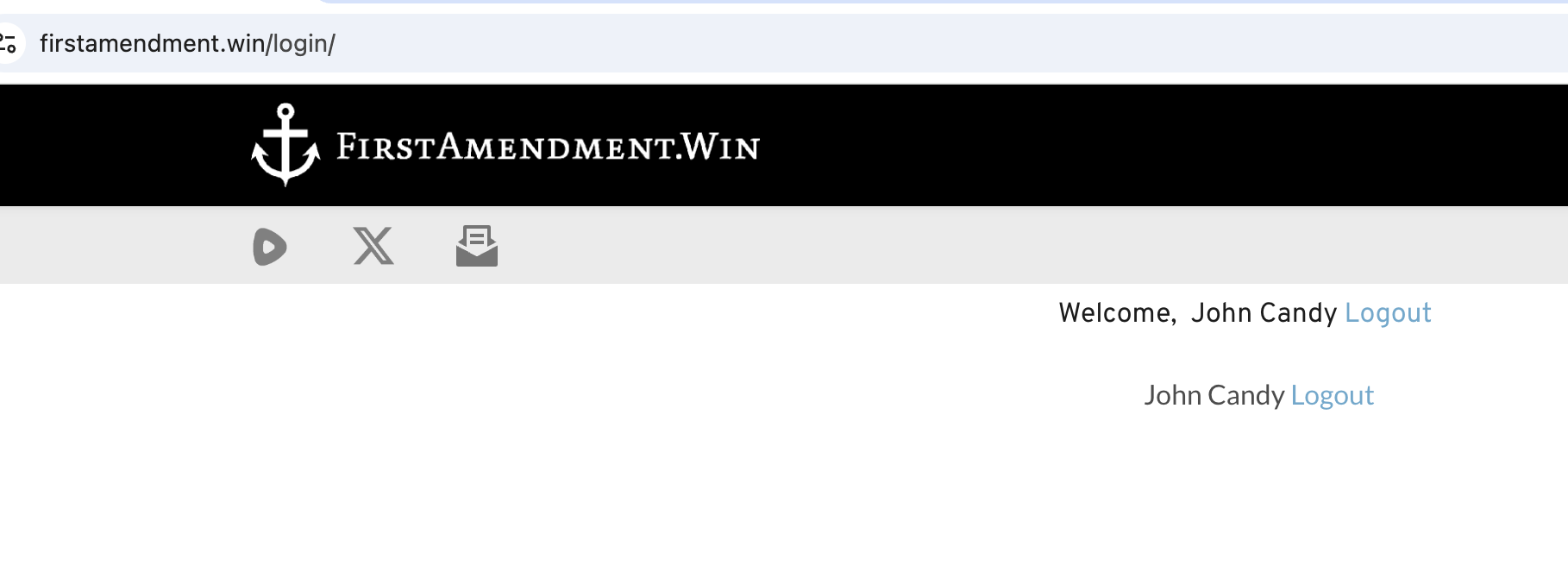
-

Hi Daniel,
It looks like you have added the Brizy "Login" element to your page twice because there are two occurrences of "User Logout" shown. Please locate and delete the second "Login" element. If you need assistance in finding and deleting it, please grant us access to your project once more.
0 -
KC,
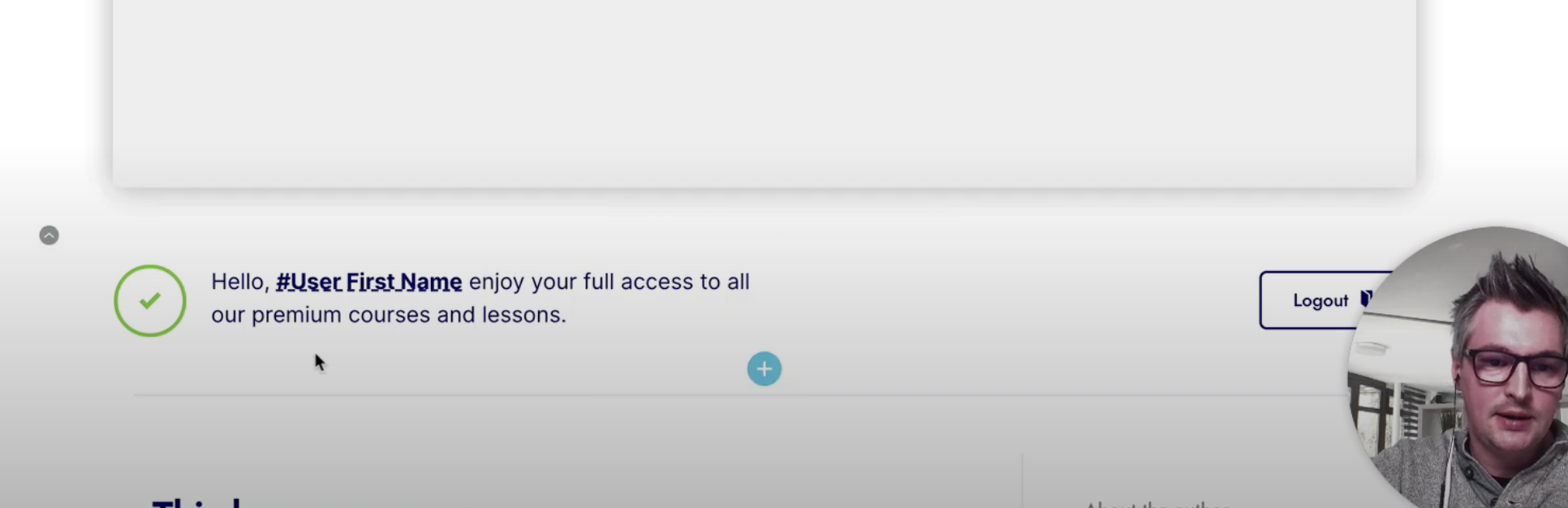
I only have the login element once. The second instance is a tag where I added "Welcome" in front of it... this is how Demi had it on his tutorial video... I can remove that tag from the login page, but can I add "Welcome" to the element's "logout" text if I can't hide it?
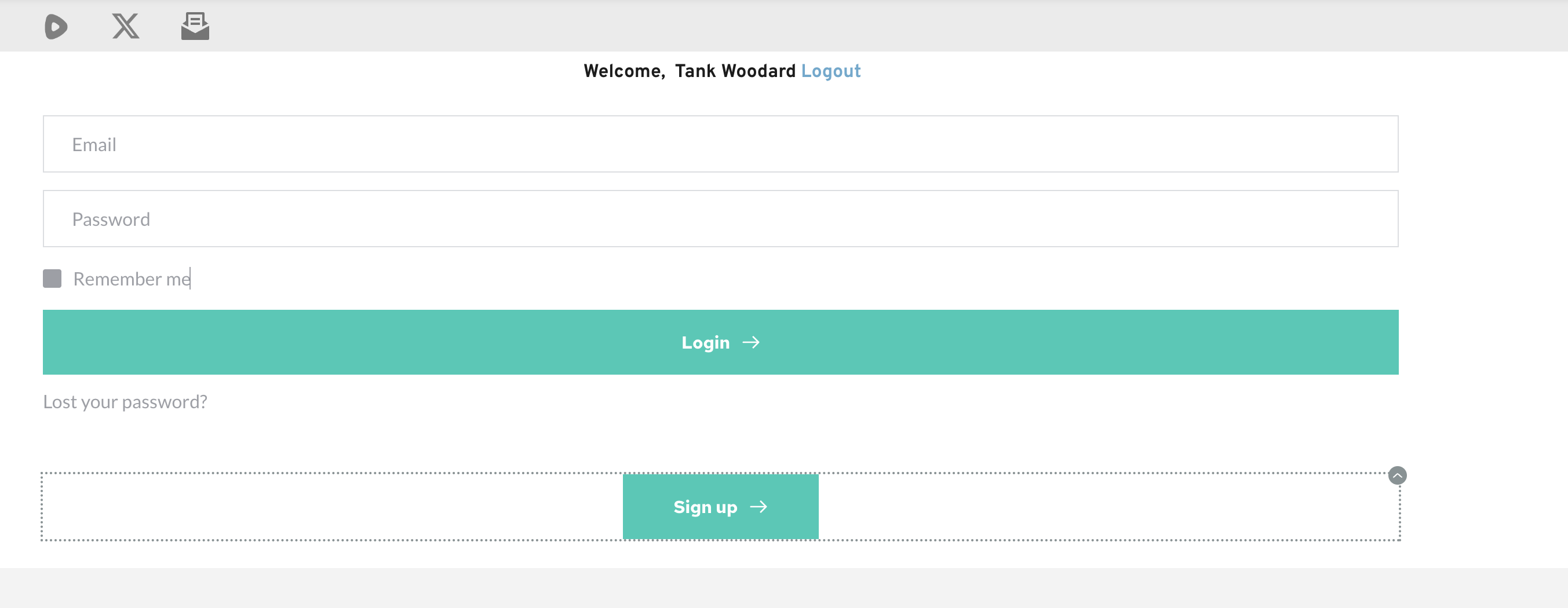
the tag (not element) I'm referring to is below...
 0
0 -
Hi Daniel,
Your screenshot confirms that you have two Login elements.
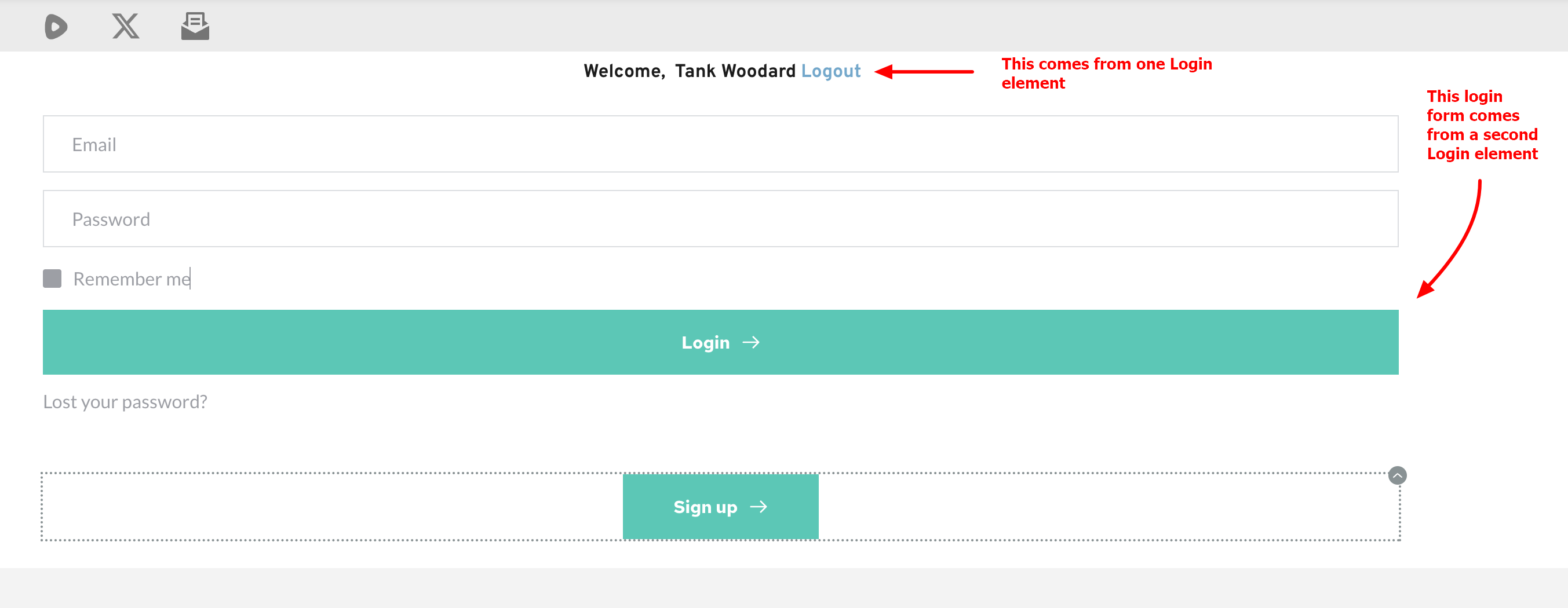
To solve this issue, kindly add a new block and drag and drop the "Login" form to the new block. Select the Block Settings icon of the newly created block, enable the "Membership" toggle switch and select the option "Not Logged" from the drop down list next to the "Show to" field
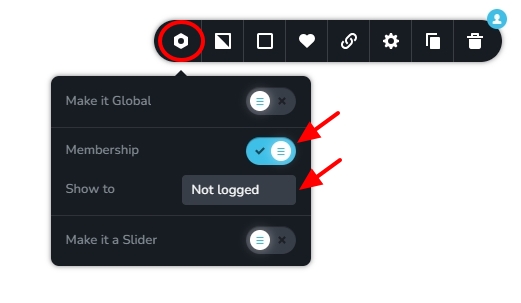
Save your work and login to your website and check if the Login form disappears after a user logs in.
0 -
K C,
You were correct... I should have caught that... sorry!
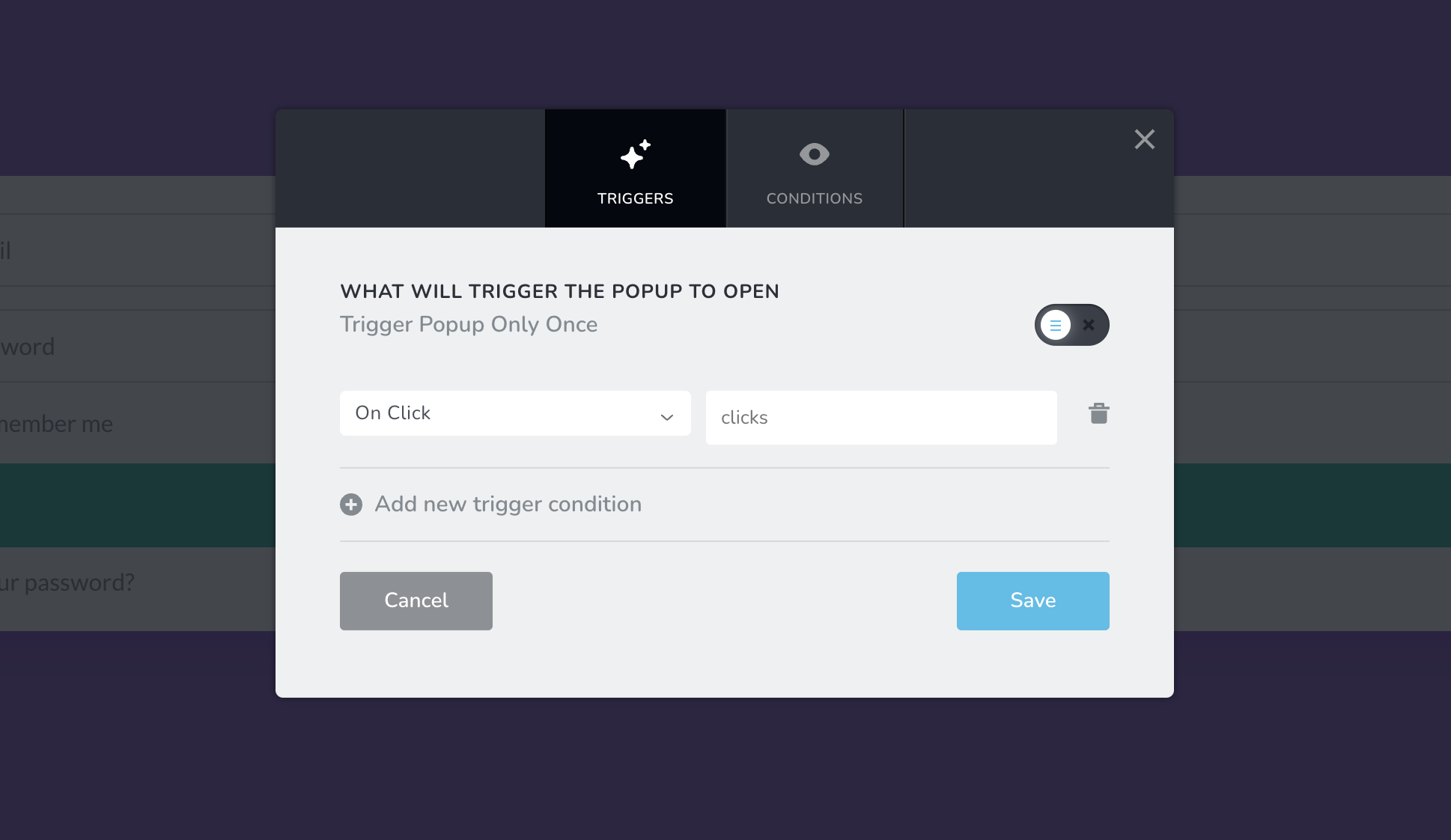
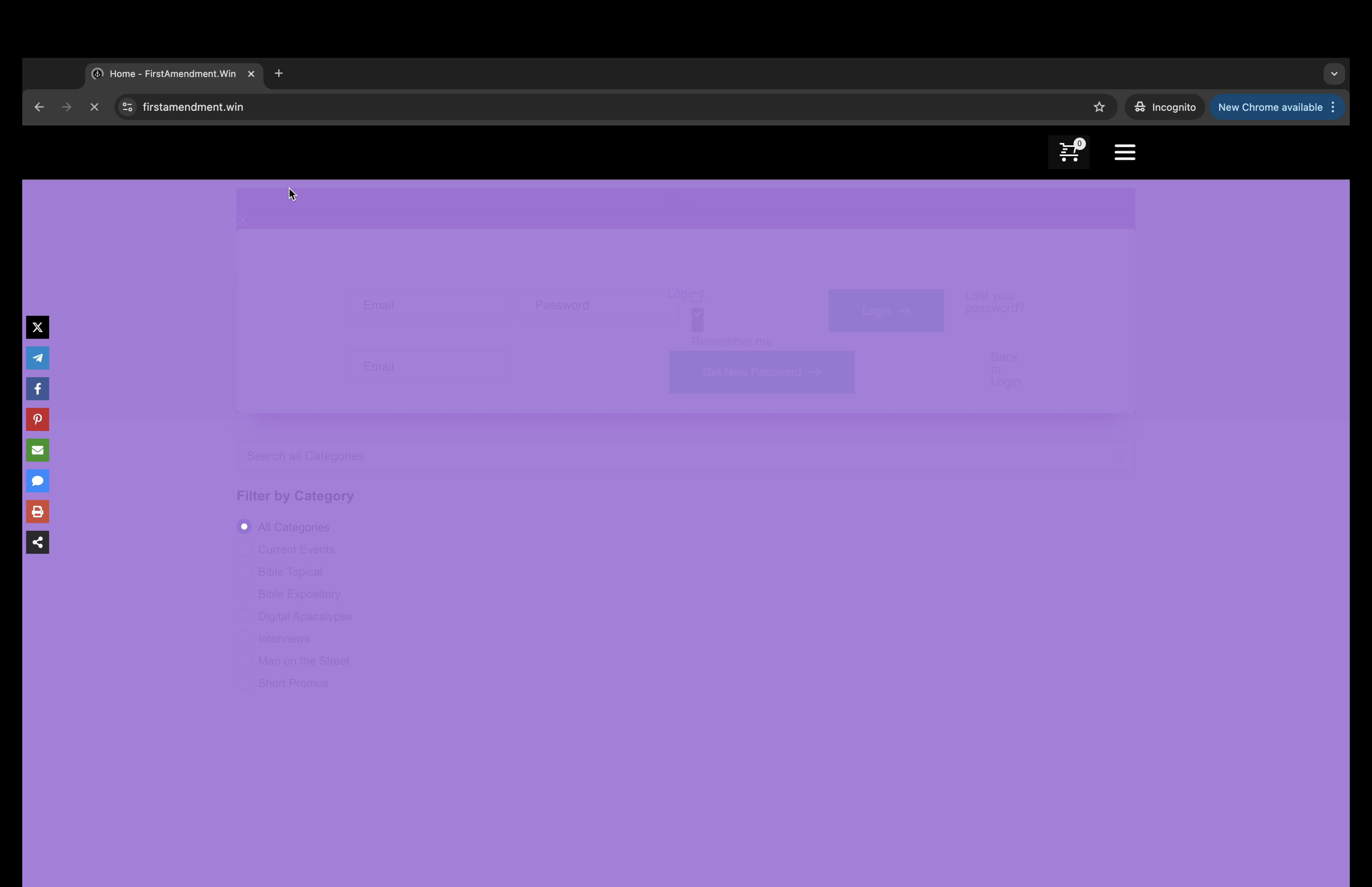
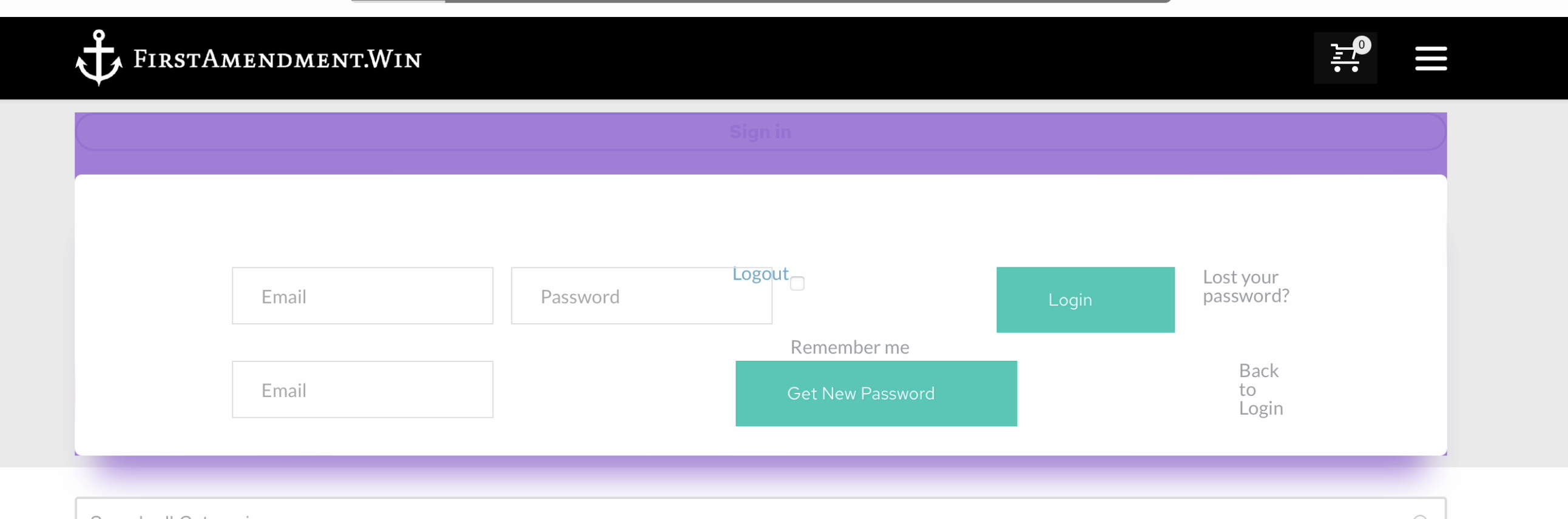
I have another login related issue... I have a popup login as well as a login page... (just in case the popup is blocked)... I have "on click" set but when I first visit the site the popup quickly flashes upon page load... I have a purple background just to test... attached is a screenshot of how it looks when I first visit... it does this across browsers and devices... can that be prevented?
 0
0 -
Hello Daniel,
Broadly there are two options for you to develop popups with Brizy.
-
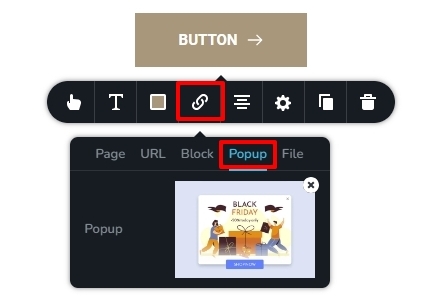
On-click popup: This popup triggers when the user clicks on a specific button/ icon/ text/ image. To setup an on-click popup, you access the Brizy "Link" icon and under the Popup tab, you design the popup
-
Conditional popup: This popup triggers when a specific condition is fulfilled on the page (like n number of seconds elapsed after page load, user clicks x times on the page, the user has visited n number of pages etc.) Conditional popups are setup in your WordPress dashboard under Brizy - Popups
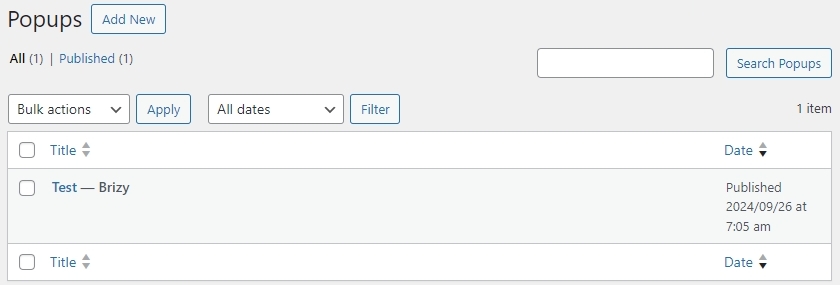
Looks like you have setup your login as a conditional popup and it is triggered when user clicks anywhere on the webpage. To avoid unnecessary triggering of the login popup, kindly redesigning it as an On-click popup following the approach I have mentioned as option 1 above.
0 -
On-click popup: This popup triggers when the user clicks on a specific button/ icon/ text/ image. To setup an on-click popup, you access the Brizy "Link" icon and under the Popup tab, you design the popup
-
K C,
I removed the pop-up from the dashboard and have it solely located on the button... it still flashes upon page load and is actually worse than before... what am I missing?
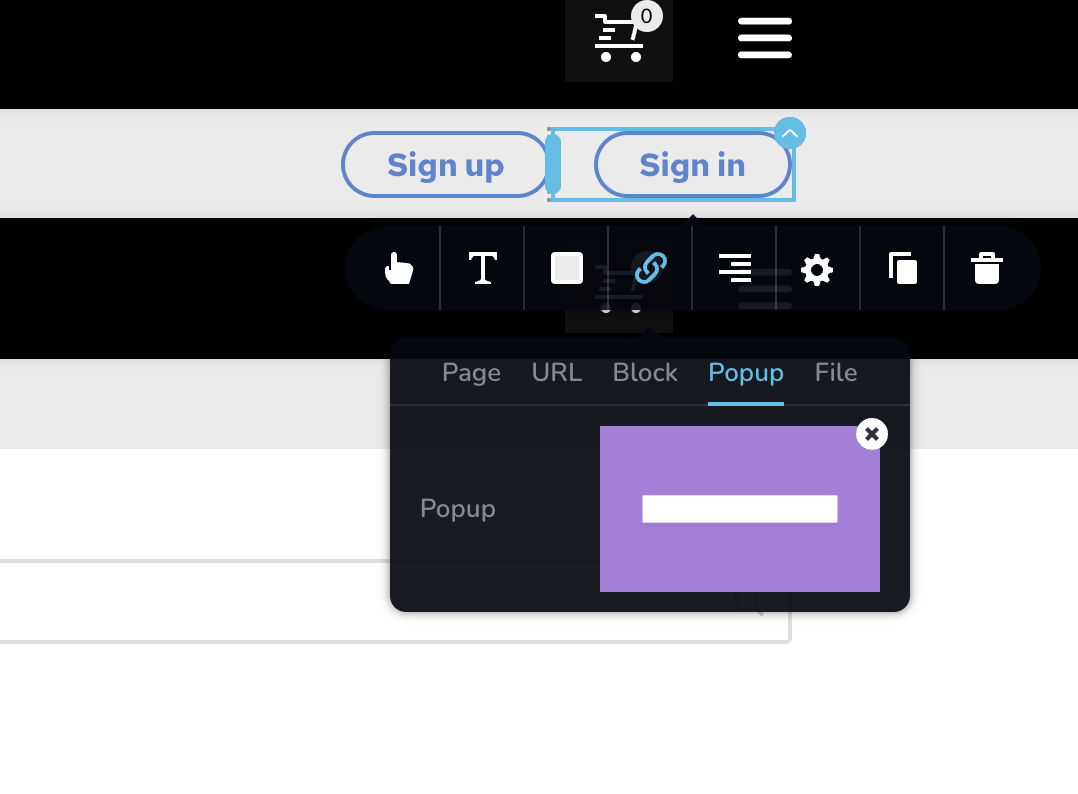
Below is what flashes upon page load... happens across browsers and platforms...
 0
0 -
Hello Daniel,
I saw something flashing during the page load of https://firstamendment.win/product/firstamendment-win-membership/ The homepage did not have this issue. To troubleshoot this issue for you, we will need access to your WordPress Dashboard again.
0 -
K C,
I see the flashing on *all* pages when they first load on a private browser... the screenshot I sent was from the home page... I can replicate it every time...
I just emailed you the admin login information to: communitysupport@brizy.io
Thank you!
Dan
0 -
Hello Dan,
Please check again if you see anything flashing during page load.
0 -
K C,
It looks like you fixed it, thank you! What was the cause so I don't have to bother you if it happens again?
0 -
Hello Dan,
My colleague Basharat Reyas fixed this issue for you. He mentioned that you are using Critical CSS on your project and he regenerated it and cleared cache to fix the issue.
0
Please sign in to leave a comment.
Comments
11 comments