Unsuccessful Sync

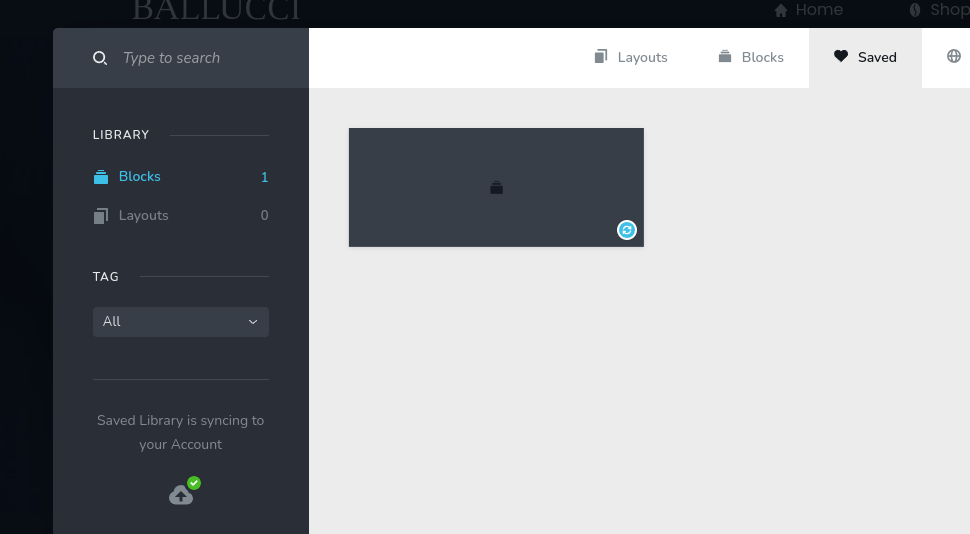
Without any saved blocks or pages, I get "successful". When I add a block or a page, all I get is a grey box (which in itself is strange) and a red warning "unsuccessful" when I try to sync.
-

Hi Charlie,
We apologize for the inconvenience. Ideally syncing of the saved blocks and layouts should work well and appropriate thumbnails should be displayed.
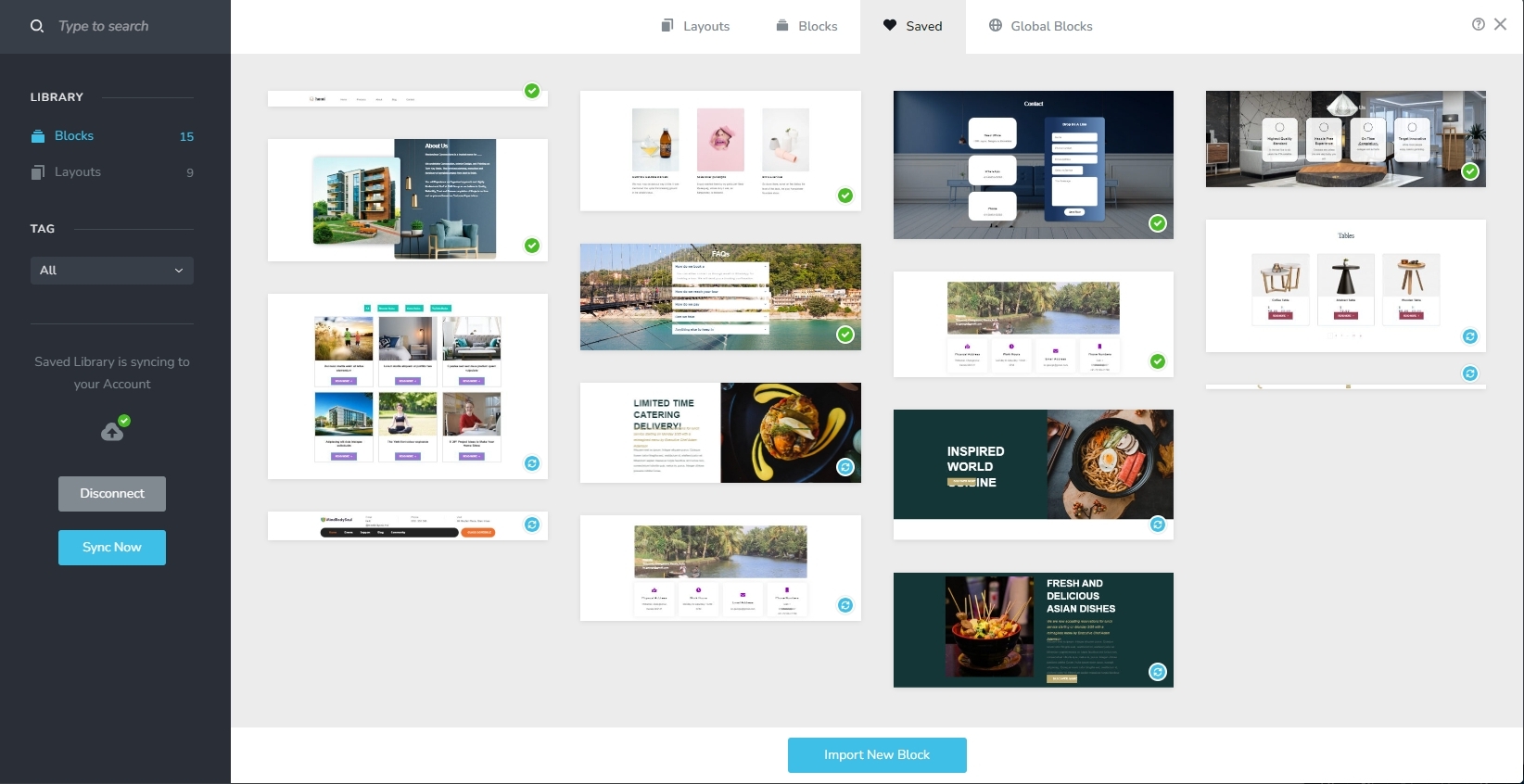
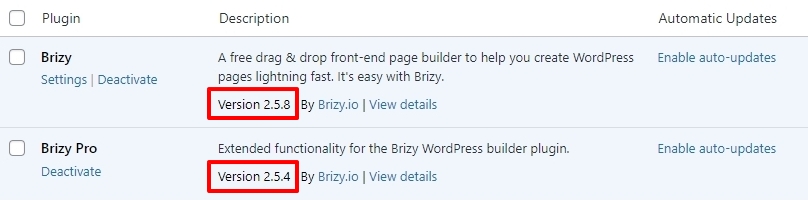
Can you please confirm if you are using these versions of Brizy and Brizy Pro?
Until this issue can be fixed on your project, kindly download saved blocks from Brizy Cloud and import it to Brizy WordPress following the procedure provided at https://jmp.sh/Dnt1mp0s
0 -

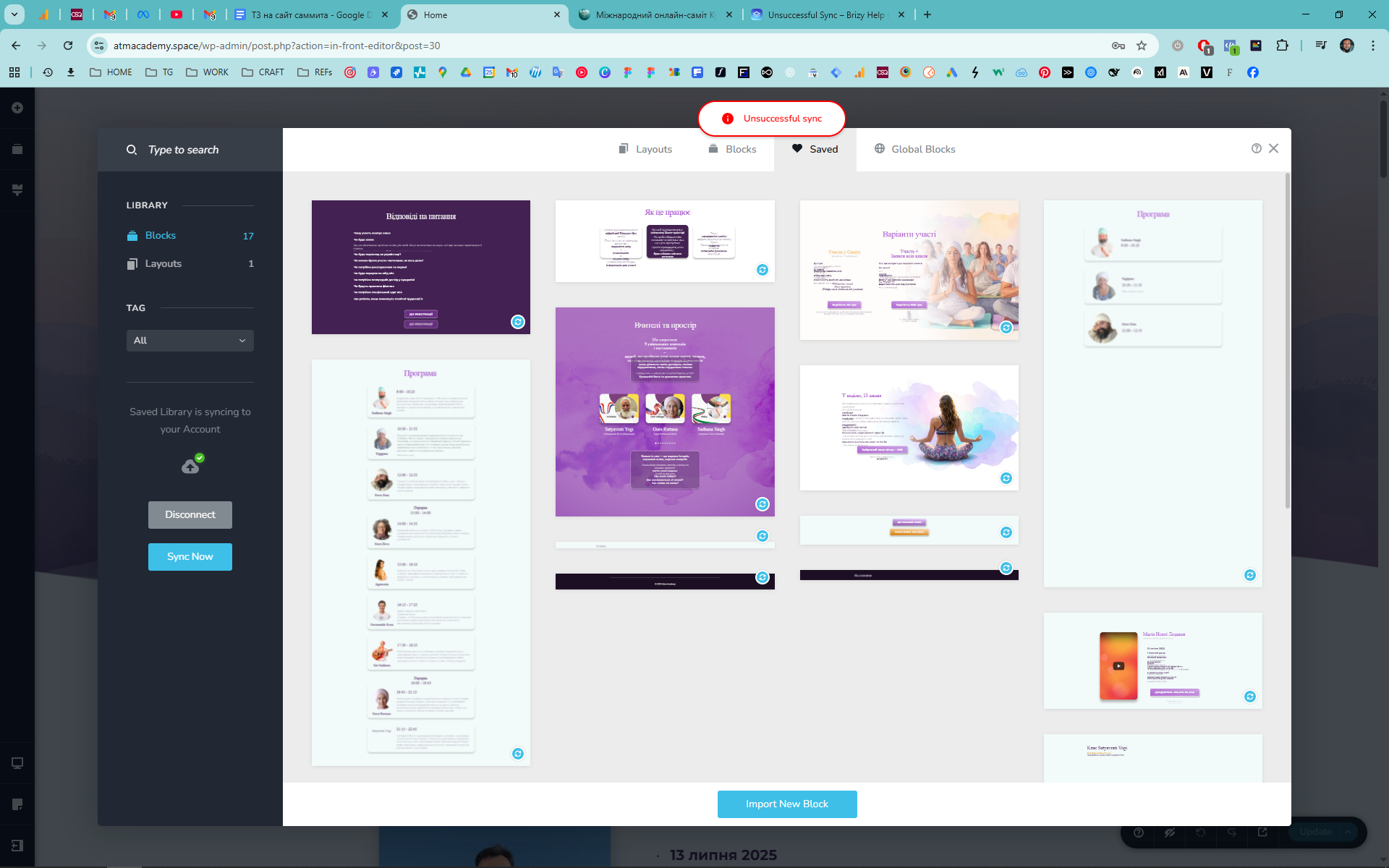
Hi! Getting this as well. Plugins are updated to the latest versions.
Maybe I'm not getting this right - is it even possible to sync between two wordpress websites, without brizy cloud subscription?
 0
0 -
Hello Anton,
Syncing of saved blocks and layouts between two WordPress projects happens through Brizy Cloud. The Brizy Cloud Free version allows you to accomplish this. Up until now, you had not accessed your Brizy Cloud dashboard. Now that I've done that, the sync should function properly. Please check again.
0 -
Hi George,
Thank you for clarification! Indeed, I was able to sync my projects today.
0
Please sign in to leave a comment.
Comments
4 comments