Feature Video Loading Slowly

Hi there,
Not sure what happened, but my background video is loading very slowly on every device. It worked fine for the last few days, but it's been really slow to load where it looks like it's not even moving. Will you please help me with this? Link: piagracet.com
-

Hi Pia,
Thank you for reaching out to us.
The issue seems to be related to SiteGround Optimizer. Please try purging the cache and see if this makes any difference: https://wpshout.com/how-to-clear-your-siteground-cache
Let me know if this resolves the issue.
Best regards,
Ariel H.0 -
Hi Ariel, it seems that the speed has improved, but it's not fully resolved. I'm still seeing glitchiness and stopping videos.
0 -
Hi Pia,
Thank you for the update.
On second look, it appears that you are currently using a 200MB 4K resolution video background, which is causing the glitching and stopping issues.
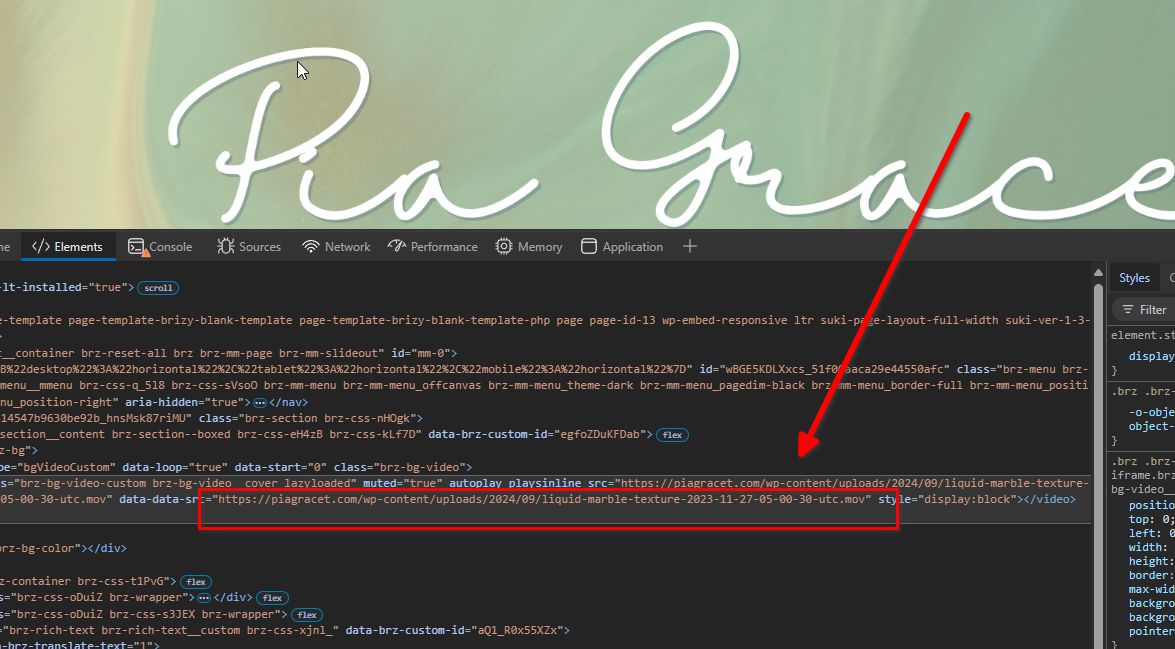
For best results, a website video background should ideally have a resolution of 1920x1080 pixels (Full HD) or 1280x720 pixels (HD) for faster load times. The file size should be kept under 5 MB to ensure quick loading, using compressed formats like MP4 (H.264 codec) for an efficient balance between quality and size.
I've created a demo page using the same video background, which I converted to 1920x1080 (Full HD) for your comparison: https://staging.pro-site.cloud/demo/demopage/
You can download the file directly here if you'd like to use it, saving you the time of converting the video:
https://staging.pro-site.cloud/demo/wp-content/uploads/2024/10/liquid-marble-texture-2023-11-27-05-00-30-utc.mp4Best regards,
Ariel H.0
Please sign in to leave a comment.
Comments
3 comments