brizy pro critical error

-

Hi Mirosław,
Brizy Pro appears activated on your website and we do not see the "There Has Been a Critical Error on This Website” error. What are the steps to reproduce the error? Please share more details and include a screenshot or a screen capture.
0 -
Hello, I restored the copies 3 months ago.
I moved the damaged version to the test server https://fabryka-smyczy.projektymeg.pl/
where can I provide access?0 -

Hi Mirosław,
Thank you for the update.
Please provide us with temporary access to your WP Admin page so we can look into this issue. Kindly add us as an Admin user to your WordPress Dashboard and send the following details to communitysupport@brizy.io:
Community Post link: https://support.brizy.io/hc/en-us/community/posts/21977606967442
WordPress Admin URL:
Username:
Password:Please make a full backup of your site as a precaution.
Best regards,
Ariel H.0 -
Hi Mirosław,
Thank you for your cooperation.
This issue is coming from a conflict between Polylang and the latest version of Brizy and Brizy Pro. We have temporarily fixed the issue by reverting Brizy and Brizy Pro to an earlier version.
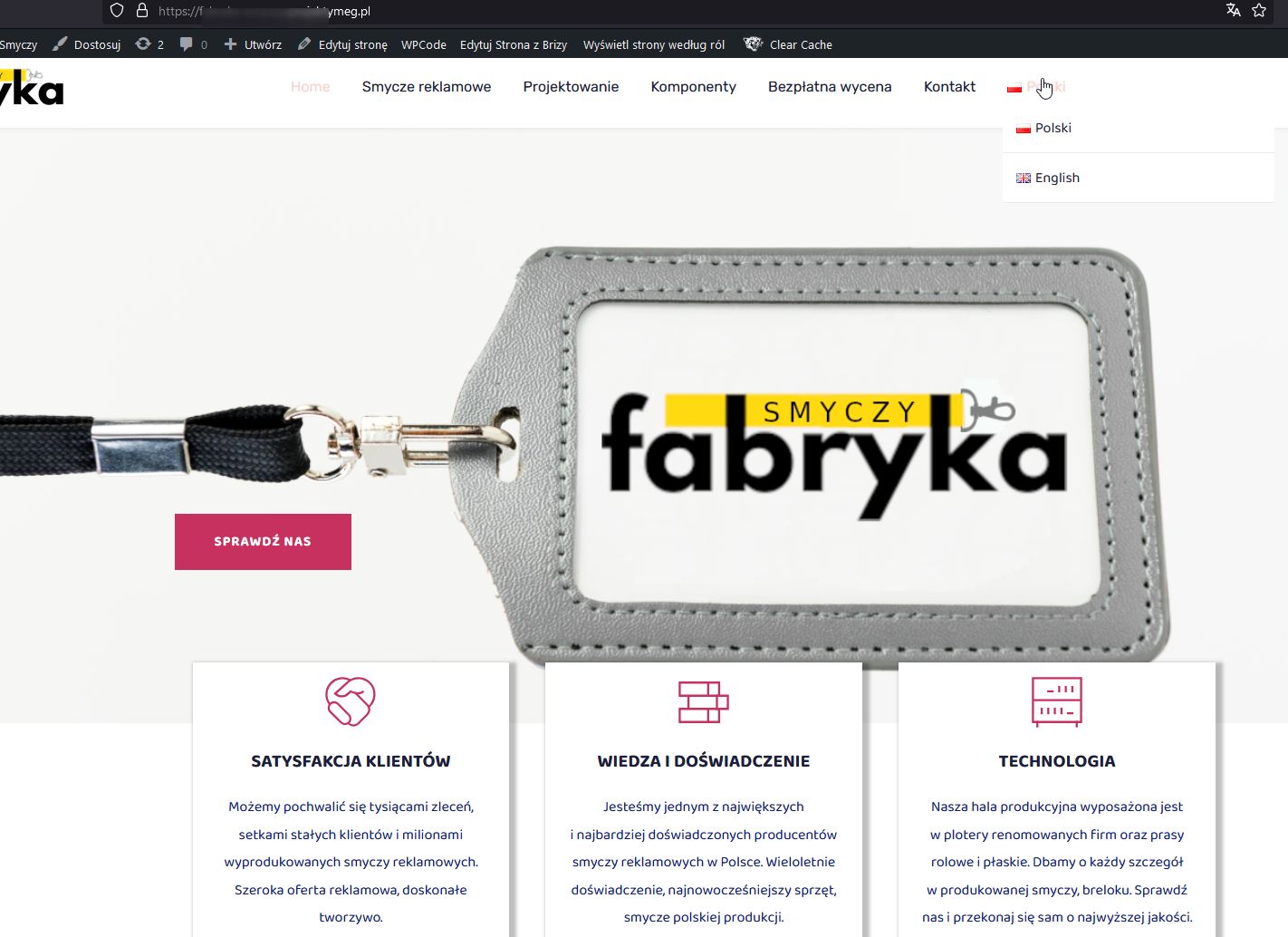
The fix to resolve this conflict should be rolled out soon. Sorry for the inconvenience.
Best regards,
Ariel H.0
Please sign in to leave a comment.
Comments
4 comments