Page not displaying correctly (broken)

Hi,
When using the Brizy Builder the page displays as I want, However the live website seems to not be displaying correctly and I dont know how to fix.
pestcontrolconnection.com
I've tried disabling disabling CCS Minify in WPRocket, and when that didn't work I disabled the plugin completely, and then purged cache through inmotion hosting....still no change.
Any thoughts?
Here's a pic from pagebuilder:

Then here's a pic from loading the homepage live (as you can see it's pretty messed up. haha):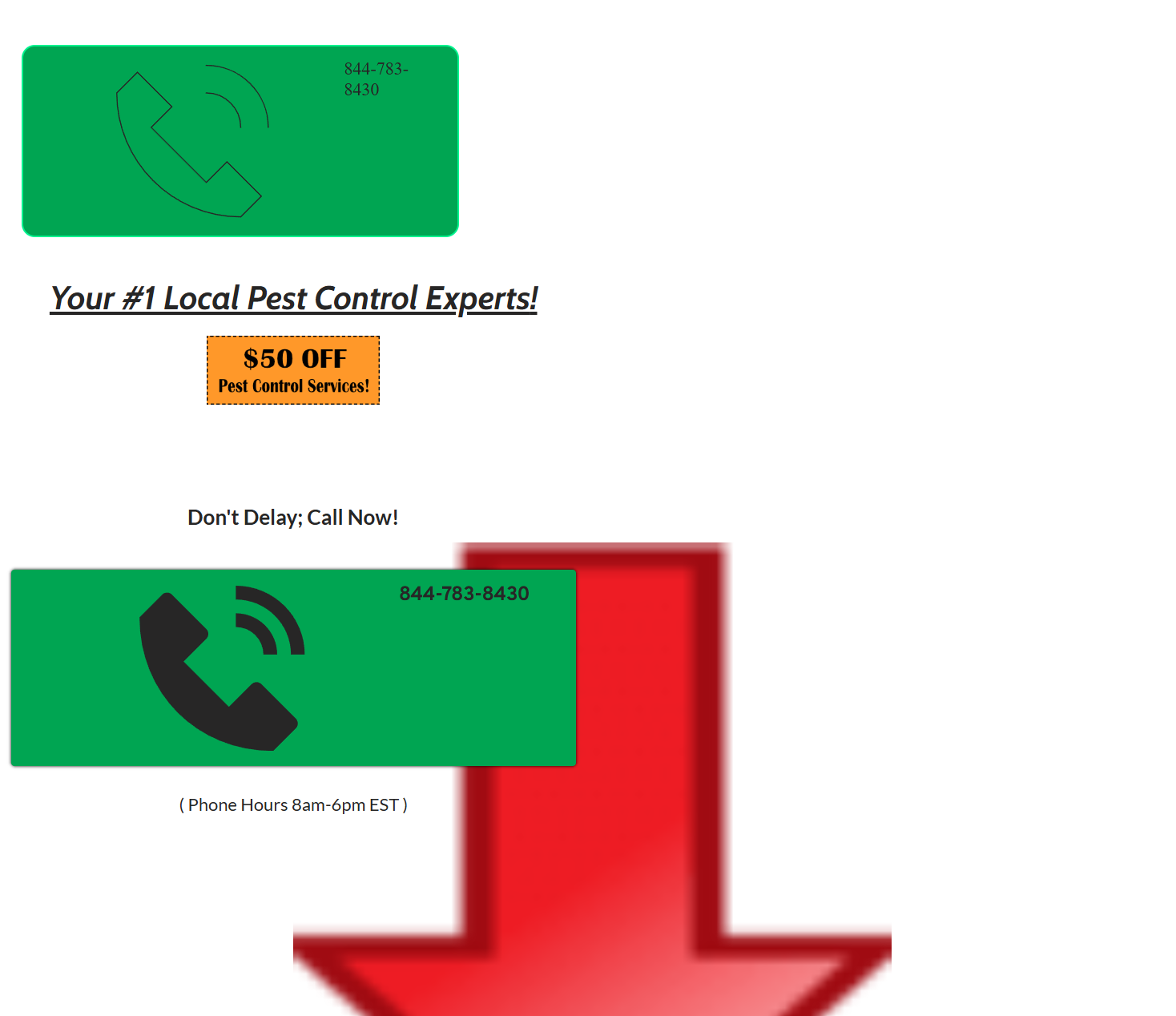
-
I also purged through cloudflare as well.
0 -

Hi Bret,
Thank you for reaching out to us.
To fix a broken layout after an update or site migration, please open any page, select any global or simple block, and update the padding by 1 pixel. Hit "Update" to save your changes, and then preview your site to check if this fixes the issue.
For newly migrated sites experiencing this issue, please purge Permalinks as an extra step following the steps suggested in this link: https://wpastra.com/docs/how-to-refresh-wordpress-permalinks/
This issue is demonstrated in this screencast: https://youtu.be/fHkz-1G-avM.
This also shows how to fix the error "This page needs a refresh..." warning when editing a page for websites using WordFence.
Please try this and let me know how it goes.
Best regards,
Ariel H.0 -
That did the trick!! Thanks so much Ariel. :-)
One other question though...do I have to do this for every Brizy page on the website? I checked a separate page and noticed the same issue...
0 -

Hello Bret,
You don't have to repeat the above process for every page of your website. If one or two pages are still not working, kindly get back to us with the URL of the pages. We will take another look.
0
Please sign in to leave a comment.
Comments
4 comments