Plugin not updating, disappearing

I am trying to update Brizy and Brizy Pro. When I do, I get an error. I try again, and Brizy says its updated, and then the plugin disappears, like it was never there. The site completely crashes. Says its under maintenance.
It says it's trying to update to 2.5.8, however I do not see this version available on Brizy's site. Please advise.
-

Hi Benaiah,
Thank you for contacting us. Could you please provide us with some screenshots to demonstrate the issue?
Does the same issue occur if you update other plugins besides Brizy?
I am looking forward to your response.
Best regards,
Ariel H.0 -
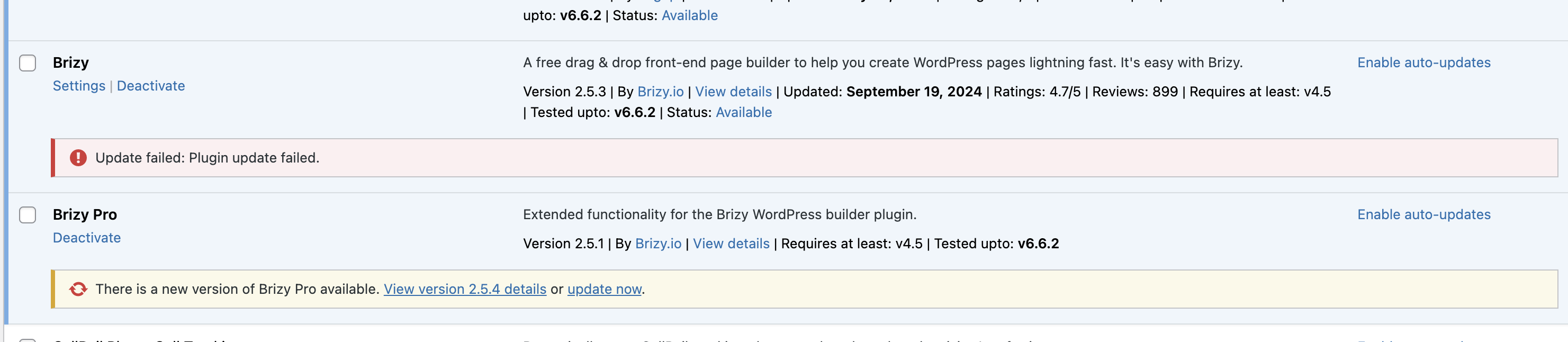
Hi Ariel, see attached screenshots. One or the other error shows.

 0
0 -

Hi Benaiah,
Kindly deactivate and delete Brizy and reinstall it from the WordPress plugin repository.
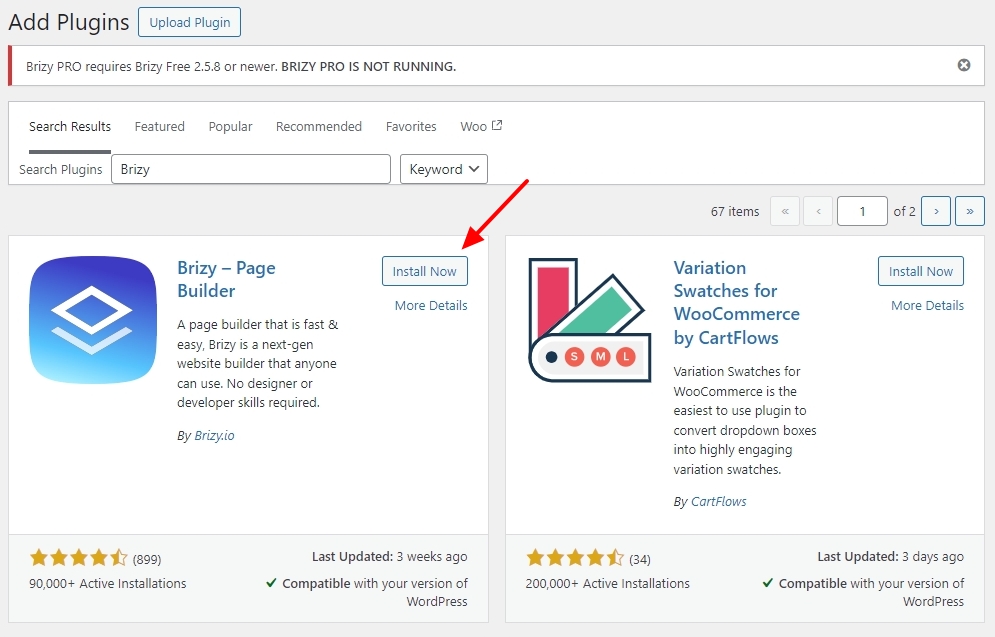
If you are unable to update Brizy Pro,
- Deactivate and delete Brizy Pro
- Sign in to your Brizy account at https://www.brizy.io/account/login
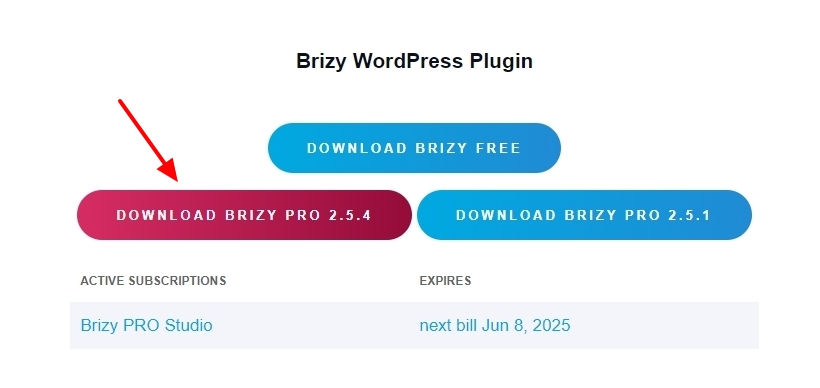
- Download Brizy Pro 2.5.4
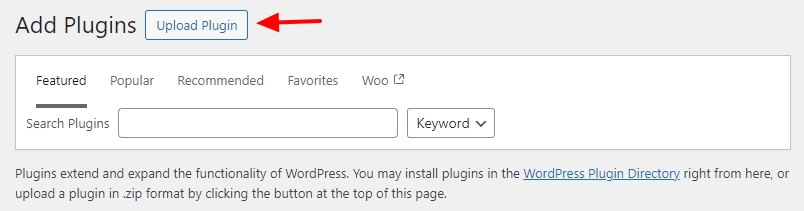
- In your WordPress Dashboard under Plugins - Add New Plugin, select the Upload Plugin option and upload Brizy Pro
0
Please sign in to leave a comment.
Comments
3 comments