Menu, carrusel, Menu, carousel and codes cause disappearance

I have wordpress 6.6.2 and since the update I have had many problems with the menu, it gives me errors, I have the sample, apart from that, if I activate any animation for images it causes them not to be seen, I try to put calendly and it does not show, yes in the development screen but not on the public site,im usingtwenty-fourtheme
That thing where a menu appears when you scroll down doesn't work either, so it's like the automated thing stopped working.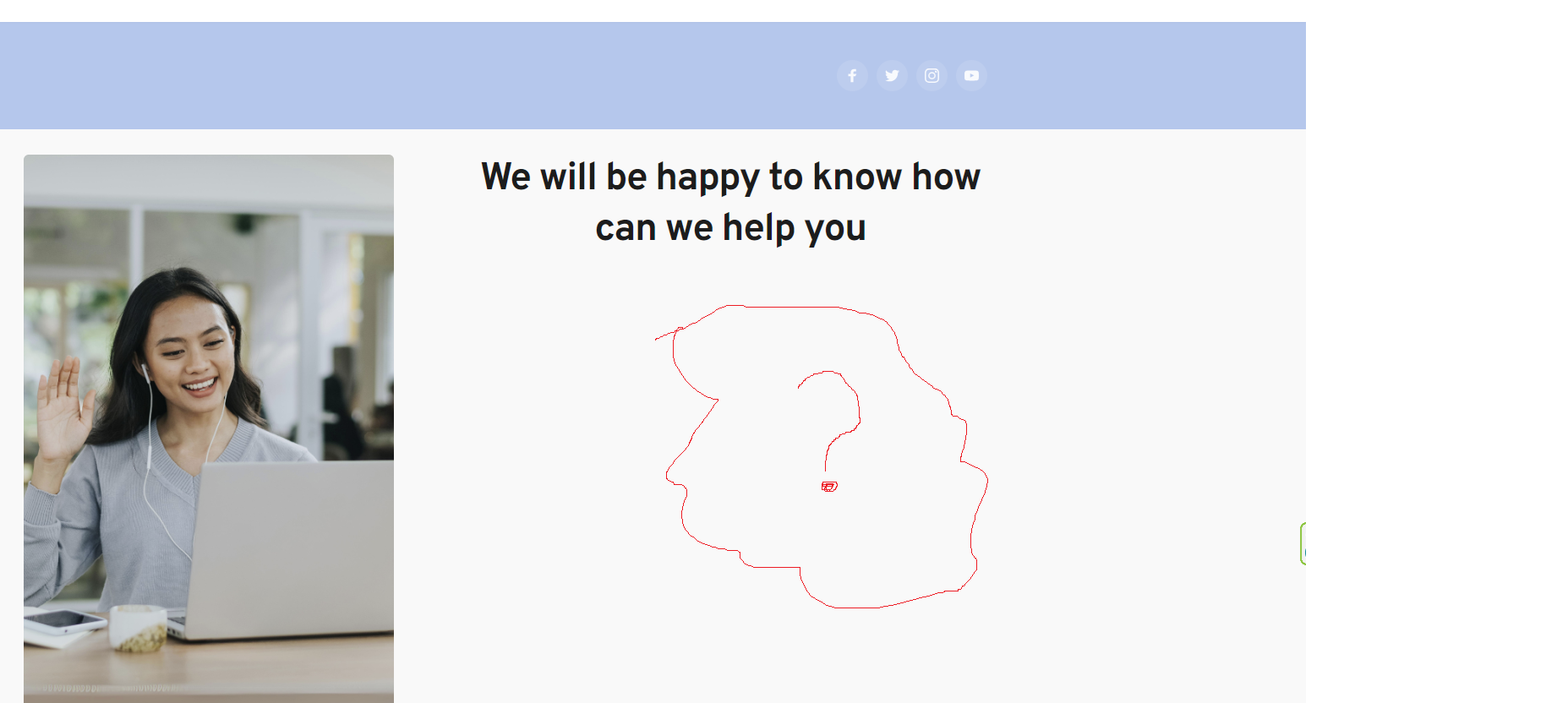
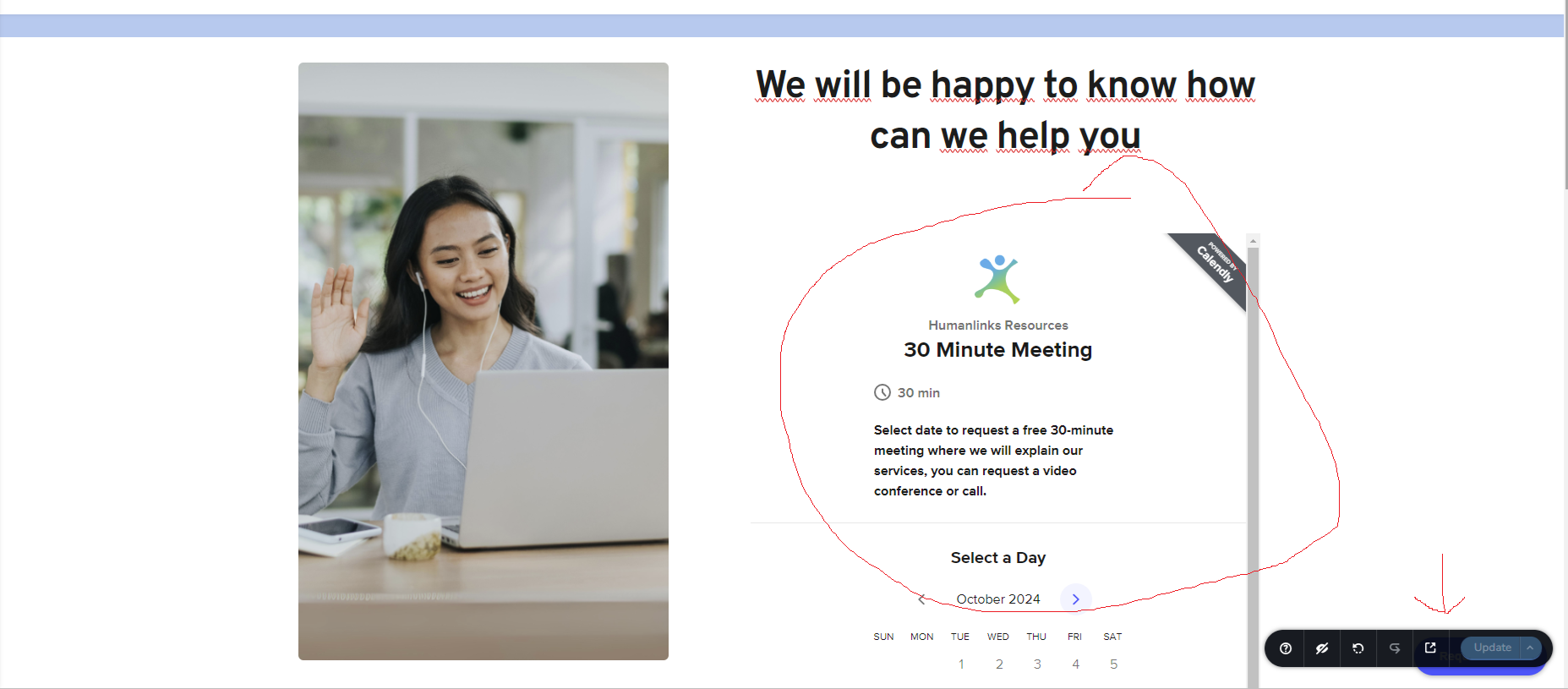
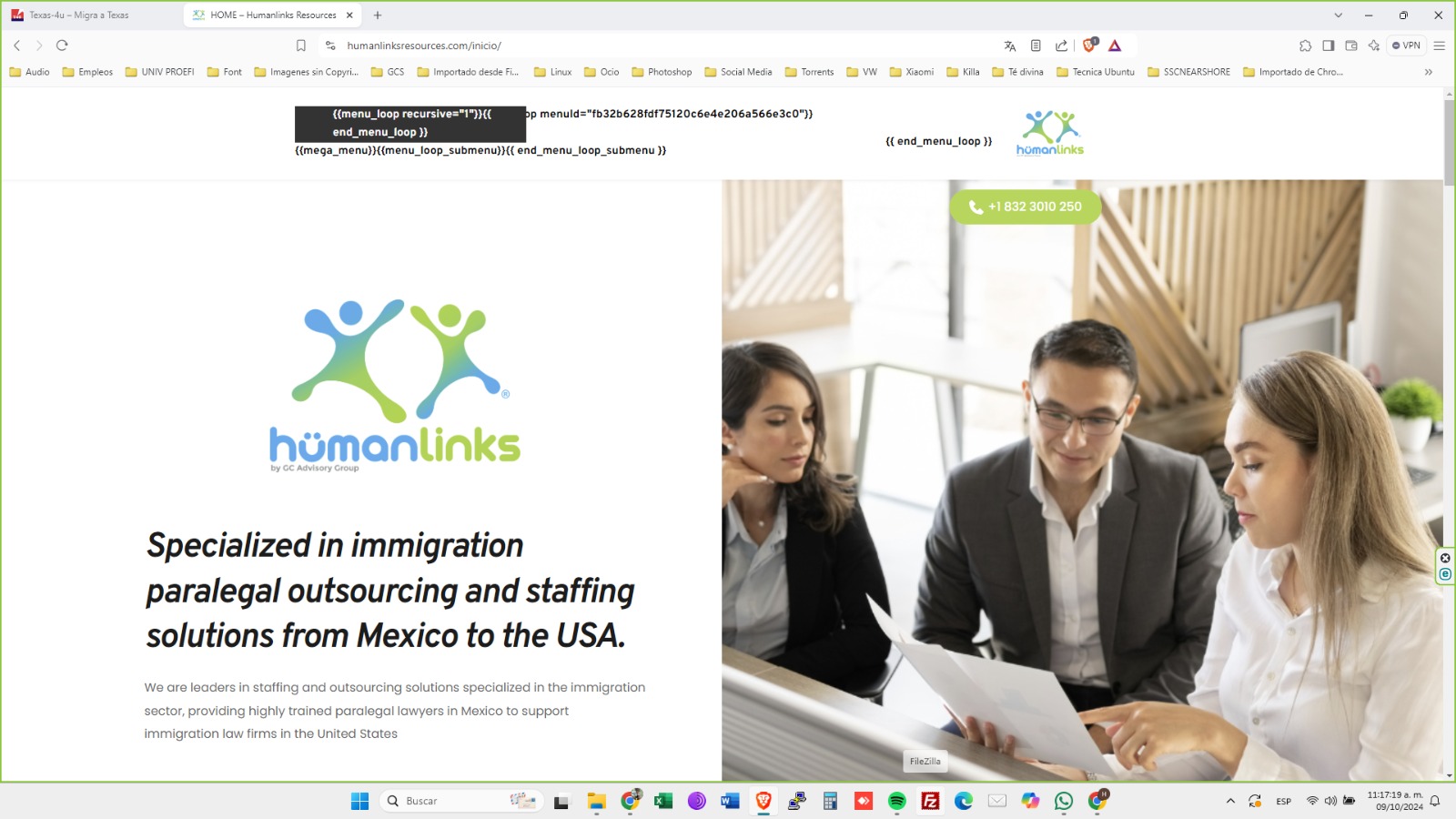 .
.
-

Hi Guanatos,
Thank you for reaching out to us.
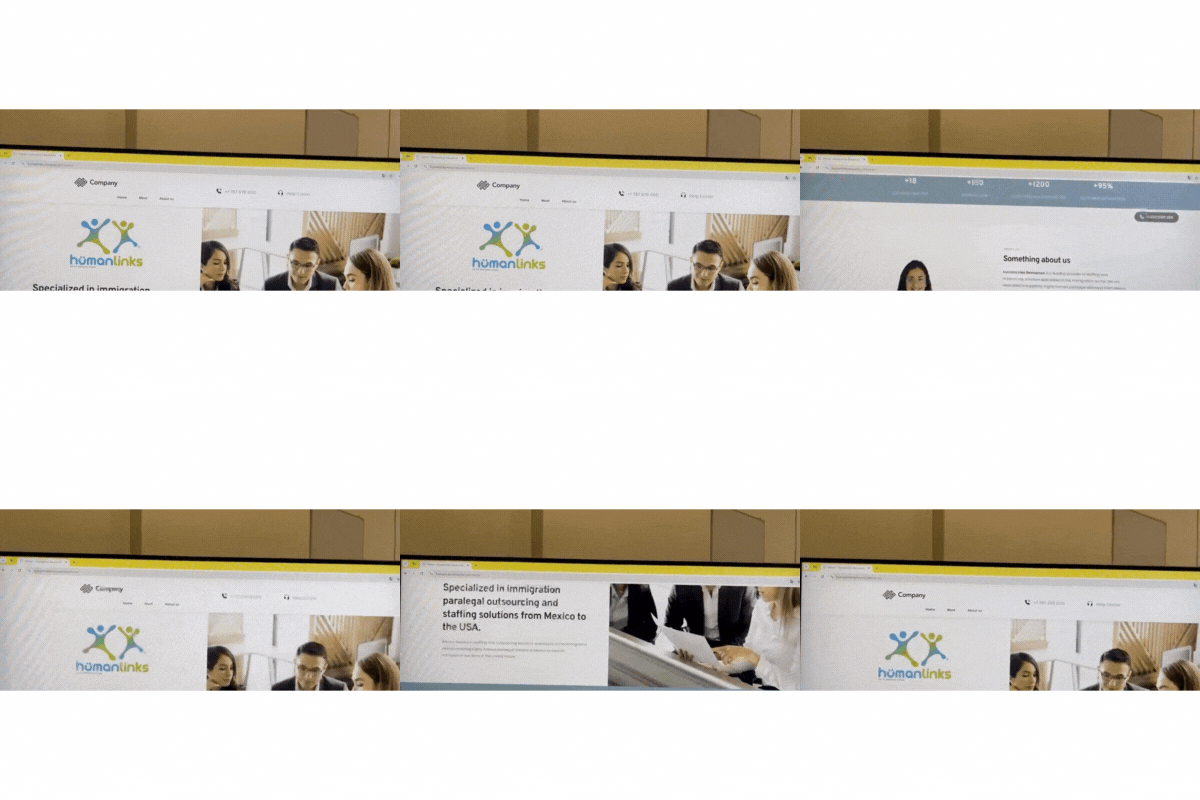
Your website appears to be working on my end, as confirmed by this screen recording:
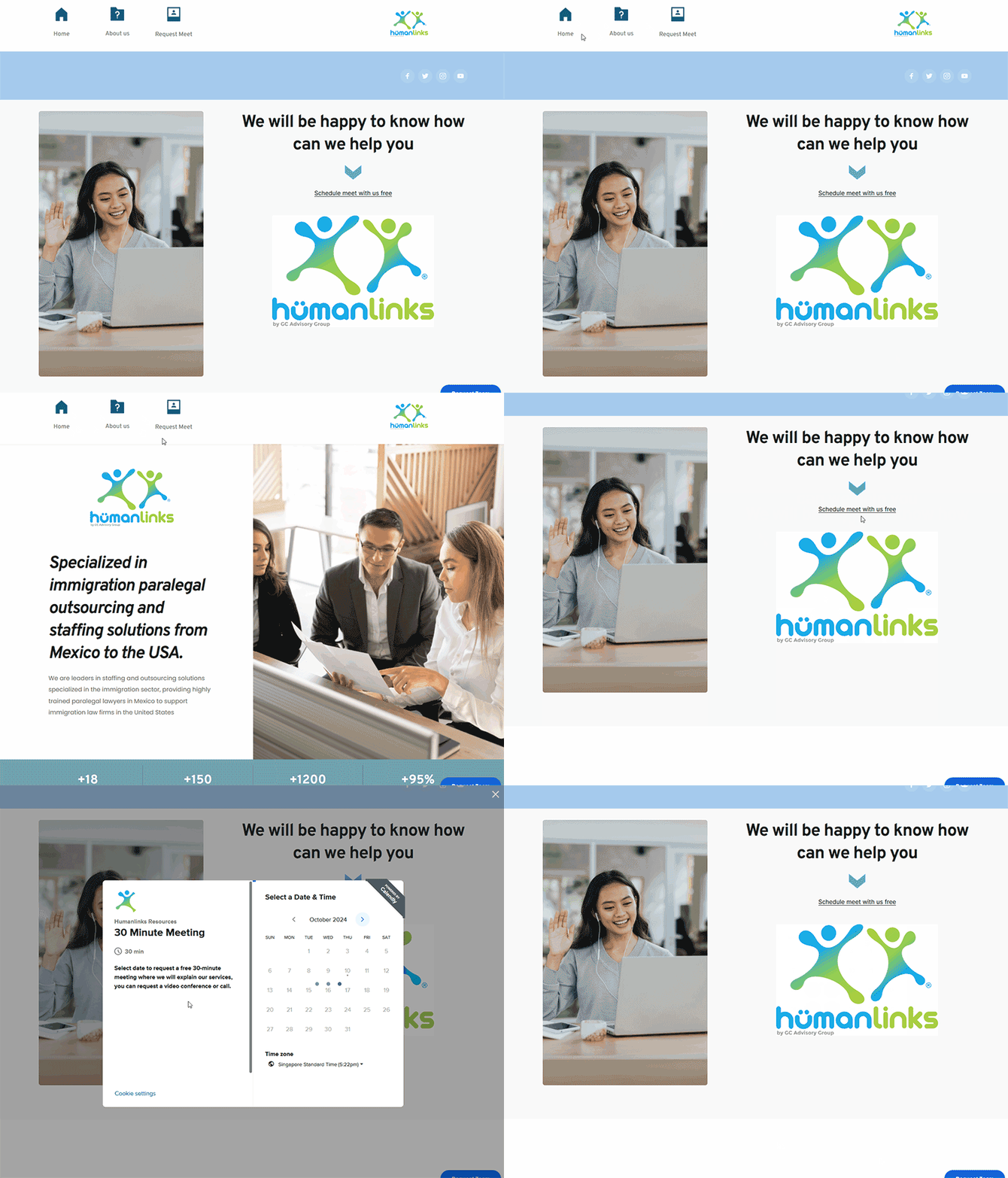
In case you have reverted to an earlier version, please update again and try these steps to fix the issues you reported:
1. For the missing image, please set the image to "Original" instead of "Custom."
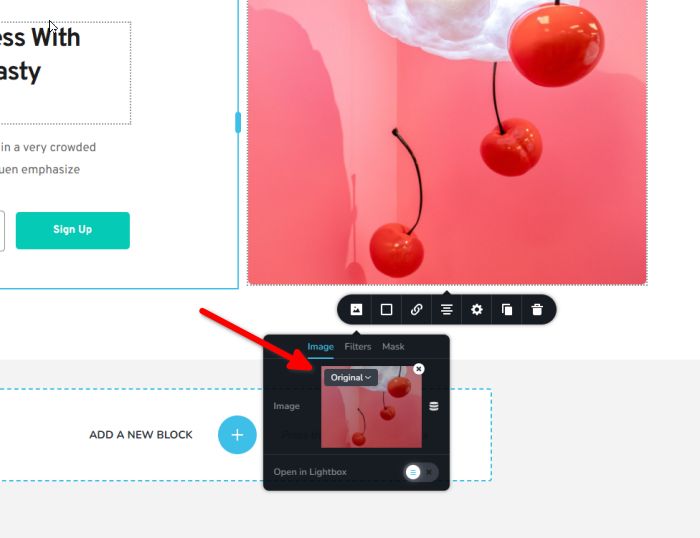
2. For the broken header, please try updating the global block that contains the menu element by increasing the padding by 1 pixel and hitting "Update" to save your changes. After this, preview your site and see if this fixes the issue. You may revert the padding back to its previous value if necessary and hit "Update" again.
3. To fix Calendly not appearing in the front-end, please purge your cache plugins.
Please try this and let me know how it goes.
Best regards,
Ariel H.0 -
Hello Ariel.
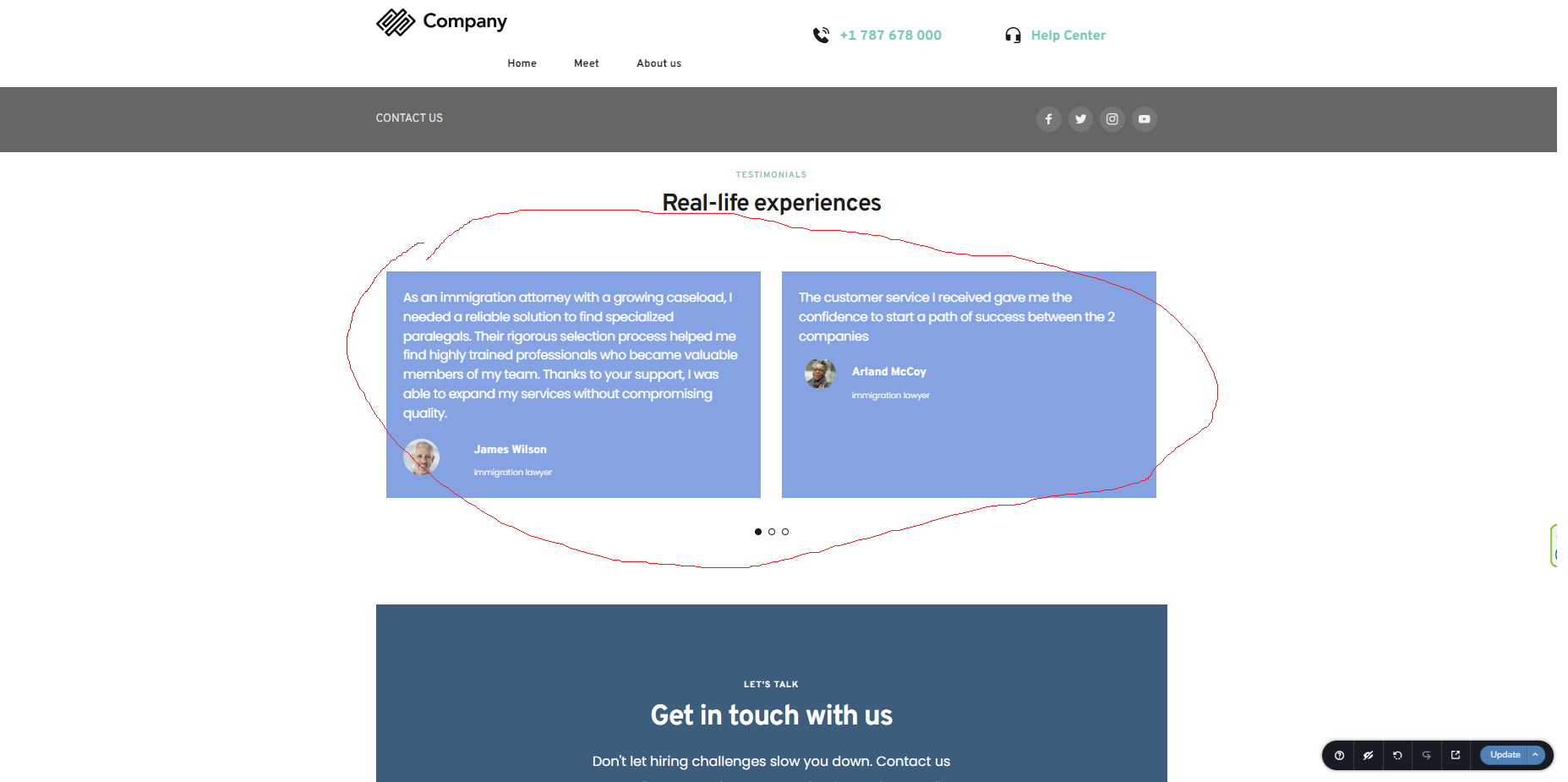
Yes, I had to improvise a manual menu so as not to stop the operation, I also had to insert the calendly in a "pop up" Widget, since in "inline embed" it does not show it, I will put a menu as I need it so you can see that it does not It works, or it shows an error, that is, when I scroll it disappears, and before it shows another, I also show you how the opinion carousel does not appear online but in design it does.

Best Regards.
Guanatos.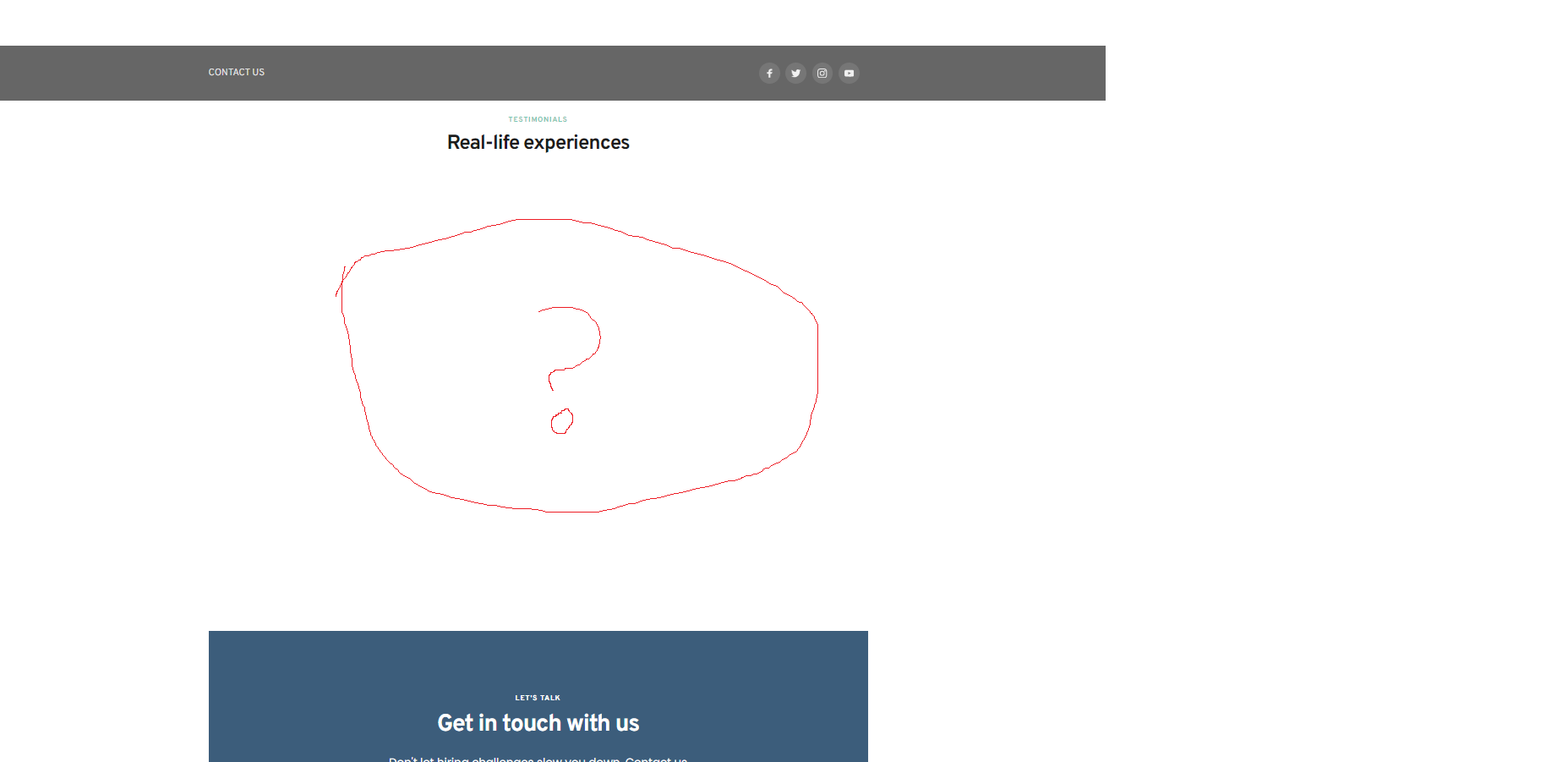
 0
0 -
Here is the menu error, it desapear, when scroll.
 0
0 -
Hi Guanatos,
Thank you for the update.
Please provide us with temporary access to your WP Admin page so we can look into this issue. Kindly add us as an Admin user to your WordPress Dashboard and send the following details to communitysupport@brizy.io:
Community Post link: https://support.brizy.io/hc/en-us/community/posts/21887531570066
WordPress Admin URL:
Username:
Password:Please make a full backup of your site as a precaution.
Best regards,
Ariel H.0 -
Hi Ariel
I send what you askRegards. !!
0 -
Hi Guanatos,
Thank you for your cooperation.
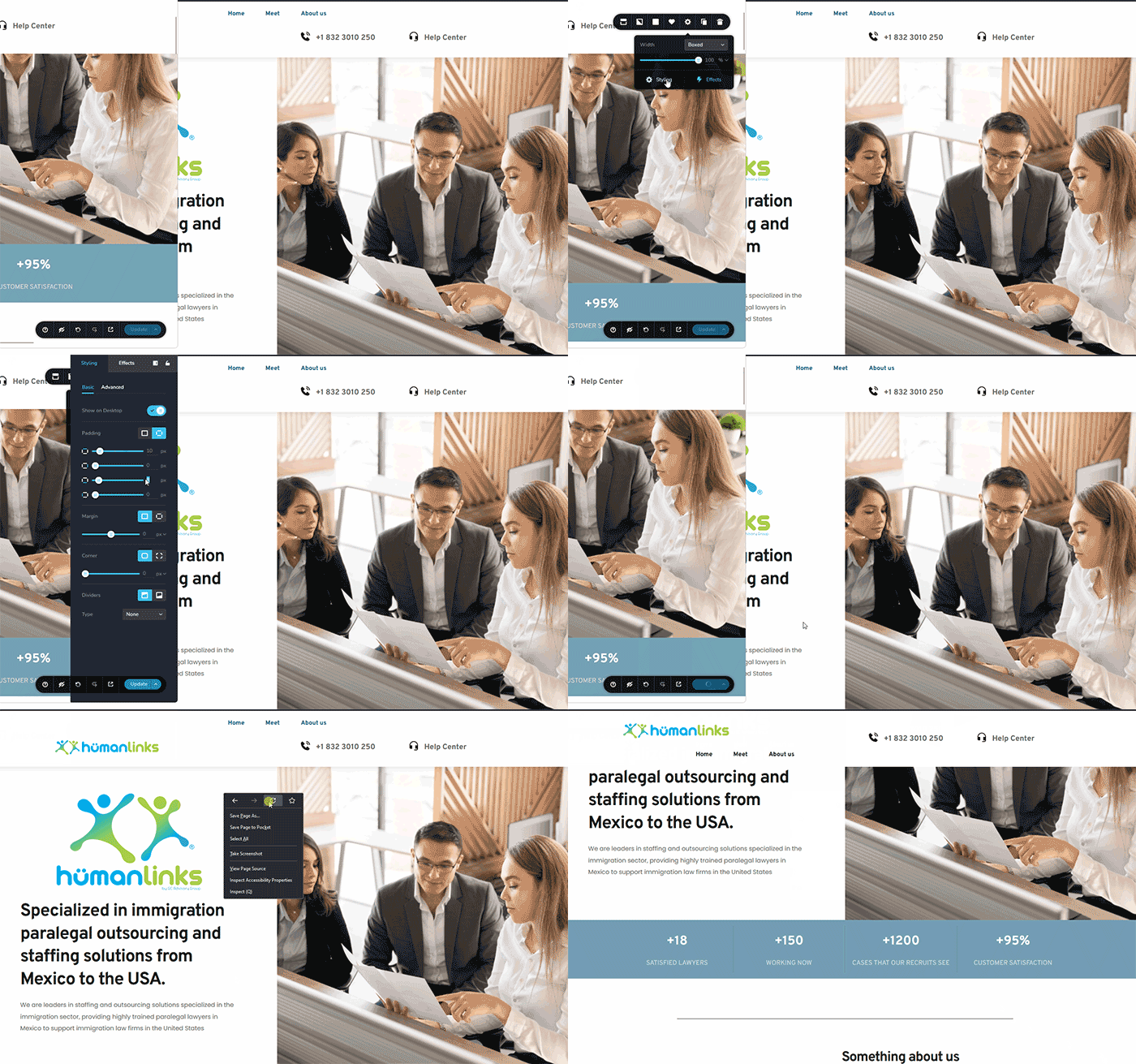
This issue was resolved by making temporary adjustments to the sticky header block. I changed the padding and updated the page. This is demonstrated in this screen recording:
Best regards,
Ariel H.0 -
Hello Ariel.
Thanks for the response, but the online menu still doesn't work, it only works in the Brizy designer, I couldn't get the testimonials carousel to work either and I had to put a manual one.0 -
Hi Guanatos,
Thank you for the update. On second look, the issue appears to be connected to some optimizations made by the SpeedyCache plugin. You might need to adjust the plugin settings to fix this. I disabled the plugin, and the menu worked correctly on the frontend. To confirm, I've recorded a screencast for you on this link: https://youtu.be/W2oNpTSUsvc
You might want to consider the following minimal settings and don't forget to save your changes.
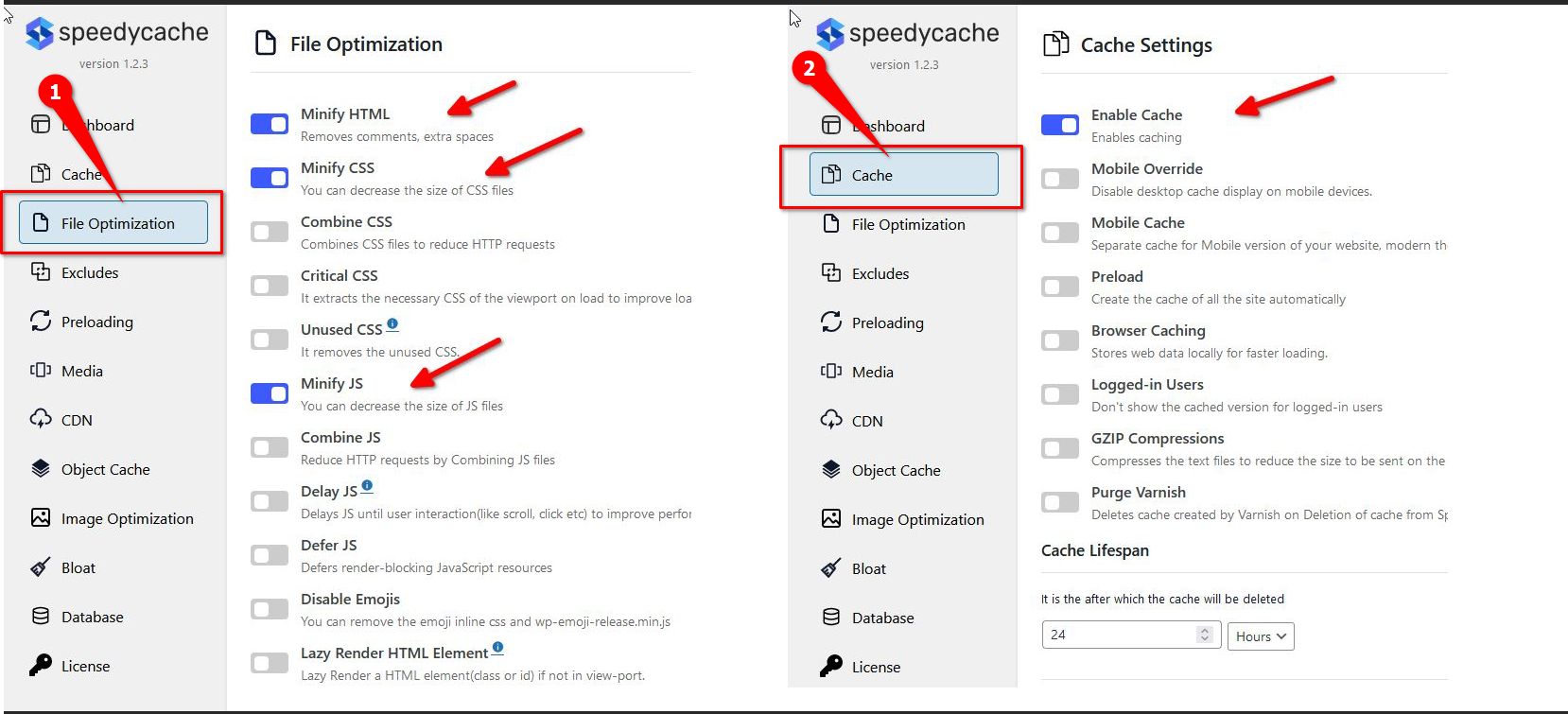
After this, purge the cache.
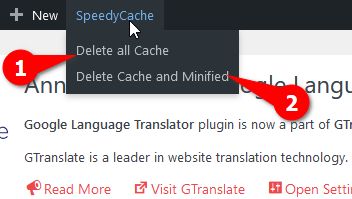
Regarding the issue with the testimonials carousel, they seem to be working both in the backend and front end. Could you please provide more details about the issue you are facing with the testimonials carousel?

Best regards,
Ariel H.0 -
Hello Ariel
Glad you found out what was happening, I already made the changes you suggested and everything seems to work fine.
Thank you0
Please sign in to leave a comment.
Comments
9 comments