unable to Save/ update

I have a bit of a situation as the title said.
can someone take a look. 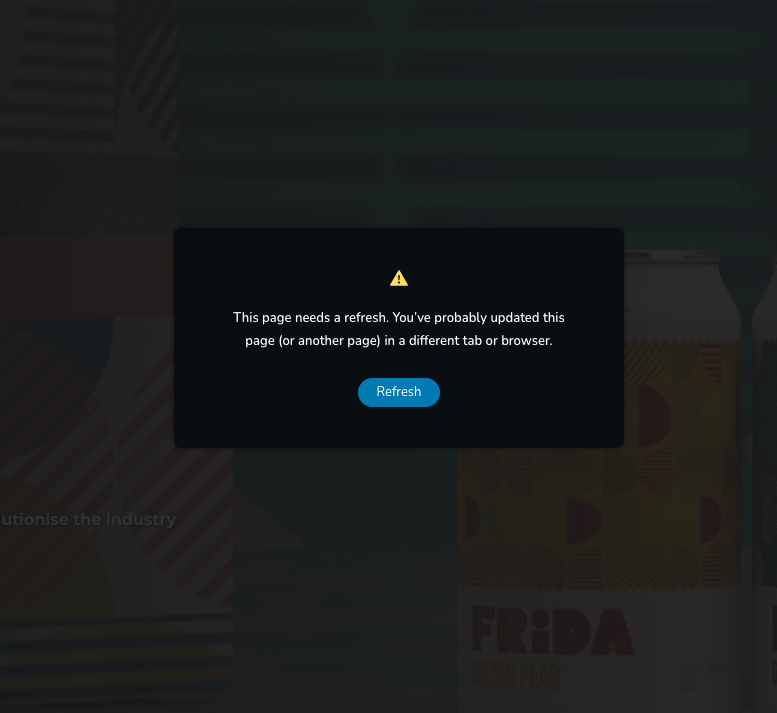
-

Hi Baru,
Thank you for reaching out to us.
This issue often occurs on websites using WordFence, or similar security plugins. Disabling the Firewall or setting it to learning mode often fixes the issue. You can find more information on this here: https://help.elegantthemes.com/en/articles/2395855-how-to-fix-saving-issues-while-wordfence-plugin-is-enabled
If this doesn't help, try to isolate the issue by disabling all other plugins besides Brizy and Brizy Pro to check if it's coming from a plugin conflict. If this resolves the issue, gradually enable the other plugins one by one as you test and edit your pages until the issue comes back. This will help you determine which plugin is causing this issue.
If the issue continues, could you kindly provide us temporary access to your WP Admin? This will allow us to further investigate the issue. Please add us as an Admin user to your WordPress Dashboard and send the following details to communitysupport@brizy.io:
Community Post link: https://support.brizy.io/hc/en-us/community/posts/21848425115538
WordPress Admin URL:
Username:
Password:Please make a full backup of your site as a precaution.
Best regards,
Ariel H.0 -
Hi Baru,
Thank you for your cooperation.
Upon checking, it appears that the issue is related to ModSecurity.
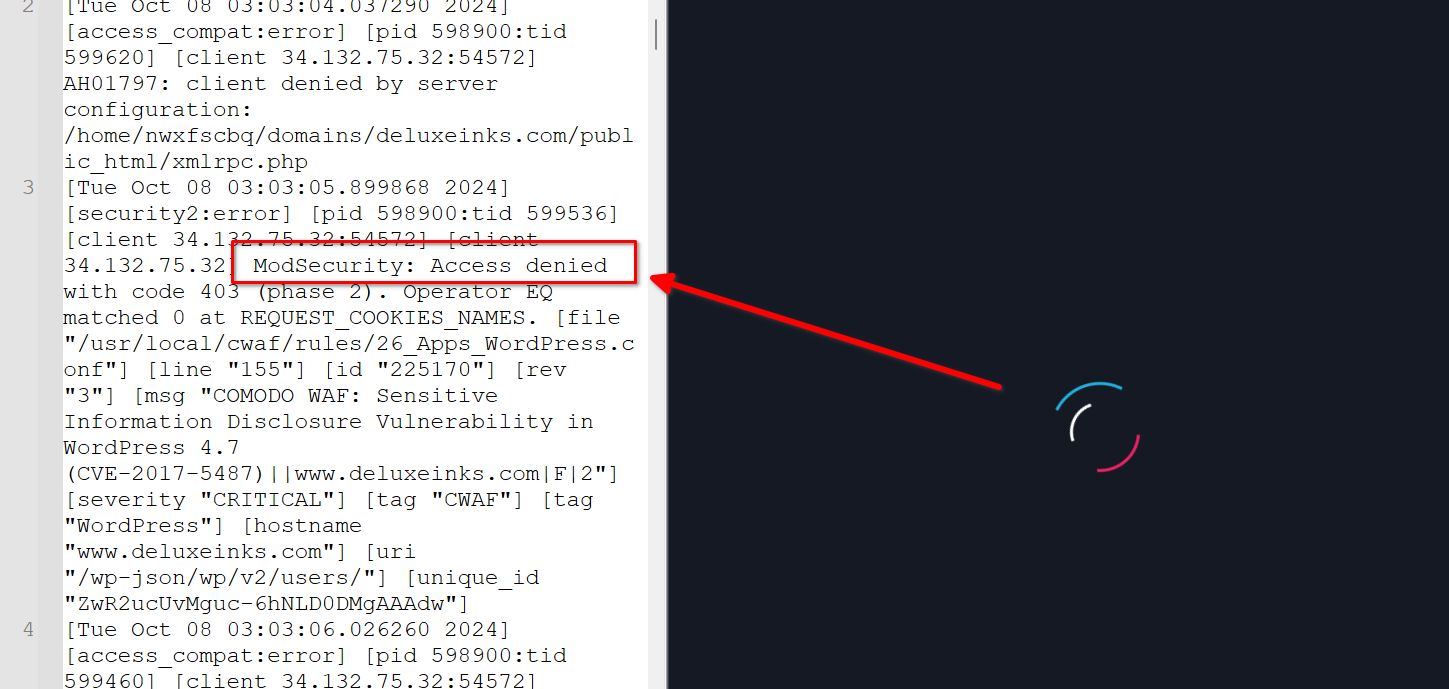
ModSecurity is designed to protect websites from various attacks, but it may flag and block what it perceives as suspicious actions. This could include legitimate requests made by the page builder, which may lead to editing issues when ModSecurity is active.To resolve this, please ask your hosting provider to either temporarily disable ModSecurity or add Brizy to the exception list.
Best regards,
Ariel H.0 -
I made the request and this is how the page now appears.

The two lines appear in place of the header
0 -
Hi Baru,
Thank you for the update.
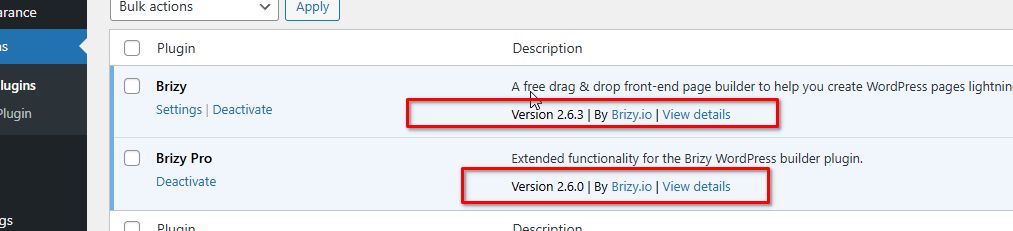
Kindly ensure that you have the latest versions of Brizy and Brizy Pro installed.
Best regards,
Ariel H.0
Please sign in to leave a comment.
Comments
4 comments