how can I use brizy templates in the widgets area?

In other well-known Wordpress editor there is an option to create, and insert templates (that has shortcodes) in to the widget area. Can I do this in Brizy?
thanks
-

Hi Gabor,
I am sorry; I could not understand your request well. To help us understand your question better, can you elaborate?
- What organizational objective are you attempting to achieve by adding a Brizy Template to the widget area?
- If you have an example of a website where a templates with a shortcode is added to the widget area and used on a webpage, kindly share the URL.
- If other well known page builders have this feature, kindly share a knowledgebase article or a tutorial video on this feature.
0 -
Elementor has a so-called templates menu, where pre-designed elements can be used anywhere on the website by applying shortcodes. I would like to use this in the footer in the form of a widget, as I previously did on the https://gottiwater.hu/ website.
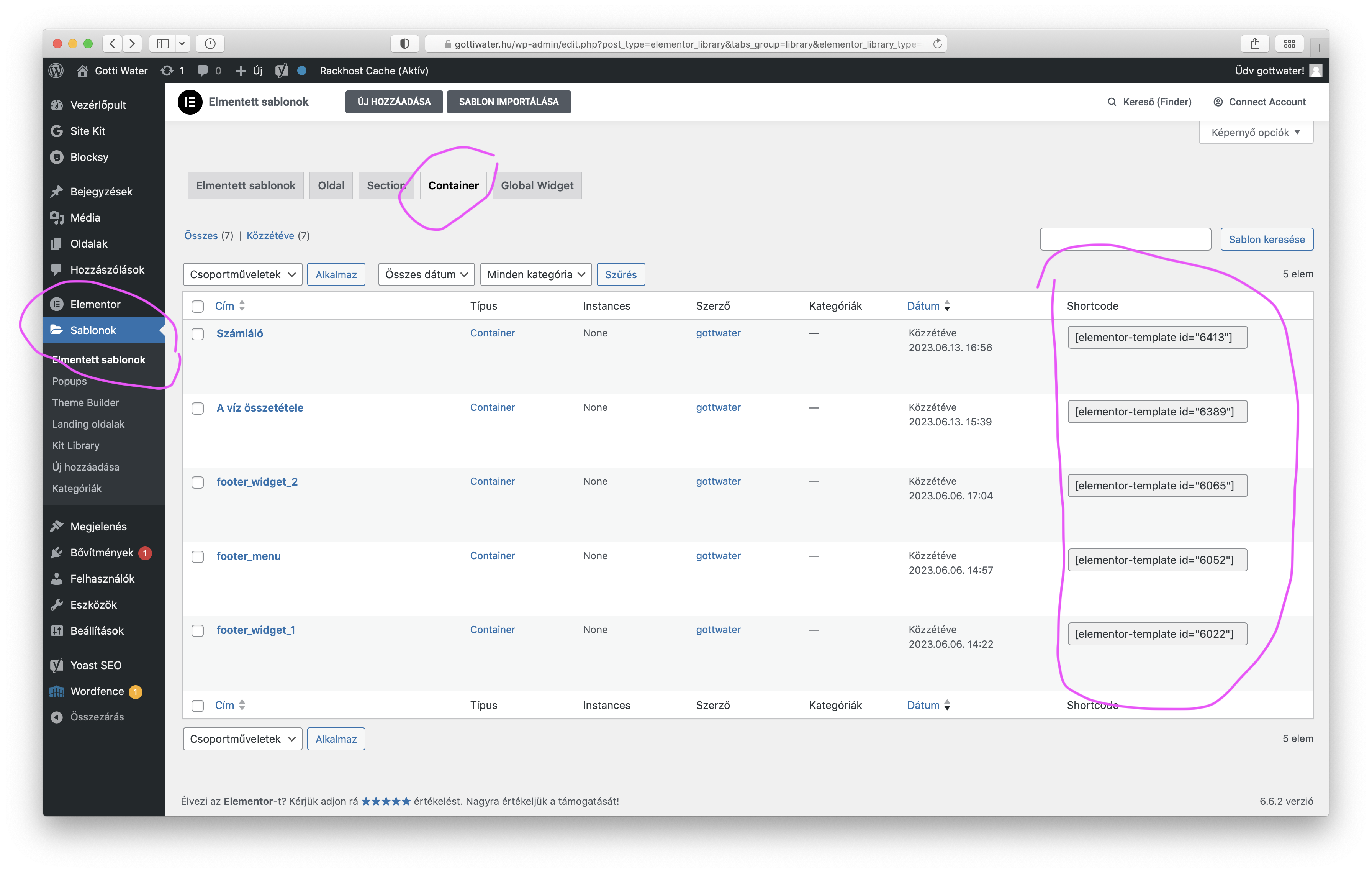
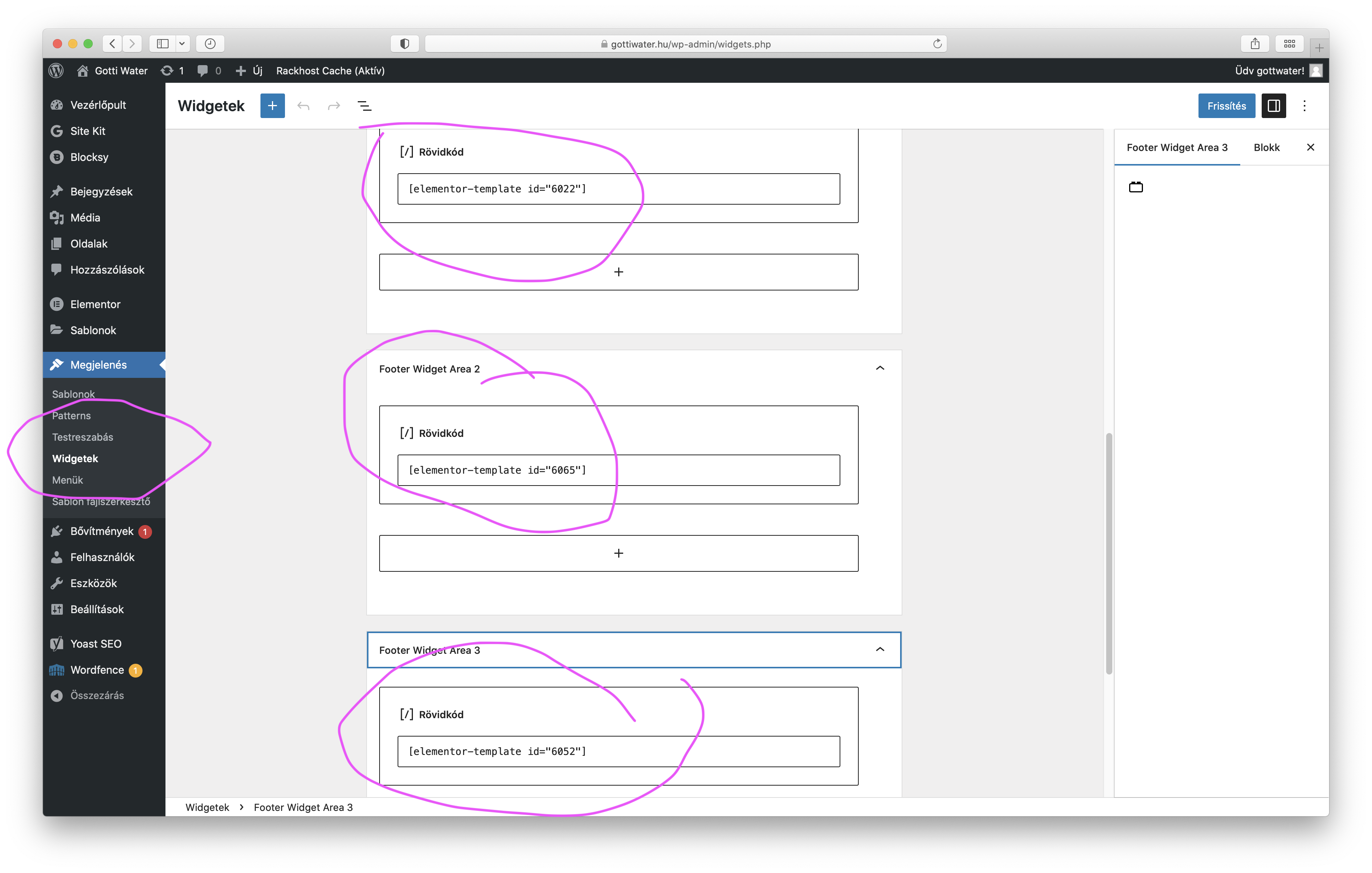
However, for my current project, I am using Brizy, which is where the idea came from to implement the footer elements in a similar way, because the options in the Gutenberg editor are limited (I am using the free Blocksy theme).
I know that I could edit the footer with Brizy as well, but I am forced to use the Blocksy theme due to its extra features.
On the https://feszekvilla.hu/ site, I wanted to create a template element using Brizy and insert it into the footer with the help of widgets.
So, my question is: how can I embed pre-designed Brizy elements (templates) into the widget menu? How and where can I use the elements created in the template menu?
I hope this time I managed to describe my problem more clearly.
Thank you in advance for your response.0 -
Hi Gabor,
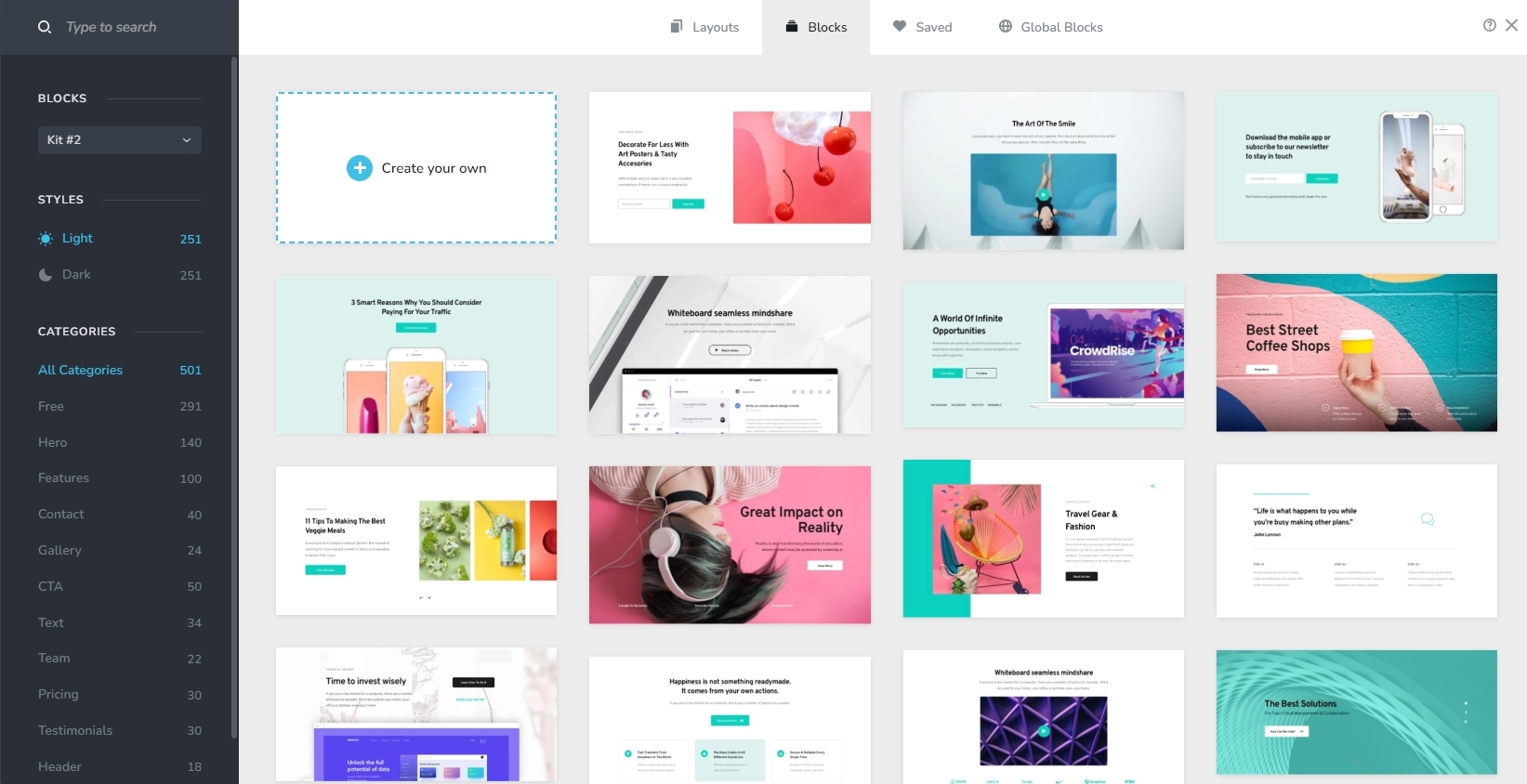
Brizy does not have templates like in Elementor. Instead, it has a Blocks and Layouts library. One can import premade designs into a page by selecting any of the premade blocks or layouts.
Importing a footer design from Elementor to Brizy may not be possible as two page builders are not interoperable. Kindly use the Blocksy footer builder to build your website footer. https://creativethemes.com/blocksy/video-tutorials/customization/exploring-the-footer-builder/
0 -
Hi George!
Thank you for the advice. Unfortunately, the free Blocksy footer builder offers very few options for building a good-looking footer. Although the premium Blocksy theme does have a content blocks editor feature, but this time I have to complete the project using the free version. That's why I wanted to solve my problem using widgets.
In the meantime, I have solved the problem. I inserted a Brizy template footer that I can edit as I wish (do not need widgets), and I disabled the Blocksy footer (while still using the Blocksy header). So with this hybrid solution, I was able to achieve what I could have only done with the premium Blocksy theme."
0
Please sign in to leave a comment.
Comments
4 comments