PayPal API

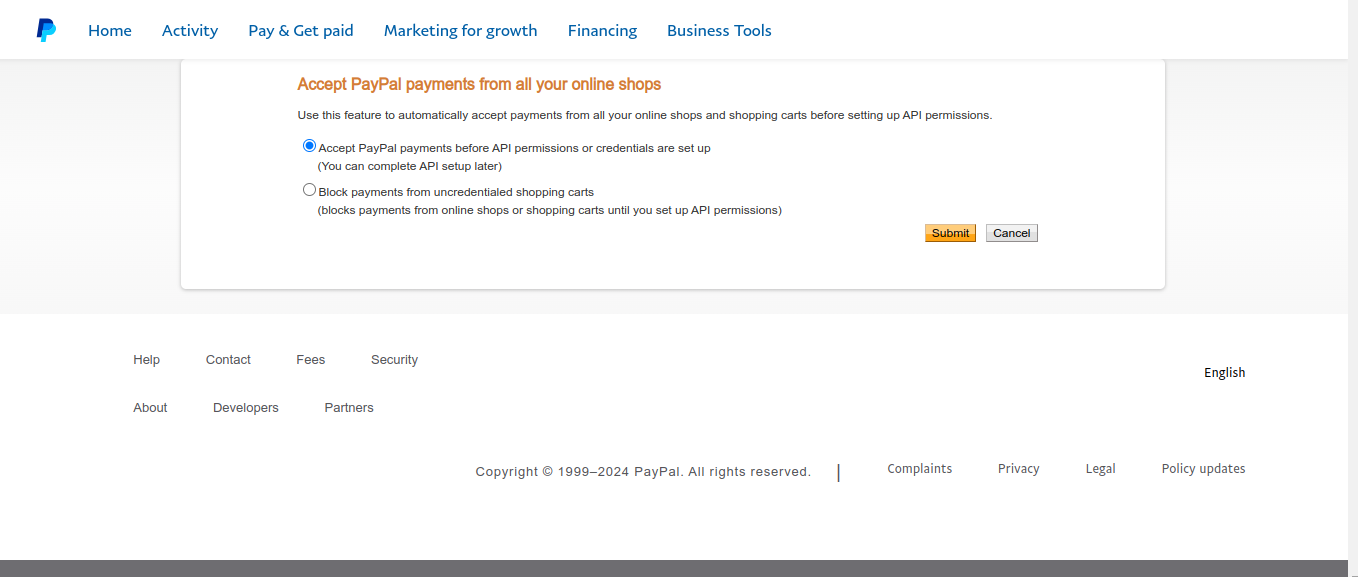
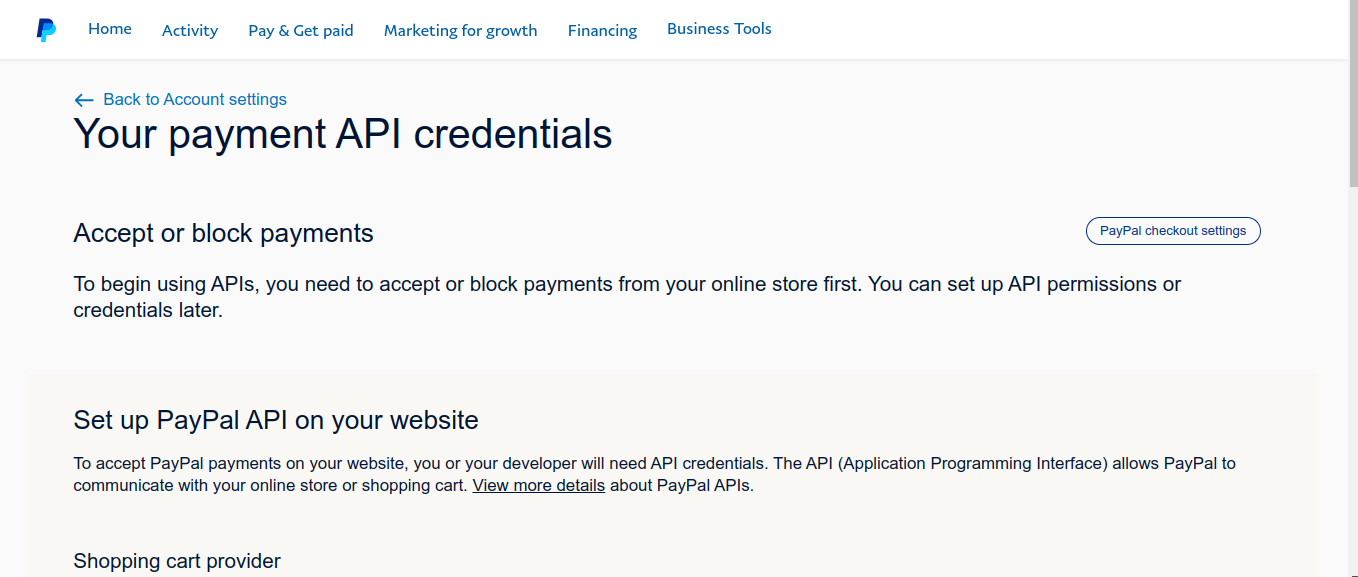
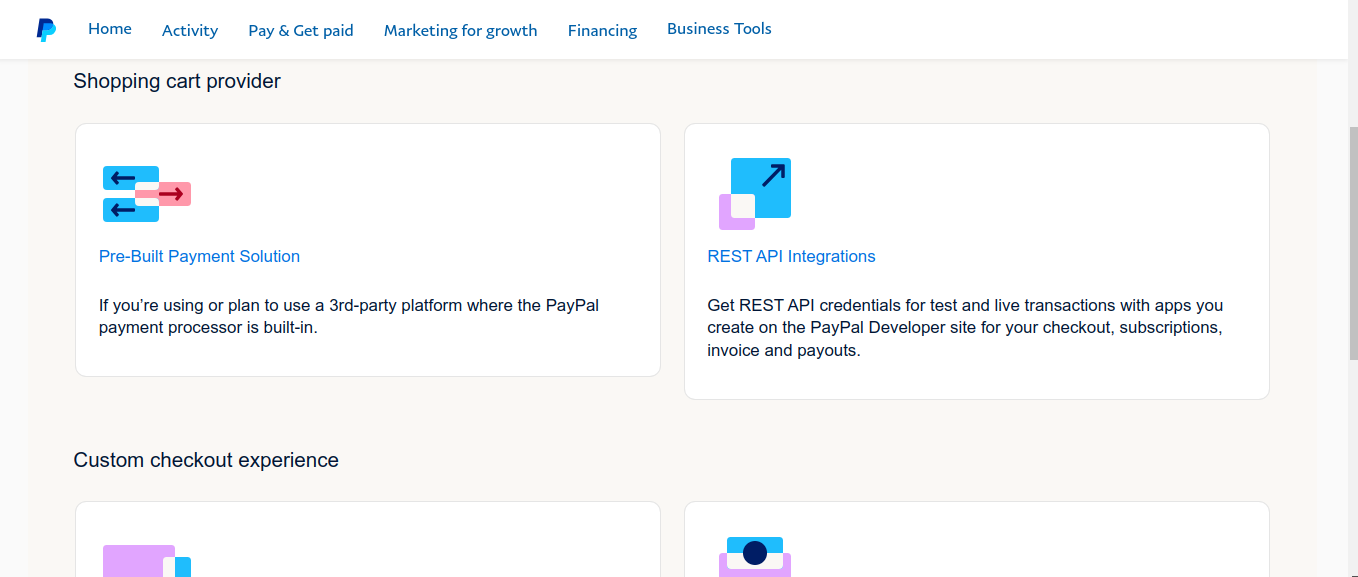
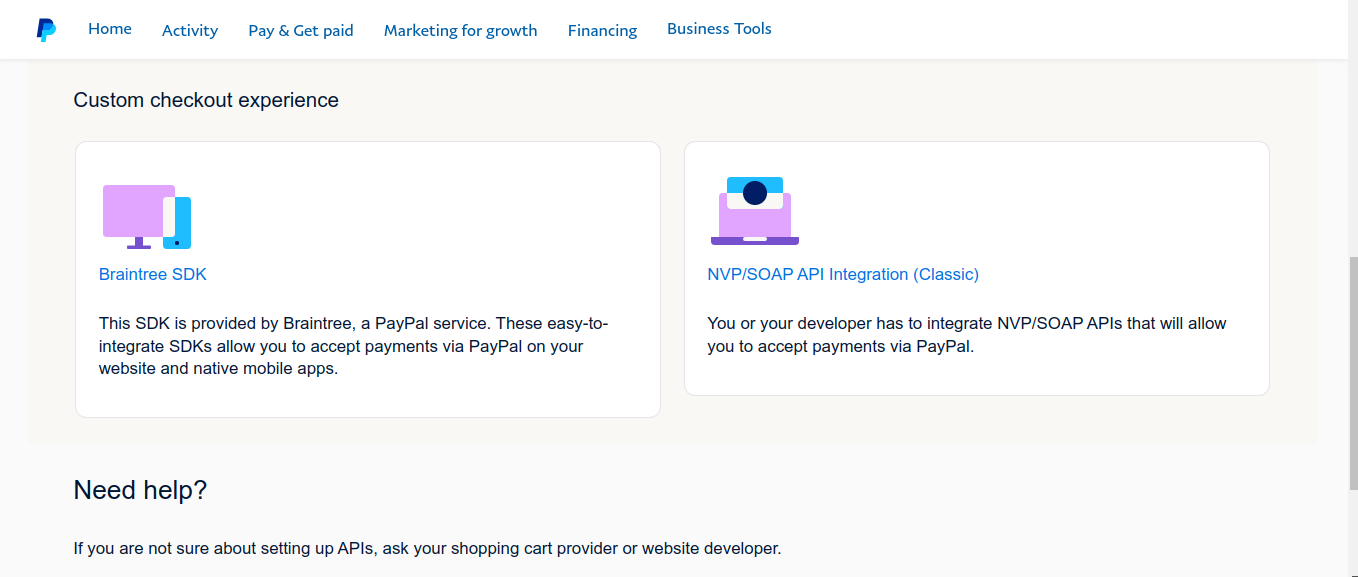
Going round in circles. I don't manage to get this setup. I have included some some screenshots of my progress. I'm sure it is simpler than my experience. Where am I going wrong?
-

Hi Ray,
Thank you for reaching out to us.
To enable this feature, please ensure that you have signed up for a PayPal Business account following the steps on this link:
https://www.paypal.com/business/getting-startedTo set up the PayPal Element:
1. I suggest setting it initially to Sandbox mode so you can test and ensure that it works before setting it live
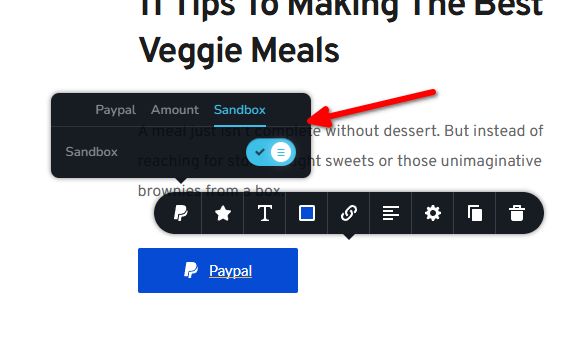
2. If you have enabled Sandbox Mode, you will also need to enable PayPal Sandbox mode:
https://developer.paypal.com/tools/sandbox/3. After enabling Sandbox Mode, fill out the Amount, choose a currency, and set a price for your product. You may include the shipping fees and the minimum quantity for the items sold on your website.
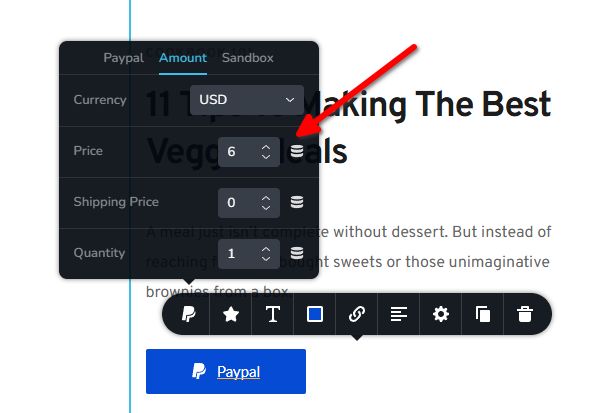
4. Lastly, connect to your PayPal account by selecting the plug icon.
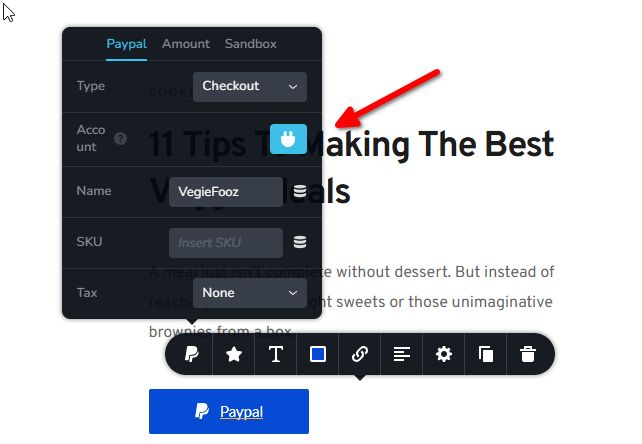
5. Here, you can copy and paste your Sandbox account or your live account credentials.
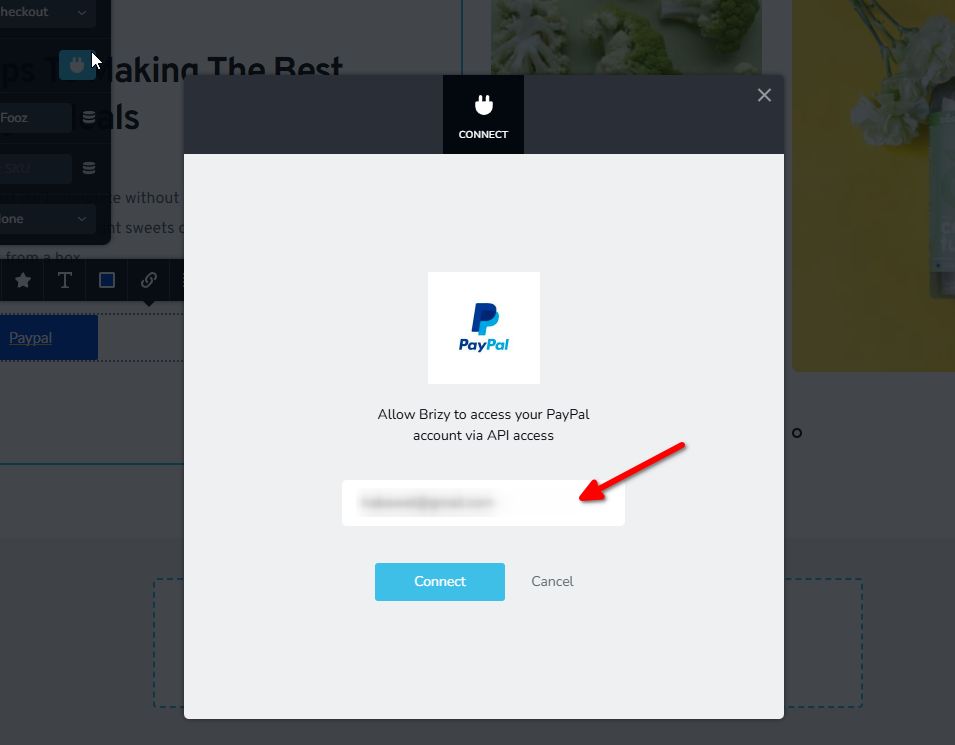
This process is explained in this screencast: https://youtu.be/CLfk5AGy83c
I hope this helps. If you have any further questions, please let us know.
Best regards,
Ariel H.0
Please sign in to leave a comment.
Comments
1 comment