Images not working

Hello, some images are not working in tablet and desktop. Here two screenshots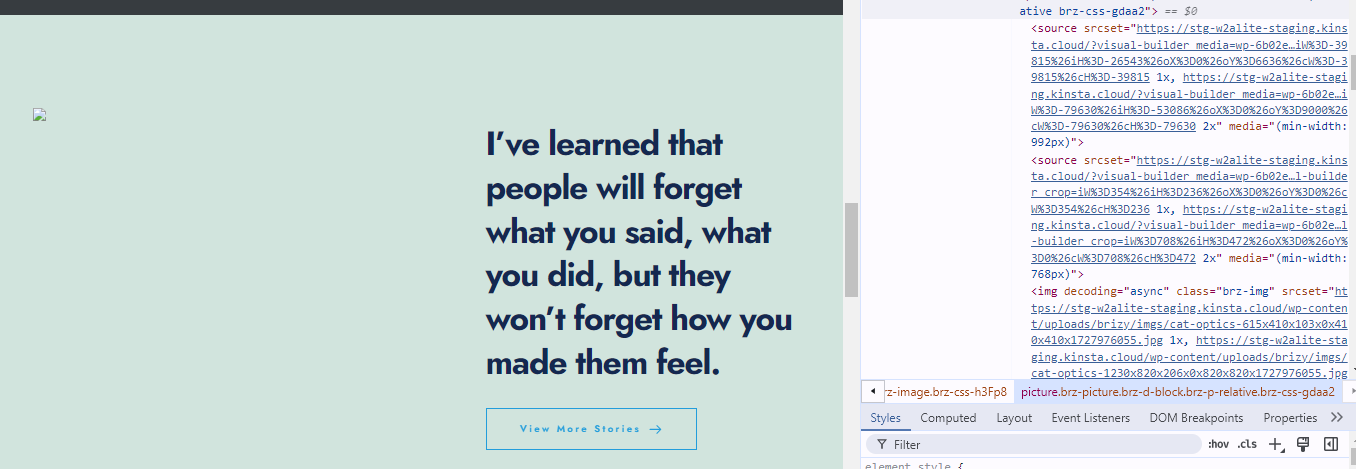
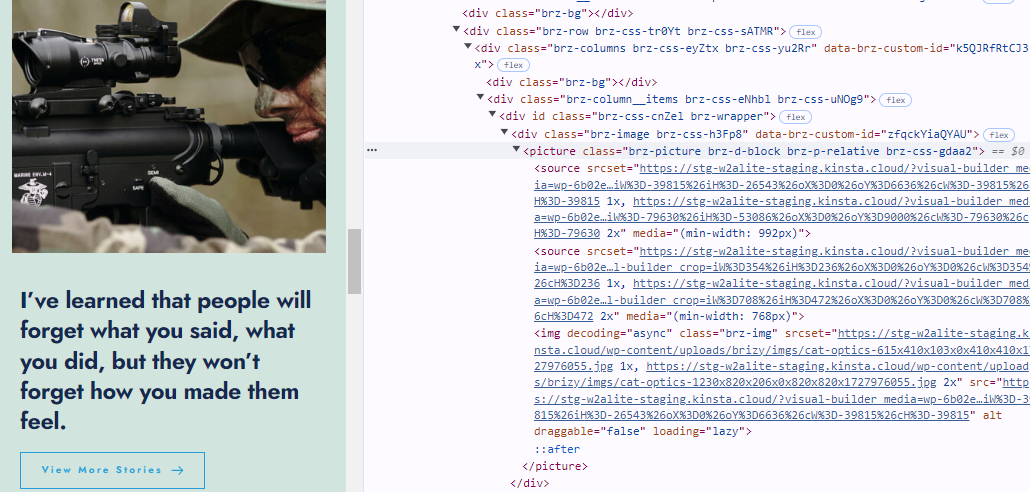
The same image in desktop and mobile.
-

Hi Timothy,
Thank you for reaching out to us
I assume that this website was recently pushed from staging to your live site?
Could you please provide us with temporary access to your WP Admin page so we can take a look? Kindly add us as an Admin user to your WordPress Dashboard and send the following details to communitysupport@brizy.io.
Community Post link: https://support.brizy.io/hc/en-us/community/posts/21783572617746
WordPress Admin URL:
Username:
Password:Please make a full backup of your site as a precaution.
Best regards,
Ariel H.0 -
Thanks, email sent
0 -
I see someone on brizy team is editing the site, so please let me know when I can go back and continue working.
0 -
Hi Timothy,
Thank you for your cooperation.
To further troubleshoot the issue, could you please temporarily disable Kinsta CDN and see if this makes any difference?
You can find instructions on how to disable Kinsta CDN here: https://kinsta.com/docs/wordpress-hosting/wordpress-cdn/kinsta-cdn/
Please try this and let me know how it goes.
Best regards,
Ariel H.0 -
It was already disabled, and the images issue is still there. Please see some images in the homepage, and test it in desktop and mobile.
0 -
Hello, any news on this?
0 -
Hi Timothy,
My apologies for the delay.
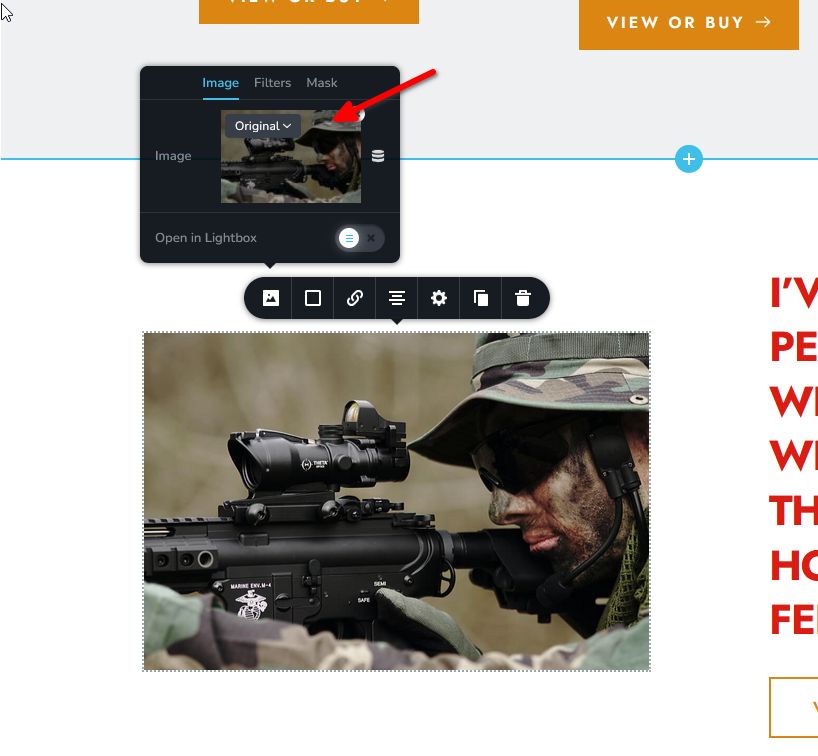
For the images to display on the front-end, please set the image to "Original." I have downloaded the block in my test environment so we can further look into this issue. I will get back to you as soon as I have an update.
Best regards,
Ariel H.0 -
Hey Ariel, thanks! That worked for now.
0
Please sign in to leave a comment.
Comments
8 comments