Problems with Brizy Builder (Duplicate global modules and conflicts with polylang)

Hello,
I have done several tests to validate what is going on and why my website is giving me 'critical error'. I determined that it is a conflict between Polylang and Brizy.
In this first image you can see that my page gives critical error.
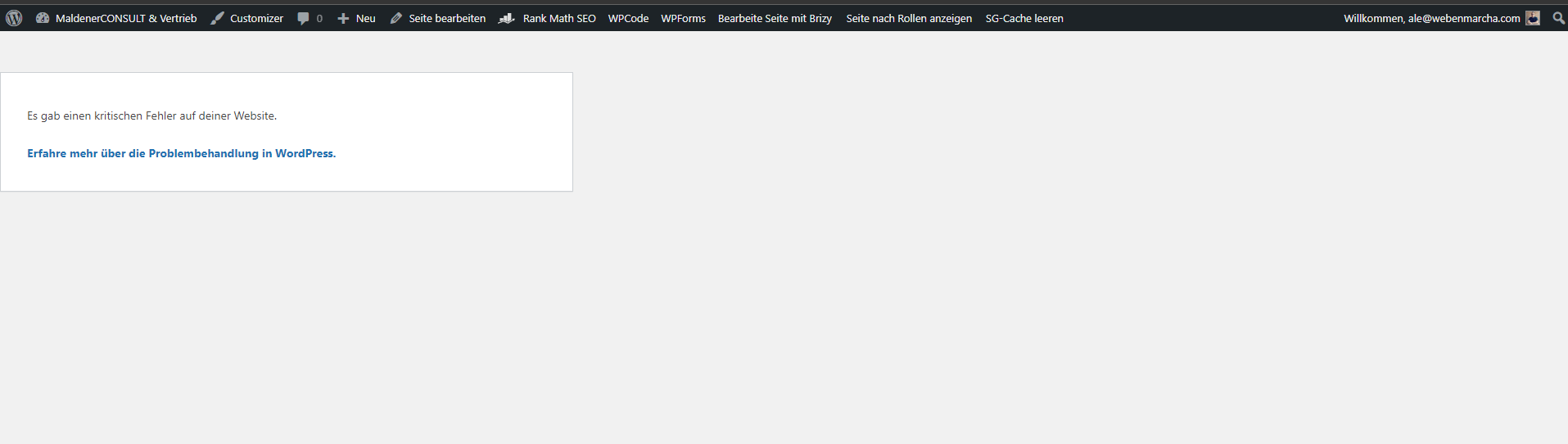
I tried disabling polylang / enabling brizy and enabling polylang / disabling brizy, and both ways the page works.
I realized that it could be a conflict with the global modules, which by the way Brizy is duplicating it.
The current page has only 10 pages in total, 5 in Spanish and 5 in German. In the following image I will show that the global modules are duplicated:
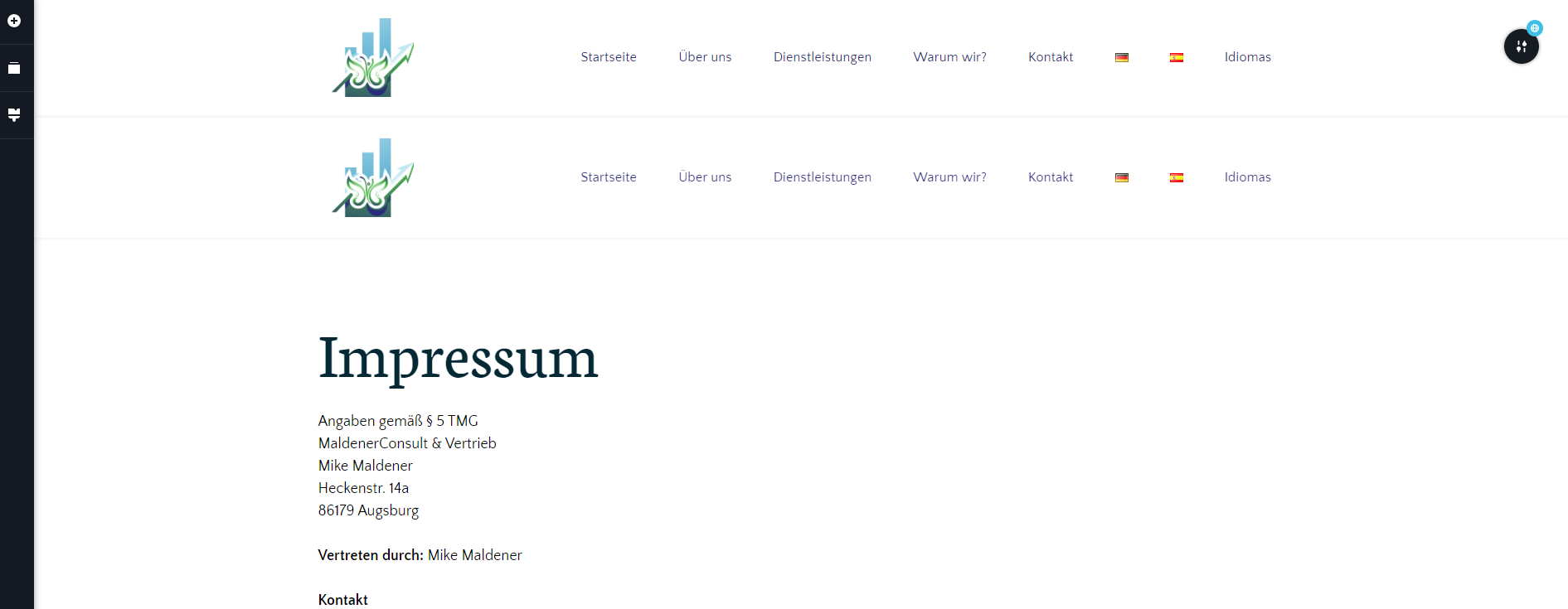
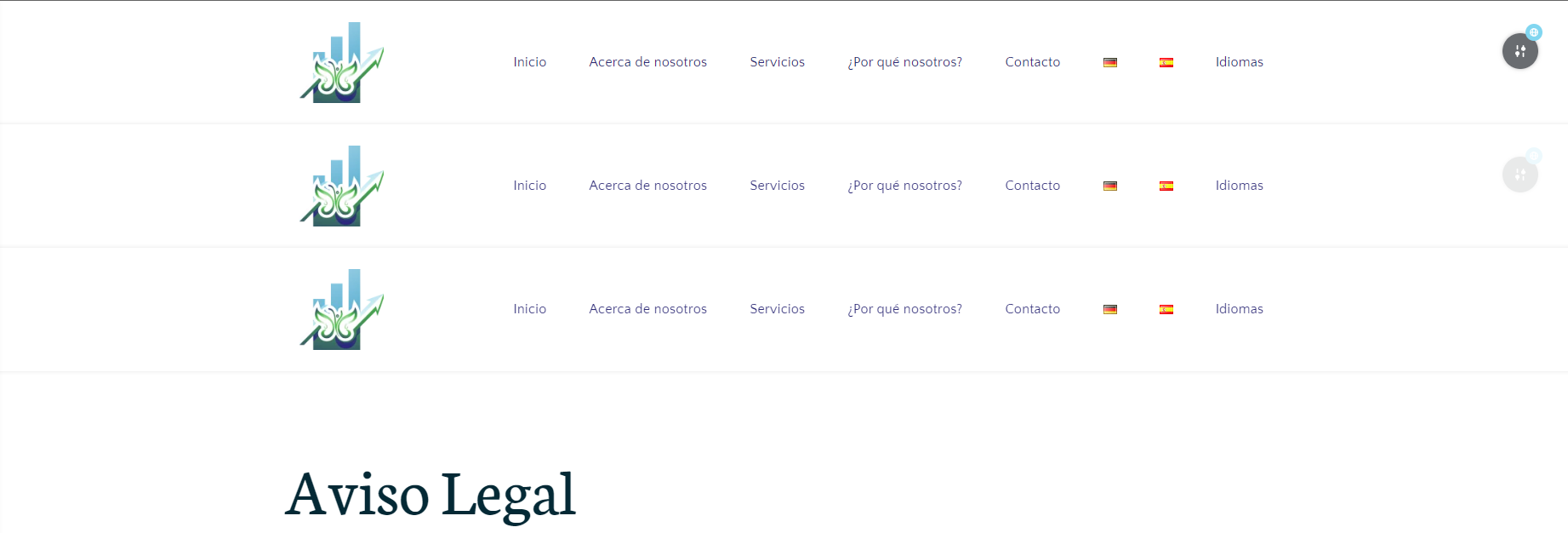
What I will do is delete all the global modules from the pages and update. Now the page works. Of course, without header, footer and other global modules.

I am going to load only the header as global. I selected “all” because it made the change automatic. Maybe my mistake is just in the following configuration:
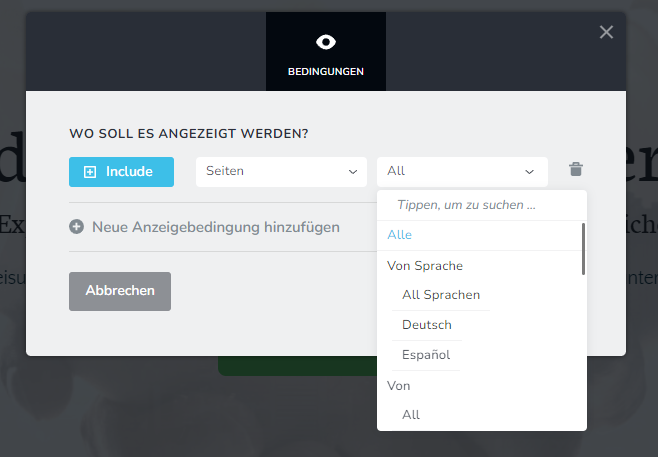
After updating that change, the site appears again in 'critical error' and only with that change of adding the global header, now in most of the pages appear duplicated global modules.

Even global modules such as the footer or contact form that I had deleted appear, but I never added them back.
All the images I have added are in order of the activity I have been doing.
Thank you for your help.
-

Hi Judith,
Thank you for reaching out to us.
Please try this approach and see if it fixes the issue.
1. Create a new temporary page, you can call it "temporary."
2. Edit the "temporary" page with Brizy.
3. In the Brizy editor, you should see the duplicated header/footer.
4. Select one of the duplicated header/footer, and remove the display conditions.
Please try this and let me know how it goes.
Best regards,
Ariel H.0 -
Thank you for your response. Unfortunately there is no way to add global modules and have it be compatible with polylang. When adding a global module with any display condition, it gives critical error. The page basically works without global modules. I would appreciate another alternative.
0 -
Hi Judith,
Thank you for the update.
This is something we need to inspect from your WP Admin page. Please add us as an Admin user to your WordPress Dashboard and send the following details to: communitysupport@brizy.io
Community Post link: https://support.brizy.io/hc/en-us/community/posts/21761509996178
WordPress Admin URL:
Username:
Password:Please make a full backup of your site as a precaution.
Best regards,
Ariel H.0 -
Ready Ariel, you can check, thank you.
0 -
I forgot to tell you. Now you'll see it online because I decided to make the header with the template. I think that from the header comes the problem. If you add a global header, you'll see that the critical error appears.
0 -
Hi Judith,
Thank you for your cooperation. It appears we had another user reporting a similar issue. I've already included this support thread in the ticket that was escalated to our developers for further investigation. I will get back to you as soon as I have any new updates. We apologize for the inconvenience.
Kind regards,
Ariel H.0 -
Ok. thank you.
0 -

Hi, I have the same problem, could yoi please inform me, when there is a solution?
Heike
0 -
Hi Heike,
Thank you for reaching out to us.
This issue should be fixed in the next update. Unfortunately, we don't have an ETA for when it will be rolled out, but it's currently in the beta testing period and should be released soon. Sorry for the inconvenience.
Best regards,
Ariel H.0 -

Hi Ariel,
I can confirm the issue with a new website. The weird thing is that the exact same plugins/theme configuration on an older site still works without this critical error. Also when deactivating Polylang, things get back to somehow normal. 'Somehow" because the front page doesn't revert to its exact former state... header menu is totally gone for example and other changes.
I understand that you will be releasing an update not sure when. GIven that it's been more than a week now however and the fact that I have a client waiting to get her site to launch her business, I am wondering whether to revert to a former version of Brizy Pro would fix the problem until further notice (currently running v.2.5.4).
Best regards,
Thanasis
0 -
Latest update: By removing PLL_Switcher (Language switcher of Polylang) from the menu the conflict is resolved.
0
Please sign in to leave a comment.
Comments
11 comments