Something Has Changed in Regard to Image Elements

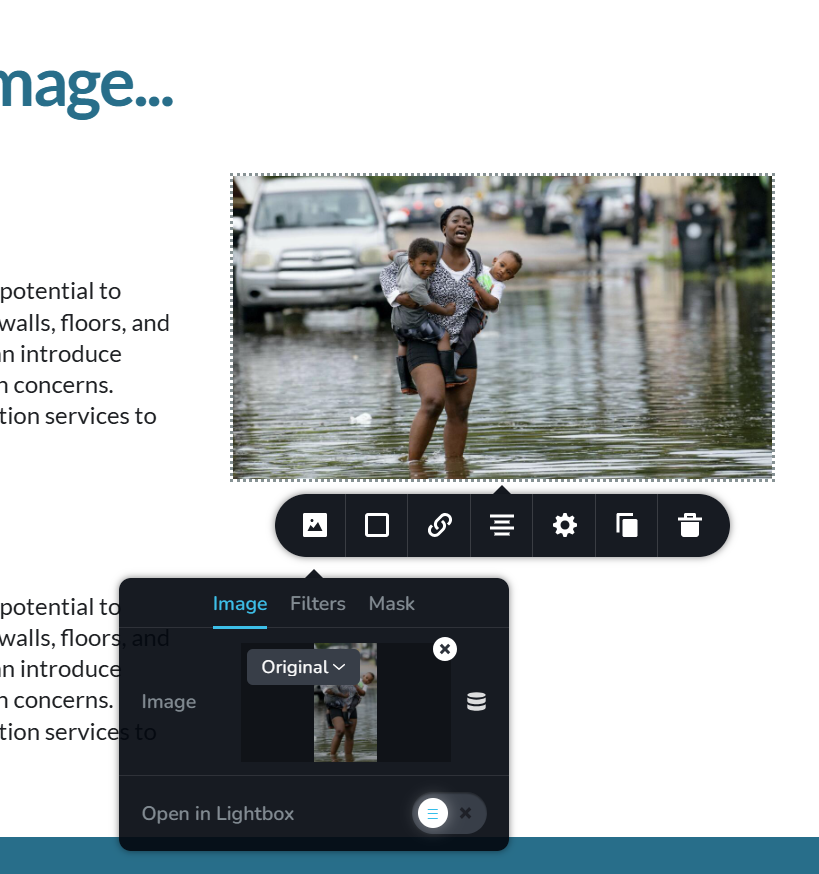
There are two issues I would like to point out about the above image.
First, I used the WP 'Edit Image" to crop and save this image, cleared the cache and Brizy is not using the cropped image. This is bizarre.
Secondly, it use to be that you could STRETCH an image to fill a column and that is no longer possible. The dots that used to be in the middle of the top and bottom are no longer available, only those in the corners. What am I missing here?
-

Hi Michael,
Thank you for reaching out!
For the first issue, I recommend trying to update the block that contains the image by adding 1 pixel of padding, then clicking update to save your changes. This sometimes resolves broken layouts and may also force the cache to refresh.
Regarding the second issue, the option to stretch or resize images is not available when the image is set to "Original." Please try setting the image size to "Custom." This should allow you to adjust the image size as needed.
Please try this and let me know how it goes.
Best regards,
Ariel H.0 -
Thanks, Ariel.
I actually have already tried your second suggestion, and the moment I set it to Custom, the image ratios were completely destroyed and my weeping mother (in the photo) gained 120 lbs!
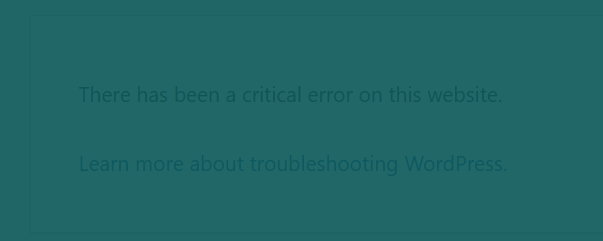
And while I have you, since the last update, while I am building a pop-up, behind the background is a warning stating...
 0
0 -
Hi Michael,
Thank you for contacting us.
Please provide us with temporary access to your WP Admin page so we can take a closer look at this issue. Please add us as an Admin user to your WordPress Dashboard and send the following details to communitysupport@brizy.io:
Community Post link: https://support.brizy.io/hc/en-us/community/posts/21713007217426
WordPress Admin URL:
Username:
Password:
URL of problematic page:Please make a full backup of your site as a precaution.
Best regards,
Ariel H.0 -
Hi Michael,
Thank you for your cooperation. I tried to replicate the issue, but it didn't occur on my end.
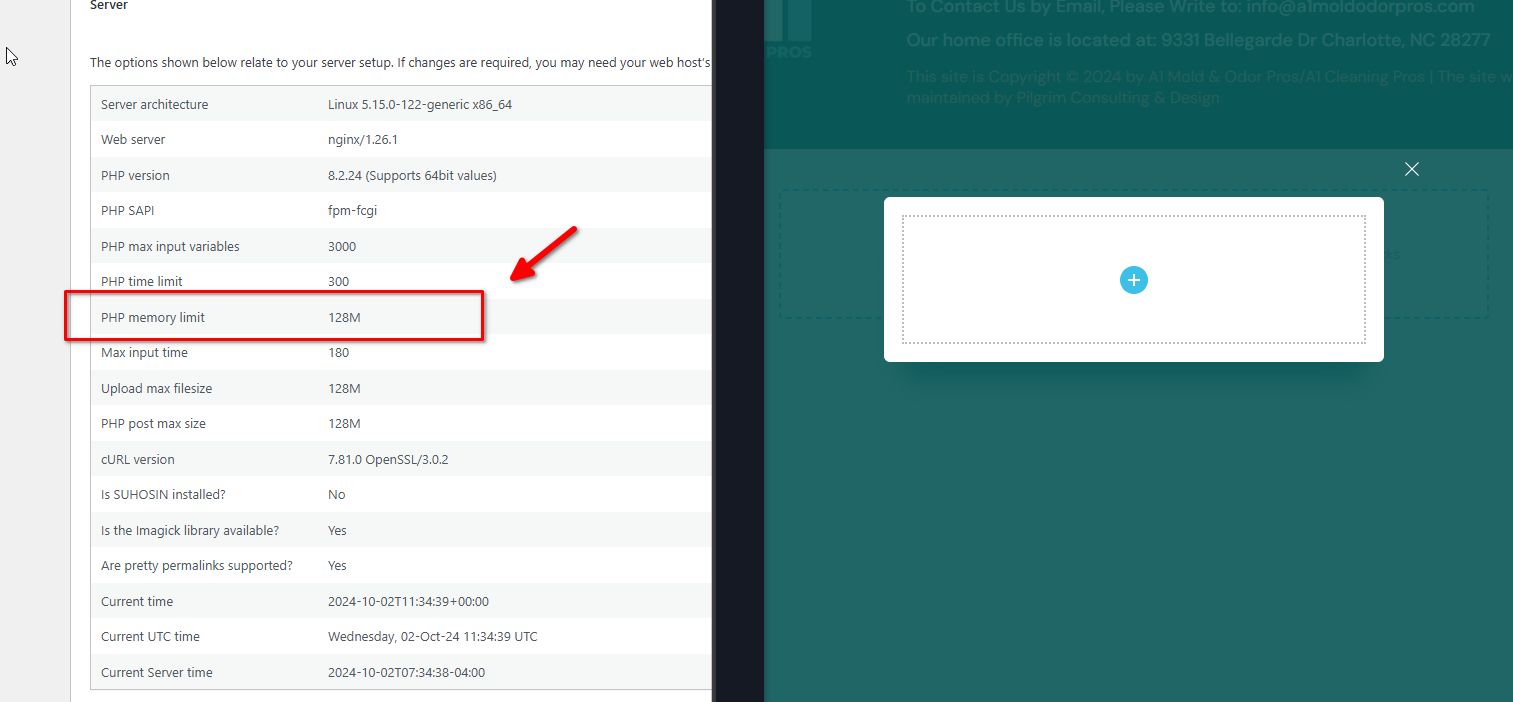
However, this issue often occurs due to a lack of memory. Could you please try raising the PHP Memory Limit from 128M to 512M or higher for best results?
The steps are provided in this article: https://www.wpbeginner.com/wp-tutorials/fix-wordpress-memory-exhausted-error-increase-php-memory/
Otherwise, please reach out to your hosting provider so they can help you update the PHP Memory Limit.
Please try this and let me know if it helps.
Best regards,
Ariel H.0
Please sign in to leave a comment.
Comments
4 comments