What if I modify the file link in the link?

Why does the file link in the link display 'Brizy'? I have set up the website as my own domain name. Can I now modify this link to my own domain name?
-

Hi,
Thank you for reaching out to us.
This appears to be a glitch in the recent update. This issue has already been reported to our Dev Team and should be fixed in one of the upcoming updates. We apologize for the inconvenience.
Best regards,
Ariel H.0 -
When can we handle this problem properly? It's been 17 days now
0 -
Hi,
My apologies for the delay.
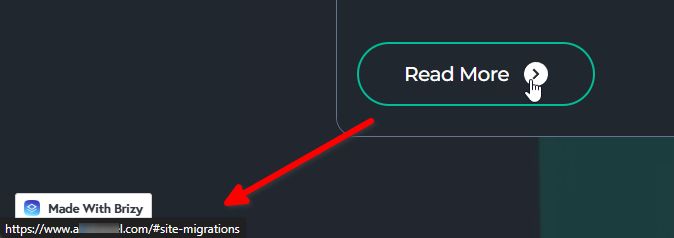
Could you please check it again on your website? It appears to be working correctly in my test environment.
Best regards,
Ariel H.0 -
https://snipboard.io/vW7Dko.jpg
Still the problem, this button is a PDF file, not a redirect link. The link displayed in the file is your admin.brizy.io, which should show the link to my website.
0 -

Hello,
This behavior is normal for Brizy Cloud and other Cloud based website builders. When you upload a file to the Cloud, the file will have the cloud path. In Brizy Cloud, you do not get access to your site root hence cannot upload files to your website root.
If you access your Media Library, you can see the Cloud path to your PDF file.
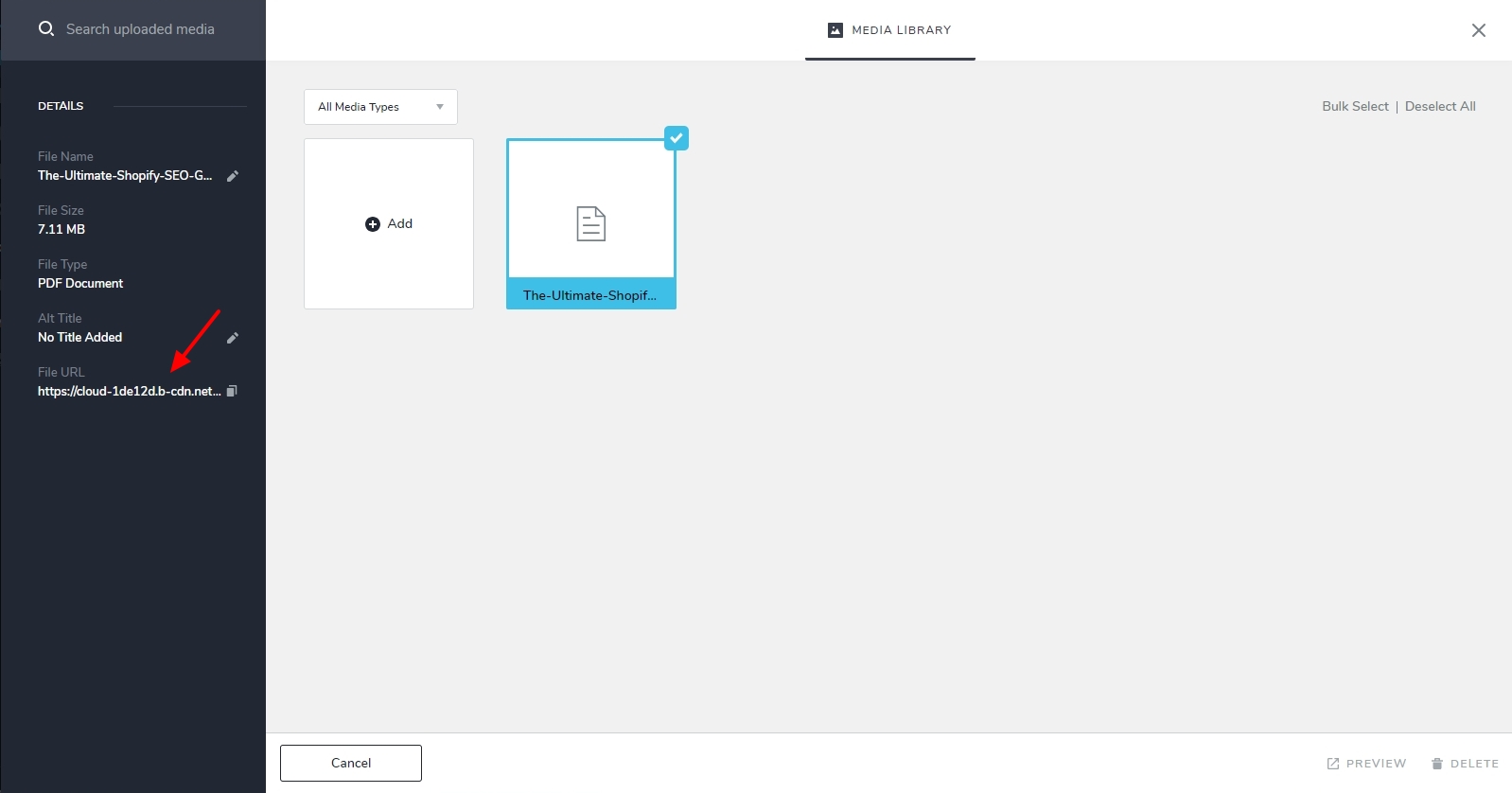
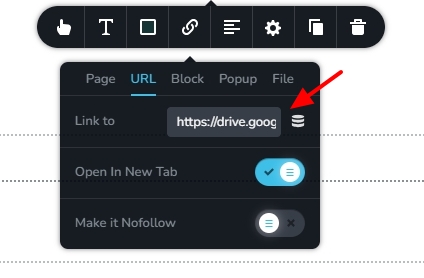
If you prefer not to display the Brizy Cloud path for your PDF file, kindly upload the PDF to an online drive like Google Drive, Jumpshare etc. and add the path in the "Link To" field under the URL tab.
 0
0
Please sign in to leave a comment.
Comments
5 comments