Issue with File Uploads in Form – Space in Filename Causes Error

I’m encountering an issue with a client's form. When a photo is uploaded through the form and the filename contains no spaces, it works perfectly, e.g., photo.jpg. However, when the uploaded photo has spaces in the name, such as "photo one.jpg", the download link in the email contains an error.
This is one of the links the client received in their email:
The attached photo was named "Group 36036.png", and the space in the link causes an error. See the attached screenshot for reference.
The correct link should be:
Is there a way to fix this issue?
Best regards,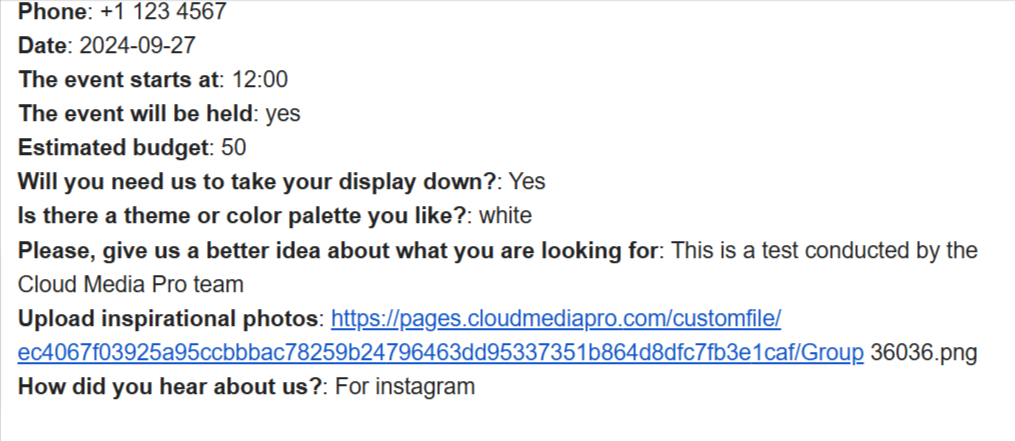
-

Hi Jorge,
When a user uploads an image with spaces in its file name, the email notification displays the image path with the spaces correctly. Here is an example
However the hyperlink added to the file name in the email notification gets broken due to the spaces added to file name. I will report this issue and we will work on fixing it. In the interim, kindly advice your client to copy the entire image path (including the spaces) and paste into a browser to view the image as demonstrated in the screen recording at https://jmp.sh/0mOtaVJf
0
Please sign in to leave a comment.
Comments
1 comment