WordPress Blog Does Not Display Comments

I am using Brizy Pro to create a template a single blog posts. The template appears to work, but the blog posts do not display the comments made in reply to the post. I have adjusted all the WordPress settings to allow comments to be made and displayed. Right now, all that is displayed in the following. It lists the number of replies, but not the actual comments. Thanks for your help.
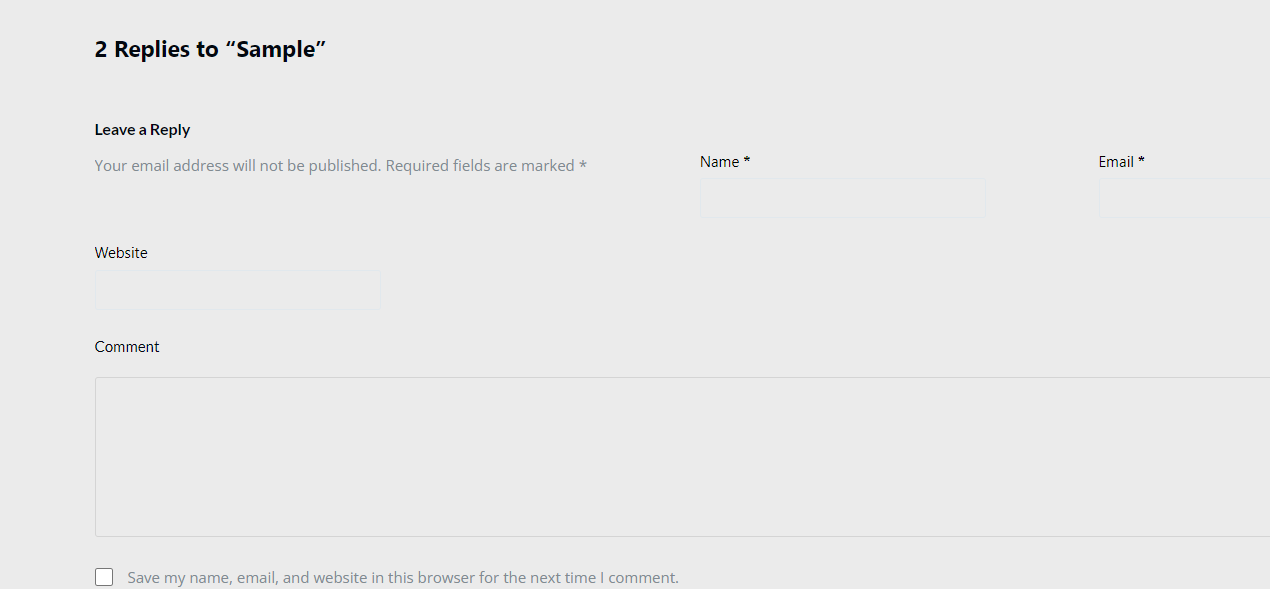
-

Hi Tom,
Thank you for reaching out to us.
This appears to be a glitch in the recent update. We have already reported this issue to our dev team so they can further investigate it. I will get back to you as soon as I have any new updates.
In the meantime, you might try rolling back to previous versions of Brizy to see if that resolves the issue. Please make sure to take a full backup of your website first, then download the following versions:
- Brizy 2.5.2: https://jmp.sh/2bXHLvAZ
- Brizy Pro 2.5.1: https://jmp.sh/s29vW87tTo roll back, follow these steps:
1. Deactivate and delete Brizy Pro.
2. Deactivate and delete Brizy.
3. In your WordPress Dashboard, go to Plugins → Add New → Upload Plugin, and upload Brizy 2.5.2.
4. Repeat the same for Brizy Pro 2.5.1.Best regards,
Ariel H.0 -
Hello, Ariel.
Thanks for your help. I tried your suggested temporary solution. It fixed the blog page (comments were shown on the single post page), but the older versions of Brizy and Brizy Pro wreaked havoc with the page menus. See below. Please let me know when there is an update that addresses this issue.
Thanks for your continued help.
Tom
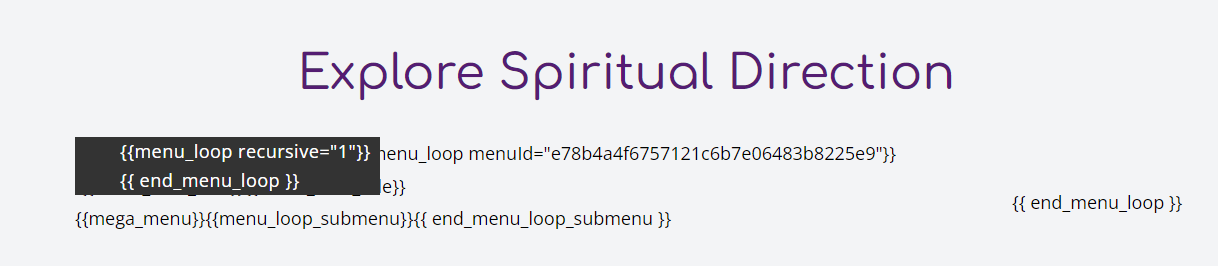 0
0 -
Hi Tom,
Sorry about that.
To fix this, select the global block containing the menu element. Then, make a small adjustment by increasing the padding by 1 pixel. Update to save your changes, preview your site, and see if this fixes the menu. You can revert the changes you've made if necessary.
Let me know if this fixes the issue!
Best regards,
Ariel H.0 -
Hi Tom,
I'm following up on the issue you recently reported. Did our suggestion help fix the issue?
Best regards,
Ariel H.0
Please sign in to leave a comment.
Comments
4 comments