How to open an image when clicked so it shows in full size?

Hi,
I am using the gallery component as a slider, and I want to show the images in full size when clicked on it. Let's say I have set up an event page and want to show the pictures of the previous event?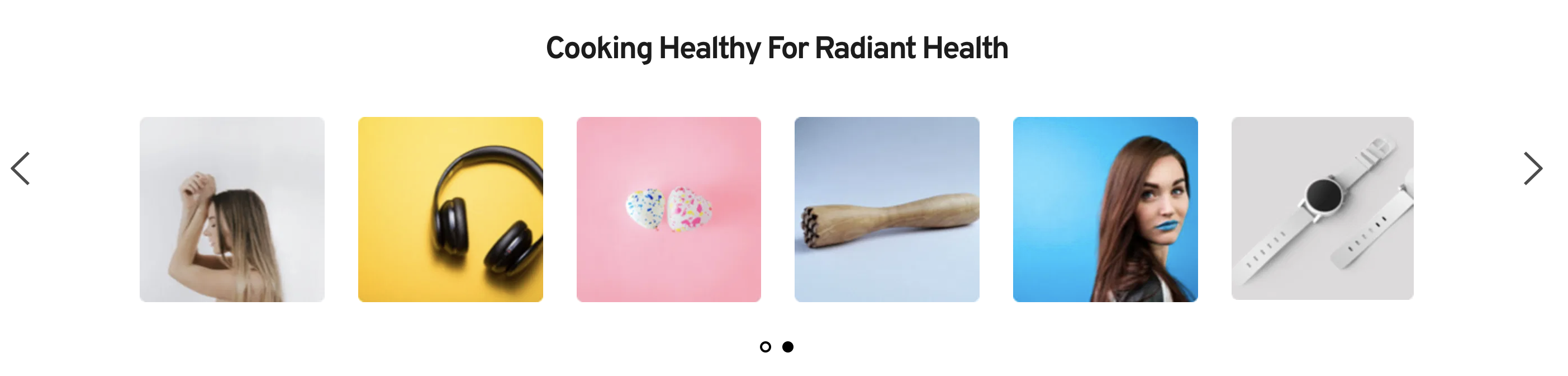
-

Hi Adithya,
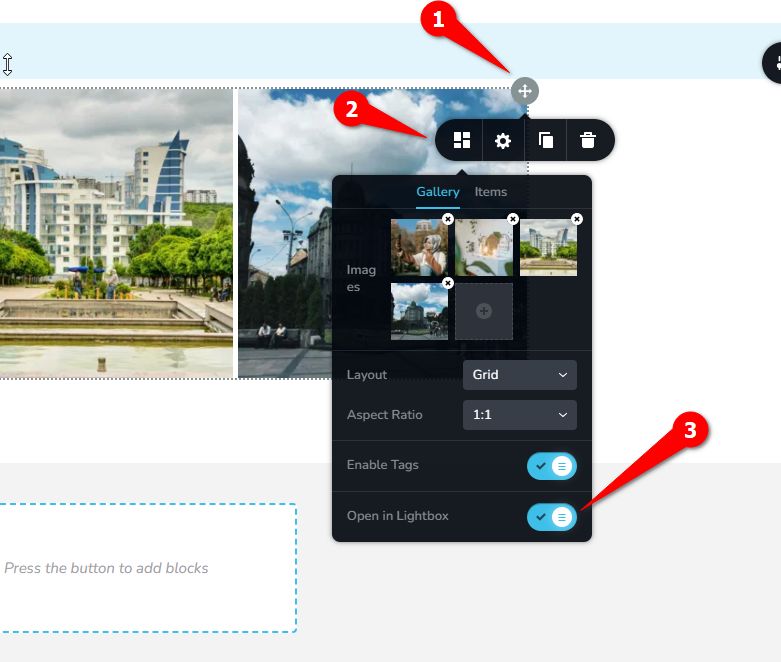
To accomplish this, please enable 'Open in Lightbox' as shown on this example.
Best regards,
Ariel H.0 -
Thank you so much Ariel.
I am not able to see the options to do step 1 and step 2, but for Step 3 it seems to be specifically done for each image.
Can you help me?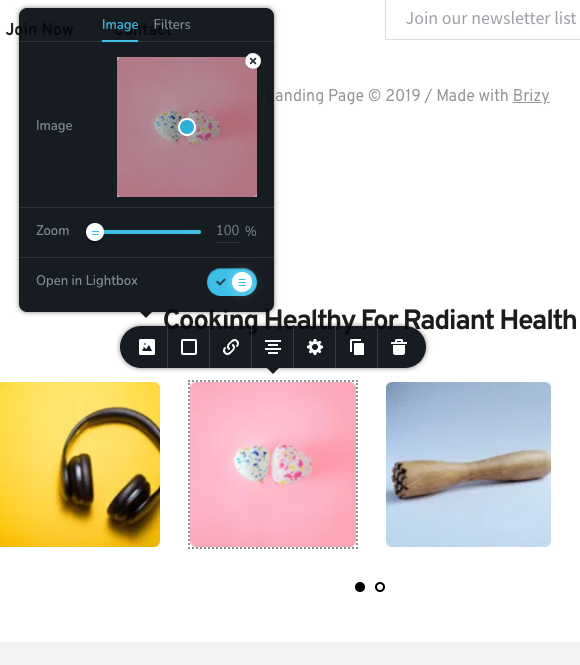 0
0 -
Hi Adithya,
You may have used the image element in your slider, so this option is not available. In my example, I used the gallery element and made it a slider. I have created a short screencast for you on this link to show you how this could be accomplished - https://youtu.be/daQTXuwQX8I
I hope this helps.
Best regards,
Ariel H.1 -
Thanks Ariel, this was super helpful.
This solved the query. Thanks again.1
Please sign in to leave a comment.
Comments
4 comments