Autotranslate not working

Dear Sir/Madame
When using the autotranslate feature almost none of the written contet got translated in ou project. Under the translation details it shows that the text got mnually edited, however it did not.
Project: ASH/Weblap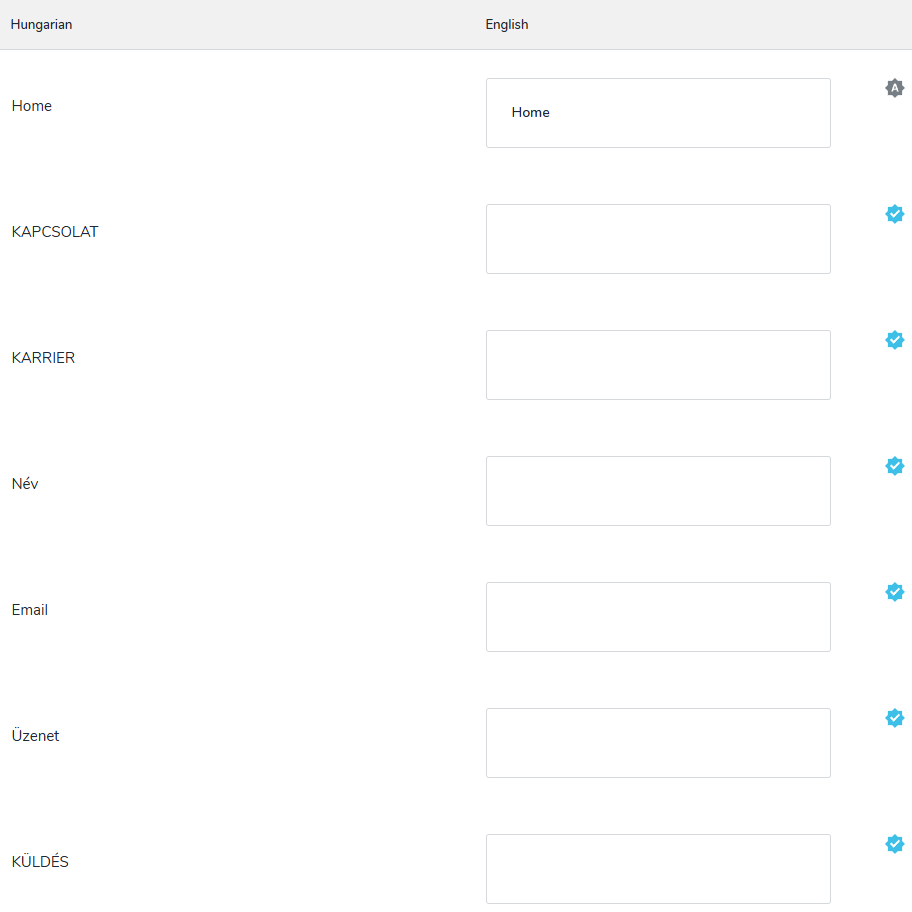
Update: A new error message appears when trying to edit any kind of translation releated setting: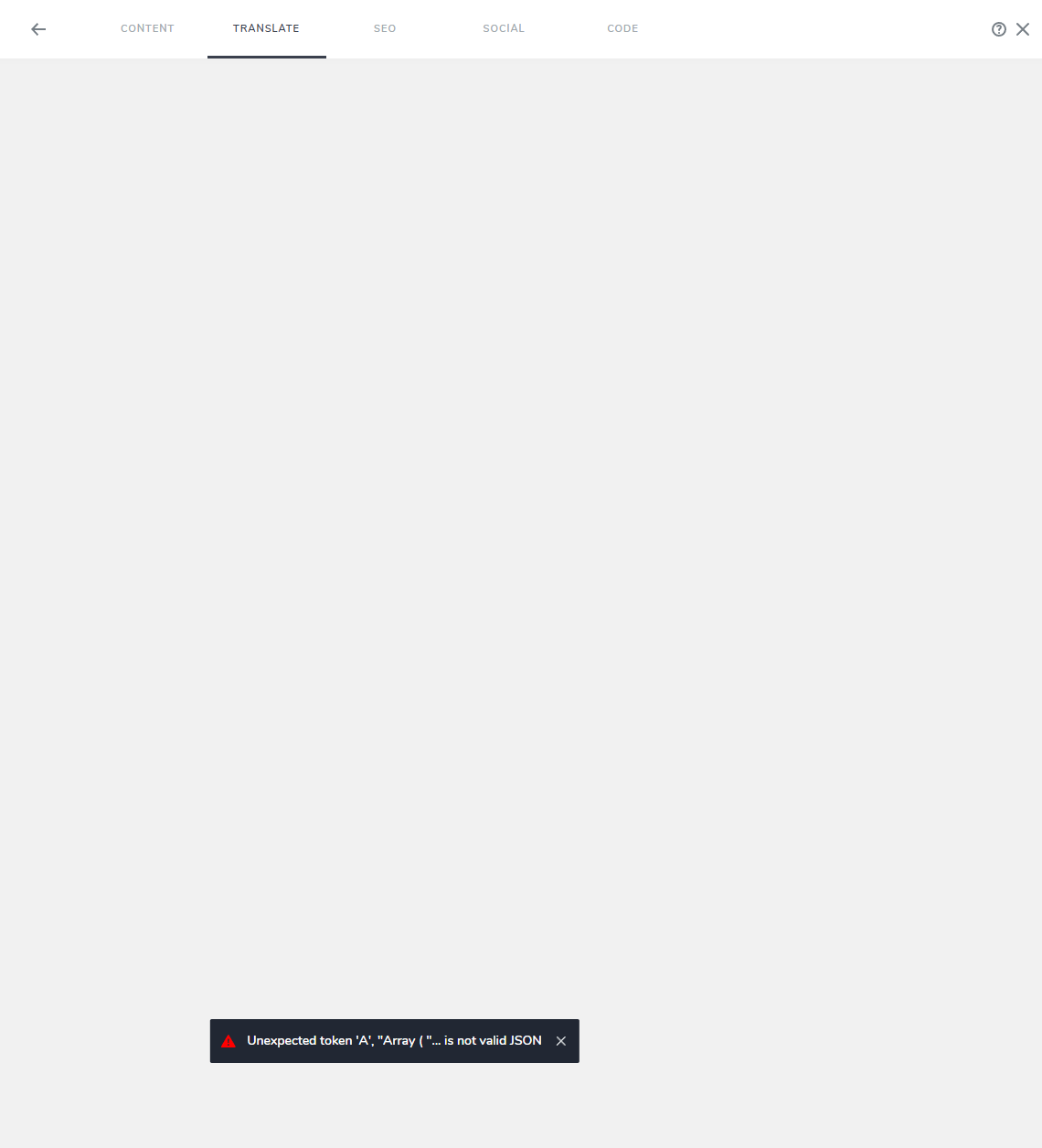
-

Hi Rácz,
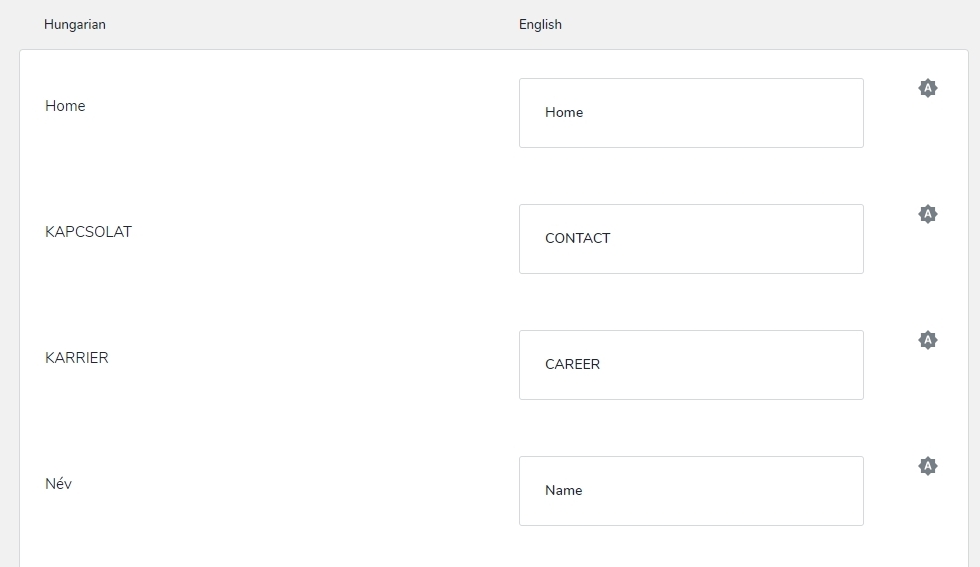
The translation feature was inaccessible in the Brizy Cloud editor for a little while. The service is now restored. Auto translations appear available for most of the text strings in your pages. Kindly check.
 0
0 -
Thank you, it works now, however in the case of an other site, the auto translation still not working.
Jobizma / Project #10 -
Hi Rácz,
Free translations provided by Google Cloud's Translation API has an upper limit per API. To make more free translations available to our users, we are working on revising the translation module. Until we have a better solution in place, automatic translations will not work on new Brizy Cloud projects.
Kindly add manual translation strings to your project using online resources like https://www.deepl.com/en/translator and https://translate.google.com/ as we take time to revise the translation module. We regret the inconvenience and appreciate your patience and understanding during this transition.
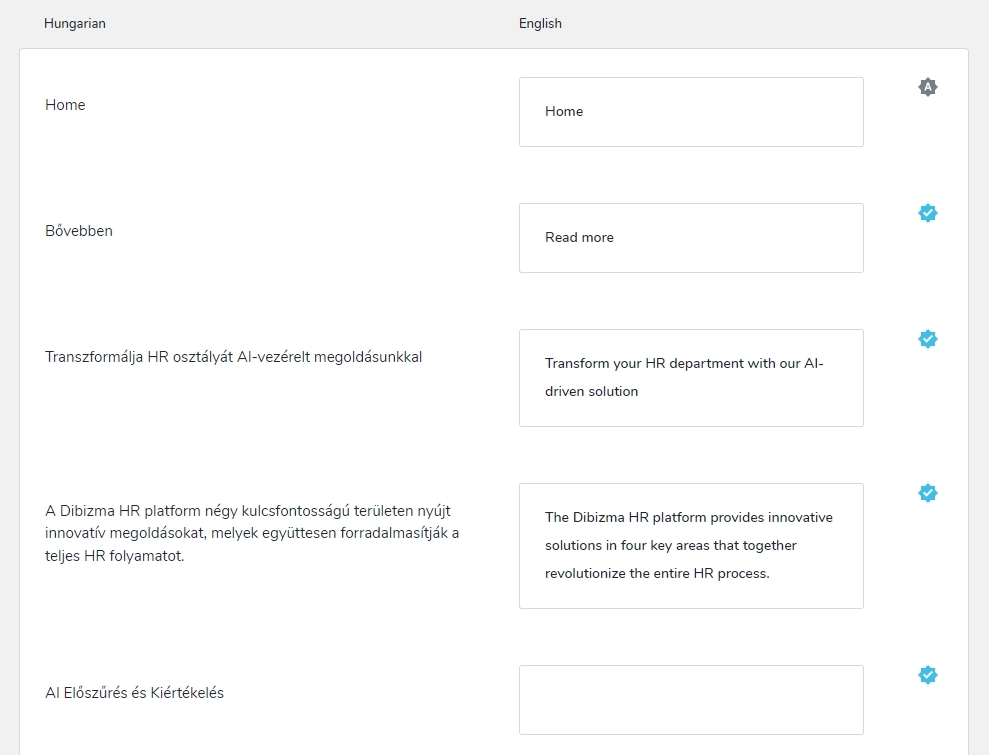
I have added a few manual translations to your project and I could save my work. Kindly try again and check if you see the error you have reported above
 0
0 -
Thank you. We made the translation maunally, however, certain menu items do not show up in the translation page, so we can not edit them manually. Menu tiems not showing: "Funkciók, Előnyök, Rólunk mondták".
Could you plese take a look at that?0 -
Hi Rácz,
We apologize for the inconvenience. This is due to a bug with the translation module. Menu navigational labels are not included in the list of translation strings. I have reported this bug and we will work on fixing it. The fix will be part of a future update.
As a temporary solution, you could consider adding additional menus for English and Arabic. Develop 3 headers one for Hungarian, English and Arabic and display appropriate header based on the selected language using the "Show if Language" option in the header settings.
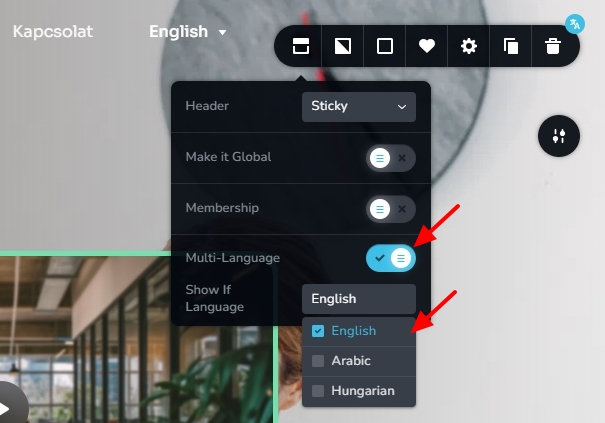 0
0
Please sign in to leave a comment.
Comments
5 comments