Problem with adjusting the width of a photo in the mobile version

Hi
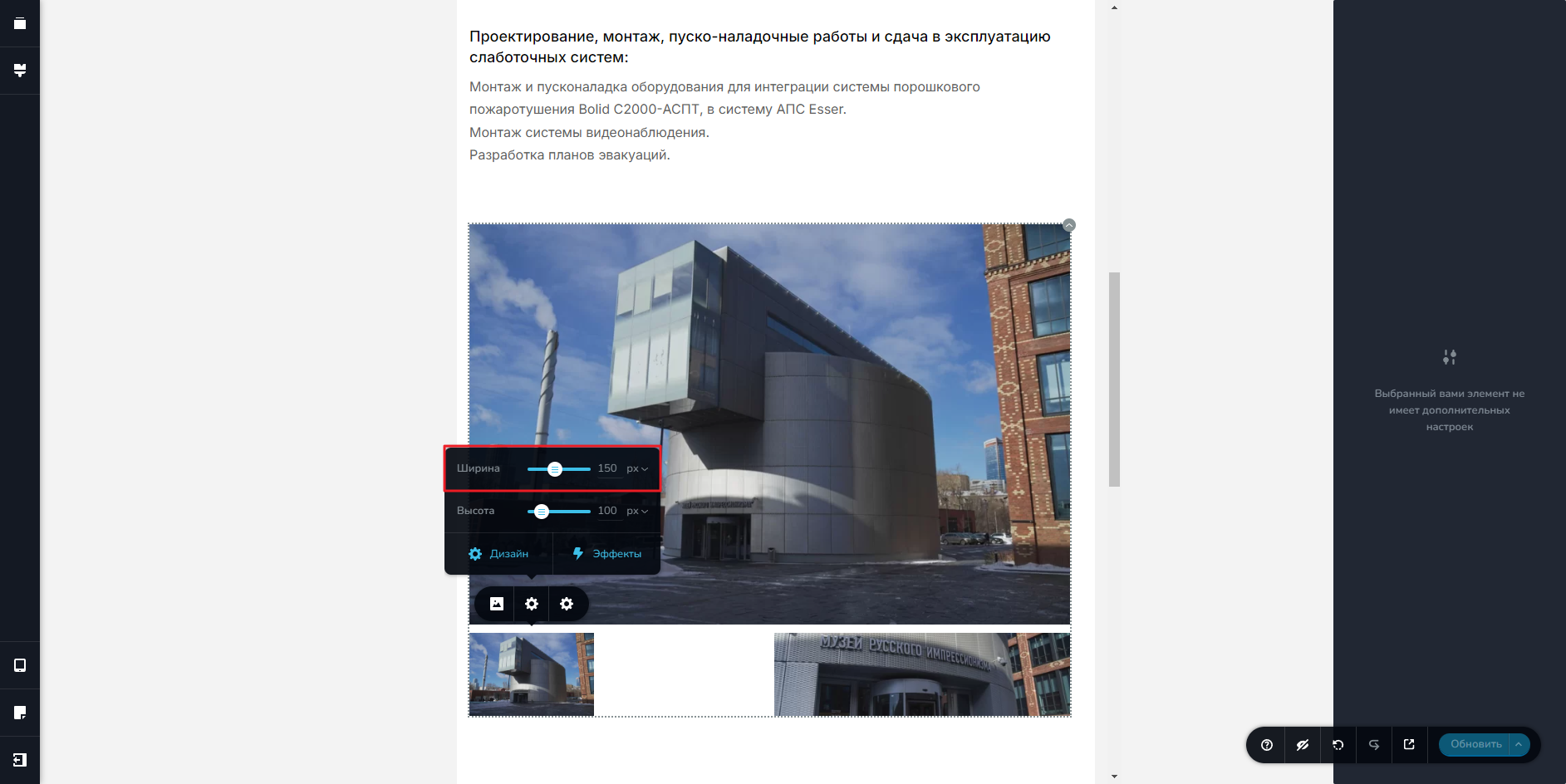
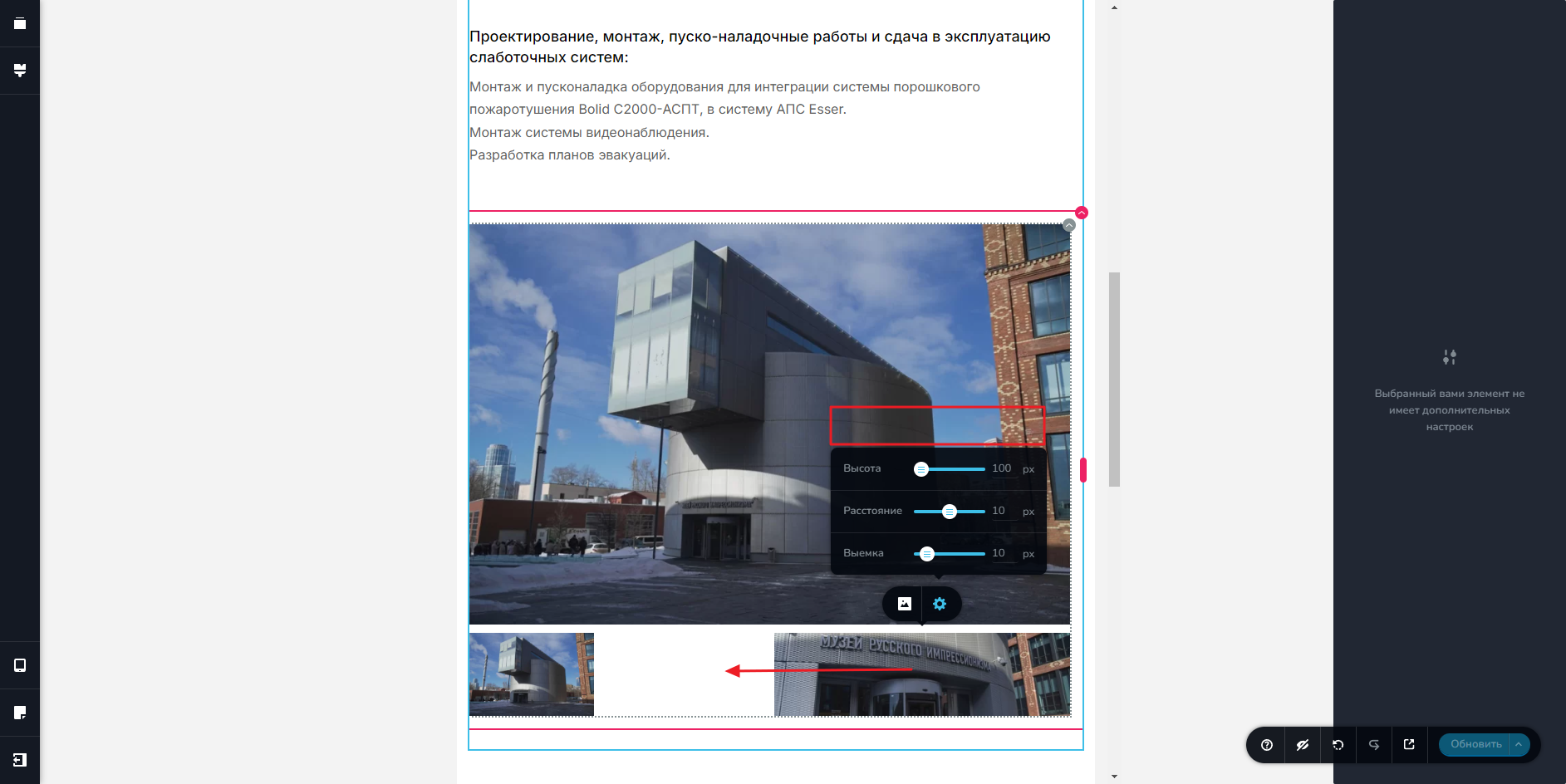
I have a problem with adjusting the width of a photo in one of my elements in the tablet and mobile versions. There are no width settings in the mobile version.
Also, the photos are not in a row from left to right.
-
0
-

Hello Timur,
Can you please share the URL of the page where you are experiencing the issue so that we can take a look?
0 -
Hello Timur,
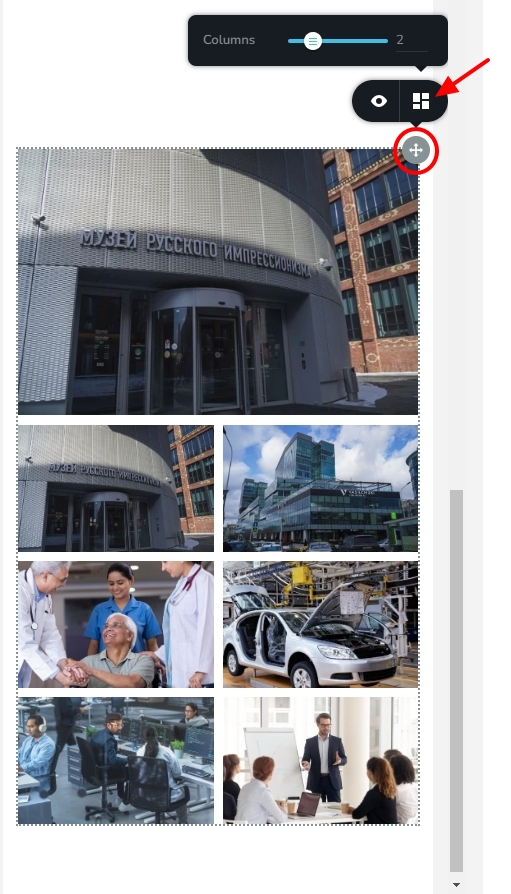
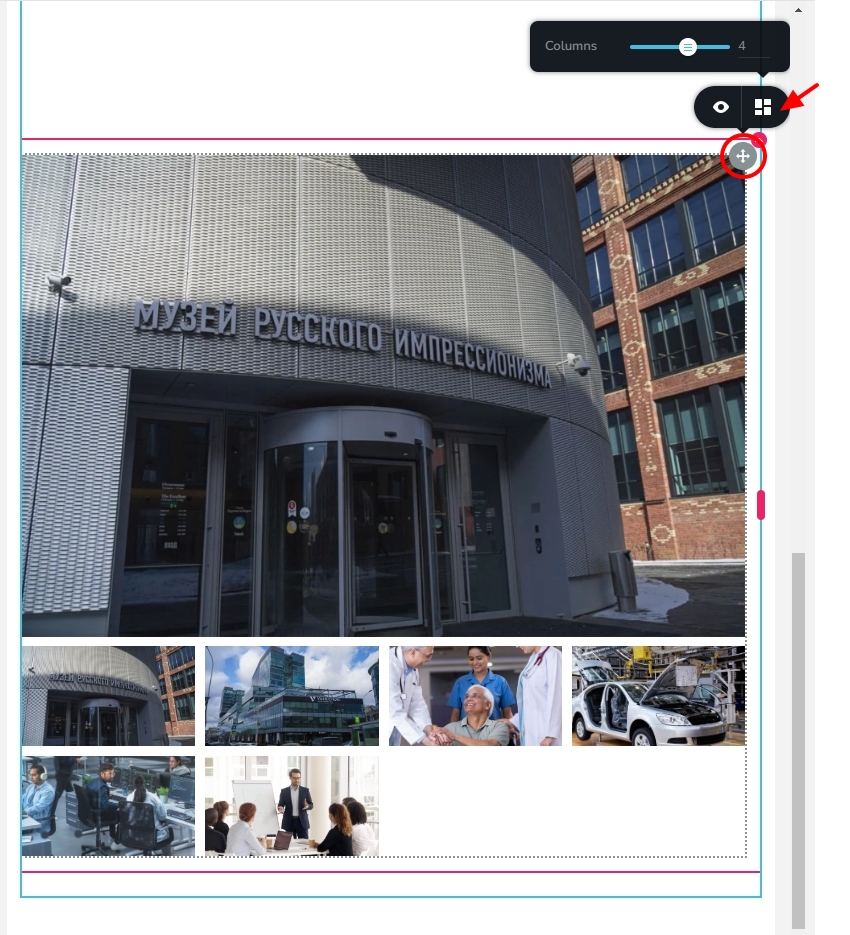
In mobile and tablet design views, you can set the number of columns by selecting the + icon at the top right corner and then the gallery icon. You can increase the number of columns to 3 or 4 to reduce the width of each image in the gallery
 0
0 -
Thank you! I myself could not guess that the settings for the number of columns are hidden there.
0
Please sign in to leave a comment.
Comments
4 comments