Not-so-good performance and BAD accessibility

Hello there,
Pagespeed insights is reporting a not so good value in performance for my website, especially on this page
https://www.imagovis.art/galleria-rendering-3d-di-architettura-reggio-emilia
(mobile side) and quite low accessibility (67%) both on mobile and computer side.
About the accessibility could be alt tag related, cause in the page there's a gallery that has no possibility to add an alt tag (I googled the topic).
I'm quite unexperienced in website creation, it's almost my very first one so I hope you can give me some hints :)
Thanks
-

Hi Attilio,
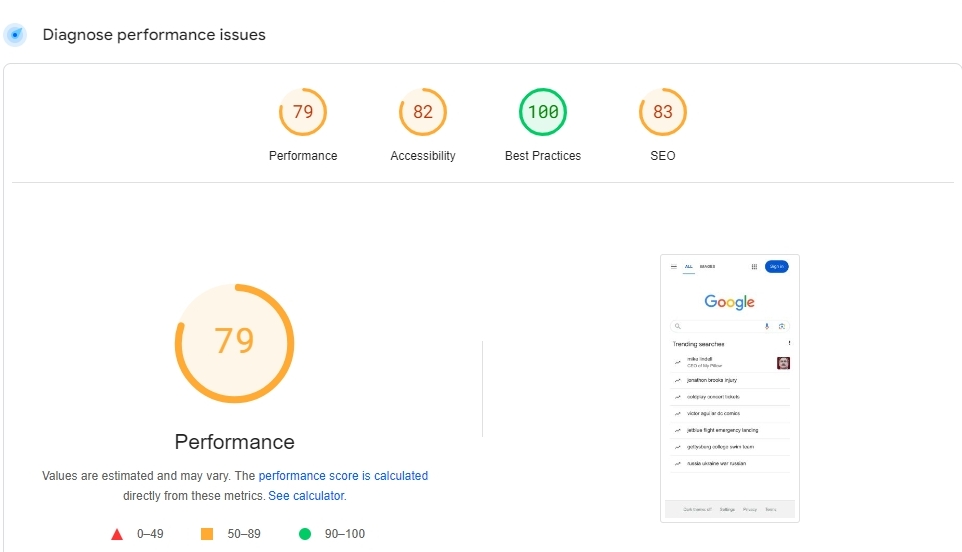
88 is a good Pagespeed Insights score. Kindly compare it with the Pagespeed Insights score of https://www.google.com/.
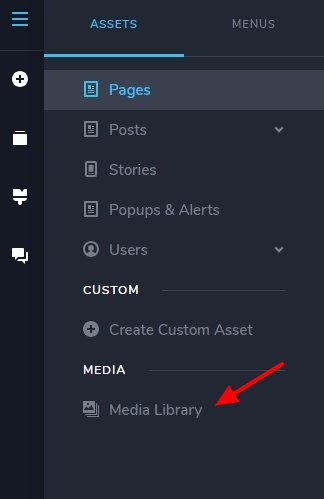
Kindly add 'Alt' Titles to your gallery images in your Media Library to improve the accessibility score. Have a look at this screenshot https://jmp.sh/dXq4RE2Q You can access your Media Library from the editor sidebar
 0
0 -
Hello,
I've tried adding a coherent and unique title in the "All title" space for every image, it didn't work.
I've tried adding the word Alt in titles but it didn't change. I also tried with a couple of images adding 'Alt', same problem.
What do I have to write exactly?
0 -
Hi Attilio,
Keep in mind that Alt Title, is the written copy that appears in place of an image on a webpage if the image fails to load on a user's screen. This text helps screen-reading tools describe images to visually impaired readers and allows search engines to better crawl and rank your website.
Adding "Alt" as Alt Titles to your images is not a good practice. Kindly watch this video for best practices for adding Alt texts. How To Write Great Image Alt Text And Get More SEO Traffic
0 -
Hi George,
Thank you for the link!
I've read a bit about the Alt Title yesterday, but what I was meaning writing "it doesn't work" it's that the Accessibility of Pagespeed Insights was still marking the pictures of the gallery as without alt tag, so the rating doesn't go up. That's why I asked "what do I have to write" :)
I'm doing this website trying to mimic the website of my close friend that does my same job and is an architect like me, he now lives in Cechia, his name is Michele Corradini. He has the website together with his colleague Matej and It was Matej that built the website, here in Brizy (that's the reason I chose it :) )
Their website doesn't have this Alt issue in the gallery webpage. This is the page
0 -
Hi Attilio,
The Pagespeed Insigts performance score of your gallery page appears much better compared to your friend's gallery page
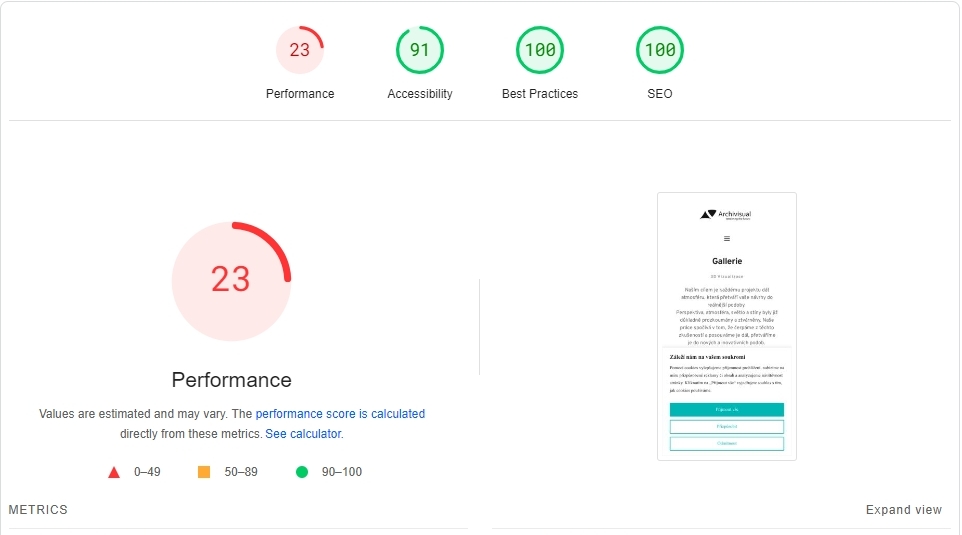
Unfortunately, the Alt texts added to images do not display on the Gallery element. Hence changes made to the page does not impact the Pagespeed accessibility score. I have reported this bug and we will work on fixing it.
0 -
OK Thank you!
Yes I've spent some time optimising everything I could :)
0 -
Hello George,
in the meantime, could you please explain me how to make a vertical line like my friend has in his website?
I see the option only for horizontal ones.
Thanks
0 -
Hi Attilio,
When you say vertical lines, do you mean the line in between text in the attached image? If you are referring to another vertical line, please share a screenshot.

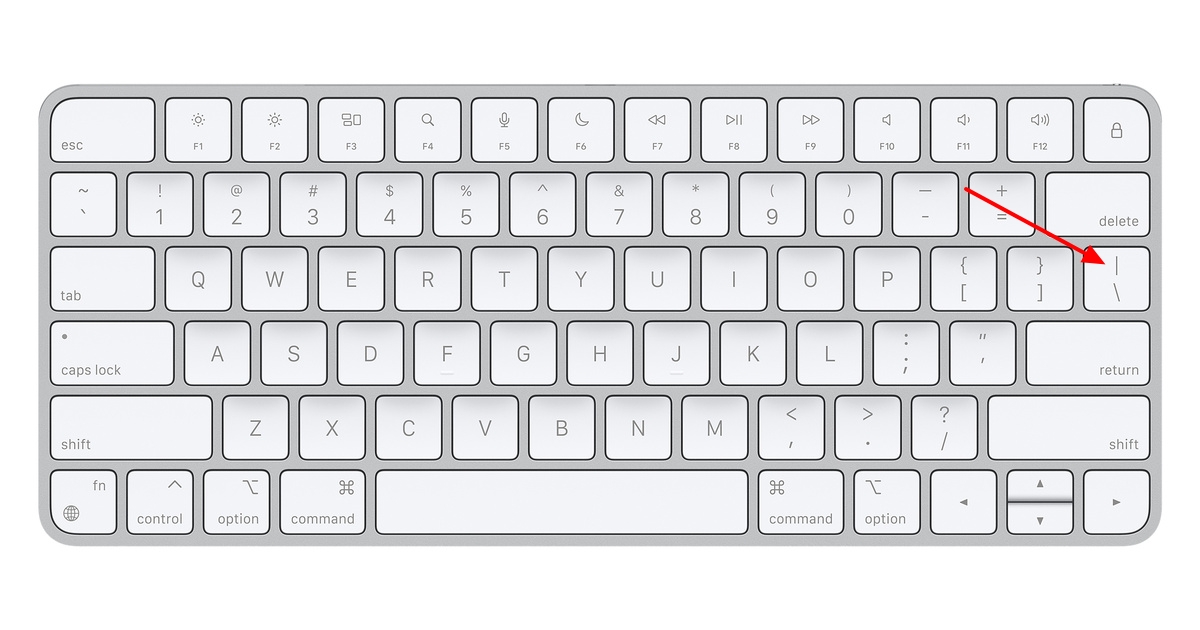
This vertical line in the above screenshot is added using the pipe symbol in your keyboard.
 0
0 -
Hello George,
nope, I well know that. I mean the long vertical line.
You can see it here
0 -
Hello Attilio,
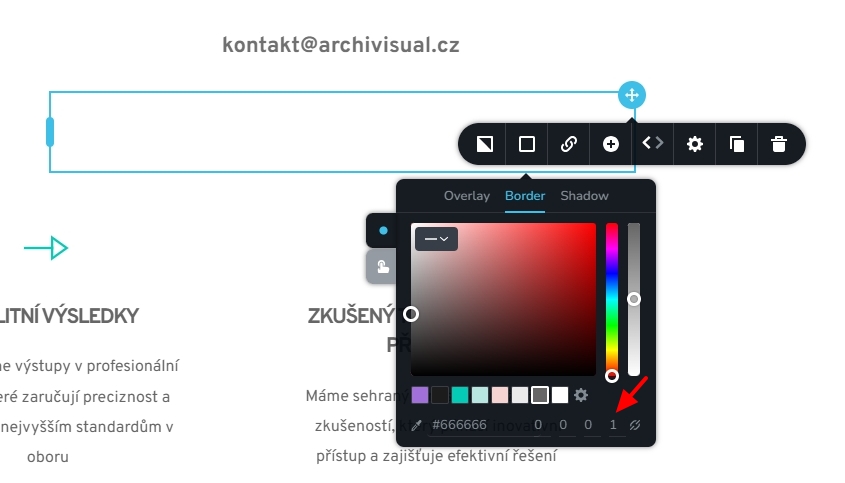
The vertical line in the above page is setup up by adding two columns and a left border for the right column. Please see this screen recording https://jmp.sh/daaO0KVh
 0
0

Please sign in to leave a comment.
Comments
10 comments