Image not filling up full screen

Hello, I have Brizy Pro WP, I cannot get an image to fill up the full width of a screen on desktop mode, in tablet and mobile it fills up perfectly. Please look at the attachment screenshot.
The web page is a landing page:.
Also, we have a video that is not responsive in desktop, everything else is fine, please help. Thank you.
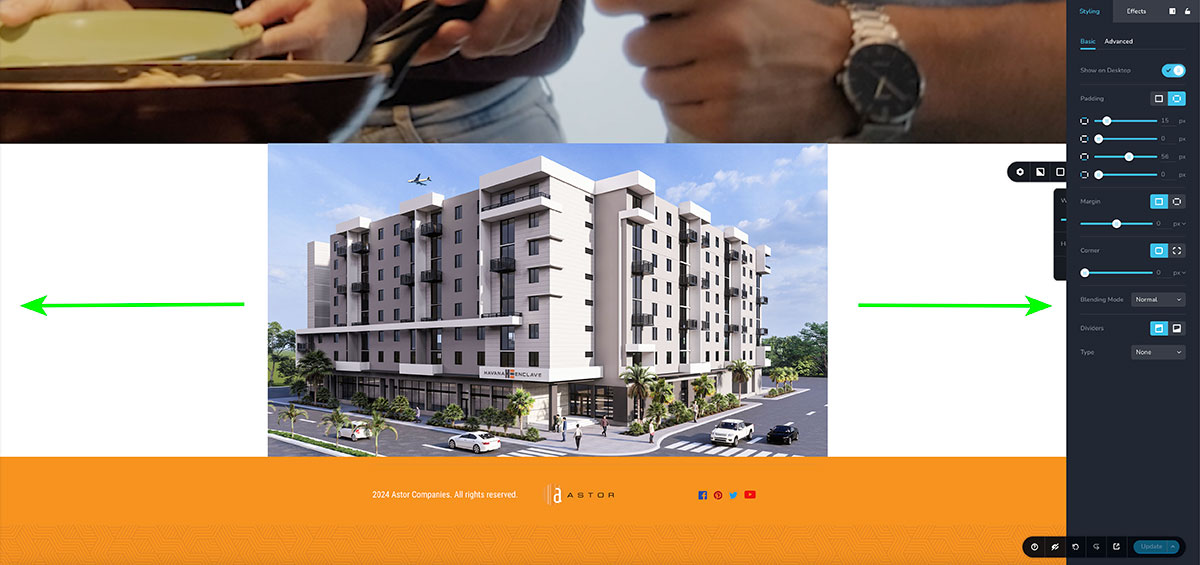
-

Hello James
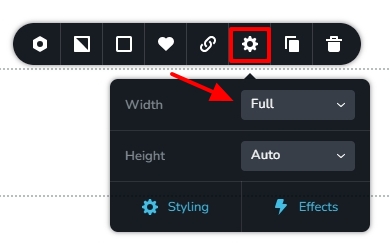
There are two ways you can implement full width images in Brizy. Kindly watch this screen recording https://jmp.sh/9dJ9Xj4H
- Add an image using the Brizy Image element and set the block to full width and remove all the paddings and margins
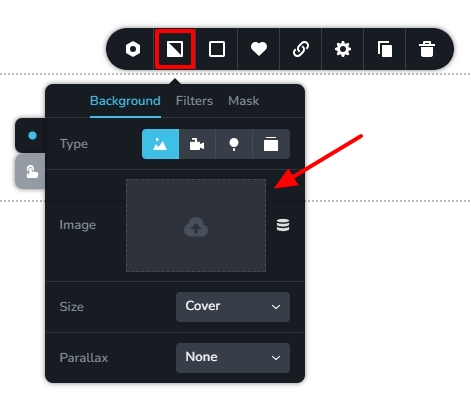
- Add it as a background image to the block and set either full height or custom height for the block
0 - Add an image using the Brizy Image element and set the block to full width and remove all the paddings and margins
-
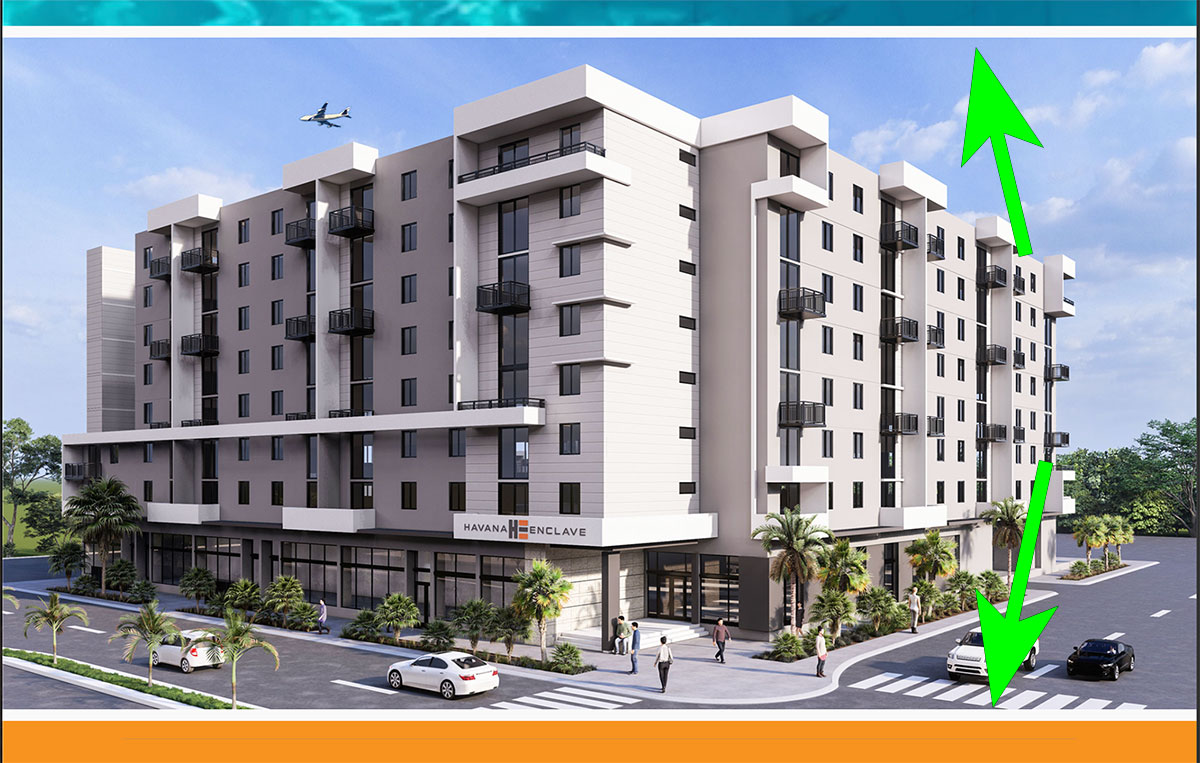
Hi KC, thank you for the instructions, it worked, it filled up the screen, the only things is that now there is s small gap in top and bottom of the image and cannot eliminate it, anything else I can do to close those gaps? Thank you again. James
 0
0 -
Hi James,
To remove the small gap at the top and bottom, kindly remove the top and bottom margins added to the image following the procedure in this screen recording https://jmp.sh/cwOhFZm0
0 -
Thank you KC, everything looks perfect now!
0
Please sign in to leave a comment.
Comments
4 comments