Error with the latest versions

Hey
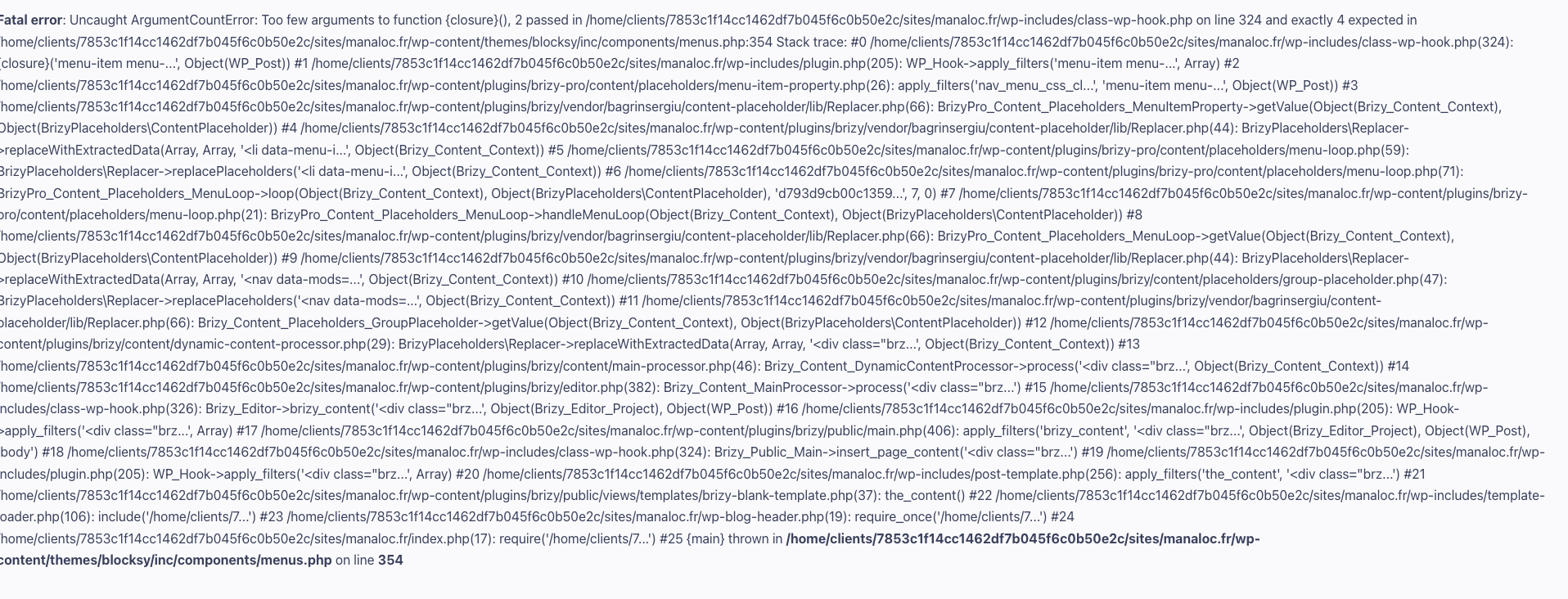
I have a PHP error on front end only with the new versions
Can you help ?
PS (maintenance mode is on, you won't see the error), I attach a screenshot... the page (the homepage to be is fine in the backend, I can use Brizy without a problem)
Please tell me if you need credentials
-

Hi Yves,
Sorry to hear you're having issues with Brizy.
Could you please update to Brizy 2.5.4 and Brizy Pro 2.5.2 to see if this resolves the issue?
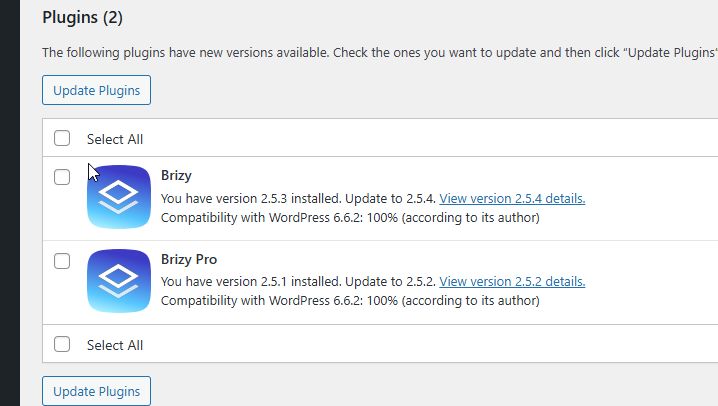
If this doesn’t make a difference, please try isolating the issue by disabling all other plugins except for Brizy and Brizy Pro to check if there's a conflict. Also, try using another theme to see if that helps.
If the issue persists, could you kindly give us temporary access to your WP Admin? This will allow us to further investigate the issue. Please add us as an Admin user to your WordPress Dashboard and send the following details to: communitysupport@brizy.io.
Community Post link: https://support.brizy.io/hc/en-us/community/posts/21423528159762
WordPress Admin URL:
Username:
Password:Please make a full backup of your site as a precaution.
Best regards,
Ariel H.0 -
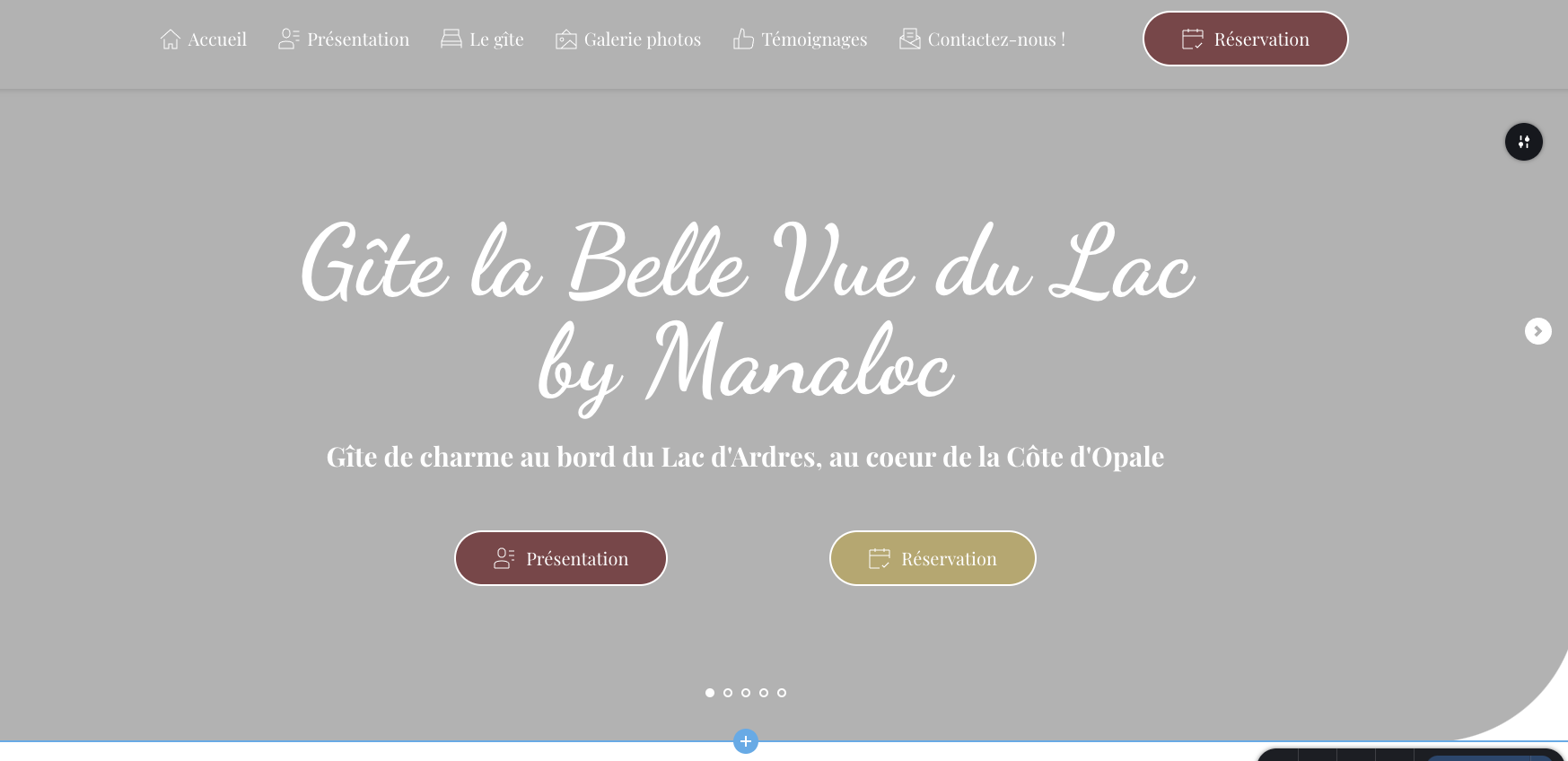
update, with another theme I ha no PHP error but no more images on backend
 0
0 -

This is a rater odd response, when the client is reporting that there is critical error on your latest release.. Using the updates you are suggesting IS THE PROBLEM. We did and it crash the frontend.. :-(
Please address this, and I hope you have better QA in the future. ..maybe even a proper support desk, not just this "questions" column..Not too impressed or happy
0 -
Hi Yves,
We apologize for the inconvenience. We're currently working on fixing this issue. I’ll get back to you as soon as we have a patch available.
Best regards,
Ariel H.0 -
thanks a lot, cheers
is that you agent that set the website in English ?
no problem for me , but I can't seem to revert to French, even after chooing French and saving again
 0
0 -
Hi Kolbjørn,
Thank you for your feedback, and I sincerely apologize for the trouble caused by the recent update. We understand the frustration, especially when it affects your site’s functionality.
Our development team is actively working on resolving this issue, and we will provide a patch as soon as possible. We deeply value your input and are continuously striving to improve both our quality assurance process and customer support.
Thank you for your patience, and I’ll keep you updated on our progress.
Best regards,
Ariel H.0 -
Hi Yves,
Please try it again, otherwise, please try clearing your browser cache.
0 -
ok French is ok now, waiting for updates on Brizy, thanks for your help
0 -

the issue i have found is with the astra pro plugin, turn it off brizy functions, turn it on critical error, i need these sites up and running asap, instead of me waiting for my community question to be approved
0 -
Hi Paul,
Thank you for reaching out.
We have already reported this issue, and it seems to be a compatibility problem with Astra Addons.
Could you kindly give us temporary access to your WP Admin? This will allow us to further investigate the issue. Please add us as an Admin user to your WordPress Dashboard and send the following details to: communitysupport@brizy.io.
Community Post link: https://support.brizy.io/hc/en-us/community/posts/21423528159762
WordPress Admin URL:
Username:
Password:Please make a full backup of your site as a precaution.
Best regards,
Ariel H.Best regards,
Ariel H.0 -
Sorry but Astra is not installed on this website, nor is the Astra addon… I use Blocksy… the error message disappears with another theme (I have contacted Blocksy), but the images missing and broken images elements persist
0 -
Hi Yves,
This pertains to the issue reported by Paul in this support thread.
0 -
Hi Paul,
Thank you for your cooperation. We’re now looking into this issue and will get back to you as soon as we have any updates.
Best regards,
Ariel H.0 -
Hi Paul,
Thank you for waiting. Please update Brizy and Brizy Pro to the latest versions to resolve this issue.

Best regards,
Ariel H.0 -
hey, I am sorry to tell you that the error message is still there after updating.
I see the update was about the astra theme, but I use Blocksy... next update maybe ?
For info, here is the reply I got from the Blocksy Team
Hello Yves,
I got an update from our developers. Unfortunately, this is not something that is fixable from our end, but from Brizy's. They are currently investigating and they'll let us know once they have something.0 -
Hi Yves,
You are right, Blocksy is next, we're still waiting for an update.
Kind regards,
Ariel H.0
Please sign in to leave a comment.
Comments
16 comments