Fonts and Colours missing

Dear Brizy Team,
i have a Problem with a Webpage that im currently working on. The Fonts and Colours from the Wabe Page have gone missing. In the Backend and in Brizy Builder the Page looks fine, but the Live Page has no colours and no text styles. There is no Cache Plugin installed.
Im using Brizy Pro (Latest Update and Wordpress Version)
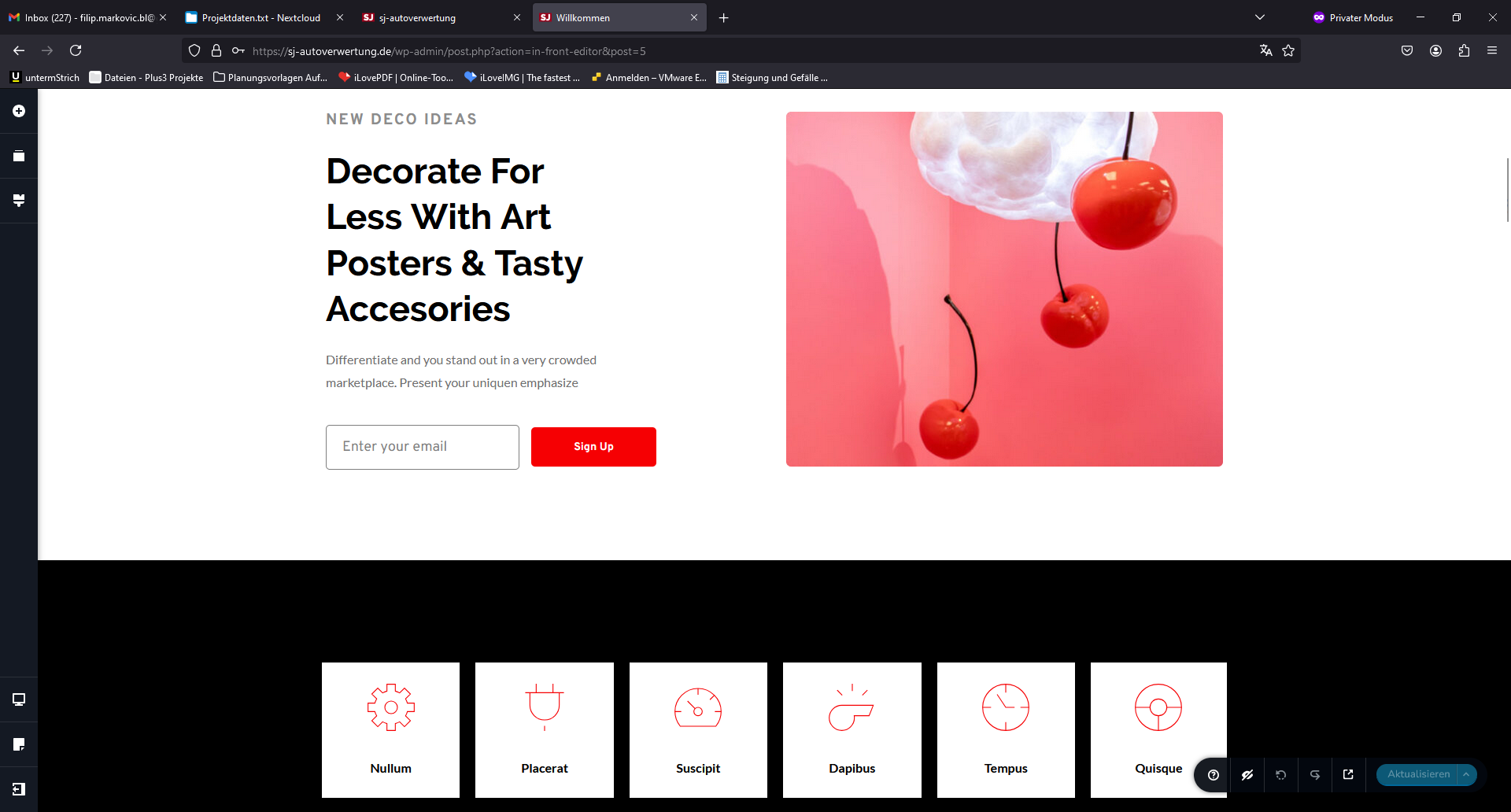
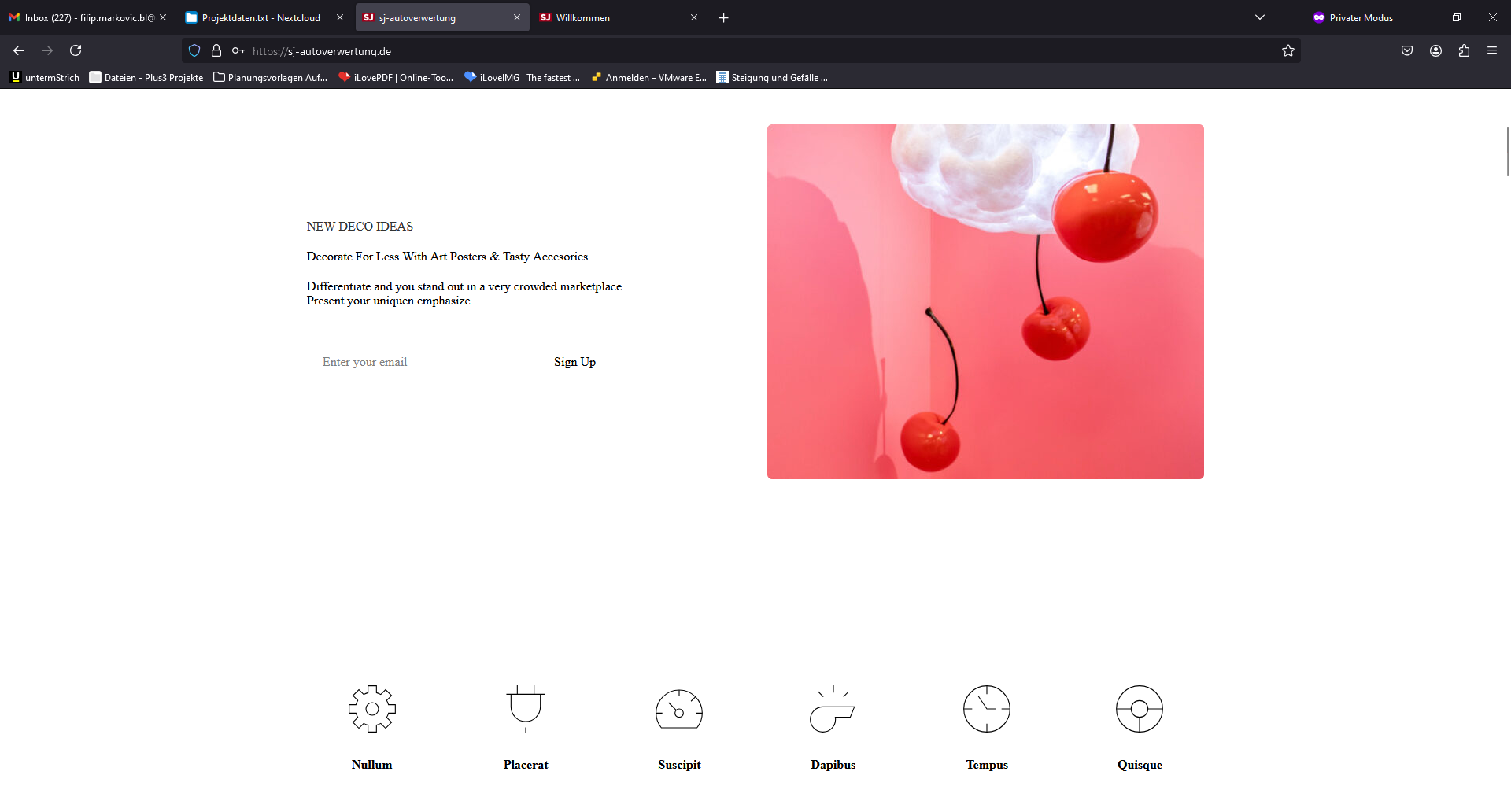
Things that I allready tried:
- Disabling all Plugins;
- Updating Wordpress;
- Changing the Theme;
- Deleting all Global Elements (Header and Footer);
Link to page: https://sj-autoverwertung.de/
I hope you can help me rosolve the issue.
With reguards,
Filip Markovic
-

Hi Filip,
Sorry to hear you're having issues with Brizy.
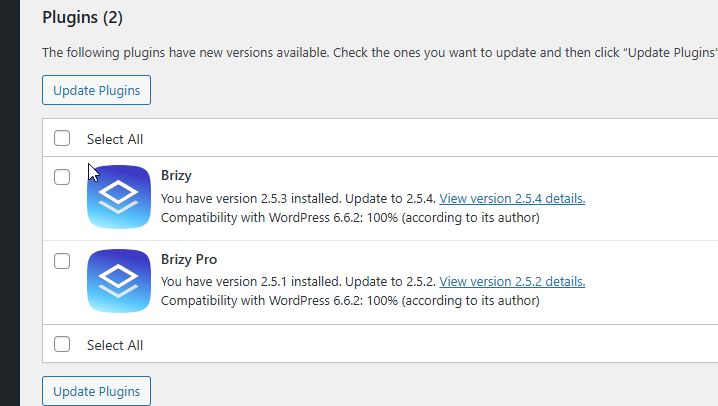
Could you please update to Brizy 2.5.4 and Brizy Pro 2.5.2 and see if this resolves the issue?
If this made no difference, you can also try to fix the issue, by making minor modifications to your pages, dynamic templates, or in your global header and footer, such as adding some padding to the global blocks. Save the changes and update the page. Next, undo your changes, update the page again, and preview the site to check if this resolves the issue.
Please try these steps and inform me of the outcome.
Best regards,
Ariel H.0 -
Hi Ariel,
Thank you for your response. Unfortunately, this did not resolve the issue. I updated Brizy to the newest version. I didn't quite understand "making minor modifications to your pages, dynamic templates, or in your global header and footer." I additionally swapped all WordPress files except wp-content, installed additional themes including Astra, and updated the PHP version on the server. Unfortunately, nothing helped.
I think the easiest way is to set up a new WP instance and migrate the created blocks to the new page, as the site is still early in the build.
EDIT: I solved the problem by changing the global style in Brizy and then reverted back to the previous style.
This solved the global color and font issue.
Thank you for your help.
Best regards,
Filip0 -
Hi Filip,
I'm glad that you managed to resolve the issue on your own, and thank you for sharing your solution.
Best regards,
Ariel H.0
Please sign in to leave a comment.
Comments
3 comments