Cannot bring back Menu after licesne expired

Like in topic, I cannot bring back menu after it dissapeared when my licesne expired.
I bought new licesne and the menu cannot go back. Ive updated new brizy pro builder.
Actually whole block dissapeared with menu after license expired. And now the block is like invisible and I cannot bring it back.
-

Hi Ecor,
Thank you for reaching out to us.
Please try making minor modifications to your global blocks, such as adding some 1-pixel padding, and then save your changes by hitting the update button. After doing so, please preview the page to see if this resolves the issue. You can revert your changes after doing this.
Otherwise, please provide us temporary access to your WP Admin credentials so we can inspect your site. Kindly add us as an Admin user to your WordPress Dashboard and send the following details to: communitysupport@brizy.io.
Community Post link: https://support.brizy.io/hc/en-us/community/posts/21330807863058
WordPress Admin URL:
Username:
Password:Please make a full backup of your site as a precaution.
Best regards,
Ariel H.0 -
OK, Iam backing up and sendig the credimentals to you becouse this trcik with padding didnt work.
0 -
Hi Ecor,
Thank you for your cooperation.
We have now fixed the issue.
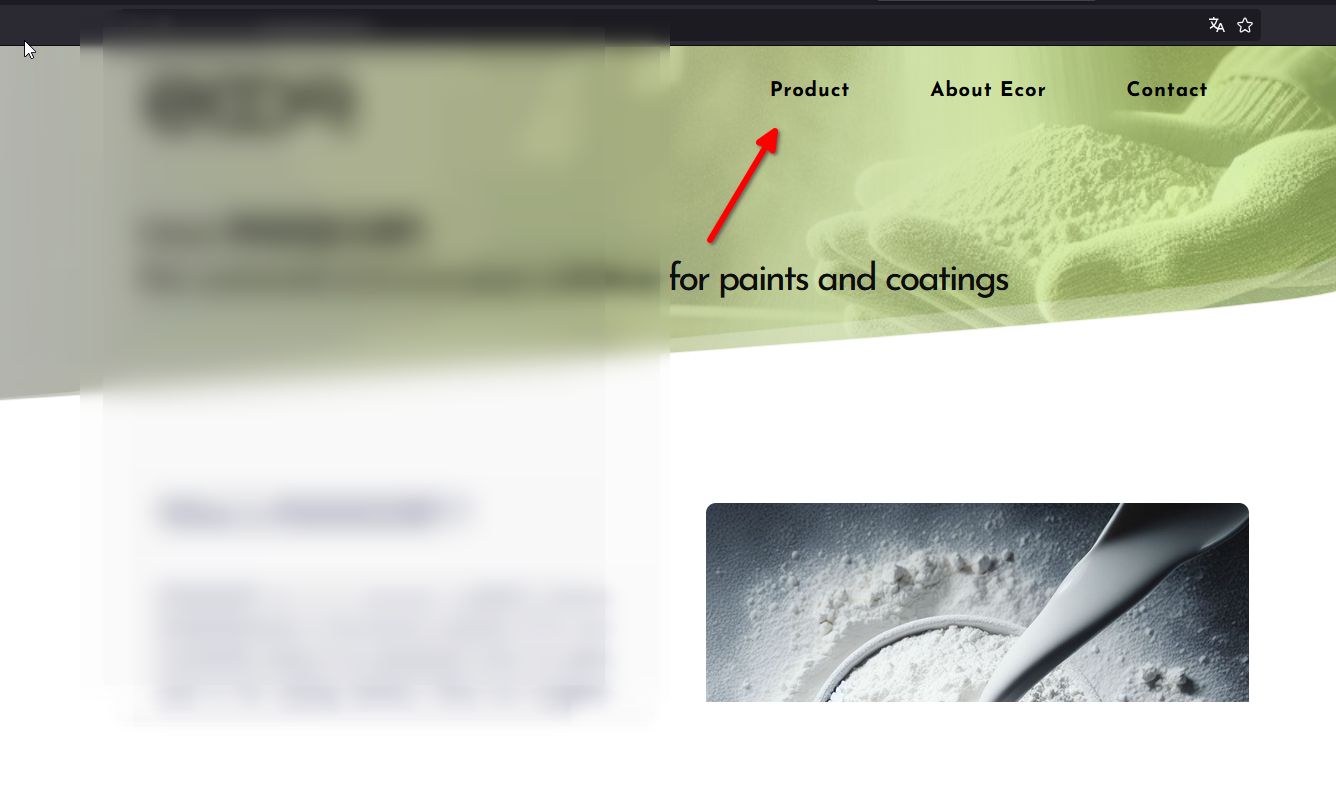
Here are the steps to fix it in case you have another site experiencing the same issue after the recent update:
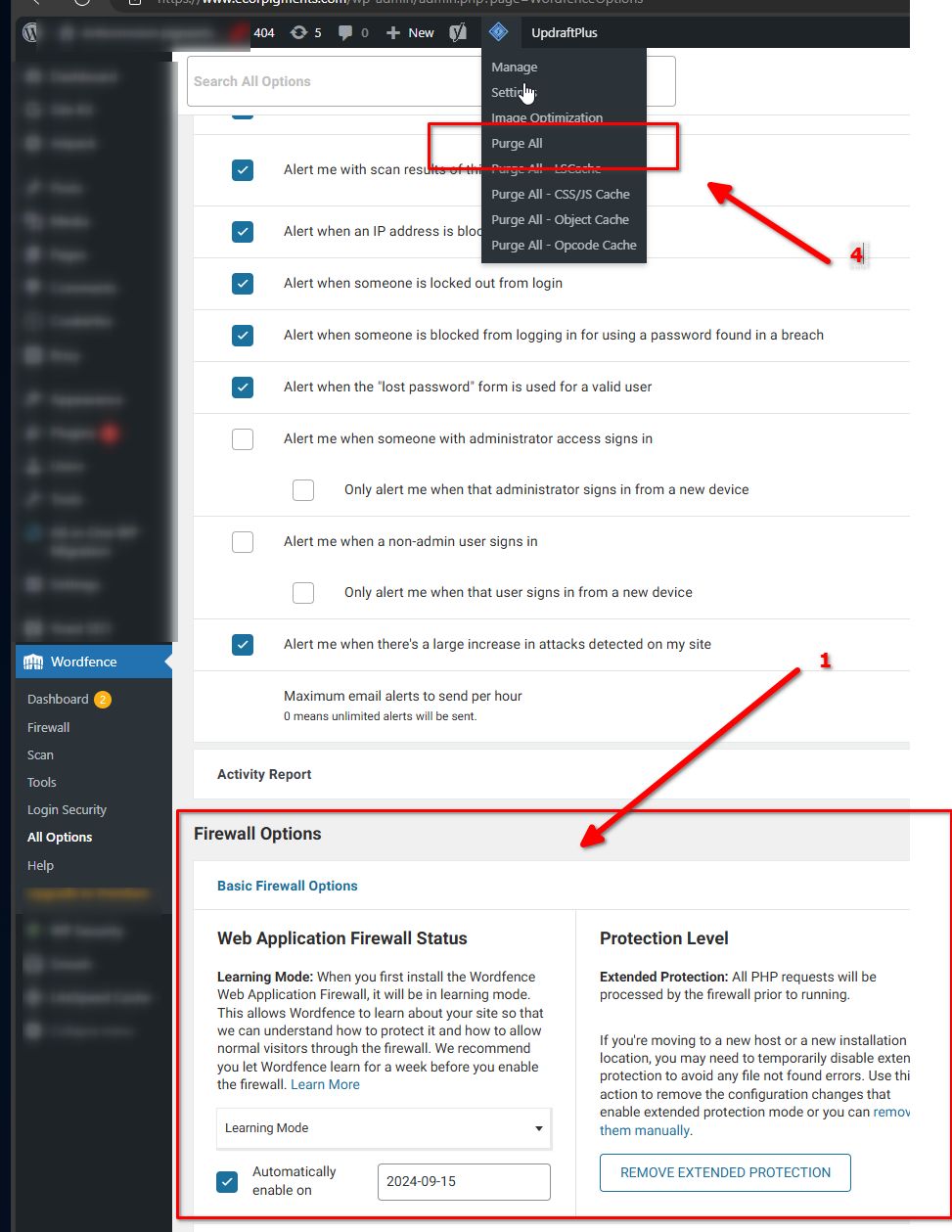
1. Set WordFence to learning mode. This will allow you to edit the page, without any issues (This is for websites using WordFence).
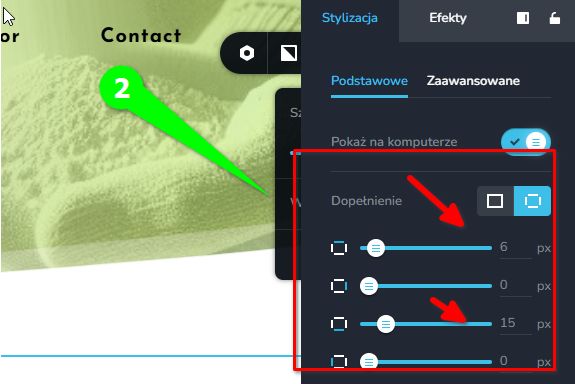
2. Go to any page and edit the global header and footer. Make minor changes such as updating the padding and saving your changes. You can revert the changes later on.
3. If there are no issues saving the page, preview your site and check if this process addressed the issue.4. If the changes are not shown in preview, purge the LiteSpeed cache as shown above.
If you have any further questions, please let us know.
Best regards,
Ariel H.0 -
Thank you for very quick troubleshoot!
0
Please sign in to leave a comment.
Comments
4 comments